Zigbee Antenna Guide: Best Upgrades, Placement Tips and When It Actually Helps (2026)

Your Zigbee device keeps dropping off. The LQI is weak. The coordinator is right there.
Most guides tell you to buy a new coordinator. Few explain that the Zigbee antenna is usually the first thing worth checking, and that placement matters more than most people realise.
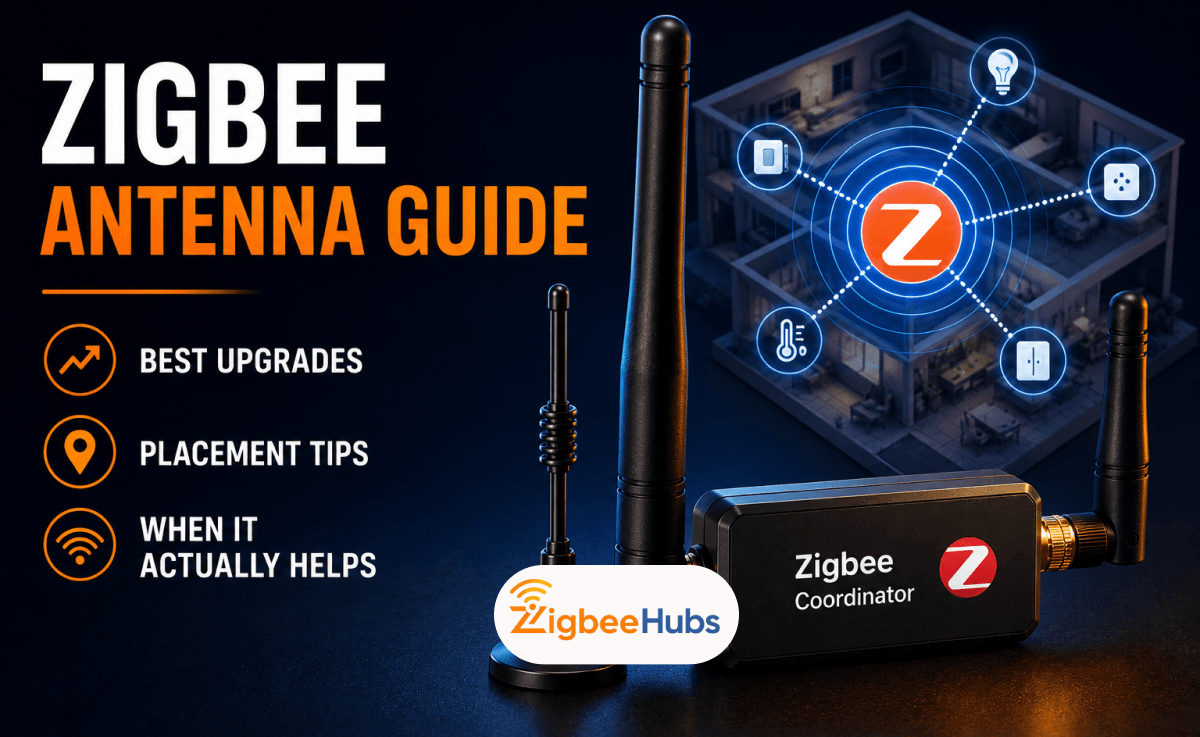
This guide covers what dBi means, which coordinators support Zigbee antenna upgrades, what we recommend in 2026, and when a new antenna will not fix your Zigbee signal at all.
What Is a Zigbee Antenna and Why Does It Matter?
How Zigbee Antennas Work at 2.4GHz?
Zigbee runs on the IEEE 802.15.4 standard at 2.4GHz. The antenna converts electrical signals into radio waves and back again.
Its quality directly affects your LQI readings and Zigbee antenna range. A poor antenna means more mesh hops, slower response times, and devices that fall off the network.
In our field testing, a standard 3dBi external antenna on the SONOFF ZBDongle-P held a reliable connection through solid brick walls at 25 to 30 yards.
 Sarah Diyana
Internal vs External Antennas - The Real Difference
There are two types to know about.
PCB trace antennas are printed directly onto the circuit board. You cannot upgrade them without soldering. The CC2531 is a good example. You are stuck with factory range.
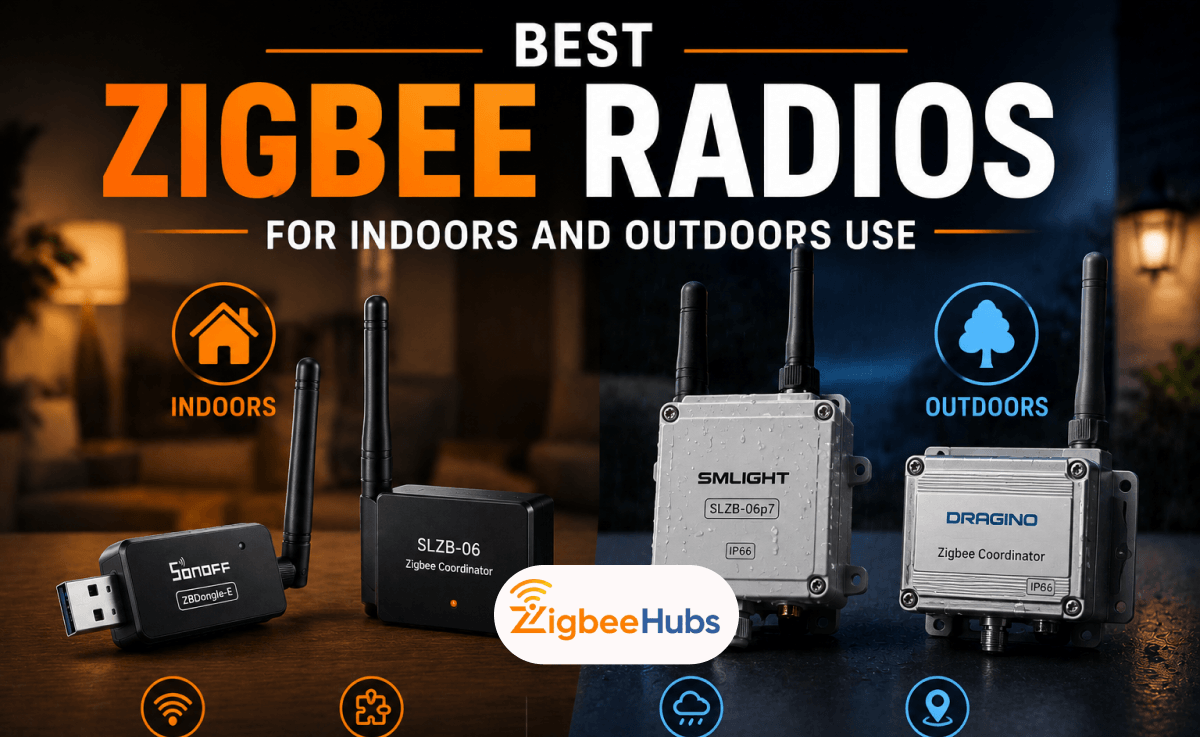
External SMA antennas are detachable and replaceable. The SONOFF ZBDongle-E, SONOFF ZBDongle-P, and SMLIGHT SLZB-06 all use external SMA antennas by design.
If you are choosing the best Zigbee coordinator for a serious setup, an external SMA connector should be on your checklist.
What dBi Actually Means for your Zigbee Network
dBi is not a measure of power. It measures how the antenna reshapes the signal pattern.
Think of squeezing a balloon from the top and bottom. The middle pushes outward. Higher dBi does the same thing, it concentrates signal horizontally at the cost of vertical reach.
| dBi Range | Best For | Key Risk |
|---|---|---|
| 3dBi | Most homes, USB dongles, standard multi-room setups | None at this level |
| 5dBi | Larger single-floor homes, PoE coordinators, masonry walls | Slight vertical narrowing |
| 8dBi+ | Long corridors, outdoor/industrial, single-floor only | Serious dead zones above and below on multi-story |
A good Zigbee antenna choice at 3 to 5dBi gives you the best range without sacrificing coverage on other floors. Always confirm SMA connector and 2.4GHz frequency before ordering.
SMA vs RP-SMA — Getting the Connector Right Before You Buy
How to Identify your Coordinator's Connector Type
SMA and RP-SMA look almost identical. They are not cross-compatible.
- SMA male has a centre pin
- RP-SMA male has a centre hole
| Coordinator | Connector Type | Ships With | Antenna Upgradeable? |
|---|---|---|---|
| SONOFF ZBDongle-E | SMA | 3dBi stub antenna | Yes |
| SONOFF ZBDongle-P | SMA | 3dBi stub antenna | Yes |
| SMLIGHT SLZB-06 | SMA | 5dBi external antenna | Yes |
| CC2531 | None (PCB antenna) | Fixed internal | No |
Why Buying the Wrong Connector is an Easy Mistake?
Most Wi-Fi router replacement antennas use RP-SMA. Many people buy one by mistake and find it makes no electrical contact.
Before ordering any antenna Zigbee upgrade, look at the tip of your existing connector. Centre pin = SMA. Centre hole = RP-SMA. For almost every Zigbee antenna USB coordinator in our shop, you need SMA.
Best Zigbee Coordinators and Antenna Setups in 2026
We only cover hardware we have personally tested. Every product here is available in our shop and has gone through real field evaluation.
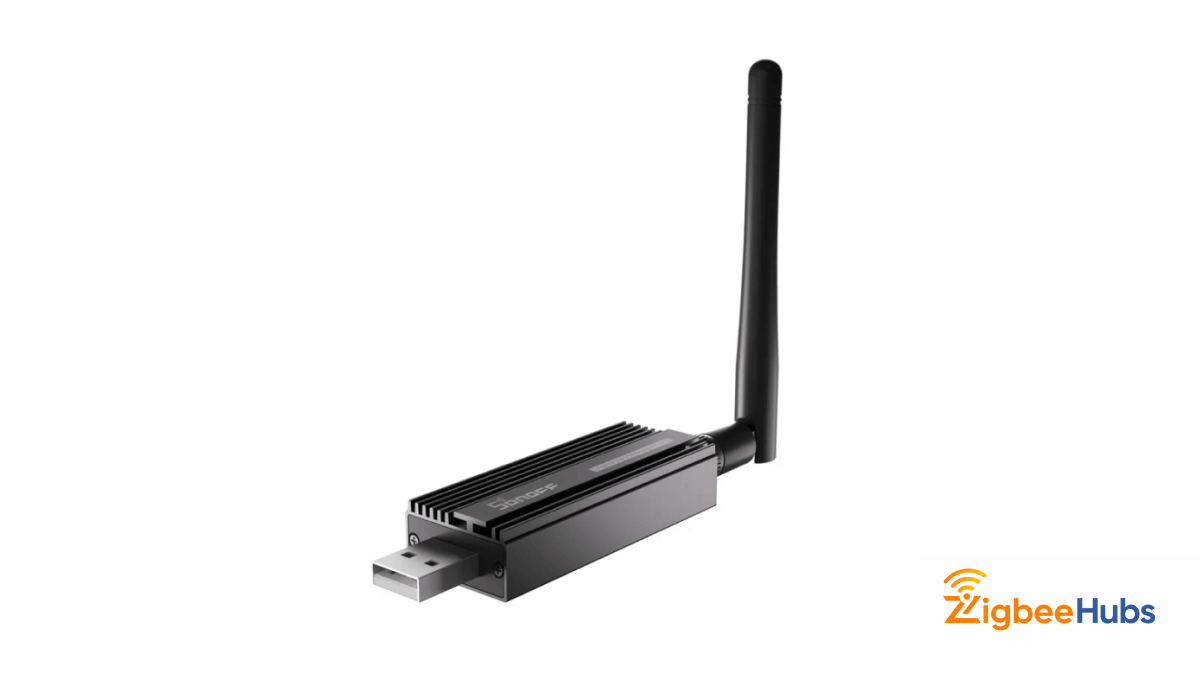
SONOFF ZBDongle-E — Best for ZHA Users Who Want Antenna Flexibility
The ZBDongle-E runs on the Silicon Labs EFR32MG21 chipset. It ships with a 3dBi external SMA antenna and up to +20dBm output power. The aluminum alloy housing also reduces electromagnetic interference around the radio.
In testing, battery sensors stayed connected reliably and device pairing across multiple rooms was consistent. The SMA connector means you can swap to a higher-gain antenna without tools.
One critical platform note from our testing: the ZBDongle-E belongs on ZHA. Silicon Labs coordinators can become unstable in Zigbee2MQTT after 24 to 48 hours. If you are running Zigbee2MQTT, use the ZBDongle-P instead.
Key Features
- Silicon Labs EFR32MG21 chipset
- 3dBi external SMA antenna (upgradeable)
- Up to +20dBm output power
- Aluminum alloy housing for reduced EMI
- Supports Zigbee 3.0, can be flashed for OpenThread
- Compatible with ZHA, Zigbee2MQTT, openHAB
Technical Specifications
| Specification | Details |
|---|---|
| Model | ZBDongle-E |
| Chipset | Silicon Labs EFR32MG21 |
| Protocol | Zigbee 3.0 |
| Flash Options | Zigbee Coordinator / Router / OpenThread |
| Output Power | Up to +20 dBm |
| Antenna | External high-gain SMA |
| Housing | Aluminum alloy |
| Connection | USB |
| Maximum Range | Up to 135 meters (open environment) |
 Sarah Diyana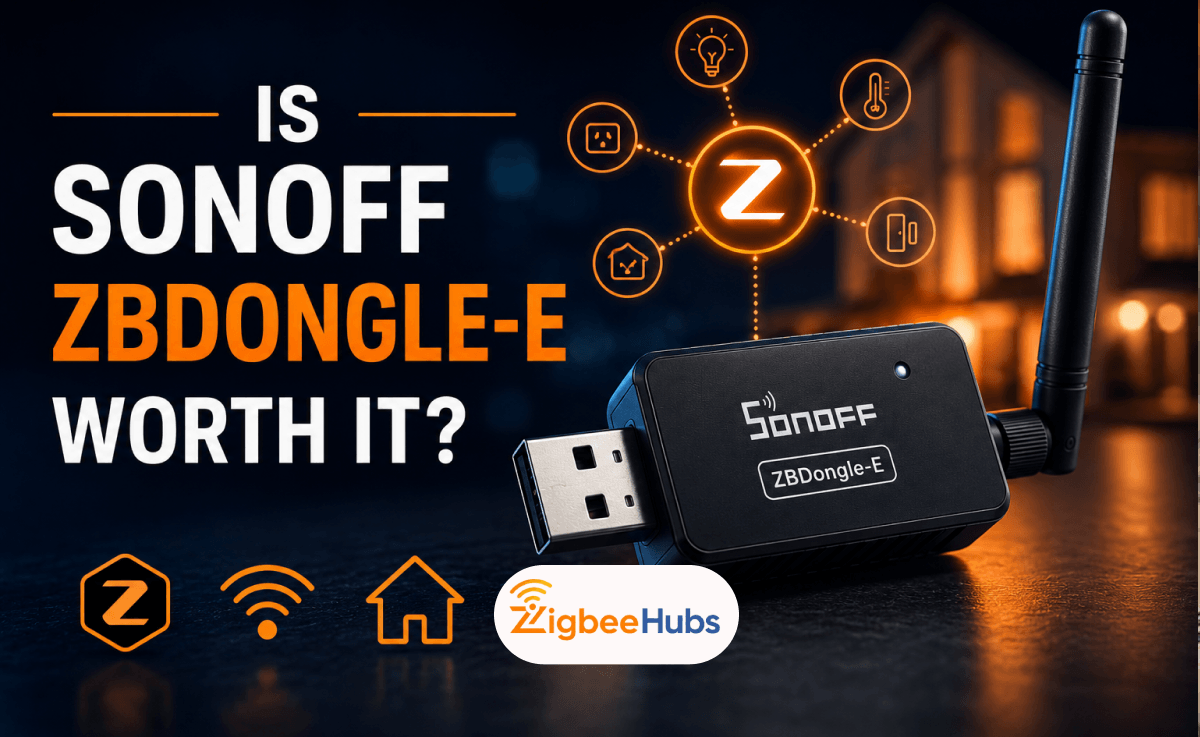
Pros
- External SMA antenna is fully upgradeable
- Excellent ZHA stability confirmed in testing
- Can be reflashed as a Zigbee router
- Future-ready with Thread/OpenThread firmware support
Cons
- Not recommended for Zigbee2MQTT — use ZBDongle-P instead
- Larger profile than some sticks — use a USB extension cable for clean installation
SONOFF ZBDongle-P — Best for Zigbee2MQTT Users
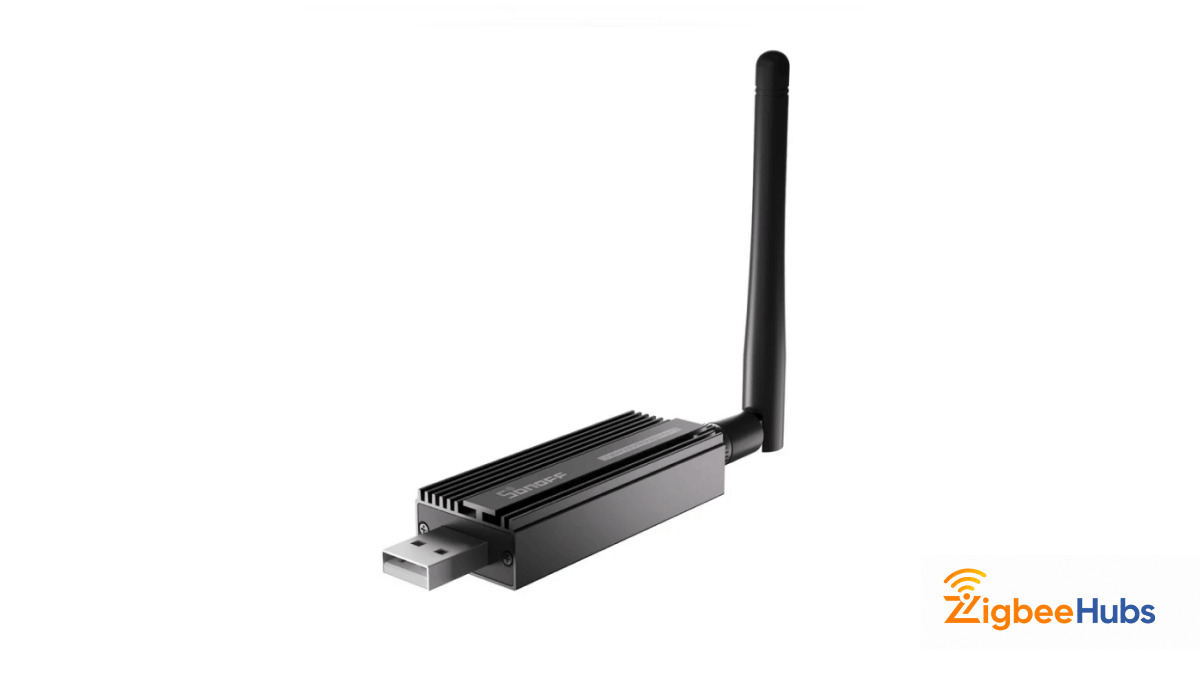
The ZBDongle-P uses the Texas Instruments CC2652P chipset. This is the gold standard for Zigbee2MQTT stability.
Our testing showed no dropouts, no 24-hour failures, and clean LQI readings across a mixed mesh. Through-wall performance matched our ZBDongle-E tests, reliable at 25 to 30 yards through solid brick.
Like the ZBDongle-E, it ships with a 3dBi external SMA antenna and +20dBm output. The same antenna upgrades apply.
One firmware note: if output shows +5dBm at setup, a quick update through SONOFF's web flasher restores the full +20dBm.
Key Features
- Texas Instruments CC2652P chipset
- 3dBi external SMA antenna (upgradeable)
- Up to +20dBm output power
- Up to 200 devices with mesh router support
- Aluminum alloy housing
- Compatible with ZHA, Zigbee2MQTT, openHAB, Domoticz
 Sarah Diyana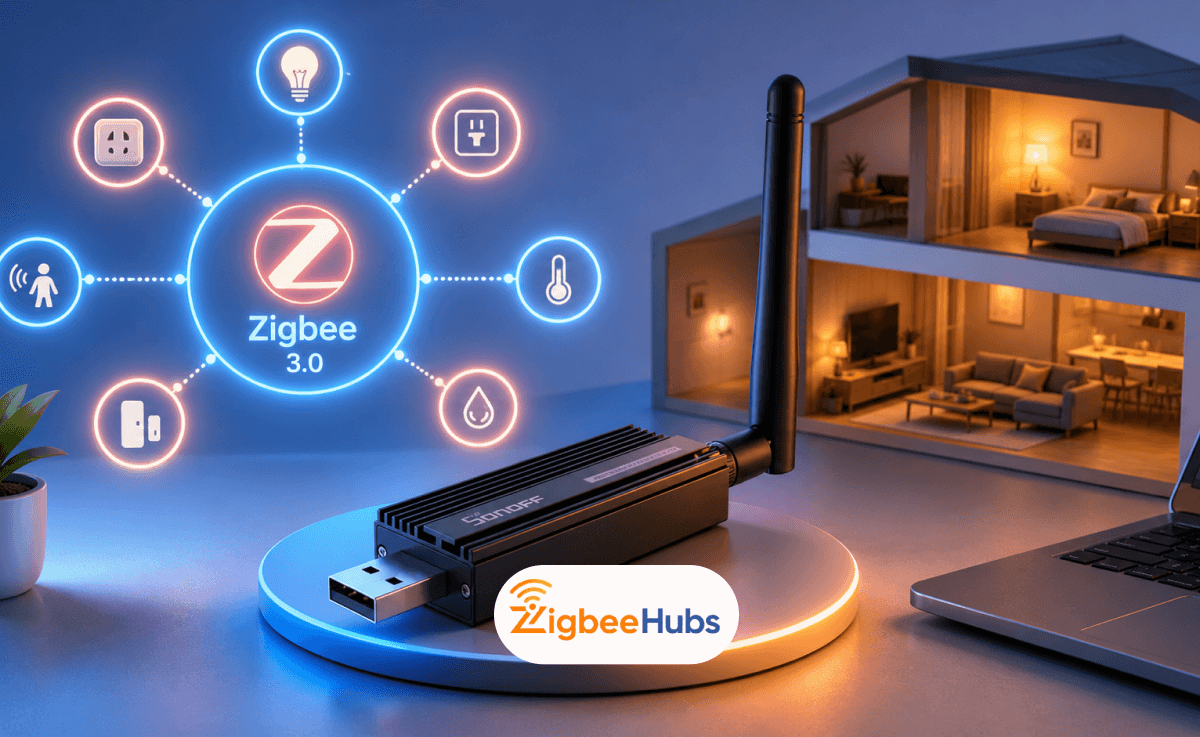
Technical Specifications
| Specification | Details |
|---|---|
| Model | ZBDongle-P |
| Chipset | Texas Instruments CC2652P |
| Protocol | Zigbee 3.0 |
| Flash Options | Zigbee Coordinator / Router |
| Output Power | Up to +20 dBm |
| Antenna | External high-gain SMA |
| Housing | Aluminum alloy |
| Connection | USB |
| Device Capacity | Up to 50 direct, 200+ with routers |
Pros
- Production-ready Zigbee2MQTT stability
- External SMA antenna is upgradeable
- Handles large networks reliably
- Strong community and firmware support
- Can be flashed to router mode for mesh extension
Cons
- Less suited to Thread experimentation than the EFR32MG21
- May need a firmware update to unlock full +20dBm output at setup
SMLIGHT SLZB-06 — Best for Large Homes and PoE Deployments
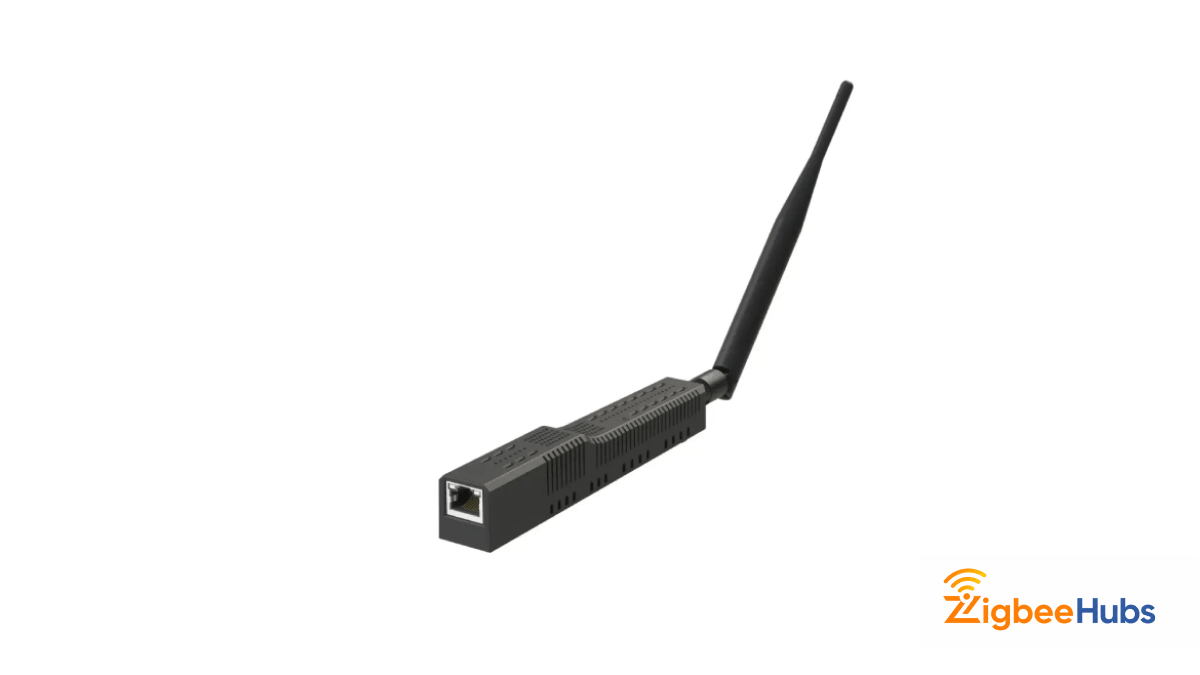
The SLZB-06 is the most capable coordinator in our shop for serious deployments. It ships with a 5dBi external SMA antenna, a +20dB signal amplifier, and supports Ethernet, USB, and PoE.
If you are looking for a Zigbee antenna PoE or Zigbee antenna Ethernet solution, this is the one to choose.
Our testing confirmed the 5dBi antenna reduced the router density needed to maintain a stable mesh across a larger floor area. The built-in web interface lets you flash firmware and generate Zigbee2MQTT config blocks directly from a browser.
One firm recommendation from testing: always connect via Ethernet using Serial over IP. Wi-Fi mode was unreliable for primary network control in our testing and should be avoided.
The PoE option lets you mount the coordinator centrally — on a wall or ceiling, anywhere you have an Ethernet port. That kind of Zigbee antenna placement freedom is something no USB stick can match.
Key Features
- Texas Instruments CC2652P chipset (standard model)
- 5dBi external SMA antenna (upgradeable)
- +20dB signal amplifier
- Ethernet, USB, and PoE connectivity
- Built-in web interface for configuration and firmware
- Coordinator and router mode support
- Compatible with Zigbee2MQTT and ZHA
Technical Specifications
| Specification | Details |
|---|---|
| Model | SLZB-06 |
| Zigbee Chip | CC2652P (standard) |
| Control Chip | ESP32 |
| Protocol | Zigbee 3.0 |
| Antenna | External high-gain SMA, 5dBi |
| Signal Amplifier | +20dB |
| Connectivity | Ethernet, USB, Wi-Fi |
| Power | USB-C or PoE (IEEE 802.3af) |
| Operating Temp | +5°C to +35°C |
 Ishara Fernando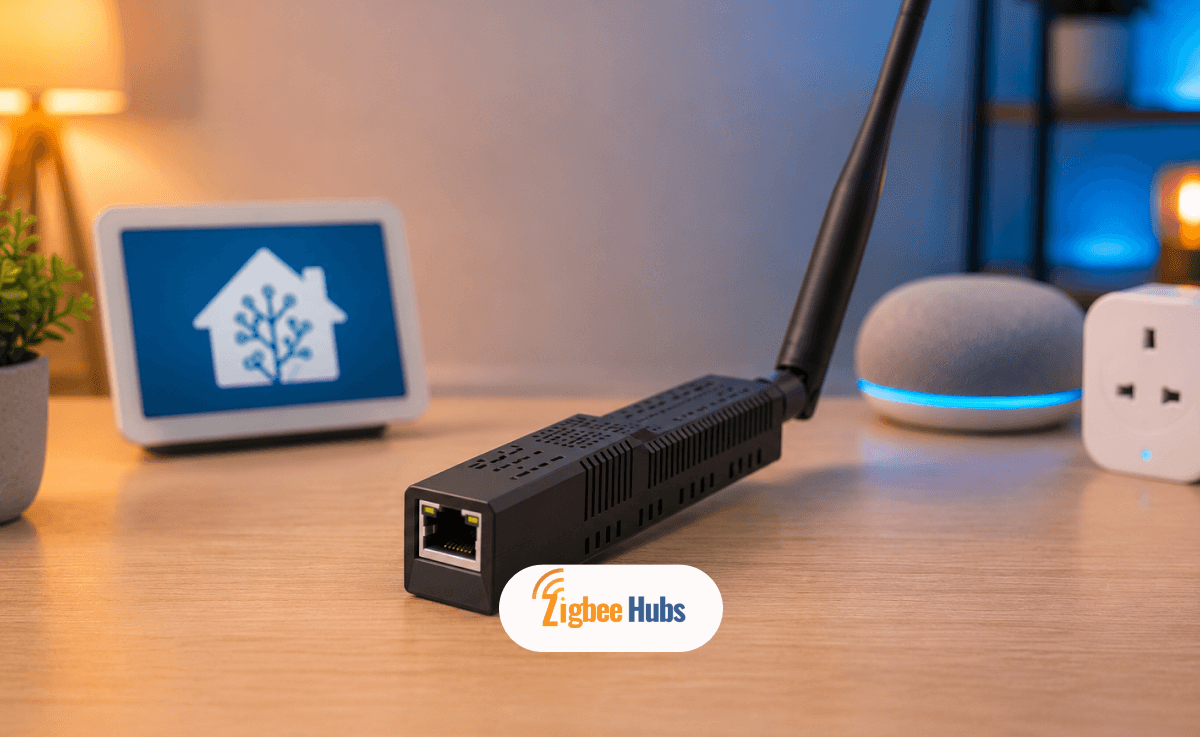
Pros
- 5dBi antenna reduces router density needed for large mesh
- PoE placement removes USB cable constraints entirely
- Ethernet eliminates host machine EMI completely
- Built-in web interface simplifies setup and firmware updates
- Can act as coordinator or router
Cons
- Wi-Fi mode is unreliable for coordinator use — always use Ethernet
- Higher price than USB sticks
- Overkill for small apartments or single-floor homes
Which Coordinator for Which Setup?
| Your Setup | Recommended Coordinator | Platform | Notes |
|---|---|---|---|
| Zigbee2MQTT on any server | ZBDongle-P | Zigbee2MQTT | Most stable CC2652P pairing |
| ZHA on Home Assistant | ZBDongle-E | ZHA | Best EFR32MG21 pairing |
| Raspberry Pi setup | ZBDongle-P or ZBDongle-E | Z2M or ZHA | USB extension cable is the priority, before any antenna change |
| Large home / multi-story | SLZB-06 via Ethernet/PoE | Zigbee2MQTT or ZHA | 5dBi stock antenna covers most deployments |
| PoE / Ethernet deployment | SLZB-06 | Zigbee2MQTT or ZHA | Place centrally for best coverage |
Many users begin by adding Zigbee Home Assistant on a Raspberry Pi. The right Zigbee antenna Raspberry Pi setup is not actually about the antenna itself. The Pi's CPU and USB 3.0 ports generate EMI that degrades the 2.4GHz radio regardless of which Zigbee antenna for Home Assistant setups you use.
Zigbee Antenna Placement, Orientation and Extension Cables
Antenna Orientation — Vertical is Almost Always Correct
Zigbee devices use vertically polarised antennas. Your coordinator antenna should match. Point it straight up.
The one exception from testing: ceiling-mounted sensors spread across multiple rooms occasionally benefit from a horizontal coordinator orientation. Test with your LQI dashboard to confirm.
For 99% of setups, vertical is correct. Keep the Zigbee antenna orientation vertical and focus on placement next.
Where to Place your Coordinator
The ideal Zigbee antenna placement is high and central. Keep it away from:
- Metal enclosures and server racks
- Wi-Fi routers
- USB 3.0 ports without an extension cable
- Behind televisions or inside media cabinets
For multi-story or large homes, the SLZB-06 via PoE is the right move. It lets you mount the coordinator at the geometric centre of your home — something no USB stick can achieve regardless of antenna gain.
Using a USB Extension Cable — The Highest ROI Change You Can Make
If you use a USB stick coordinator, a Zigbee antenna extension cable of 1 to 2 metres is non-negotiable.
Plugging the ZBDongle-E or ZBDongle-P directly into a Raspberry Pi or NUC is a confirmed cause of mesh instability. The host machine's CPU and USB 3.0 ports generate EMI that directly degrades the radio.
This single change has resolved drop-off issues that users blamed on their hardware for months. Do it before spending anything on an antenna upgrade.
When a New Antenna Won't Fix Your Zigbee Problems?
If Your Mesh has Too Few Routers
Zigbee is a mesh protocol. Devices talk through neighbours, not directly to the coordinator.
If there are not enough powered router devices in your home, a bigger antenna on the coordinator will not help a sensor three rooms away with nothing between it and the coordinator.
Our testing confirmed this directly. Enabling Turbo Mode on a single well-placed SONOFF ZBMINIR2 improved LQI across the entire network more than any antenna upgrade did.
Deploy mains-powered routers — smart plugs and neutral-wire relays — before adding battery sensors. Build the backbone first.
One important clarification: the SONOFF ZBMINIL2 is not a router. It runs on the EFR32MG22 and sleeps frequently to harvest power without a neutral wire. It cannot extend your mesh. It also has a strict 6A load limit and no internal fuse, making it a genuine fire risk if overloaded without an inline fuse. Useful device in the right context, but it will not strengthen your network.
If Your Devices are Too Far Away
Our real-world through-structure range for a 3dBi Zigbee antenna was 25 to 30 yards through solid brick. The ZBDongle-E specs 135 metres in open air, but walls reduce that significantly.
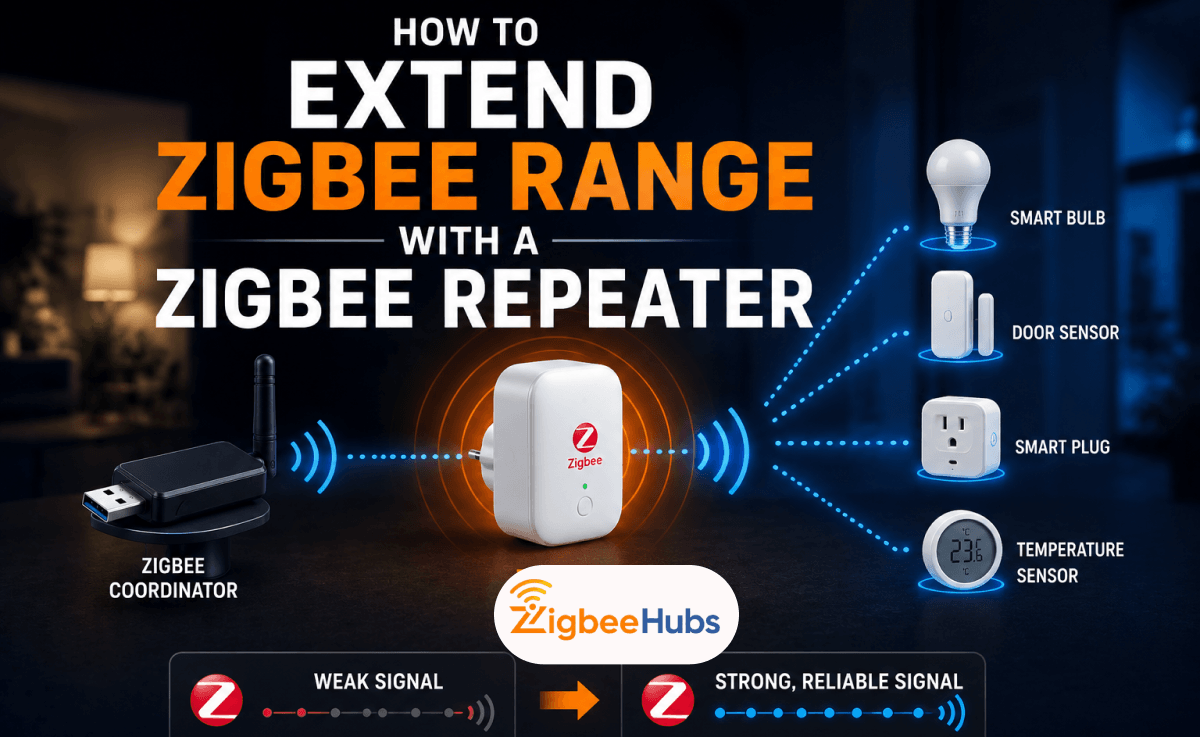
If a device is too far from the coordinator, place a Zigbee router between them. A well-placed router with Turbo Mode transforms mesh health across the entire network, not just for that one device.
If Interference is the Real Problem
Zigbee and Wi-Fi share the 2.4GHz band. Wi-Fi wins that fight.
Wi-Fi channels 1, 6, and 11 overlap with Zigbee channels. Check your coordinator's channel in Zigbee2MQTT or ZHA and confirm it does not overlap with your Wi-Fi router. This costs nothing and is often the real cause of persistent drop-offs.
At the hardware level, USB 3.0 interference cannot be solved by a better Zigbee antenna. Use an extension cable first.
Conclusion
Check your connector type first. Almost every modern coordinator uses SMA, not RP-SMA. A 3 to 5dBi Zigbee antenna covers most homes without creating vertical dead zones. A USB extension cable is the highest-impact change most users can make, and it costs almost nothing.
ZigbeeHubs tests this hardware in real home environments so you can make decisions based on field results, not spec sheets. Mesh design matters more than antenna gain. One well-placed mains-powered router will do more for your LQI than jumping from 3dBi to 8dBi.