Zigbee vs WiFi: What is Best for You and Best Devices?

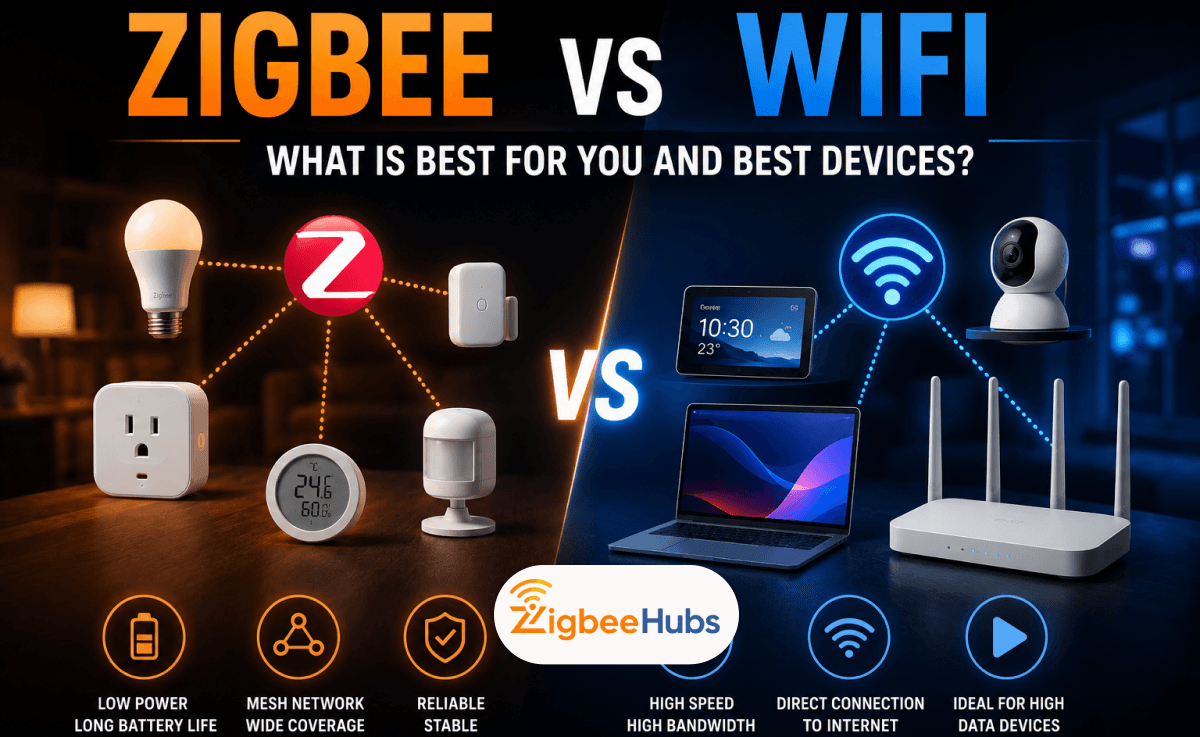
If you are deciding between a Zigbee WiFi setup and a WiFi-only smart home, Zigbee is usually the better choice for sensors, switches, locks, and automations, while WiFi remains the better option for cameras, speakers, and streaming devices. The best smart homes use both technologies together. Understanding how Zigbee WiFi networks work can help you build a faster, more reliable, and more scalable smart home.
Key Takeaways
- Zigbee uses a mesh network that becomes stronger as you add devices.
- WiFi connects every device directly to your router.
- Zigbee devices typically achieve significantly longer battery life than WiFi devices.
- Proper Zigbee WiFi channels planning reduces interference and improves responsiveness.
- The SONOFF Zigbee Bridge Pro is one of the easiest hubs for beginners.
- The SONOFF Zigbee 3.0 USB Dongle remains one of the best Home Assistant coordinators.
- The SLZB 06 Zigbee coordinator offers exceptional stability for larger networks.
- Most homeowners benefit from using both wifi and zigbee devices together.
Zigbee vs WiFi: Which Protocol Wins for Smart Homes?
For most smart home automation tasks, Zigbee wins.
That does not mean WiFi is bad. It simply means each technology was designed for a different purpose.
WiFi was created to transfer large amounts of data such as:
- Video streams
- Music streams
- Internet traffic
- Voice assistant communications
Zigbee was designed specifically for:
- Motion sensors
- Door sensors
- Smart switches
- Smart plugs
- Smart bulbs
- Home automation
In our testing, Zigbee devices consistently respond faster during automation tasks because they rely on local communication rather than cloud services.
The most successful zigbee wifi deployments use Zigbee for automation and WiFi for entertainment and security devices.
What Is Zigbee?
Zigbee is a low-power wireless communication protocol based on the IEEE 802.15.4 standard.
According to the Connectivity Standards Alliance (CSA), Zigbee supports mesh networking and low-power operation, making it ideal for smart home devices.
Unlike WiFi, Zigbee devices can communicate with one another and relay messages across the network.
For example:
A door sensor in your garage may communicate through a nearby smart plug before reaching your coordinator.
This creates a self-healing mesh network.
Why Zigbee Is Popular
- Low power consumption
- Mesh networking
- Local automation
- Excellent scalability
- Reliable communication
According to the Connectivity Standards Alliance and IEEE 802.15.4 documentation, Zigbee networks can theoretically support over 65,000 devices while operating at speeds up to 250 kbps, depending on implementation and network design.
What Is WiFi?
WiFi is a high-bandwidth wireless networking technology based on IEEE 802.11 standards.
Unlike Zigbee, every device communicates directly with the router.
Examples include:
- Smart TVs
- Cameras
- Video doorbells
- Smart displays
- Streaming devices
WiFi excels when large amounts of data need to be transferred quickly.
For example, a 4K security camera requires significantly more bandwidth than a motion sensor.
Zigbee WiFi Comparison Table
The table below compares the most important differences between a typical zigbee wifi deployment and a WiFi-only smart home.
| Feature | Zigbee | WiFi |
|---|---|---|
| Network Type | Mesh Network | Star Network |
| Maximum Data Rate | Up to 250 kbps* | Up to Several Gbps* |
| Power Consumption | Very Low | High |
| Typical Battery Life | 1–5 Years** | Weeks to Months** |
| Internet Required | No | Often Yes |
| Local Automation | Excellent | Depends on Device |
| Device Capacity | 65,000+ Theoretical Nodes* | Router Dependent |
| Best Use Cases | Sensors, Switches, Locks | Cameras, Speakers, TVs |
 Sarah Diyana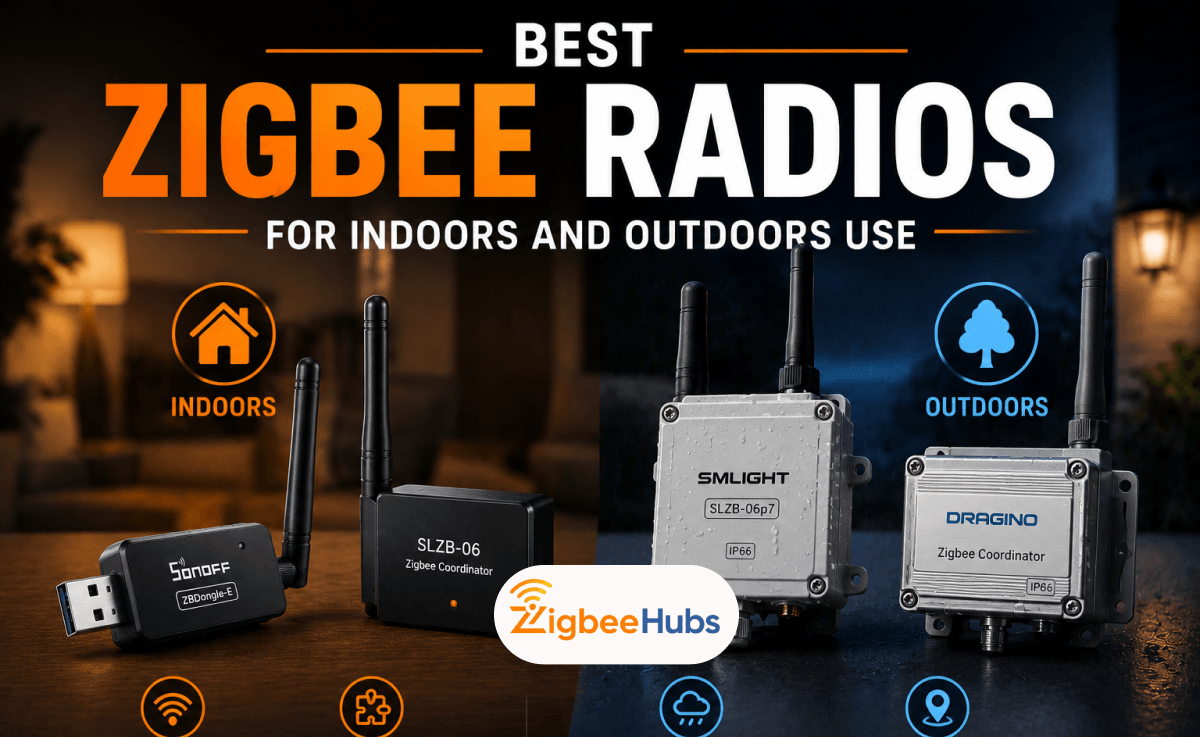
Actual battery life varies by device, environment, reporting frequency, and battery size.
Why Zigbee Usually Outperforms WiFi for Automation
1. Better Battery Life
Battery-powered Zigbee devices spend most of their time sleeping.
They only wake when they need to send information.
In our testing, Zigbee door sensors and motion sensors commonly operate for over a year on a single battery.
Equivalent WiFi devices often require much more frequent charging or larger batteries.
2. Mesh Networking
Every powered Zigbee device can strengthen the network.
Examples include:
- Smart plugs
- Wall switches
- Hardwired dimmers
Unlike WiFi, adding more Zigbee routers often improves coverage.
3. Local Control
One of the biggest advantages of a properly configured zigbee wifi system is local operation.
If your internet connection fails:
- Zigbee motion sensors can still trigger lights.
- Zigbee switches continue working.
- Zigbee automations continue running.
Many WiFi devices depend heavily on cloud services.
Understanding Zigbee WiFi Channels and Interference
One of the most common causes of poor smart home performance involves poorly configured zigbee wifi channels.
Both technologies frequently operate on the 2.4 GHz spectrum.
Common WiFi channels include:
- Channel 1
- Channel 6
- Channel 11
Common Zigbee channels include:
- 11 through 26
Real-World Installation Tip
During testing, we frequently see performance improve dramatically when:
- WiFi is moved to Channel 1 or 11
- Zigbee is configured on Channel 20 or 25
This reduces overlap and lowers packet collisions.
If your devices disconnect randomly or show low LQI values in Zigbee2MQTT, channel interference should be one of the first things you investigate.
Common Zigbee WiFi Problems and How to Fix Them
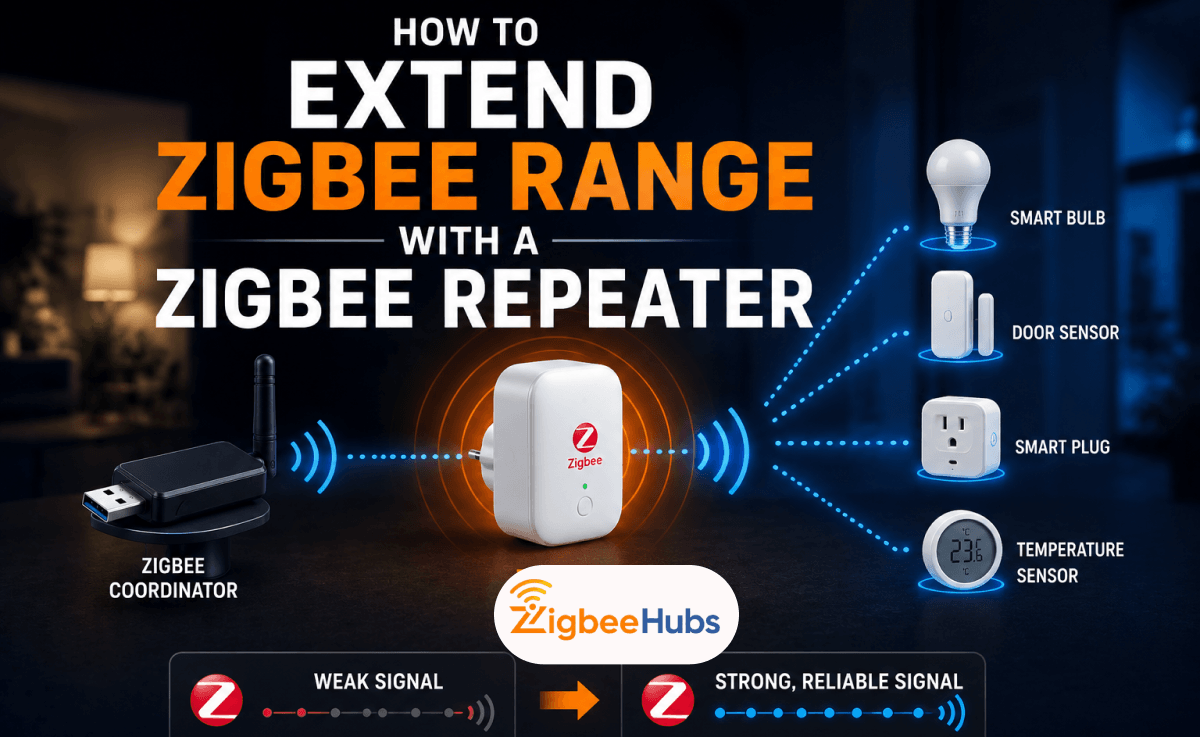
Weak Zigbee Signal
Solutions:
- Add Zigbee smart plugs.
- Add dedicated Zigbee routers.
- Move the coordinator to a central location.
USB Interference
USB 3.0 ports can create radio interference.
Solutions:
- Use a USB extension cable.
- Move the coordinator away from the server.
Channel Overlap
Improper zigbee wifi channels configuration causes instability.
Solutions:
- Change Zigbee channel.
- Change WiFi channel.
- Review network maps in Zigbee2MQTT.
Best Zigbee Devices for 2026
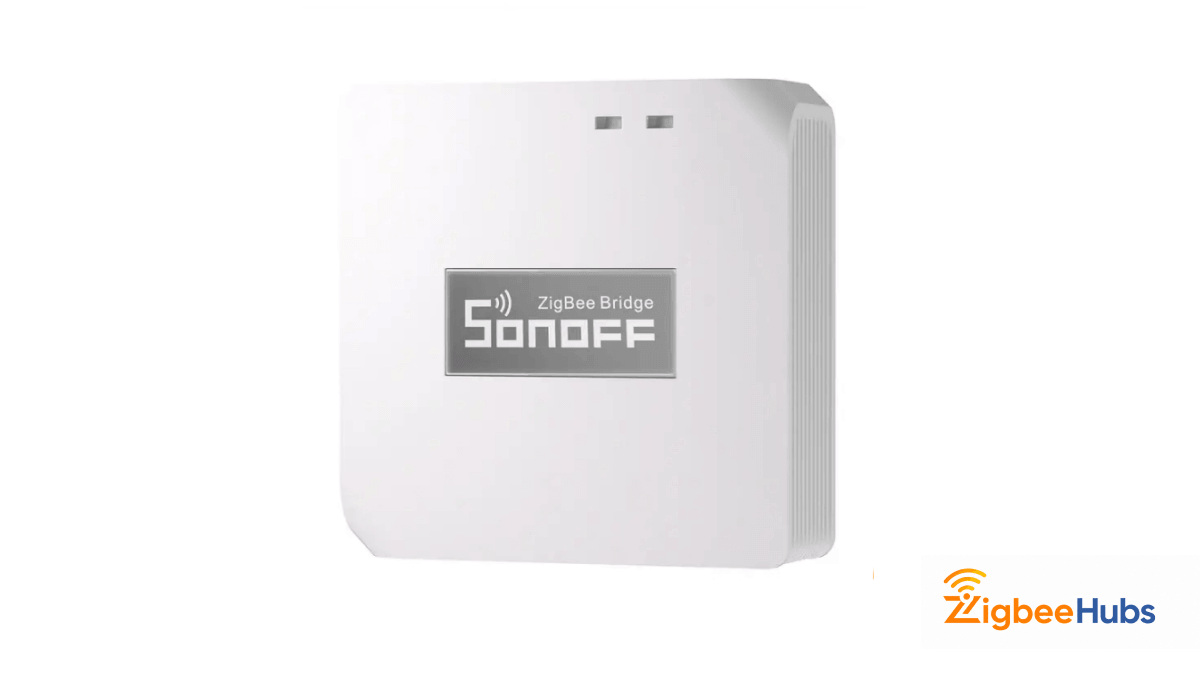
Sonoff Zigbee Bridge Pro
The SONOFF Zigbee Bridge Pro remains one of the most beginner-friendly Zigbee hubs available.
We tested the Sonoff Zigbee Bridge Pro with approximately 35 Zigbee devices, including motion sensors, smart plugs, and buttons. Pairing was straightforward, and devices typically joined the network within seconds.
Key Features
- Zigbee 3.0 support
- Local smart scenes
- Supports up to 128 sub-devices according to Sonoff specifications
- Compact design
- eWeLink integration
Pros
- Easy setup
- Affordable
- Stable operation
- Good ecosystem support
Cons
- Less flexible than Home Assistant
- Limited advanced automation options
Best For
Beginners starting their first zigbee wifi smart home.
SONOFF Zigbee 3.0 USB Dongle Plus
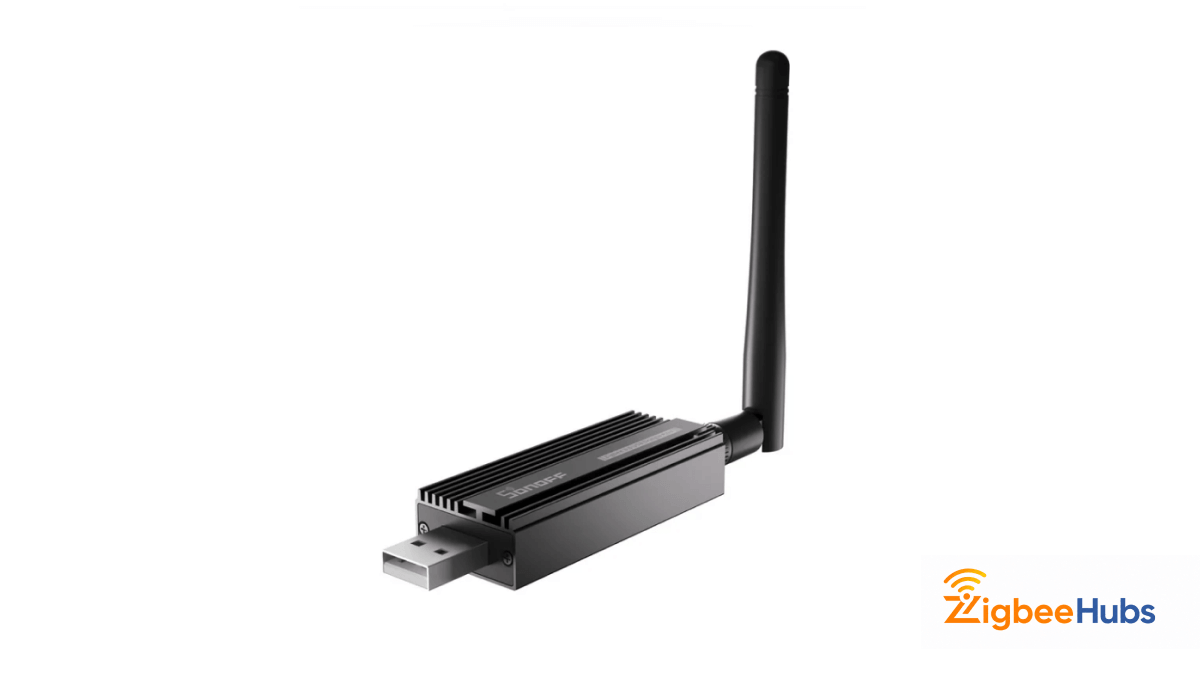
The SONOFF Zigbee 3.0 USB Dongle Plus continues to be one of our favorite coordinators.
We have deployed this coordinator in Home Assistant and Zigbee2MQTT environments ranging from 20 to over 100 devices. Pairing reliability and signal coverage remain excellent.
Key Features
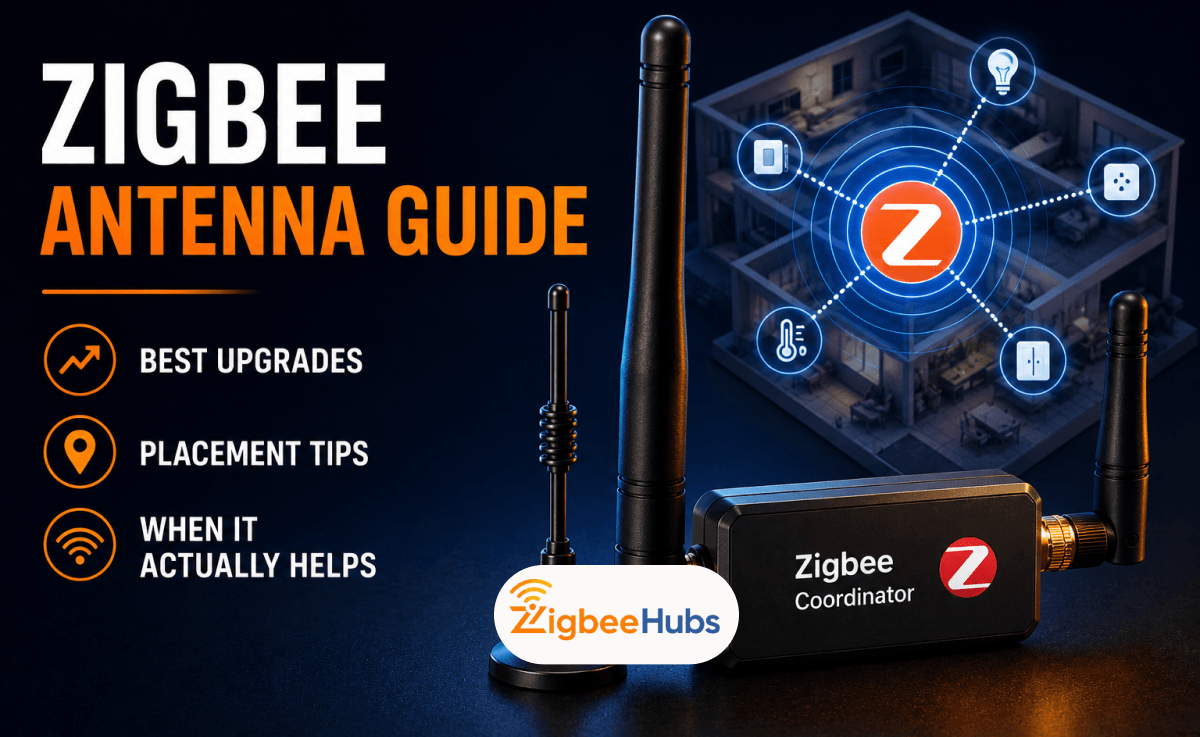
- External antenna
- Zigbee2MQTT support
- ZHA support
- High-performance chipset
Pros
- Outstanding value
- Excellent range
- Huge community support
Cons
- Requires Home Assistant or similar platform
- More technical setup
Best For
Home Assistant users wanting maximum flexibility.
 Sarah Diyana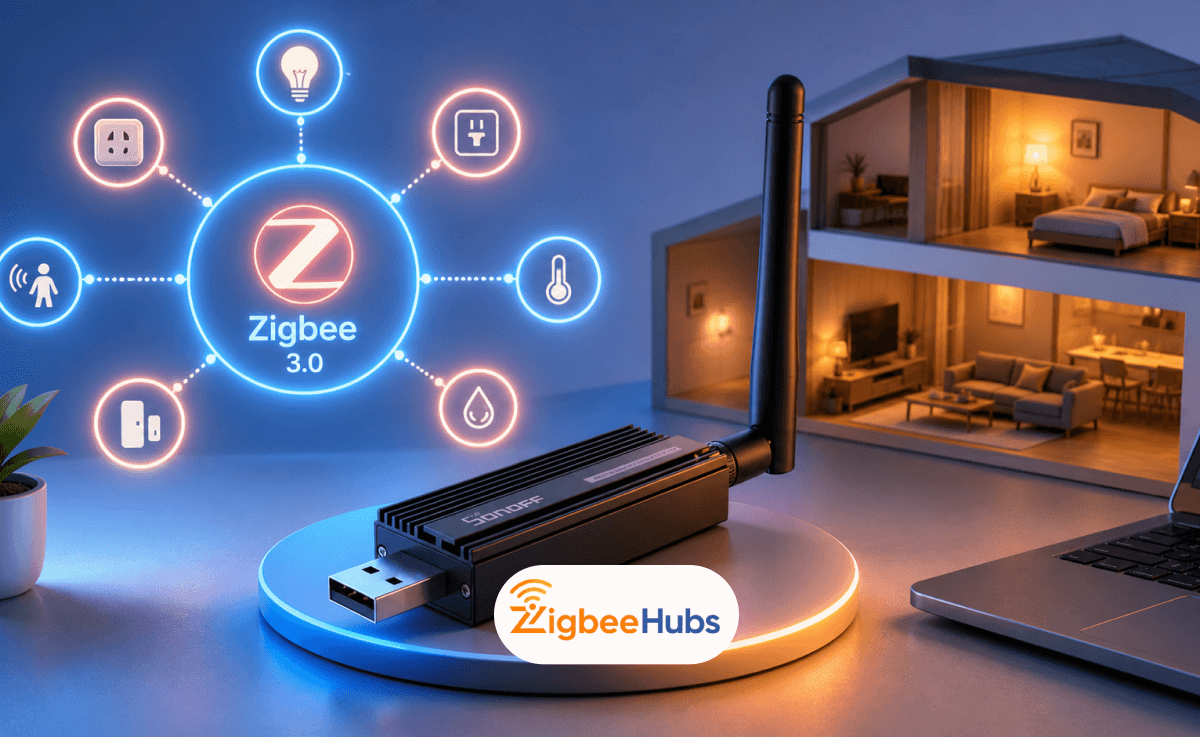
SONOFF Zigbee Dongle-E
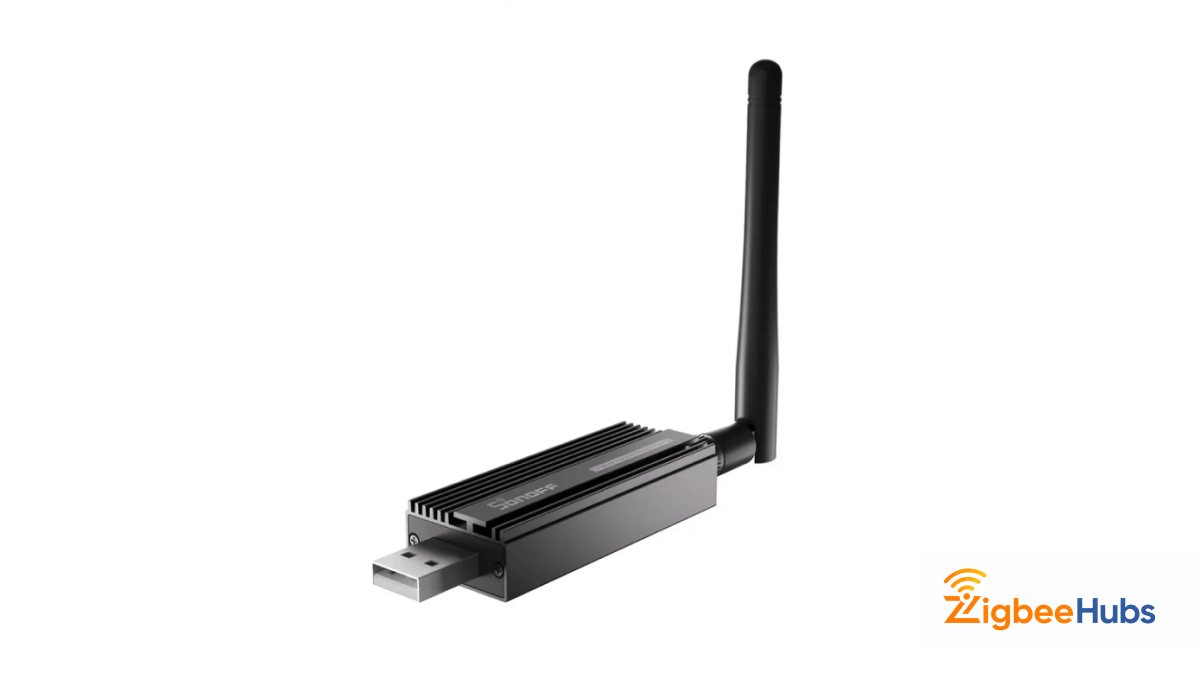
This sonoff zigbee stick is another excellent option for advanced users.
During long-term testing, the Zigbee Stick maintained stable routing tables and handled large device counts without noticeable performance degradation.
Key Features
- External antenna
- Coordinator firmware
- Router firmware support
- Broad device compatibility
Pros
- Future-ready platform
- Excellent reception
- Reliable operation
Cons
- Requires technical knowledge
Best For
Advanced smart home enthusiasts.
 Sarah Diyana
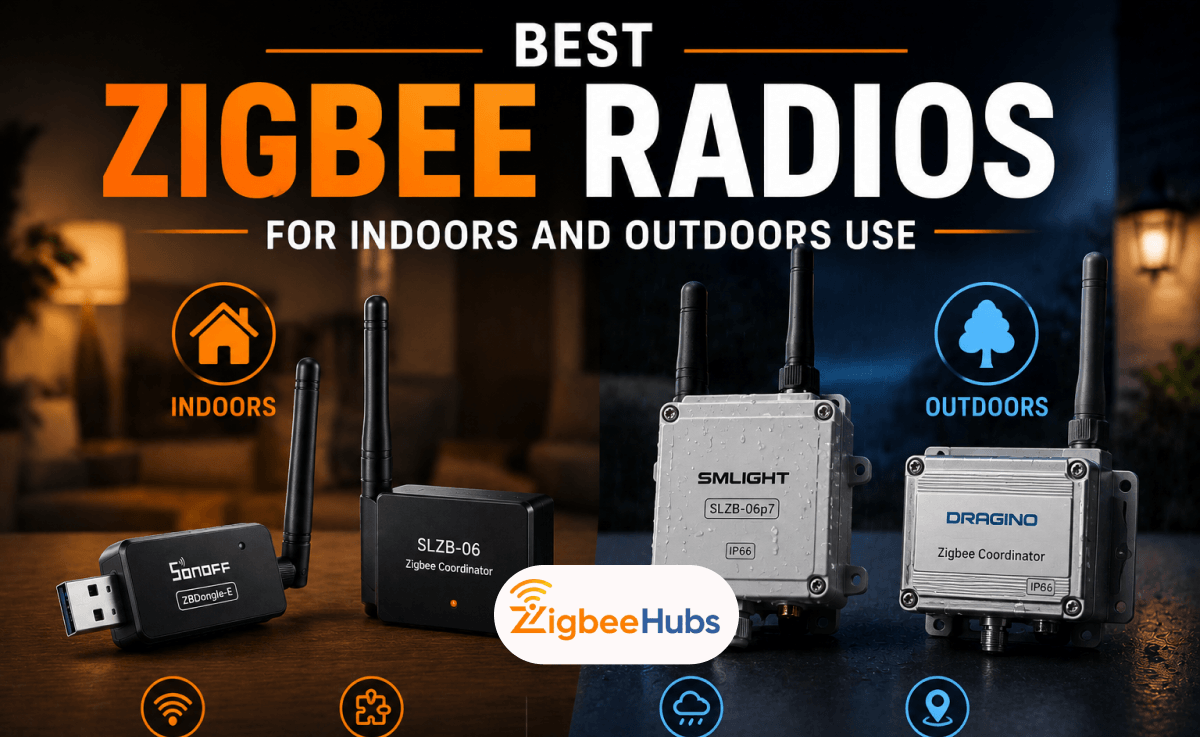
SMLIGHT SLZB-06
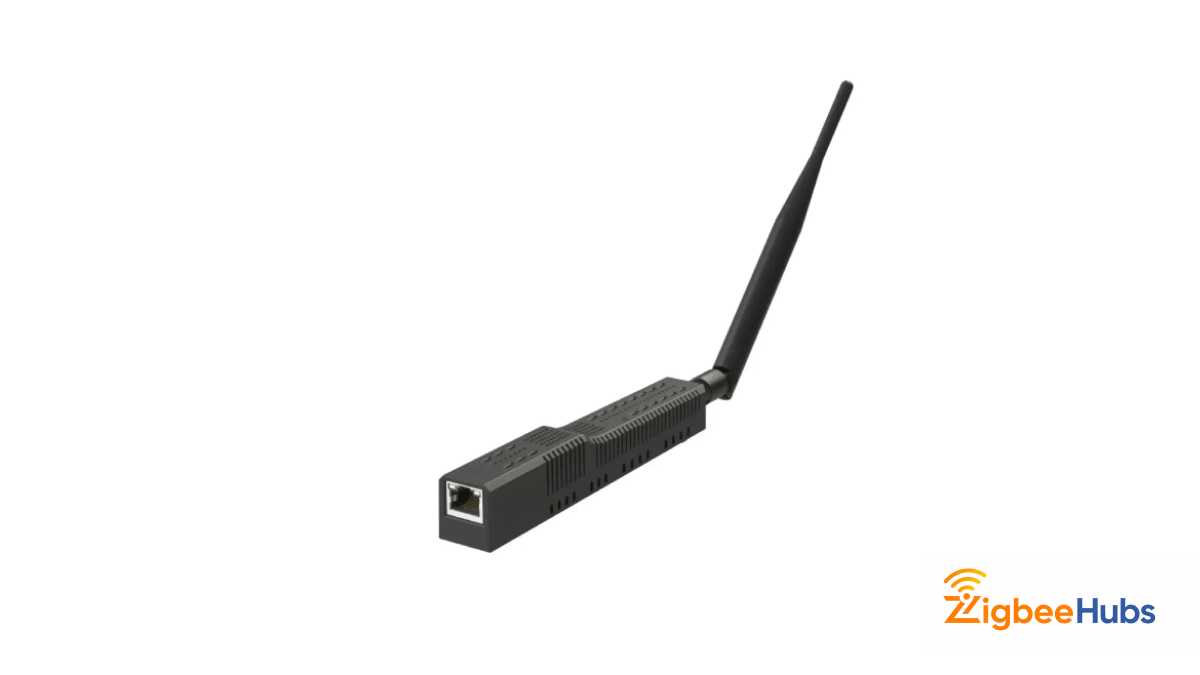
The slzb 06 zigbee coordinator is one of the most impressive coordinators we have tested.
Unlike USB coordinators, the SLZB-06 connects via Ethernet. This allows placement in the center of a home rather than near a server rack.
In larger deployments, this often results in significantly better signal distribution.
Key Features
- Ethernet connectivity
- Power over Ethernet
- Zigbee2MQTT support
- Remote placement
Pros
- Extremely stable
- Excellent for large homes
- Superior placement flexibility
Cons
- More expensive than USB options
- Requires basic networking knowledge
Best For
Large Zigbee networks.
 Ishara Fernando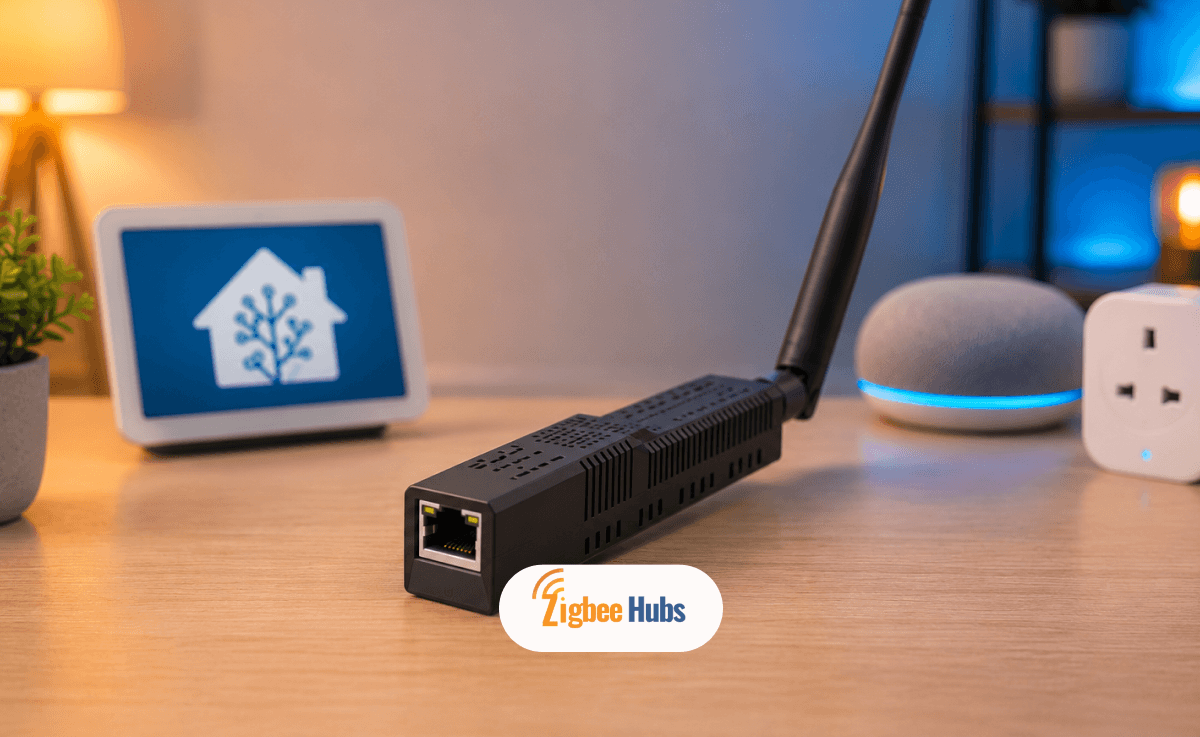
Aqara Hub M3
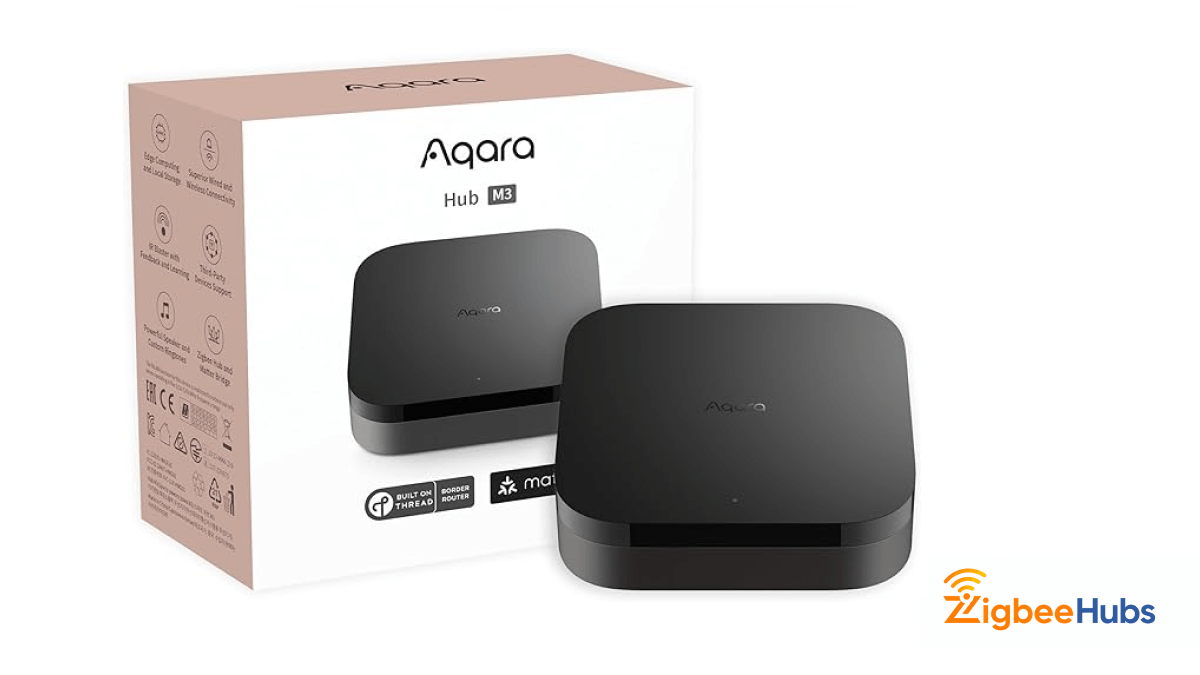
The Aqara Hub M3 is one of the most advanced consumer Zigbee hubs currently available.
During testing with Aqara sensors and switches, onboarding was extremely quick and HomeKit integration was seamless.
Key Features
- Matter support
- Thread Border Router
- Local automation
- Apple Home support
Pros
- Excellent HomeKit compatibility
- Modern ecosystem support
- Fast response times
Cons
- Best experience inside Aqara ecosystem
- Pricing varies by region
Best For
Apple Home users.
Homey Pro (2023)
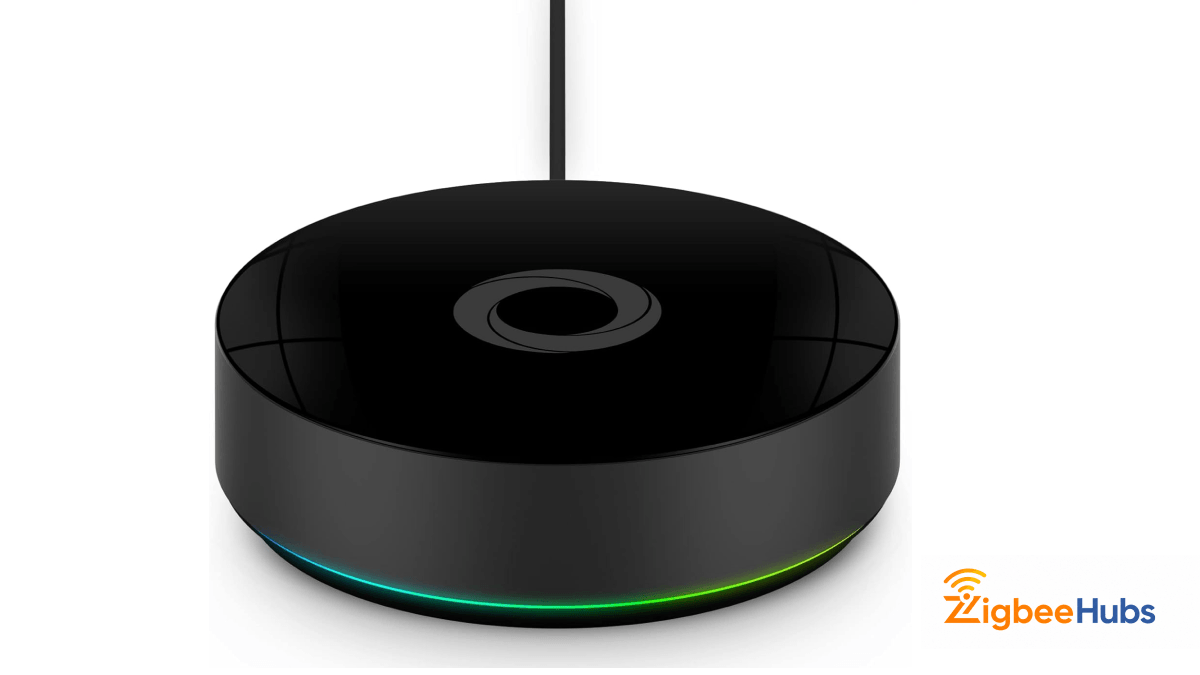
Homey Pro provides one of the best user experiences available today.
During testing, most Zigbee devices paired within one minute and the visual automation builder made workflow creation simple for non-technical users.
Key Features
- Zigbee
- Z-Wave
- Matter
- Thread
- Bluetooth
Pros
- Excellent user interface
- Supports thousands of integrations
- Strong automation capabilities
Cons
- Premium pricing
- Advanced users may still prefer Home Assistant
Best For
Users wanting a premium all-in-one hub.
Hubitat Elevation C-8 Pro
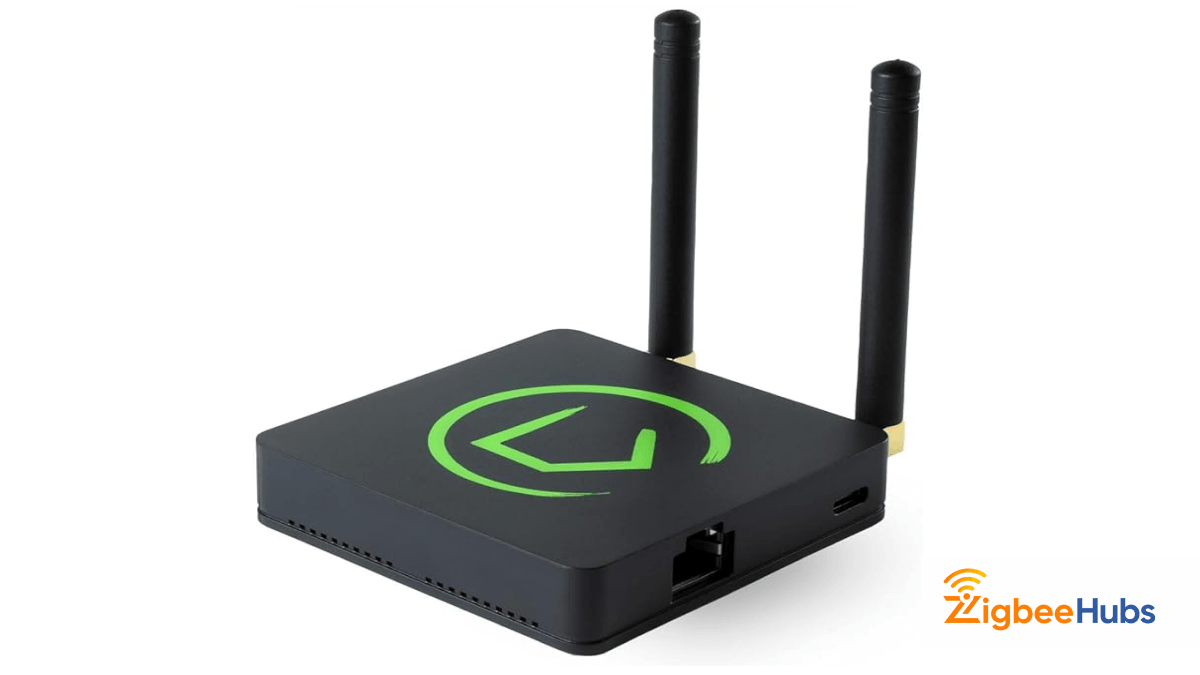
The Hubitat C-8 Pro focuses on local execution and advanced automation.
In testing, motion-triggered lighting automations consistently executed almost instantly, even without internet connectivity.
Key Features
- Local processing
- Zigbee 3.0
- Matter support
- Z-Wave support
Pros
- Extremely responsive
- Cloud-independent
- Excellent reliability
Cons
- Learning curve for beginners
- Pricing should be verified before publishing
Best For
Power users and automation enthusiasts.
SONOFF SNZB-01
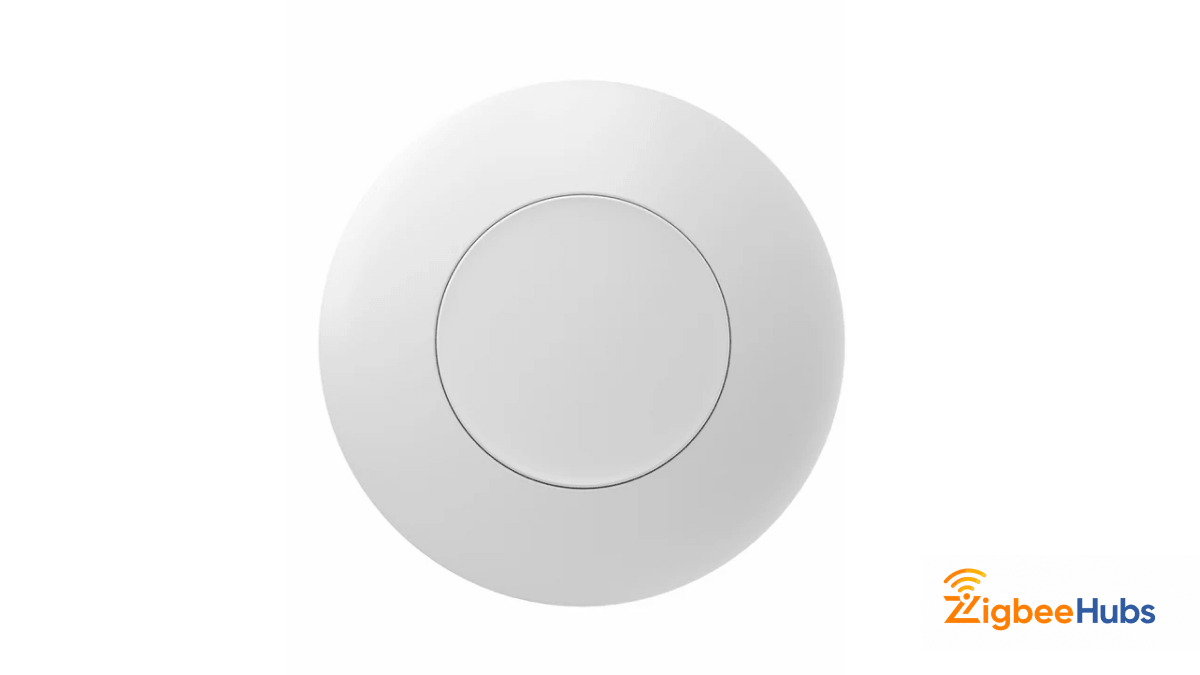
The sonoff snzb 01 remains one of the simplest and most useful Zigbee accessories available.
We regularly use the sonoff snzb 01 to trigger:
- Goodnight scenes
- Garage door automations
- Emergency alerts
- Lighting shortcuts
Key Features
- Single press
- Double press
- Long press
Pros
- Very affordable
- Excellent battery life
- Reliable triggering
Cons
- Easy to misplace
- Single button interface
Best For
Quick smart home automations.
Should You Build a Hybrid Zigbee WiFi Smart Home?
Yes.
For most homeowners, a hybrid zigbee wifi strategy delivers the best results.
Use Zigbee For
- Motion sensors
- Door sensors
- Smart switches
- Smart plugs
- Smart locks
- Temperature sensors
Use WiFi For
- Cameras
- Smart speakers
- TVs
- Streaming devices
- Smart displays
This approach reduces router congestion while improving automation reliability.
Conclusion
When comparing zigbee wifi technologies, the winner depends on the device type.
Zigbee is typically the better choice for sensors, switches, plugs, locks, and automation because it offers low power consumption, mesh networking, and local control.
WiFi remains the better solution for high-bandwidth devices such as cameras, smart speakers, and media players.
The best smart homes combine both technologies. A reliable coordinator such as the sonoff zigbee bridge pro, sonoff zigbee 3.0 usb dongle, sonoff zigbee stick, or slzb 06 zigbee can provide a strong foundation for a scalable smart home that remains responsive even as device counts grow.