How to Extend Zigbee Range with a Zigbee Repeater

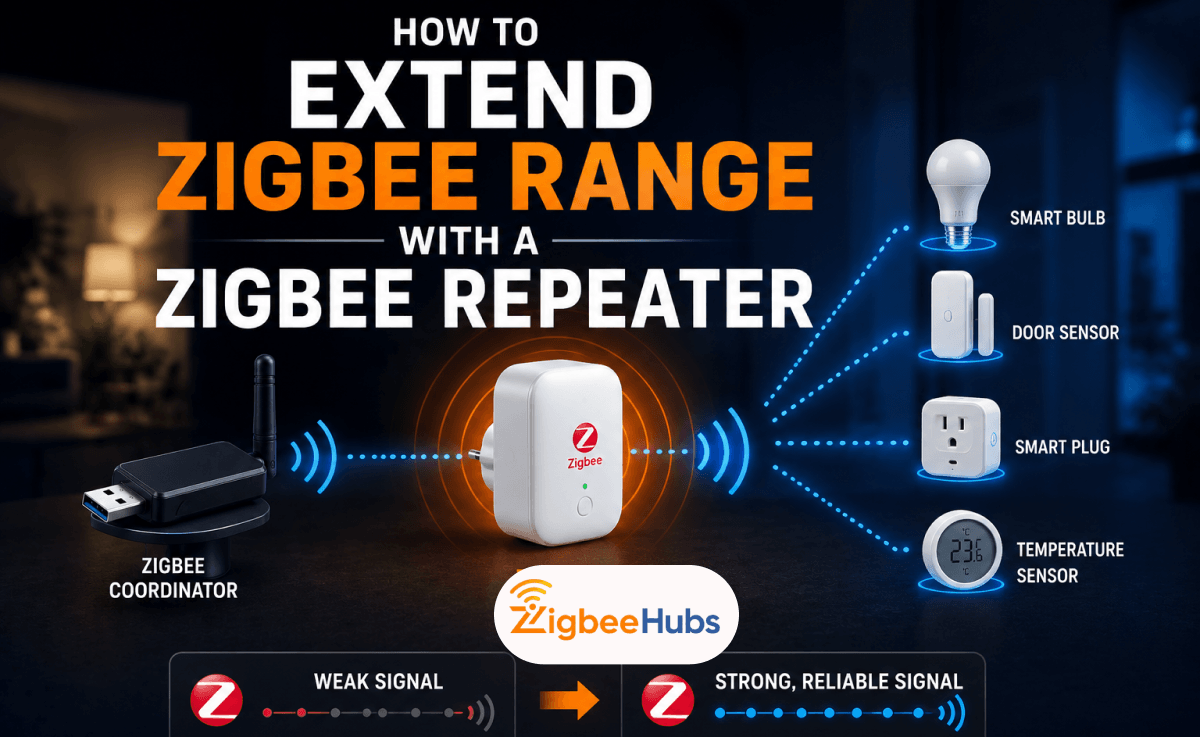
If your Zigbee devices keep disconnecting, adding a Zigbee repeater is usually the fastest and most effective solution. A Zigbee repeater extends your Zigbee range by forwarding messages between devices, helping sensors, switches, and smart plugs communicate over greater distances. In most homes, one properly placed repeater can eliminate dead zones and dramatically improve reliability.
Key Takeaways
- Zigbee range indoors is typically 10 to 20 meters per hop.
- Concrete, brick, and metal significantly reduce signal strength.
- Every mains-powered Zigbee router helps extend the mesh network.
- Smart plugs are often the easiest Zigbee repeater solution.
- Outdoor Zigbee installations usually require multiple routing points.
- Home Assistant users can verify repeater performance through Zigbee2MQTT or ZHA.
- A strong mesh network is more important than raw transmission distance.
What Is Zigbee Range?
Zigbee range refers to the maximum distance that Zigbee devices can communicate reliably. Unlike WiFi, Zigbee prioritizes low power consumption rather than long-distance transmission. This allows battery-powered sensors to operate for years while maintaining a stable connection.
The real strength of Zigbee comes from its mesh architecture. Instead of relying on one direct connection to the coordinator, devices can pass messages through multiple routers. This means a network can cover an entire property even if individual devices only communicate over relatively short distances.
Zigbee Range in Meters
Manufacturers often advertise ideal conditions, but real-world performance is different.
| Environment | Typical Range |
|---|---|
| Same room | 10 to 20 meters |
| Open indoor area | 20 to 30 meters |
| Through multiple walls | 5 to 15 meters |
| Outdoor line of sight | 100 to 300 meters |
In my experience, walls and obstacles usually cause more issues than pure distance. A sensor located 8 meters away through two concrete walls often performs worse than a device 20 meters away in an open hallway.
What Affects Zigbee Range Through Walls?
Physical obstacles are the biggest challenge for Zigbee networks.
Drywall and Wood
These materials have little impact on signal quality and generally allow Zigbee devices to communicate effectively.
Brick
Brick walls absorb radio energy and can noticeably reduce Zigbee range.
Concrete
Concrete is one of the most difficult materials for Zigbee signals to penetrate. Reinforced concrete can dramatically weaken connections.
Metal
Metal is often the worst obstacle. Common examples include:
- Refrigerators
- Electrical cabinets
- HVAC equipment
- Metal studs
- Steel shelving
Pro Tip
I always recommend placing a Zigbee router on each side of a concrete wall instead of trying to force the signal through it.
Zigbee Range vs WiFi
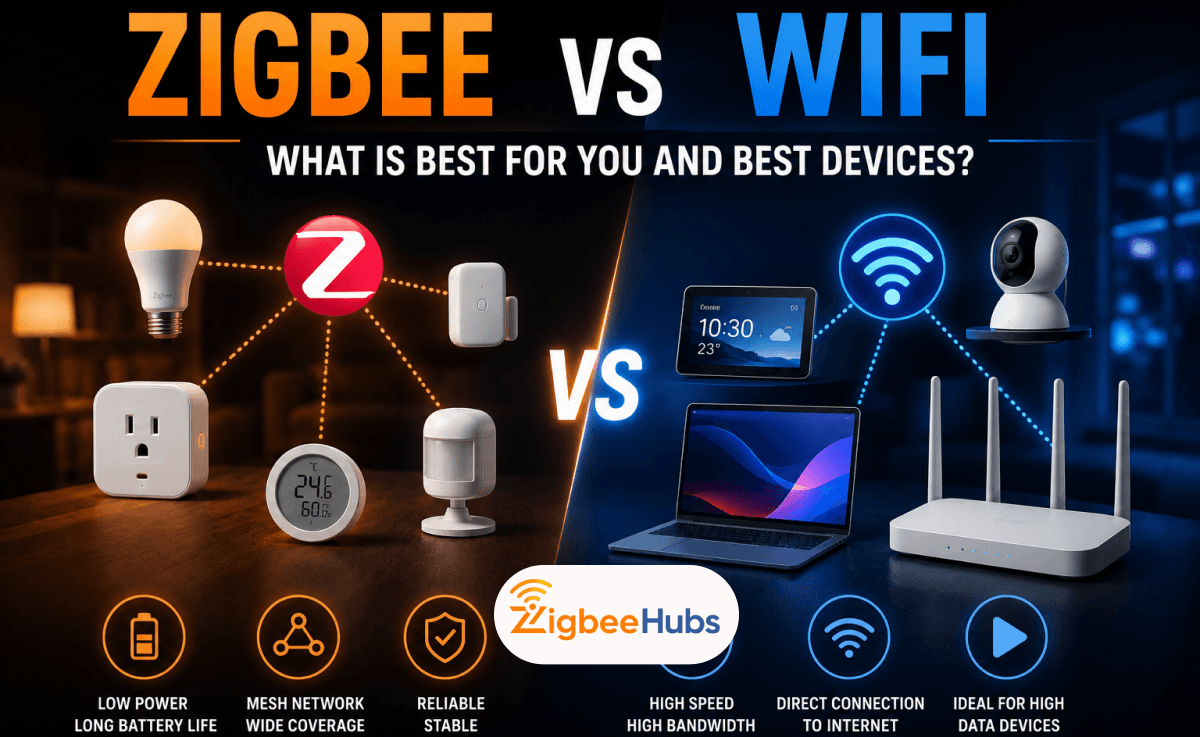
A common question is whether Zigbee or WiFi offers better coverage.
| Feature | Zigbee | WiFi |
|---|---|---|
| Single device range | Lower | Higher |
| Mesh support | Native | Requires mesh hardware |
| Battery efficiency | Excellent | Poor |
| Device capacity | Up to 65,000 devices | Depends on router |
| Smart home reliability | Excellent | Good |
A single WiFi access point generally covers more distance than a single Zigbee device. However, Zigbee's mesh design often allows it to cover larger properties because every router extends the network.
What Is a Zigbee Repeater?
A Zigbee repeater is a mains-powered device that receives and forwards Zigbee messages. The terms Zigbee repeater and Zigbee range extender mean exactly the same thing.
Common Zigbee repeaters include:
- Smart plugs
- Smart switches
- In-wall relays
- Dedicated repeaters
- Some smart bulbs
These devices stay powered continuously, allowing them to relay traffic for nearby battery-powered sensors.
Understanding Zigbee Device Roles
Coordinator
The coordinator manages the network.
Examples include:
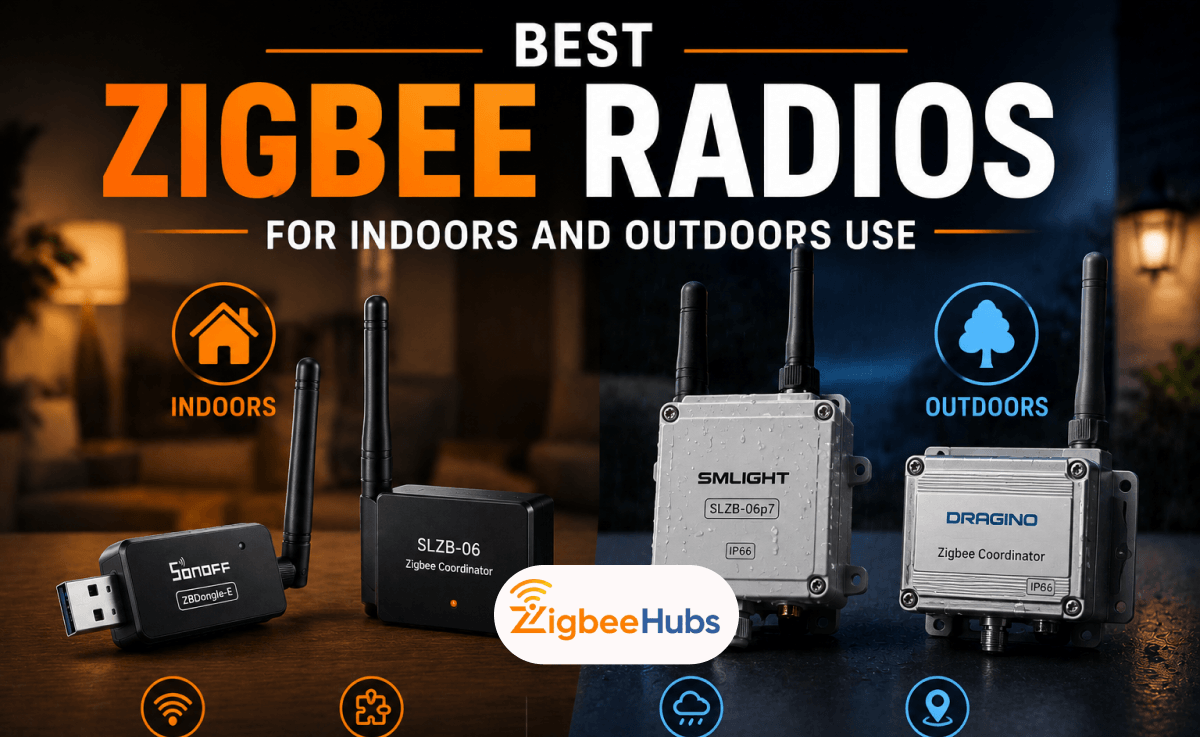
- SONOFF ZBDongle-E
- SONOFF ZBDongle-P
- SMLIGHT SLZB-06
- ConBee II
Router
Routers forward messages.
Examples include:
- Smart plugs
- Smart switches
- Dedicated repeaters
End Device
Battery-powered sensors conserve power and do not forward traffic.
Examples include:
- Motion sensors
- Door sensors
- Temperature sensors
How to Extend Zigbee Range
- Look for devices with low LQI values, delayed responses, or frequent disconnections.
- Install a Zigbee repeater roughly halfway between the coordinator and the problematic device.
- Keep routers away from USB 3.0 ports.
- Keep routers away from WiFi access points.
- Keep routers away from metal cabinets.
- Keep routers away from microwaves.
- Give the Zigbee network several hours to rebuild routes.
- Use Zigbee2MQTT or ZHA network maps to confirm that devices are using the new repeater.
Best Zigbee Repeaters in 2026
After testing many Zigbee routers in Home Assistant environments, these are the devices I recommend most often.
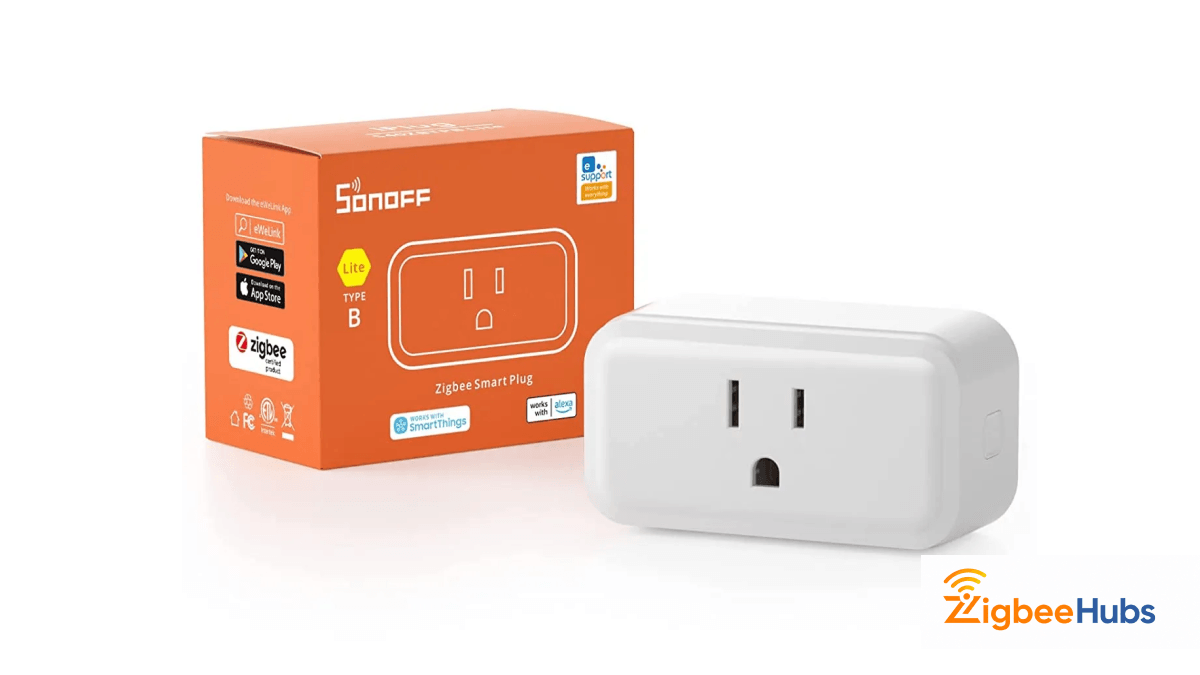
SONOFF iPlug S40 Lite
The SONOFF iPlug S40 Lite is one of the easiest and most affordable ways to improve Zigbee range. I have used it in several installations where it immediately strengthened the mesh without requiring any special configuration.
Key Features
- Zigbee 3.0
- Compact design
- 15A rated outlet
Pros
- Affordable
- Reliable routing
- Easy installation
- Works with Zigbee2MQTT and ZHA
Cons
- No energy monitoring
NOUS A1Z Smart Plug
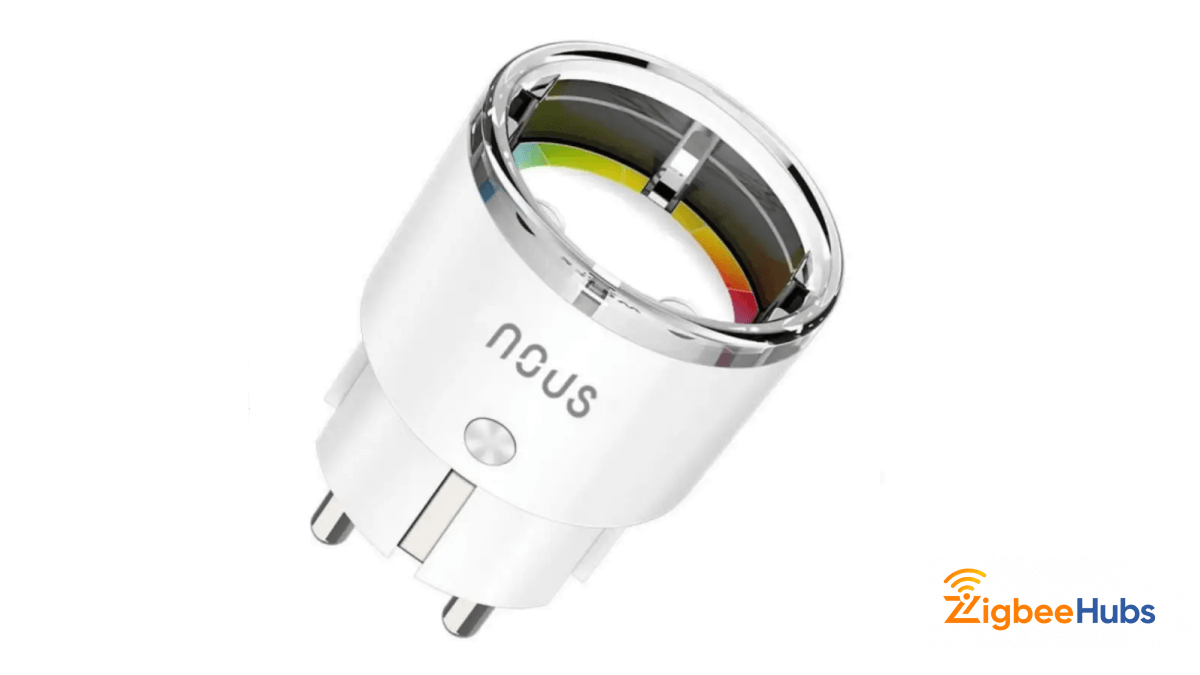
The NOUS A1Z combines strong routing performance with energy monitoring. It is one of my preferred repeaters for Home Assistant because it provides both mesh stability and useful power consumption data.
Key Features
- Energy monitoring
- Zigbee 3.0
- Compact design
Pros
- Excellent repeater performance
- Tracks energy usage
- Stable firmware
Cons
- Higher cost than basic smart plugs
NOUS A7Z Smart Plug
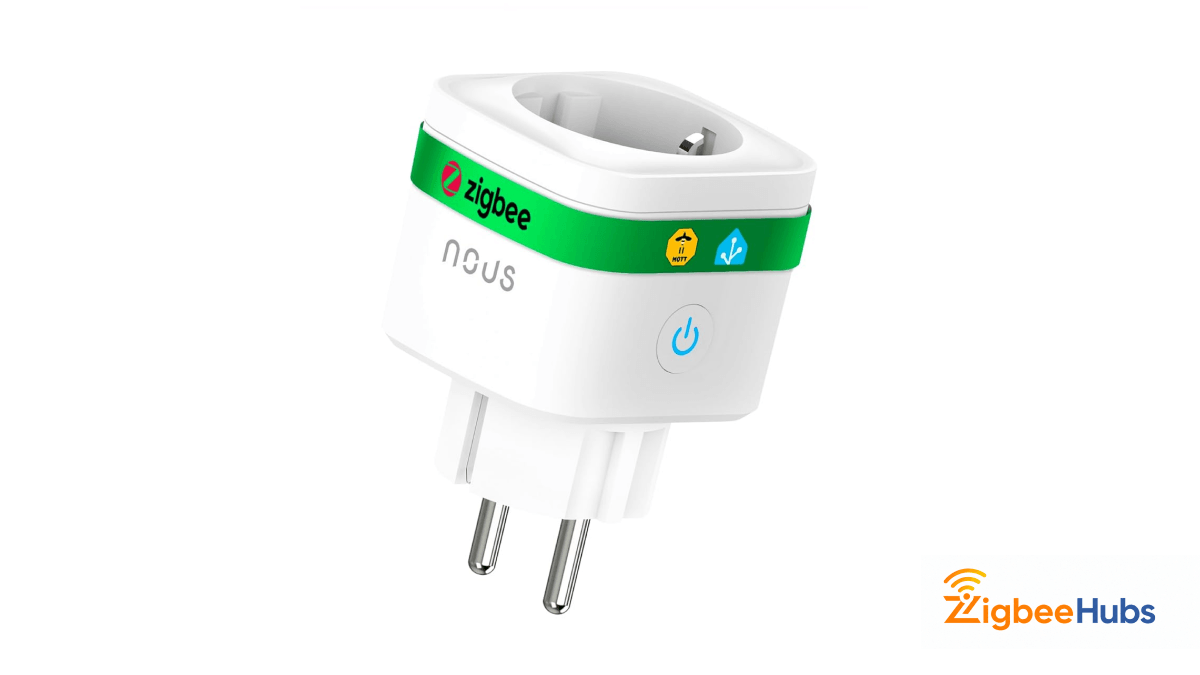
Description
The A7Z offers many of the same benefits as the A1Z at a lower price point. It is a great option for users who want affordable mesh expansion.
Key Features
- Zigbee routing
- Energy monitoring
- Compact form factor
Pros
- Good value
- Reliable routing
- Easy pairing
Cons
- Fewer premium features
 Sarah Diyana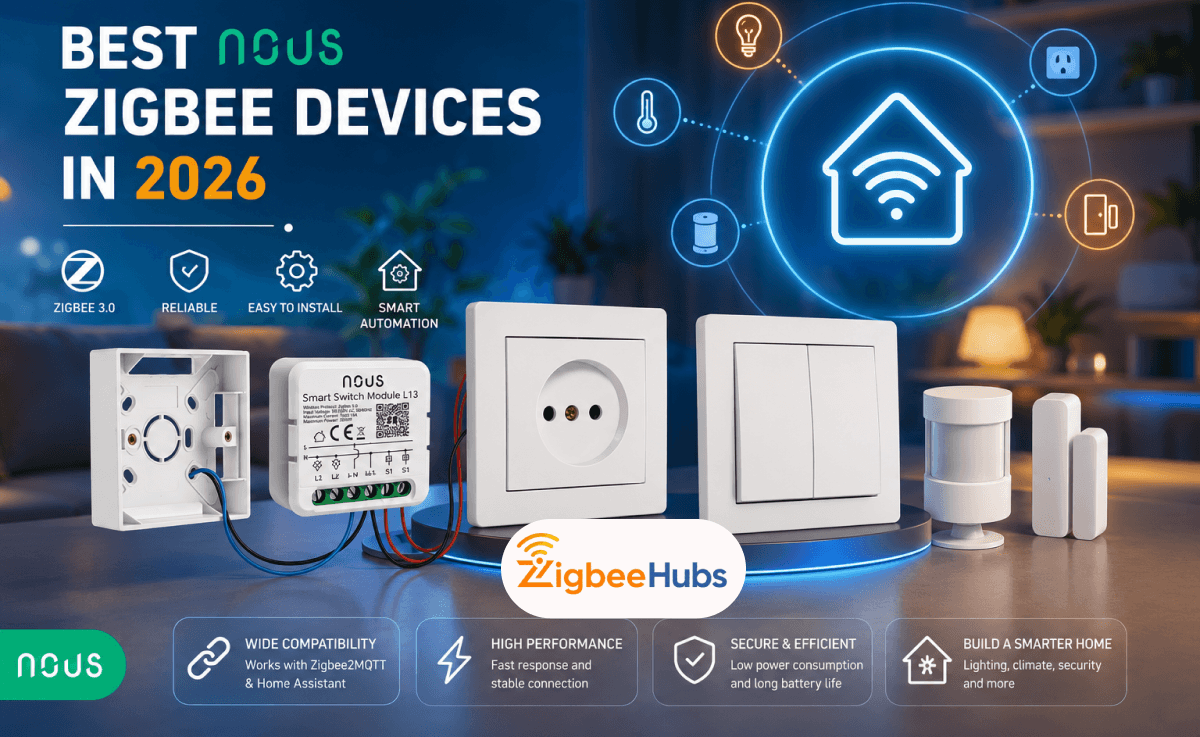
SONOFF ZBMINIL2
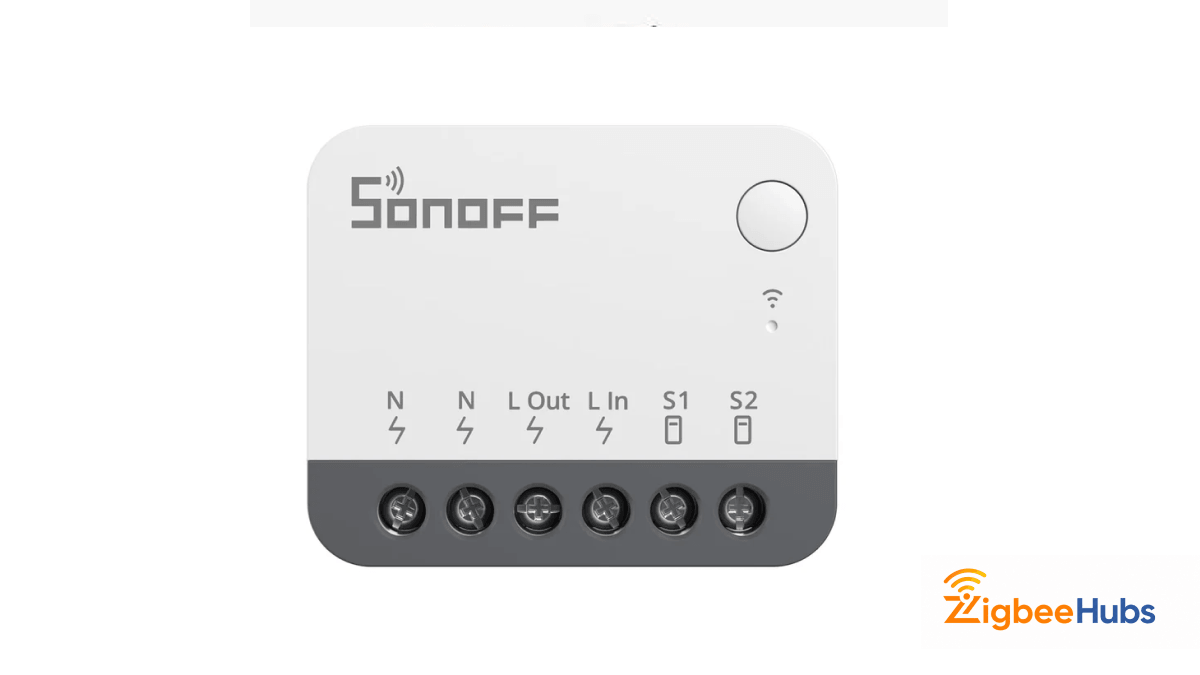
The SONOFF ZBMINIL2 is an in-wall relay that permanently strengthens your mesh. Once installed behind a switch, it continuously acts as a Zigbee router.
Key Features
- Compact design
- Zigbee 3.0
- Supports no-neutral installations according to SONOFF
Pros
- Hidden installation
- Permanent mesh improvement
- Great for existing homes
Cons
- Requires electrical installation
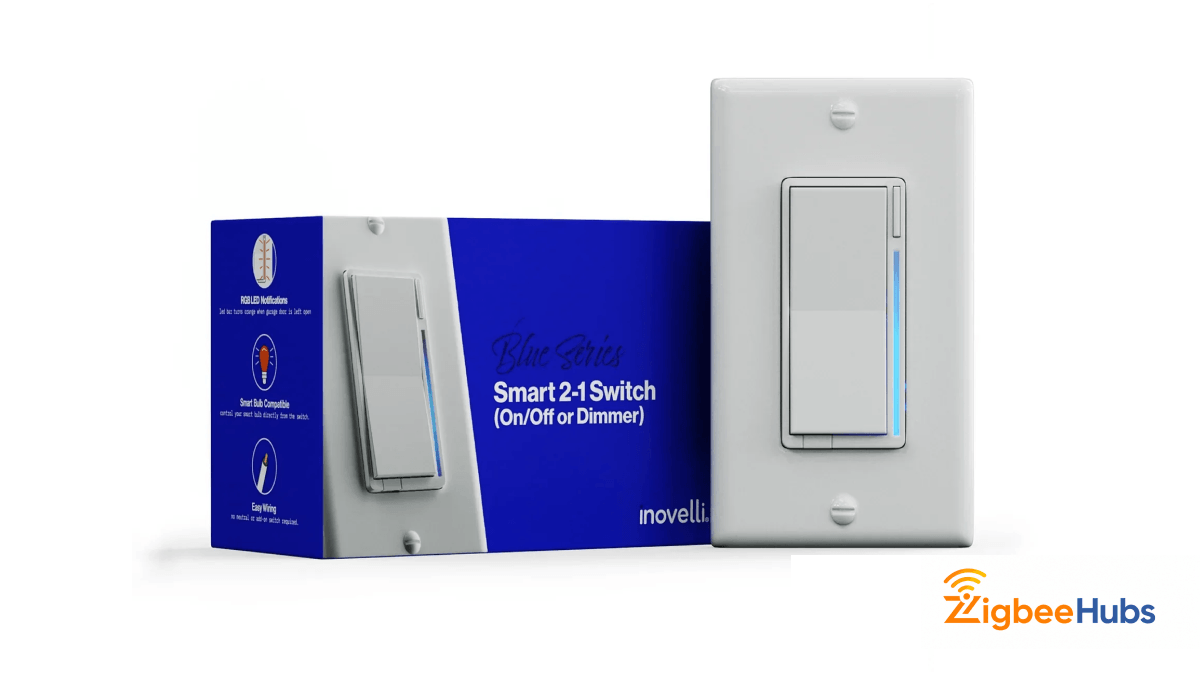
Inovelli Blue Series 2-in-1
Description
The Inovelli Blue Series is one of the strongest Zigbee routers I have tested. It is expensive but delivers excellent reliability and advanced functionality.
Key Features
- Zigbee 3.0
- Advanced scene control
- Premium build quality
Pros
- Outstanding routing performance
- Feature rich
- Excellent Home Assistant support
Cons
- Premium pricing
Product Comparison Table
| Product | Device Type | Repeater | Energy Monitoring | Best For |
|---|---|---|---|---|
| SONOFF iPlug S40 Lite | Smart Plug | Yes | No | Budget mesh expansion |
| NOUS A1Z | Smart Plug | Yes | Yes | Home Assistant users |
| NOUS A7Z | Smart Plug | Yes | Yes | Value-focused buyers |
| SONOFF ZBMINIL2 | In-Wall Relay | Yes | No | Permanent installations |
| Inovelli Blue Series | Smart Switch | Yes | Limited | Premium smart homes |
Which Repeater Should You Choose?
For most users, the SONOFF iPlug S40 Lite offers the best balance of cost and performance.
If energy monitoring matters, I recommend the NOUS A1Z.
For hidden installations and long-term mesh improvements, the ZBMINIL2 is an excellent option.
Zigbee Range Extender Home Assistant Setup
Zigbee2MQTT
When I tested a NOUS A1Z with a SONOFF ZBDongle-E, pairing completed in about 20 seconds. After approximately two hours, several sensors that previously connected directly to the coordinator began routing through the A1Z, resulting in noticeably more stable connectivity.
ZHA
In my testing, ZHA typically takes slightly longer than Zigbee2MQTT to display updated routing information.
How to Improve Zigbee Range Outdoors
Improving zigbee range outdoors requires a different approach than indoor deployments. Greater distances and fewer routing opportunities make network planning more important.
While manufacturers often advertise 100 to 300 meters of outdoor coverage under ideal line-of-sight conditions, actual performance depends on hardware, interference, terrain, and antenna design.
Real-World Zigbee Range Extender Outdoor Example
One installation involved a coordinator inside a brick house and a soil moisture sensor approximately 25 meters away in a garden.
Initially, the sensor disconnected frequently. Adding a smart plug repeater near the garage improved reliability but did not completely solve the issue. After installing a second router between the garage and the garden, the sensor remained connected consistently.
This demonstrates why zigbee range extender outdoor projects often require multiple routing points rather than a single long-range connection.
Outdoor Best Practices
- Place repeaters near exterior walls.
- Avoid mounting devices behind metal sheds.
- Protect routers from moisture.
- Use multiple routing points.
- Maintain line of sight where possible.
- Consider Ethernet-based coordinators for detached buildings.
For garages and workshops, I often recommend the SMLIGHT SLZB-06 because it allows more strategic placement than traditional USB coordinators.
Coordinator Placement Matters
Before purchasing repeaters, evaluate your coordinator location.
Many Zigbee problems originate from poor coordinator placement rather than insufficient routers.
Avoid placing coordinators directly next to:
- USB 3.0 ports
- WiFi routers
- NAS devices
- Mini PCs
Using a USB extension cable can dramatically improve performance.
Popular coordinator upgrades include:
- SONOFF ZBDongle-E
- SONOFF ZBDongle-P
- SMLIGHT SLZB-06
- ConBee II
 Sarah Diyana
Common Mistakes That Reduce Zigbee Range
Using Sengled Bulbs as Repeaters
Sengled bulbs do not route Zigbee traffic and therefore do not extend the mesh.
Placing Coordinators Near USB 3.0 Ports
USB interference can significantly reduce Zigbee performance.
Installing Too Few Routers
One repeater rarely solves an entire home's coverage issues.
Ignoring Channel Planning
Zigbee and WiFi both operate on the 2.4 GHz spectrum. If your Zigbee channel overlaps heavily with busy WiFi channels, interference can reduce reliability and effective range. Always review your WiFi channel configuration before selecting a Zigbee channel.
Conclusion
Extending your Zigbee range is usually much easier than most people expect. In many cases, a single smart plug repeater placed strategically between the coordinator and a dead zone can solve connectivity problems within hours.
If you are building a larger network, focus on creating multiple routing paths rather than chasing maximum distance specifications. A strong Zigbee mesh will almost always outperform a single device trying to cover an entire property on its own.