How to Add Zigbee to Home Assistant: Step-by-Step Guide 2026


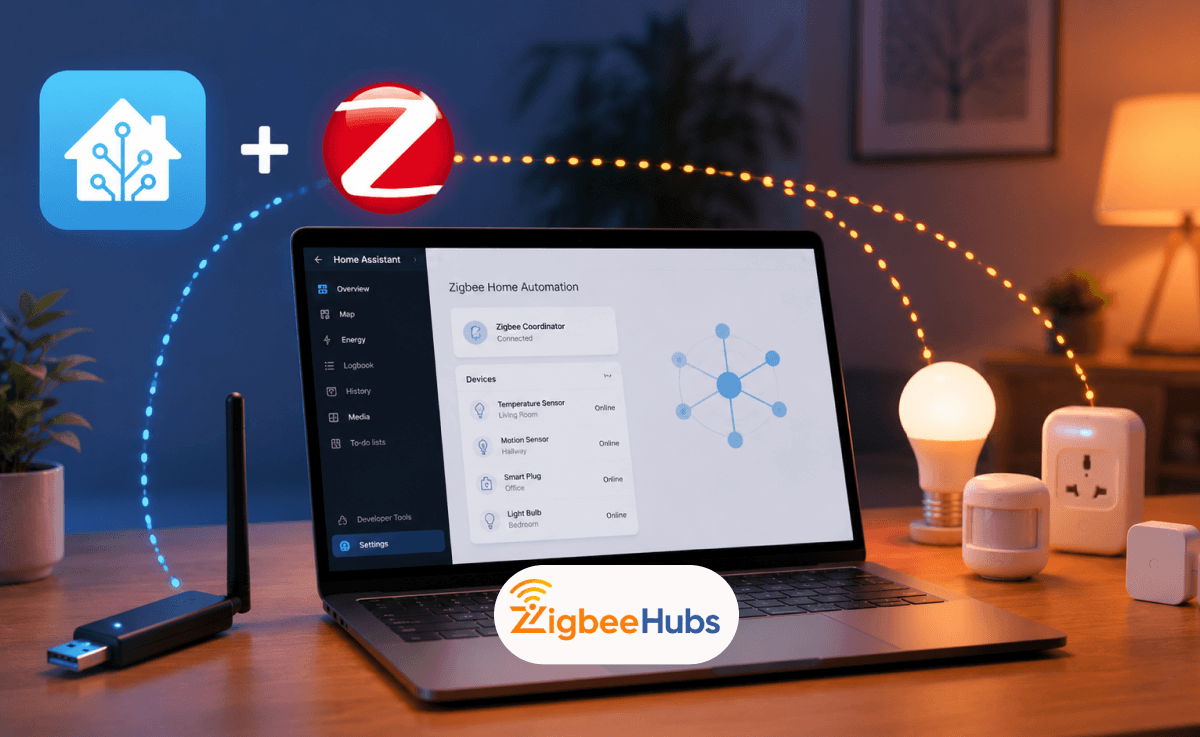
Tired of juggling multiple smart home apps? Zigbee and Home Assistant can bring all your devices under one roof. To add Zigbee to Home Assistant, plug a Zigbee USB dongle (like Home Assistant SkyConnect or Sonoff Zigbee 3.0 USB Dongle Plus) into your server using an extension cable, then install the ZHA integration.
This guide covers everything you need to know about Home Assistant Zigbee setup. From selecting the best Zigbee dongle for Home Assistant to pairing your first device, we walk you through each step in plain language.
What You Need to Get Started
New to Zigbee? Here is the fastest path.
SONOFF ZBDongle-P – reliable, well-supported, and works out of the box with Home Assistant.
Setup Path
That covers the basics. The rest of this guide explains each step in detail and helps you choose between ZHA and Zigbee2MQTT.
Key Takeaways
- Home Assistant can act as a Zigbee hub when you connect a compatible Zigbee USB coordinator.
- ZHA is the easiest option for most beginners because it is built into Home Assistant.
- Zigbee2MQTT is better for advanced users who want wider device support and more configuration control.
- A USB extension cable is strongly recommended to reduce 2.4 GHz interference from USB 3.0 ports.
- Zigbee works locally, so your devices can continue working even when the internet is down.
What Is Zigbee and Why Use It for Home Assistant?
Zigbee is a low-power wireless protocol that creates a dedicated mesh network for smart home devices. When you add Zigbee for Home Assistant, you get reliable local control without cloud dependency or Wi-Fi congestion.
Unlike Wi-Fi devices that connect directly to your router, Zigbee devices communicate through a mesh. Each mains-powered device acts as a signal repeater, extending coverage throughout your home. The more devices you add, the stronger your network becomes.
Key Benefits of Home Assistant Zigbee Integration
- Low power consumption extends sensor battery life to 2+ years.
- Mesh networking eliminates dead zones and improves reliability.
- Local control means your smart homework without internet.
- Supports hundreds of devices including Tuya Zigbee, Danfoss Ally, and more.
Our Top Picks at a Glance
| Dongle | Best For | Rating |
|---|---|---|
| SONOFF ZBDongle-P | Best value for most users | ⭐⭐⭐⭐⭐ |
| SONOFF ZBDongle-E | Future-proofing / Thread | ⭐⭐⭐⭐⭐ |
| ConBee II | deCONZ users | ⭐⭐⭐⭐☆ |
How Do You Choose a Zigbee Coordinator for Home Assistant?
What Do you Need Before Adding Zigbee to Home Assistant?
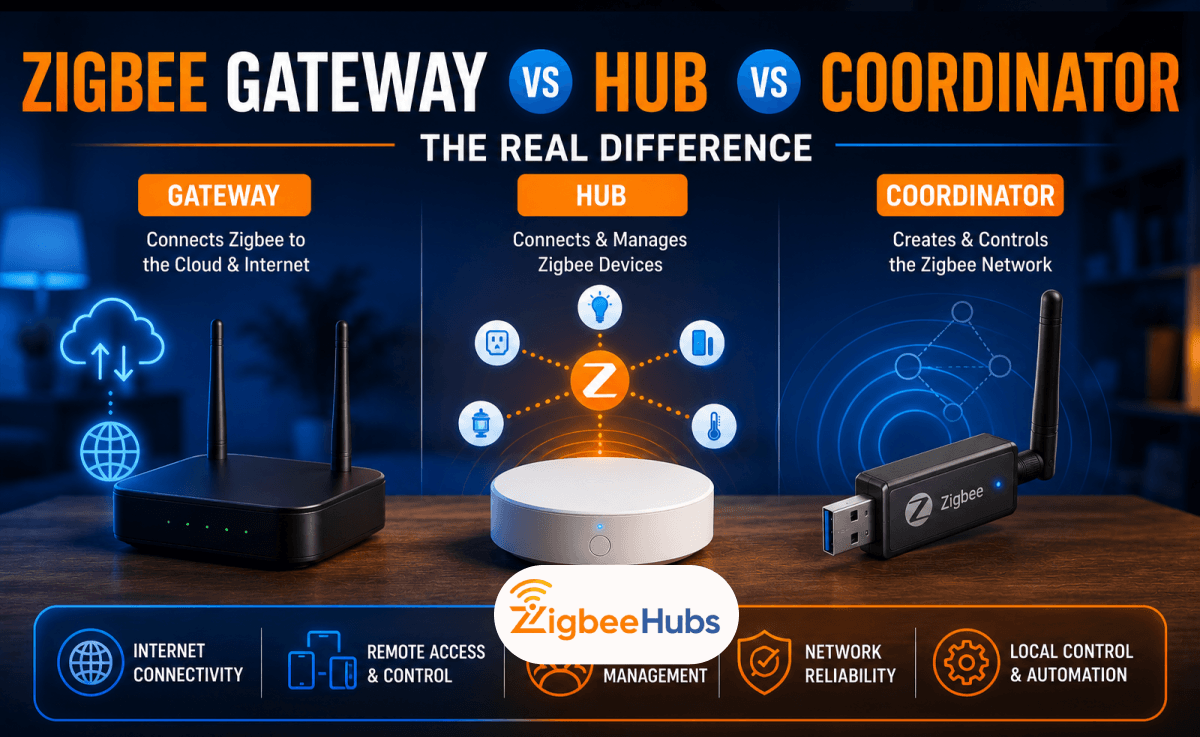
Before starting your Home Assistant Zigbee setup, make sure you have the basic hardware and software ready. You do not need a separate brand hub such as Philips Hue Bridge, IKEA Gateway or SmartThings Hub if you are using a Zigbee coordinator directly with Home Assistant.
- Home Assistant server: Home Assistant Green, Raspberry Pi, mini PC, NAS, or virtual machine.
- Zigbee USB dongle: SkyConnect, Sonoff ZBDongle-P, Sonoff ZBDongle-E, Conbee II/III, or another supported coordinator.
- USB extension cable: Helps move the dongle away from USB 3.0 and Wi-Fi interference.
- Zigbee devices: Sensors, plugs, lights, thermostats, switches, relays, or keypads.
- ZHA or Zigbee2MQTT: Choose one Zigbee management method before pairing devices.
What Is the Best Zigbee Dongle for Home Assistant?
You need a Zigbee USB dongle that connects to your Home Assistant server and manages all Zigbee communication. Choosing the best Zigbee hub for Home Assistant depends on your experience level, budget, and future plans.
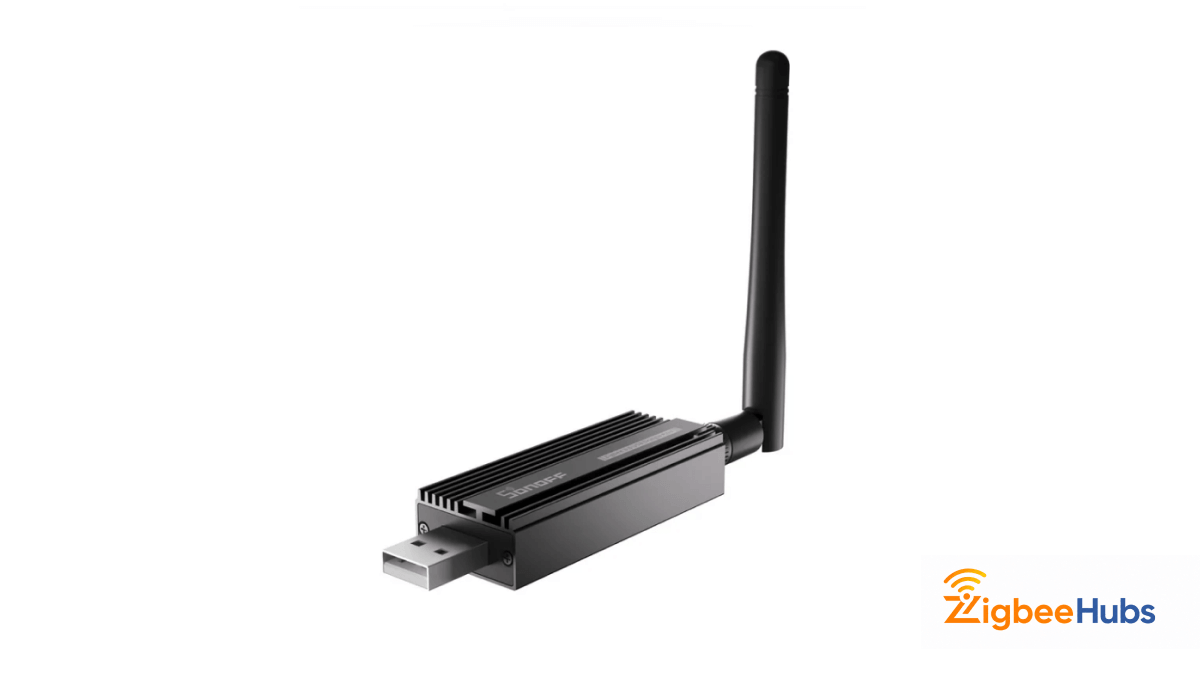
⭐SONOFF Zigbee 3.0 USB Dongle Plus
When we tested the SONOFF ZBDongle-P, it delivered some of the best Zigbee range in our two-floor smart home test environment. After pairing more than 25 Zigbee devices, including sensors, switches and plugs, network stability remained excellent throughout testing.
This coordinator uses the well-known CC2652P chipset, which has become a favourite in the Home Assistant community because if its strong Zigbee2MQTT support and long-term stability.
Key Features
- Texas Instruments CC2652P chipset: Known for stable Zigbee network performance.
- External SMA antenna: Helps improve signal range and mesh reliability.
- +20 dBm output power: Designed for larger Zigbee networks.
- ZHA + Zigbee2MQTT support: Works with both beginner and advanced Home Assistant setups.
Pros
- Excellent value for money
- Very stable chipset
- Great Zigbee2MQTT compatibility
- Strong community support
Cons
- Zigbee only (no native Thread support)
- Can require firmware updates in advanced setups
 Sarah Diyana
SONOFF ZBDongle-E
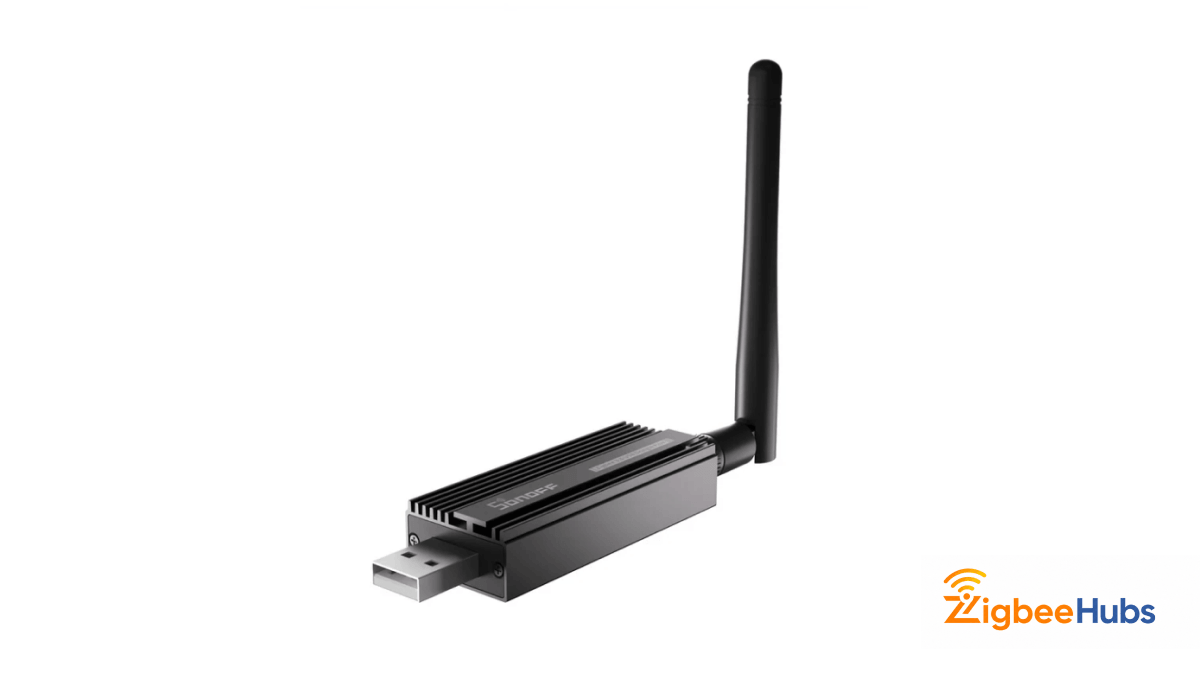
When we tested the SONOFF ZBDongle-E, setup took slightly longer than the P model but once configured, performance was stable across both ZHA and Thread-based testing.
This model uses Silicon Labs hardware, making it attractive for users planning future Matter or Thread experiments.
Key Features
- Silicon Labs EFR32MG21 Chipset: Built for modern Zigbee and Thread networking.
- Upgradeable Firmware Support: Allows flexible use cases depending on your setup.
- Home Assistant compatibility: Works with both ZHA and advanced integrations.
- Future Matter Potential: Good option for users building next-generation smart homes.
Pros
- Best future-proofing potential
- Thread-ready hardware
- Modern chipset
Cons
- Slightly steeper learning curve
- Setup took longer during testing
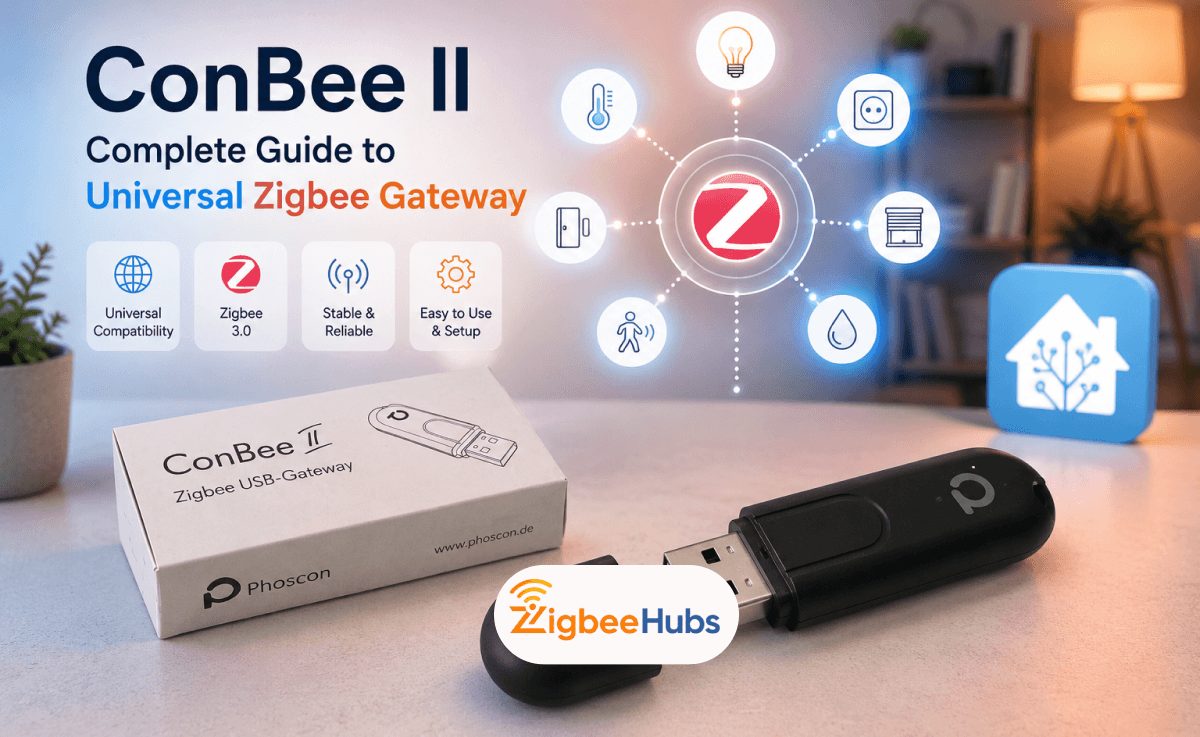
ConBee II
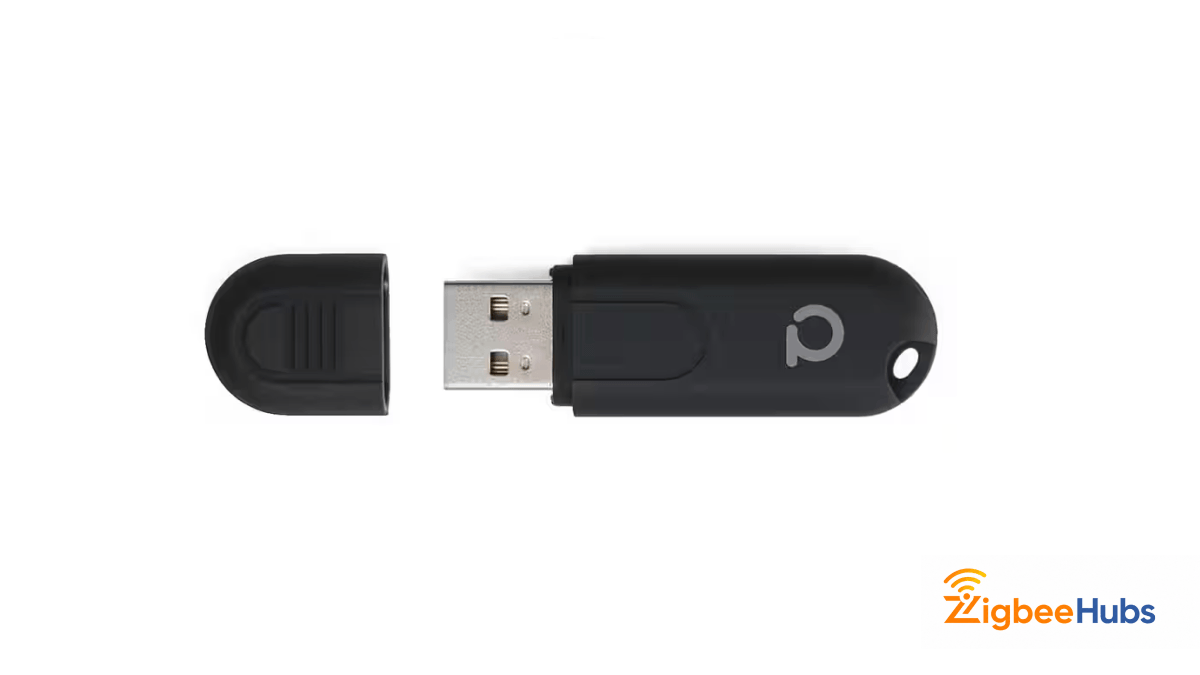
When we tested the ConBee II with Home Assistant, it delivered stable Zigbee performance across Aqara sensors, Philips Hue bulbs and Ikea devices, Setup took slightly longer than SONOFF slightly, but once configured, device paring and mesh stability was excellent. We found it works best for users who want deeper control through deCONZ or already use the Phoscon ecosystem.
Key Features
- Zigbee 3.0 USB coordinator: Designed by Dresden Elektronik for local Zigbee smart home control.
- deCONZ + Phoscon support: Works seamlessly with the deCONZ software ecosystem.
- Cross-platform compatibility: We tested it on Raspberry Pi, Linux, Docker, and mini PC environments.
- Wide device compatibility: Supports major Zigbee brands including Aqara, Hue, Ikea, and Tuya.
 Ishara Fernando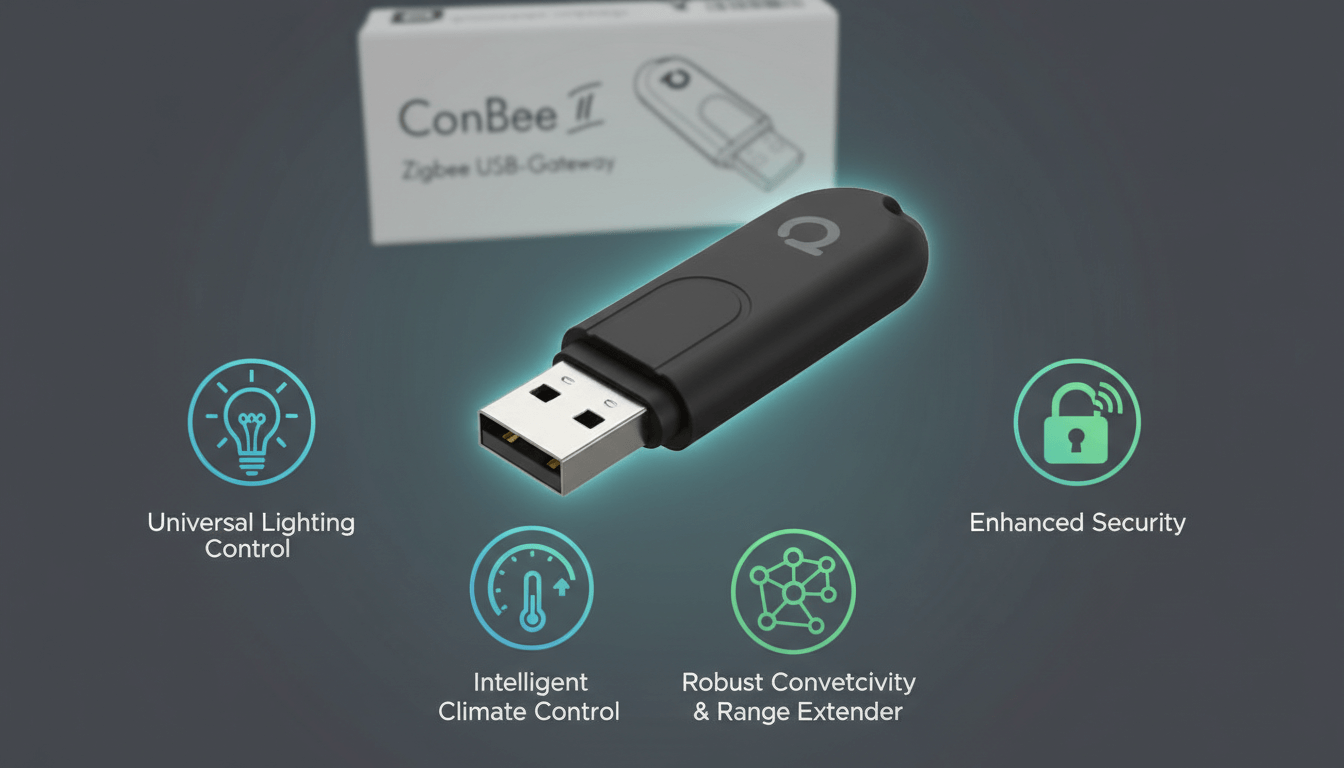
Zigbee Dongle Comparison Table
| Zigbee USB Dongle | Best For | Chip / Platform | Future-Proofing | Setup Difficulty |
|---|---|---|---|---|
| Sonoff ZBDongle-E | Future-focused users | Silicon Labs EFR32MG21 | Thread / Matter ready | Easy to Medium |
| Sonoff ZBDongle-P | Best value for Home Assistant | Texas Instruments CC2652P | Zigbee only | Easy |
| ConBee II | deCONZ users | Atmel ATSAMR21B18 | Zigbee only | Medium |
 Ishara Fernando
Why Should You Use a USB Extension Cable for Your Zigbee Dongle?
USB 3.0 ports emit radio frequency interference on the 2.4GHz band, which disrupts your Home Assistant Zigbee USB signals. A USB 2.0 extension cable (at least one metre long) moves the Zigbee dongle Home Assistant away from this interference.
Never plug your Home Assistant dongle directly into your server. This single step prevents most connectivity issues users encounter with their Zigbee USB dongle Home Assistant setup.
How Do You Install Zigbee on Home Assistant?
Should You Use ZHA or Zigbee2MQTT for Home Assistant?
Home Assistant offers two ways to manage your Zigbee hub for Home Assistant: the native ZHA integration or Home Assistant Zigbee2MQTT.
ZHA: Built-In Zigbee Integration
Most users should choose ZHA (Zigbee Home Automation). It's built into Home Assistant, requires no additional software, and supports most common devices including Tuya Zigbee Home Assistant products out of the box.
ZHA runs entirely within Home Assistant. Setup takes minutes, and device management happens through the familiar interface. Choose ZHA if you want simplicity and official support for your Home Assistant Zigbee hub.
Zigbee2MQTT Home Assistant: Advanced Control
Zigbee2MQTT Home Assistant runs as a separate application and bridges Zigbee devices to MQTT. It supports more obscure devices and offers advanced configuration options.
Home Assistant Zigbee2MQTT advantages include:
- Wider device support (2,700+ devices)
- Device-specific configuration options
- Independence from Home Assistant updates
- Community-driven rapid device additions
Choose Zigbee2MQTT if you need specific device support, prefer MQTT-based automations, or want the latest device compatibility.
Which Zigbee Setup is Right for You (Summary)
- Choose ZHA if: you are new to Home Assistant, want the simplest setup, and prefer managing everything inside the Home Assistant interface.
- Choose Zigbee2MQTT if: you want wider device support, advanced device controls, MQTT-based automations, or faster support for unusual Zigbee devices.
- Choose Sonoff ZBDongle-P if: you want a reliable budget Zigbee-only coordinator.
- Choose Sonoff ZBDongle-E or SkyConnect if: you want a newer Silicon Labs-based option with a future Thread or Matter path.
- Avoid CC2531 for new setups if: you want strong range, better performance, and easier long-term maintenance.
How Do You Add and Manage Zigbee Devices?
How Do You Set Up a Zigbee Hub in Home Assistant?
Setting up your Home Assistant Zigbee dongle takes about five minutes. Connect your coordinator, add the integration, and create your network.
Step 1: Connect Your Zigbee USB Dongle
Plug your Zigbee dongle into a USB 2.0 port using an extension cable. Position the Home Assistant Zigbee USB coordinator away from your Wi-Fi router, USB 3.0 devices, and other sources of 2.4GHz interference.
For virtual machine users: Pass through the USB device from your host to the VM before proceeding. The Zigbee USB dongle won't appear in Home Assistant until you complete this step.
Step 2: Add the ZHA Integration
Open Home Assistant and go to Settings, then Devices & Services. Click Add Integration, search for "Zigbee Home Automation," and select it. Home Assistant will scan for your Zigbee bridge Home Assistant coordinator automatically.
Step 3: Select the Correct Serial Port
Home Assistant typically detects your Home Assistant dongle automatically. If prompted, select the port matching your device. Look for paths like /dev/ttyUSB0 or check /dev/serial/by-id/ for your specific coordinator name.
Step 4: Configure the Radio Type
Select the radio type matching your Zigbee hub for Home Assistant chip:
- EZSP: Silicon Labs chips (SkyConnect, Sonoff ZBDongle-E, Aeotec Zi-Stick)
- ZNP: Texas Instruments chips (Sonoff ZBDongle-P, CC2531)
When unsure, select "Autodetect" and let Home Assistant identify the correct type for your Zigbee USB dongle Home Assistant.
Step 5: Create Your Zigbee Network
Choose "Erase network settings and create a new network" when prompted. This ensures a clean configuration without conflicts. Once complete, your Home Assistant Zigbee network is active and ready for devices.
How Do You Pair Zigbee Devices to Home Assistant?
Pairing devices to your Zigbee hub Home Assistant requires putting both Home Assistant and the physical device into pairing mode simultaneously.
Pro tip: Pair devices in their final location. This allows the mesh network to establish optimal routing paths immediately.
How Do You Optimize Your Home Assistant Zigbee Network?
A well-optimized Home Assistant Zigbee network provides fast response times and reliable connections.
Build a Strong Mesh with Router Devices
Mains-powered Zigbee devices (smart plugs, light bulbs, switches) act as routers that relay signals. Distribute these throughout your home to create multiple signal paths between sensors and your Zigbee dongle Home Assistant.
Aim for at least one router device per room. More routers mean more redundant paths, keeping your Zigbee for Home Assistant network connected even if one device fails.
Choose the Right Zigbee Channel
Zigbee channels 15, 20, and 25 experience the least interference from common Wi-Fi channels. These channels sit in gaps between Wi-Fi frequencies, reducing signal conflicts with your Home Assistant Zigbee USB coordinator.
To change your channel in ZHA, go to Settings > Devices & Services > Zigbee Home Automation > Configure > Migrate Radio.
How Do You Fix Common Zigbee Problems?
Even properly configured Home Assistant Zigbee dongle setups occasionally experience issues.
Why Won't My Device Pair?
Factory reset the device and try again. Move it closer to a router during pairing. Some devices require multiple attempts with your Zigbee bridge Home Assistant.
Why Do Devices Keep Disconnecting?
Check your USB extension cable placement. Ensure the best Zigbee dongle for Home Assistant sits at least one metre from USB 3.0 ports and Wi-Fi routers. Add more router devices to strengthen weak mesh areas.
Why Are Response Times Slow?
Slow responses typically indicate weak mesh coverage. Add router devices between slow sensors and your Home Assistant Zigbee hub. Verify your Zigbee channel doesn't overlap with Wi-Fi.
Why Isn't My Coordinator Detected?
For VM users, verify USB passthrough configuration. Try different USB ports. Check that no other software is using the serial port for your Zigbee USB dongle Home Assistant.