Zigbee Gateway vs Hub vs Coordinator: The Real Difference

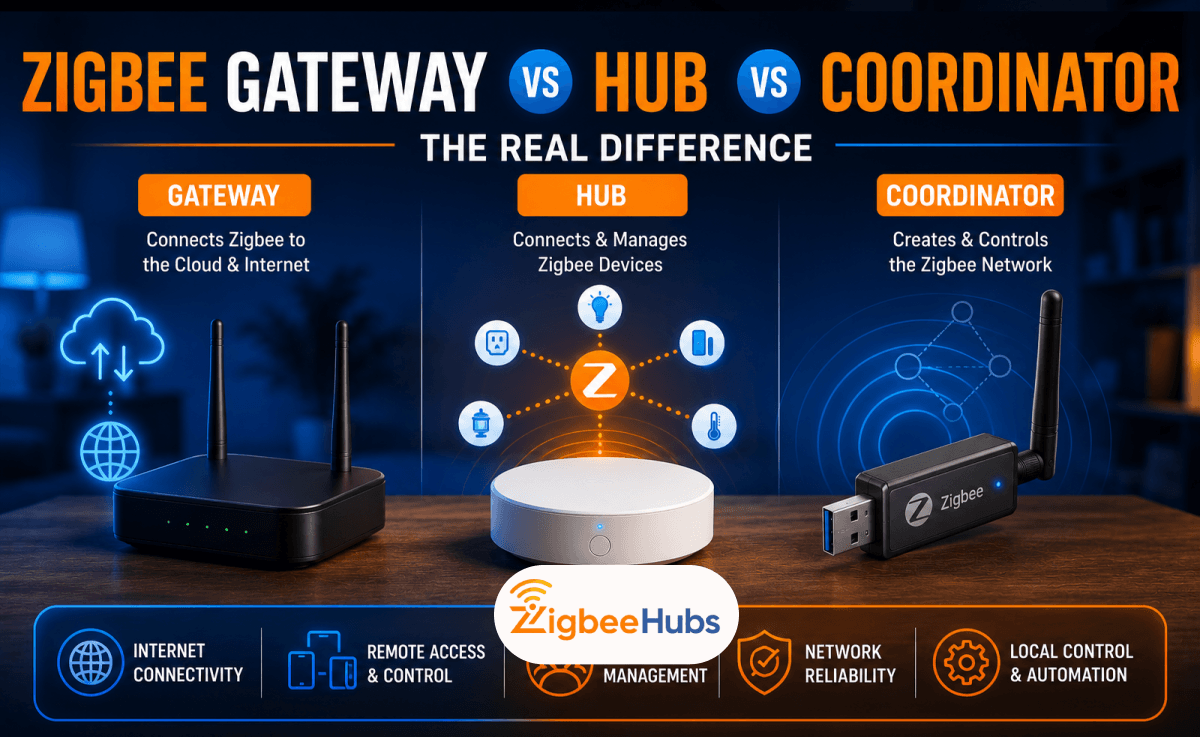
If you're comparing a zigbee gateway vs hub, here's the short answer: a Zigbee coordinator creates and manages your network, a Zigbee hub bundles a coordinator with an app and usually cloud services, and a Zigbee gateway or bridge connects your Zigbee devices to another platform. Manufacturers rarely use these terms consistently, so here's how to tell them apart, using the devices we've tested firsthand.
Key Takeaways
- Every Zigbee network has exactly one coordinator; most USB zigbee dongle devices are coordinators, not hubs.
- Consumer hubs bundle a coordinator with an app and often cloud services.
- A gateway or bridge connects your Zigbee network to another platform, like Apple Home or Alexa.
- "Gateway," "hub," and "bridge" are used interchangeably by manufacturers, even when the hardware performs different roles.
What Is a Zigbee Network?
A zigbee network is a low-power wireless mesh network designed for smart home devices. Unlike Wi-Fi, where every device talks directly to your router, Zigbee devices relay messages to one another. A typical network has three device types. The coordinator creates and manages the network. The router repeats signals and extends range. The end device covers battery-powered gear like motion sensors, door sensors, and temperature sensors. Every powered router helps relay messages, so the network gets stronger as you add more mains-powered devices such as smart plugs, light switches, or bulbs. This is one reason Zigbee remains one of the most reliable protocols for smart homes.
What Is a Zigbee Coordinator?
A zigbee coordinator is the brain of the entire Zigbee network. Every Zigbee installation has exactly one coordinator. It creates the network, selects the Zigbee channel, authenticates new devices, distributes encryption keys, and manages communication between every connected device. Without one, your Zigbee devices simply cannot communicate. For DIY smart homes, the coordinator is usually a zigbee usb dongle connected to a Raspberry Pi, mini PC, or server running Home Assistant Zigbee through ZHA or zigbee2mqtt.
What Is a Zigbee Hub?
A zigbee hub packages the coordinator together with software, a mobile app, and usually cloud connectivity. The manufacturer handles everything through a bundled zigbee controller and app, instead of you configuring Home Assistant or Zigbee2MQTT yourself. Most hubs include a coordinator, mobile app, device management, firmware updates, an automation engine, remote access, and cloud services. Some also bridge devices into Apple Home, Alexa, or Google Home. Popular examples include the Aqara Hub M2, SONOFF iHost, SmartThings Hub, and Hubitat Elevation.
The biggest advantage is simplicity. The biggest disadvantage is ecosystem lock-in. During testing, we found the Aqara Hub M2 refused to pair third-party IKEA and Philips Hue Zigbee devices, even though they use the same Zigbee protocol.
What Is a Zigbee Gateway or Bridge?
Technically, a gateway connects one network to another. A bridge is simply another common name for the same role. A Zigbee gateway or bridge connects your Zigbee devices to another protocol or network, such as Ethernet, Wi-Fi, Apple Home, Google Home, Alexa, or Matter. It translates Zigbee communication into something your smart home platform understands. In practice, manufacturers use gateway, hub, and bridge almost interchangeably, which is exactly why people searching for zigbee gateway vs hub get confused. Manufacturers aren't wrong here; they're simply describing different aspects of the same hardware. Some bridges are cloud-first, others operate locally, and many now expose devices through Matter too. During our testing we encountered several examples:
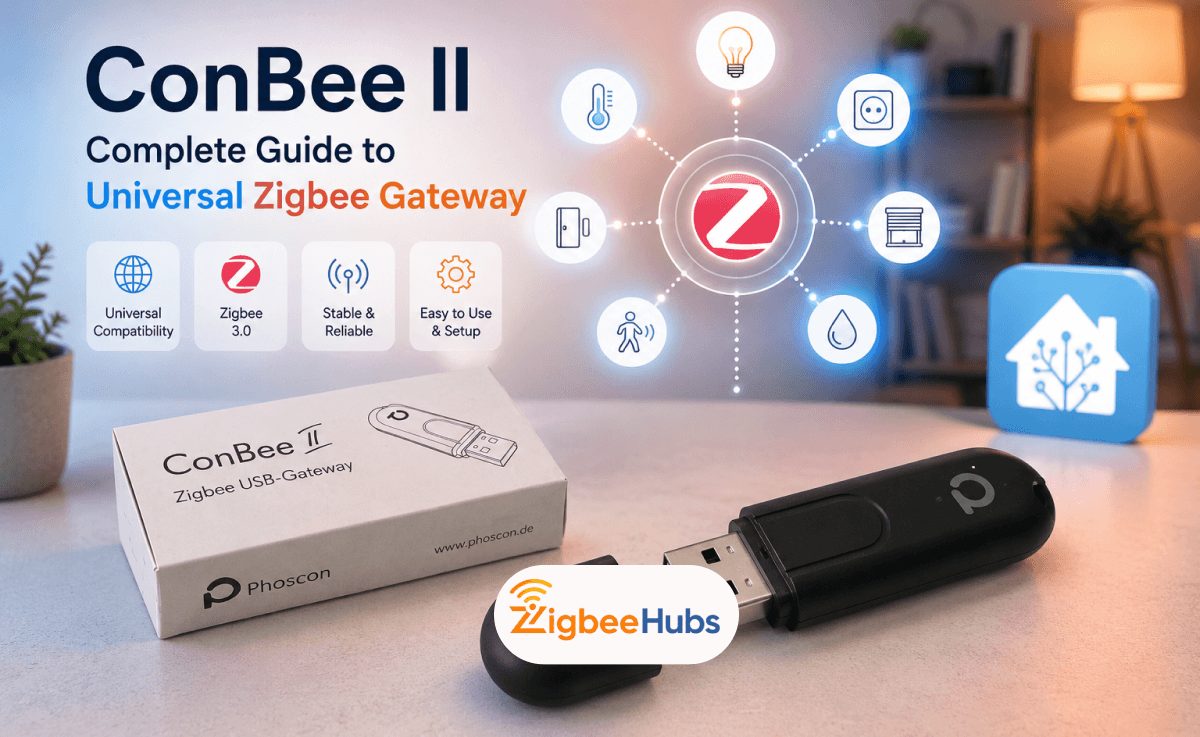
- ConBee II is sold as a Universal Zigbee Gateway, yet technically it functions as a Zigbee coordinator.
- SONOFF Zigbee Bridge Pro is advertised by some retailers as a bridge and by others as a hub. Technically, it performs both gateway and bridge functions.
- Philips Hue Bridge Pro is consistently called a bridge by Philips, even though it acts as the gateway between the Zigbee lighting network and your smart home ecosystem.
Zigbee Gateway vs Hub vs Coordinator: Quick Comparison
| Feature | Coordinator | Hub | Gateway / Bridge |
|---|---|---|---|
| Creates Zigbee network | Yes | Yes | Usually |
| Controls devices | Through software | Yes | Yes |
| Mobile app included | No | Yes | Usually |
| Cloud required | No | Sometimes | Depends |
| Brand restrictions | None | Often | Varies |
| Best for Home Assistant | Excellent | Good | Good |
| Best for beginners | Fair | Excellent | Very good |
Which One Should You Buy?
Buy a Zigbee Coordinator if: you use Home Assistant, want local control, want maximum compatibility, plan to build a large zigbee mesh network, or enjoy customizing your smart home.
Buy a Zigbee Hub if: you want everything working in minutes, prefer a polished mobile app, mainly buy devices from one manufacturer, or don't mind limited compatibility.
Buy a Zigbee Gateway or Bridge if: you mainly want to expose Zigbee devices to Apple Home, Alexa, or Google Home, you're already invested in a particular ecosystem, or you don't need complete local control.
Best Zigbee Coordinators, Hubs, and Gateways We Tested
There isn't one device that's best for everyone. The right choice depends on whether you want complete local control with Home Assistant Zigbee, a simple plug-and-play experience, or a dedicated ecosystem like Philips Hue or Aqara. Below are the products we've personally tested and what we found using them in real smart home environments.
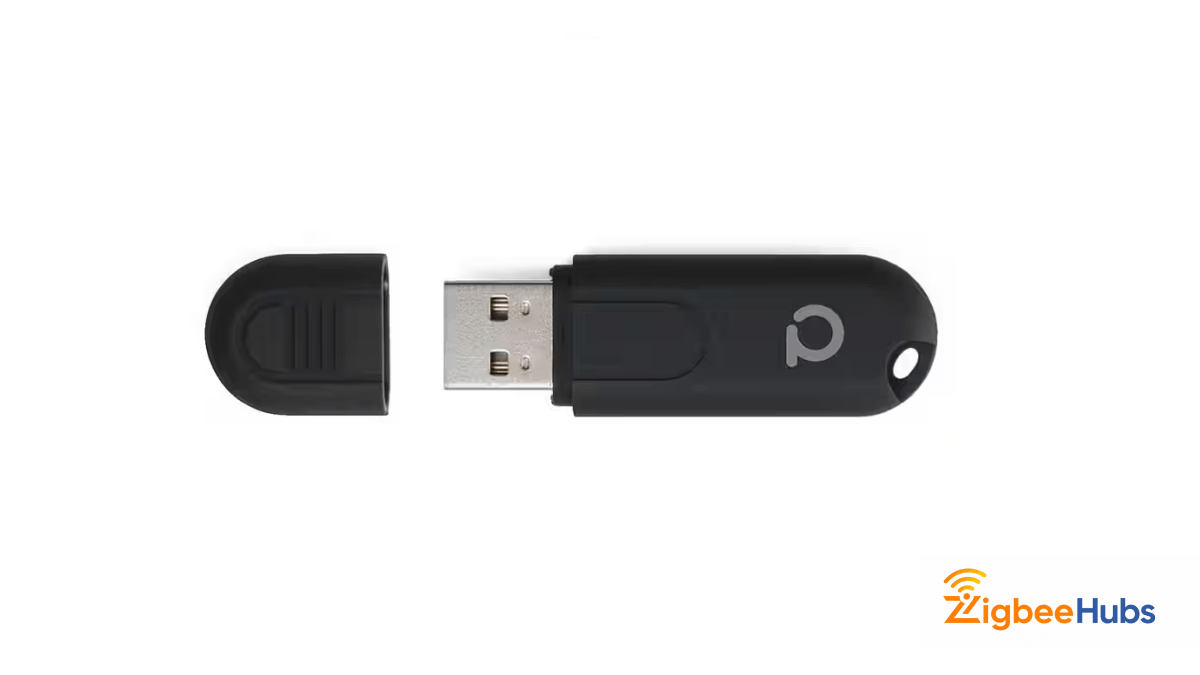
⭐Conbee II [Best Recommended]
The ConBee II is one of the most popular USB zigbee dongle options for Home Assistant users. Although Dresden Elektronik markets it as a Universal Zigbee Gateway, it's technically a zigbee coordinator, making it a perfect example of why the terminology around zigbee gateway vs hub is so confusing. Unlike consumer hubs, the ConBee II doesn't include a mobile app or cloud service. Instead, it plugs into a Raspberry Pi, mini PC, NAS, or Linux server where software such as deCONZ, ZHA, or zigbee2mqtt manages your devices.
Key Features
- Zigbee 3.0 coordinator
- Supports Home Assistant, deCONZ, Zigbee2MQTT, and ioBroker
- Works with Windows, Linux, Docker, and Raspberry Pi
- Supports hundreds of Zigbee devices
- Up to 200m open-air range
- Fully local operation, no cloud account required
Our testing experience:
We tested the ConBee II on a Raspberry Pi running Home Assistant, and pairing was straightforward. Within minutes we had IKEA bulbs, Philips Hue lights, and Aqara sensors all connected to the same zigbee mesh network without needing any manufacturer hubs.
Plugged directly into the Pi's USB port, the coordinator suffered noticeable interference and inconsistent device joins. A short 10 to 15cm USB extension cable solved it completely, a pattern we saw across every USB coordinator we tested, so we now recommend one by default with any Zigbee USB dongle. Performance stayed responsive throughout, with excellent local automation latency. The only dated parts were the lightweight plastic housing and the Phoscon software, which has a steeper learning curve than newer Home Assistant integrations.
Pros
- Excellent multi-brand compatibility
- Works entirely offline
- Stable local performance
- Compatible with multiple Zigbee platforms
- Large community support
Cons
- Plastic housing feels fragile
- USB extension cable is almost mandatory
- No Matter or Thread support
- deCONZ interface feels outdated
Best for:
Home Assistant users who want a reliable, brand-agnostic Zigbee coordinator.
 Sarah Diyana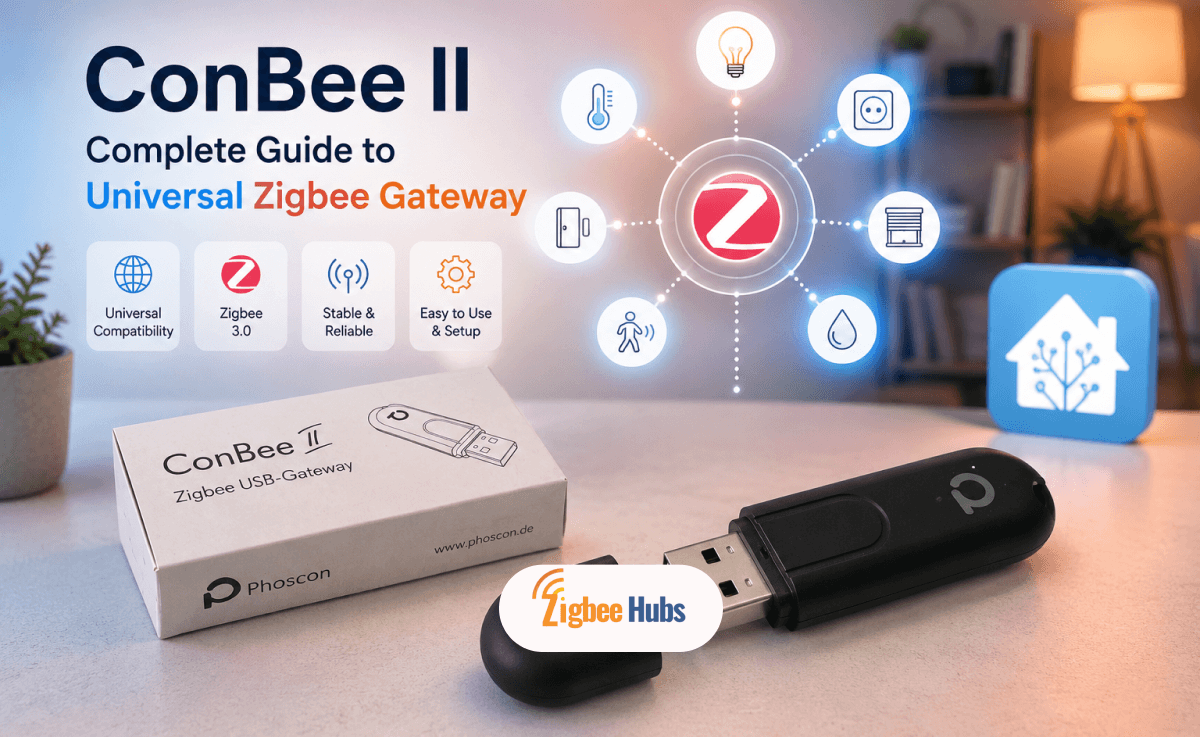
SONOFF Zigbee 3.0 USB Dongle-E
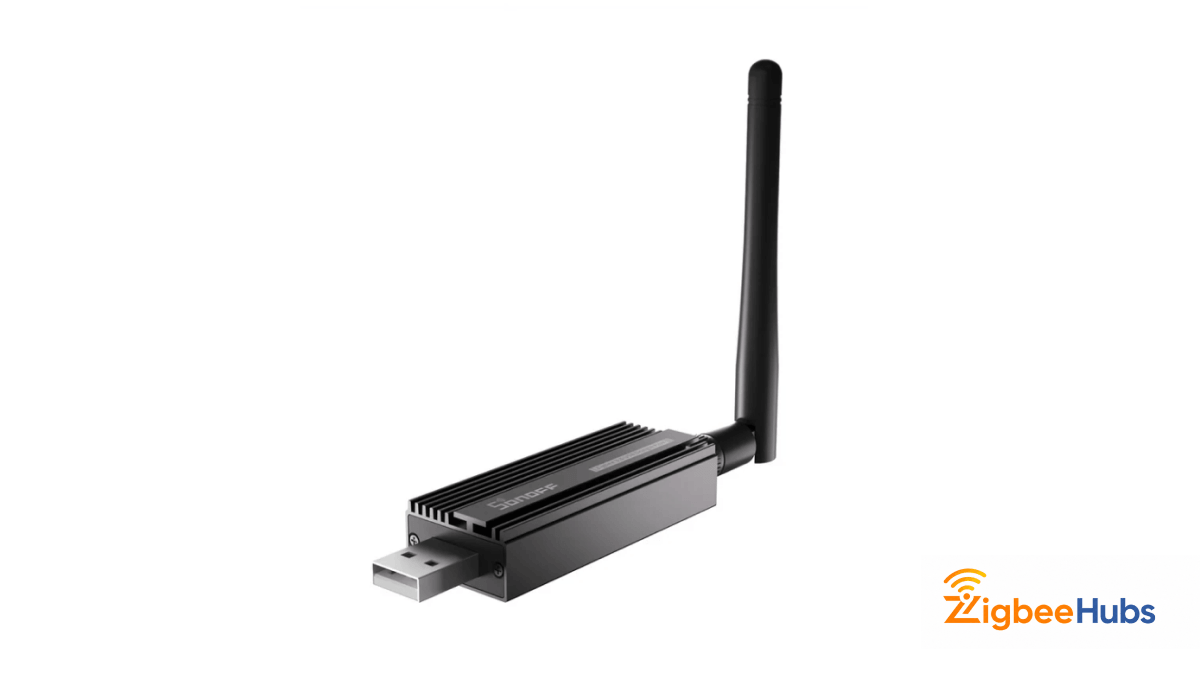
The SONOFF ZBDongle-E is one of the newest generation Zigbee coordinators, built around the Silicon Labs EFR32MG21 chipset. It offers excellent Zigbee performance today while also supporting Thread firmware in the future, making it one of the most future-ready coordinators available. For anyone starting a Home Assistant Zigbee installation today, this is one of our favourite recommendations.
Key Features
- Silicon Labs EFR32MG21 chipset
- Zigbee 3.0 coordinator
- External high-gain antenna, aluminum enclosure
- Supports ZHA and Zigbee2MQTT
- Can be flashed as a Zigbee router
- Future Thread firmware support
Our testing experience:
We tested the ZBDongle-E with dozens of Zigbee devices using both ZHA and zigbee2mqtt. Setup was quick once the serial port was identified, and pairing speed was noticeably faster than the older CC2531 hardware we'd previously used, even when adding multiple devices back-to-back. The aluminum enclosure also appeared to help reduce interference compared to plastic USB coordinators, though USB placement still mattered: connecting directly to a USB 3.0 port caused intermittent interference, and moving the dongle about a metre away using a USB 2.0 extension cable fixed it.
One feature we particularly liked was flashing router firmware. We tested the coordinator as a dedicated Zigbee router to improve coverage for an upstairs office and detached garage, and once added to the mesh, routing stabilized after a short optimization period. During testing, the dongle maintained stable connections through several interior walls using its external antenna and 20 dBm transmit power. Thread firmware is available, but we currently recommend keeping Zigbee and Thread on separate radios in production Home Assistant installations to avoid unnecessary complexity.
Pros
- Extremely fast pairing
- Excellent radio performance
- Aluminum housing reduces interference
- Can become a Zigbee router
- Future-ready hardware with outstanding Home Assistant support
Cons
- USB extension cable still recommended
- Initial serial port identification can confuse beginners
- Thread and Zigbee should ideally remain on separate radios
Best for:
Users building a new Home Assistant or Zigbee2MQTT installation.
 Sarah Diyana
SONOFF Zigbee 3.0 USB Dongle-P
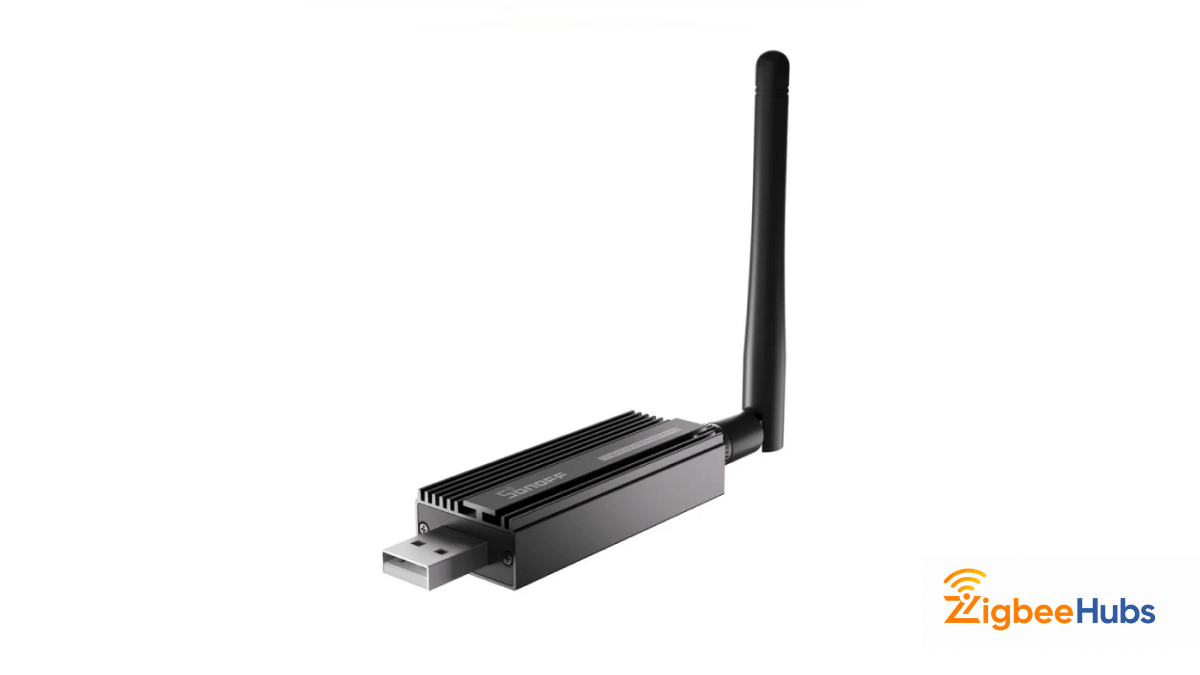
The SONOFF ZBDongle-P uses Texas Instruments' CC2652P chipset and has become one of the most respected coordinators in the Home Assistant community. Although it's older than the Dongle-E, it remains one of the most stable choices for larger Zigbee networks.
Key Features
- Texas Instruments CC2652P chipset
- External SMA antenna, aluminum housing
- Supports Zigbee2MQTT and ZHA
- Firmware upgradable
- Up to +20 dBm transmit power
Our testing experience:
We used the ZBDongle-P for more than eight months on a Raspberry Pi 4 with over forty Zigbee devices, and reliability was excellent; once the mesh settled, we never needed to restart the coordinator. Updating the firmware made a real difference: the factory version capped transmit power at +5 dBm, while the latest firmware unlocks +20 dBm for noticeably stronger links throughout the house.
USB interference showed up here too, and a one-metre USB 2.0 extension cable fixed it, while an externally powered USB hub stopped occasional recognition drops on the Pi 4. Our biggest tip: pair mains-powered plugs and switches first, then add battery-powered sensors, for a much healthier routing table. Zigbee2MQTT's LQI values were useful only as rough indicators, not precise measurements.
Pros
- Outstanding long-term stability
- Excellent Zigbee2MQTT support
- Strong radio performance
- Durable aluminum housing
- Huge community support
Cons
- Bulkier than the Dongle-E
- Firmware update recommended
- Powered USB hub may be needed on some Raspberry Pi systems
Best for:
Large Home Assistant Zigbee networks with dozens of devices.
 Sarah Diyana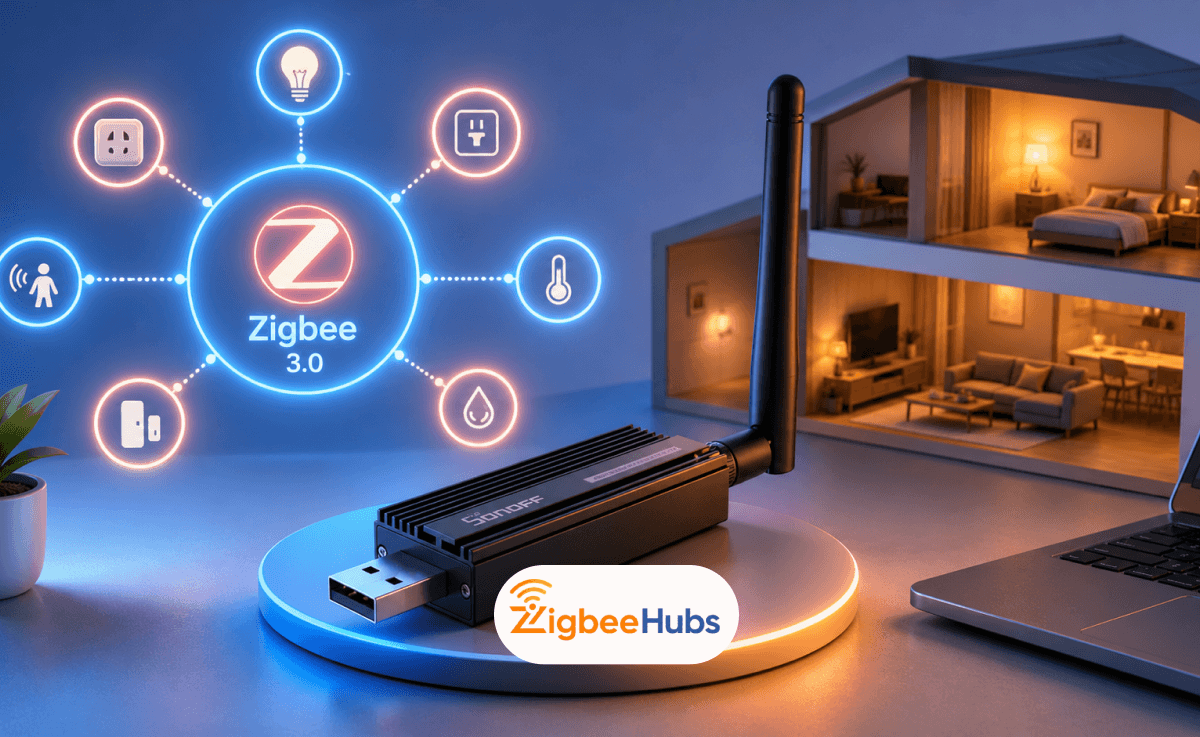
Aqara Hub M2
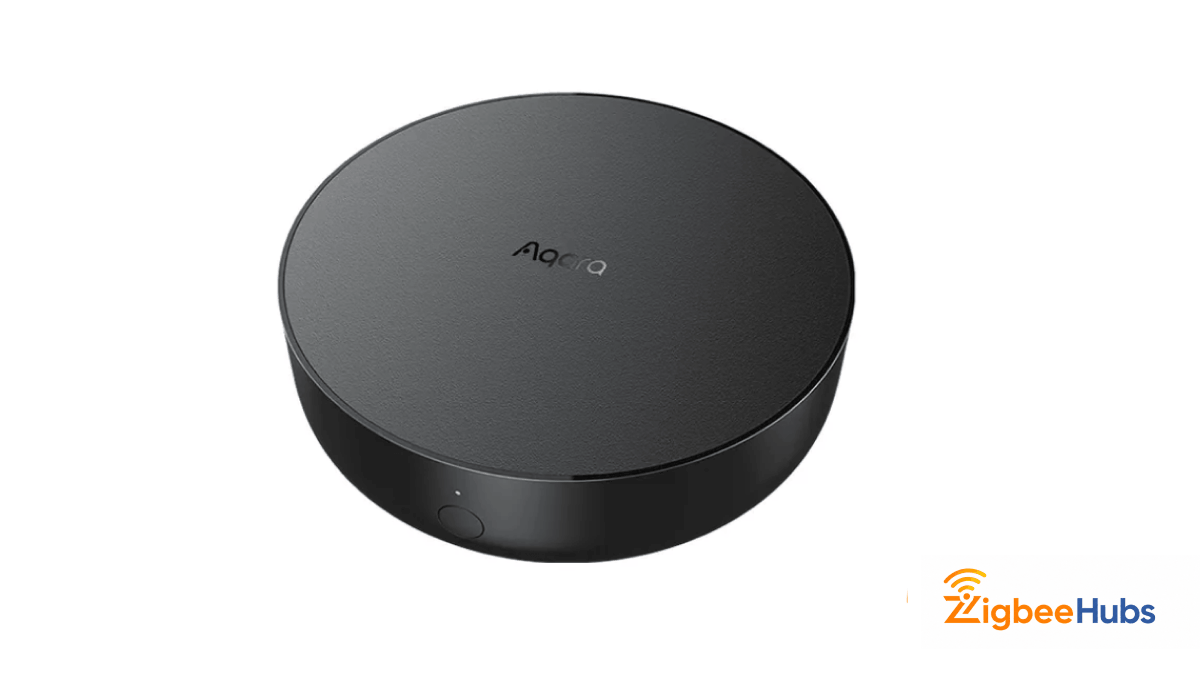
The Aqara Hub M2 is a consumer-friendly Zigbee hub designed primarily for Aqara's own ecosystem. Unlike USB coordinators, it includes its own mobile app, automation engine, remote access, and Apple Home integration, making it a solid option for anyone who wants a polished experience without managing Home Assistant.
Key Features
- Zigbee 3.0 hub, Ethernet connectivity
- Apple Home support, Matter bridge support
- Built-in IR blaster
- Supports up to 128 Zigbee devices
- Local Home Assistant integration via HomeKit Controller
Our testing experience:
The M2 was one of the easiest devices we tested, with setup taking less than ten minutes. Using Ethernet instead of Wi-Fi noticeably improved response times and overall reliability, and the built-in IR blaster worked surprisingly well for controlling an older television and air conditioner.
We quickly discovered the biggest limitation: the M2 refused to pair IKEA bulbs and Philips Hue devices, accepting only supported Aqara products. We also noticed the built-in temperature sensor consistently reads around three degrees Celsius warmer than nearby standalone sensors, due to heat from the hub's own hardware. On device capacity, the 128-device figure is a ceiling, not a starting point; without adding Zigbee router devices to the mesh, we were limited to 32 direct end devices, which is worth knowing before planning a larger network. We also appreciated the Matter bridge functionality, though it's a bridge only, not a Thread Border Router. If Thread support matters to you, the Aqara Hub M3 is the better option.
Pros
- Extremely easy setup
- Stable Ethernet connection
- Apple Home support
- Matter bridge support
- Useful built-in IR blaster
Cons
- Limited third-party compatibility
- Internal temperature sensor runs warm
- No Thread Border Router support
- Requires the Aqara ecosystem for the best experience
- Real device limit is lower than the headline number suggests
Best for:
Apple Home users invested in the Aqara ecosystem.
 Ishara Fernando
SONOFF iHost Smart Home Hub
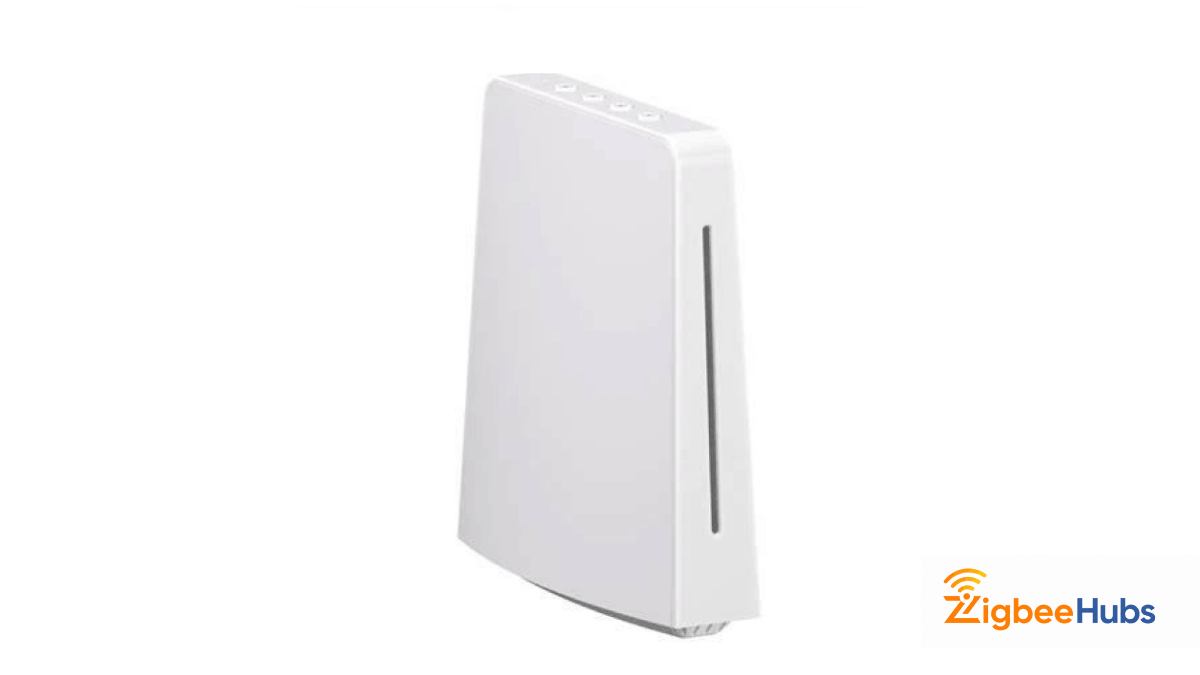
The SONOFF iHost Smart Home Hub is much more than a traditional Zigbee hub. It acts as a private local smart home server that combines Zigbee control, automation, dashboards, Docker support, and local storage into a single device. For users who like the flexibility of Home Assistant but want a simpler appliance-style solution, it's an interesting middle ground.
Key Features
- Supports up to 128 Zigbee devices
- Fully local automation
- Browser-based management console
- Docker support, open API
- Node-RED compatibility
- HomeBridge integration through eWeLink Cube
- Local event logging
Our testing experience:
We tested the iHost as our primary controller while experimenting with local automation. Everything is managed through a browser rather than a mobile app, with device management, dashboards, automation rules, and even camera streams available from one interface. Once configured, it proved reliable even when disconnected from the internet, with automations and device logs continuing to work locally.
Docker support stood out. We successfully deployed Node-RED and HomeBridge through the eWeLink Cube plugin, turning the hub into a much more capable local server than a typical consumer Zigbee hub. That flexibility comes with a learning curve, and setup takes considerably longer than the Aqara Hub M2, especially for anyone unfamiliar with Docker or local server management. We'd also note that product listings sometimes make choosing the correct model confusing, since some retailers mix up the 2GB and 4GB RAM versions or confuse the iHost with the SONOFF Zigbee Bridge Pro.
Pros
- Completely local operation
- Docker support adds enormous flexibility
- Open API with offline operation
- Fast and reliable local automation
- Well-organized browser interface
Cons
- Steeper learning curve than most hubs
- Docker knowledge is helpful
- Product listings can be confusing
- Not the best choice for beginners
Best for:
Power users who want local control without building a complete Home Assistant server.
SONOFF Zigbee Bridge Pro (ZBBridge-P)
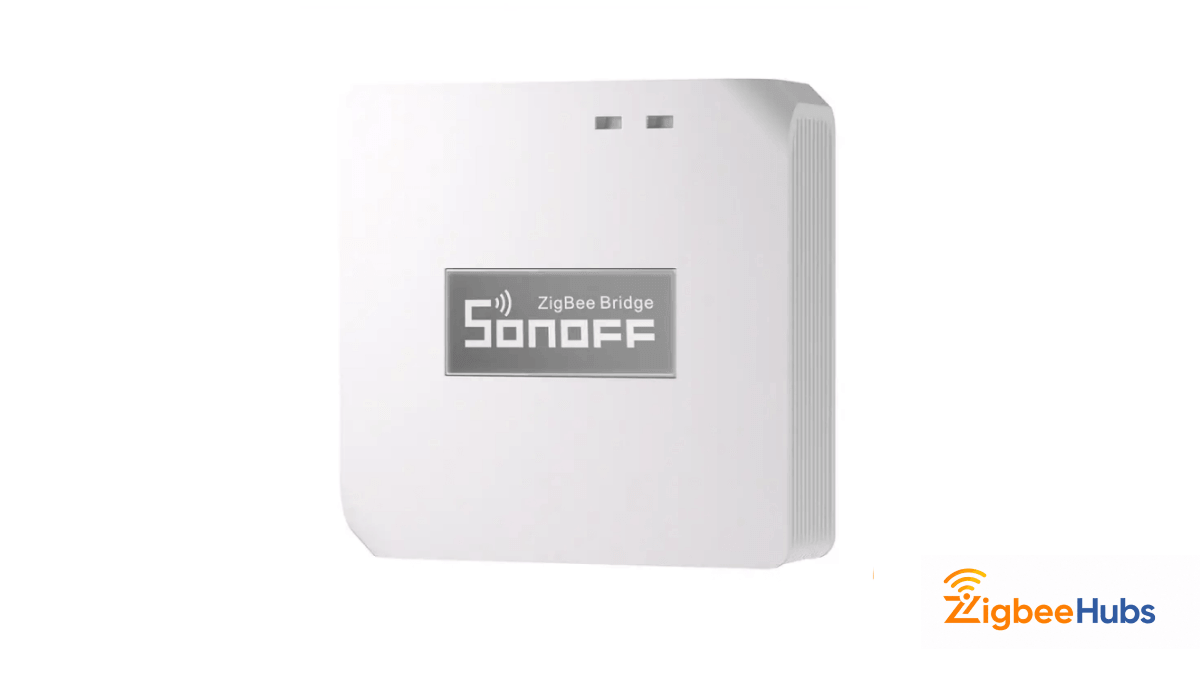
The SONOFF Zigbee Bridge Pro is one of the most affordable ways to build a Zigbee smart home. Depending on where you buy it, you'll see it advertised as a Zigbee Bridge, Zigbee Gateway, or Zigbee Hub, making it another excellent example of the naming confusion surrounding zigbee gateway vs hub. Out of the box it works through the eWeLink ecosystem, but advanced users can flash custom firmware and use it with Home Assistant for local control.
Key Features
- Supports up to 128 Zigbee devices
- eWeLink ecosystem
- Local scenes, security modes
- Can be flashed for Zigbee2MQTT
- Compact design
Our testing experience:
Setup took only a few minutes, with a couple of small surprises. The bridge only supports 2.4GHz Wi-Fi, so our phone had to be on a 2.4GHz network during setup, and we had to manually grant location permissions before the eWeLink app detected our Wi-Fi network. The hardware feels well built, though the lack of rubber feet means it slides easily on smooth surfaces.
We tested several SONOFF Zigbee accessories alongside it. The wireless switch responded almost instantly to single, double, and long presses when pressed in the centre rather than the corners. The PIR motion sensor triggered quickly, though cloud-based push notifications occasionally arrived a few seconds late. The door sensor was the most reliable accessory we tested, working well for Alexa announcements and door status notifications. The temperature and humidity sensor performed reliably too, letting us trigger a cooling automation whenever the room hit 27°C. One small annoyance: the battery tabs inside several sensors need a screwdriver to remove rather than a simple pull-tab. Although SONOFF advertises support for 128 devices, achieving that reliably requires a healthy mesh with enough mains-powered router devices. For advanced users, flashing custom firmware turns the Bridge Pro into a fully local coordinator for Home Assistant, making it far more flexible than most people realise.
Pros
- Affordable and beginner-friendly
- Small footprint
- Supports many SONOFF accessories
- Can be converted into a local coordinator
- Easy eWeLink setup
Cons
- 2.4 GHz Wi-Fi only
- Cloud notifications may be delayed
- Battery tabs can be awkward
- Large networks require additional Zigbee routers
Best for:
Users who want an inexpensive Zigbee gateway with the option to migrate to Home Assistant later.
Common Mistakes We See
After testing numerous Zigbee products, these are the mistakes we see most often:
- Plugging a coordinator directly into USB 3.0. Every coordinator we tested performed better with an extension cable.
- Buying multiple coordinators. A Zigbee network can only have one; a second creates a separate network.
- Pairing battery devices first. Add powered devices before battery-powered sensors for a healthier mesh.
- Assuming every hub supports every device. The Aqara Hub M2 wouldn't pair our IKEA or Hue devices; USB coordinators handled them fine.
- Trusting marketing terminology. Gateway, bridge, hub, coordinator: check what the device actually does, not just what it's called.
Our Recommendations
| Category | Recommended Product |
|---|---|
| Best Universal Coordinator | ConBee II |
| Best Overall Zigbee Coordinator | SONOFF ZBDongle-E |
| Best Zigbee2MQTT Coordinator | SONOFF ZBDongle-P |
| Best Apple Home Hub | Aqara Hub M2 |
| Best Local Smart Home Hub | SONOFF iHost |
| Best Budget Zigbee Bridge | SONOFF Zigbee Bridge Pro |
| Best Lighting Gateway | Philips Hue Bridge Pro |
For most Home Assistant users, we'd choose the SONOFF ZBDongle-E. It paired quickly, handled dozens of devices without issue, and delivered consistently excellent radio performance throughout our testing. If you simply want an easy-to-use smart home without running your own server, the Aqara Hub M2 remains one of the best consumer hubs available.
The most important takeaway is this: don't let marketing terms dictate your purchase. Understand whether you need a coordinator, hub, or gateway first, then choose the product that matches your smart home goals.