How to Connect Zigbee Devices with an Eero Router

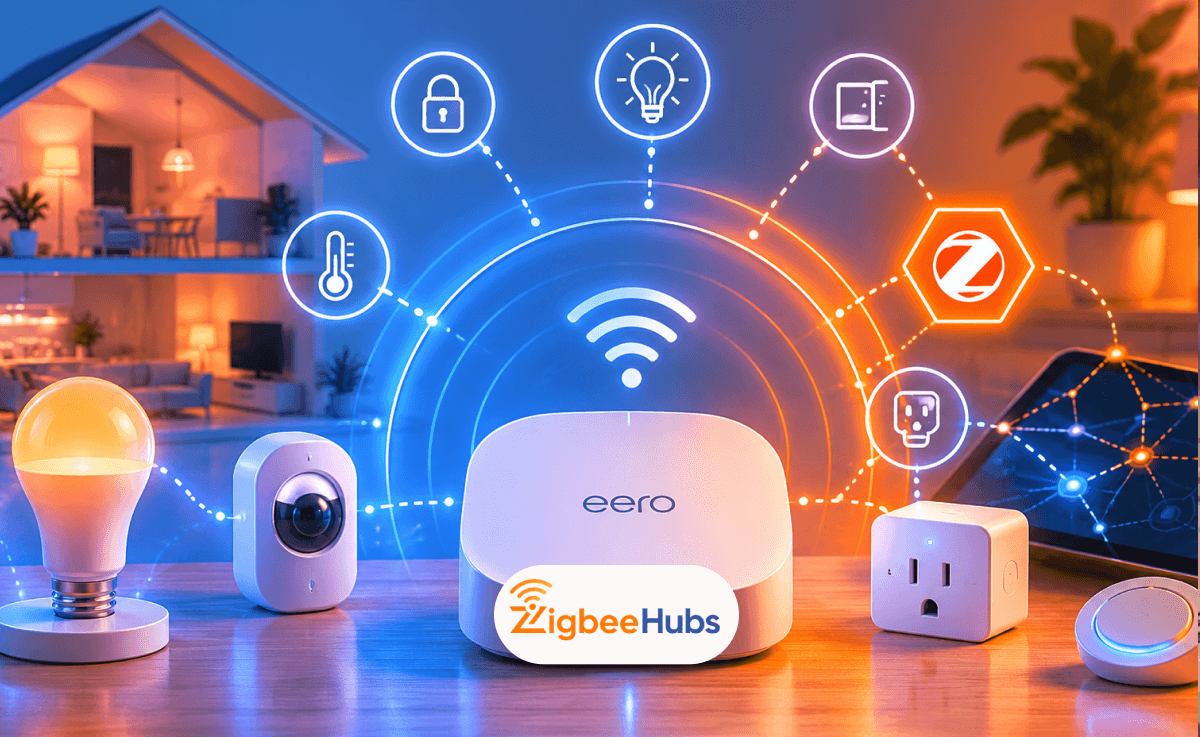
If you want to connect Zigbee devices with an Eero router, you have two options. Some Eero models include a built-in Zigbee hub that works with compatible smart home devices through Alexa. If your Eero model does not include a Zigbee radio, you can use an external Zigbee hub or coordinator connected to your Eero network.
When I build smart homes around Eero networks, I typically recommend using a dedicated Zigbee hub for the best device compatibility and automation flexibility. However, for many homeowners, Eero's built-in smart home features provide a simple and reliable starting point.
Key Takeaways
- Some Eero 6-series routers include a built-in Zigbee hub.
- Older Eero models require an external Zigbee hub.
- Zigbee reduces Wi-Fi congestion by creating a separate mesh network.
- Zigbee devices generally offer better battery life than Wi-Fi devices.
- Home Assistant users should consider a dedicated Zigbee coordinator.
- Apple HomeKit users can bridge Zigbee devices through compatible hubs.
- Proper hub placement significantly improves Zigbee reliability.
What Is Eero Zigbee Integration?
Eero Zigbee integration refers to the ability of certain Eero routers to communicate with Zigbee smart home devices through a built-in smart home hub.
Zigbee is a low-power wireless protocol designed specifically for smart home devices. Unlike Wi-Fi, Zigbee devices create their own mesh network, allowing devices to relay signals to one another and extend coverage throughout your home.
This approach offers several advantages:
- Lower battery consumption
- More reliable device communication
- Reduced Wi-Fi network congestion
- Better scalability for large smart homes
Instead of having dozens of smart devices competing for Wi-Fi bandwidth, Zigbee devices communicate over their own dedicated network.
Does Eero Have a Built-In Zigbee Hub?
This is the first question most homeowners ask when planning an eero zigbee setup.
The answer depends on your Eero model.
Eero Models with Built-In Zigbee Support
The following models include a built-in smart home hub:
- Eero 6
- Eero 6+
- Eero Pro 6
- Eero Pro 6E
- Eero PoE 6
- Eero PoE Gateway
These models can discover and manage compatible Zigbee devices through Amazon Alexa integration.
Eero Models Without Zigbee Support
Older models such as:
- Eero
- Eero Pro
- Eero Beacon
- Early-generation Eero mesh systems
do not include Zigbee hardware.
If you own one of these models, you will need an external eero zigbee hub solution.
Why Use Zigbee Instead of Wi-Fi?
When I compare Wi-Fi smart homes against Zigbee-based smart homes, Zigbee almost always wins in reliability once the device count grows.
Benefits of Zigbee
Better Battery Life
Door sensors, motion sensors, and leak detectors can often run for years on a single battery.
Reduced Network Congestion
Your Wi-Fi network remains free for:
- Video streaming
- Gaming
- Video calls
- Computers and smartphones
Self-Healing Mesh Network
Each powered Zigbee device strengthens the network by acting as a repeater.
Large Device Capacity
A properly designed Zigbee network can support dozens or even hundreds of devices.
How to Perform an Eero Zigbee Setup
If your router includes a built-in Zigbee hub, setup is relatively simple.
Step 1: Open the Eero App
Ensure:
- Your Eero network is online
- Your smartphone is connected to Wi-Fi
- Your Eero firmware is updated
Step 2: Navigate to Discover
Open:
Eero App → Discover
Locate the Smart Home section.
Step 3: Link Your Amazon Account
Eero's Zigbee functionality works through Alexa integration.
You'll need to:
- Sign into your Amazon account
- Connect Alexa services
- Authorize smart home access
Step 4: Enable Smart Home Hub
Select:
Smart Home Hub → Discover Zigbee Devices
Step 5: Pair Your Device
Put your Zigbee device into pairing mode.
Examples include:
- Smart bulbs
- Smart plugs
- Motion sensors
- Contact sensors
Alexa should discover the device automatically.
Pro Tip
I always pair new Zigbee devices close to the hub first. After successful pairing, move them to their final location.
This dramatically reduces pairing failures.
What If My Eero Doesn't Support Zigbee?
Many homeowners discover their Eero router lacks built-in Zigbee support.
In this case, the solution is straightforward: add an external Zigbee hub.
The hub connects to your Eero network and manages all Zigbee communications independently.
This approach often provides:
- Better device compatibility
- More advanced automation options
- Greater scalability
Best Eero Zigbee Compatible Devices and Hubs
Below are the Zigbee products I most commonly recommend for Eero users.
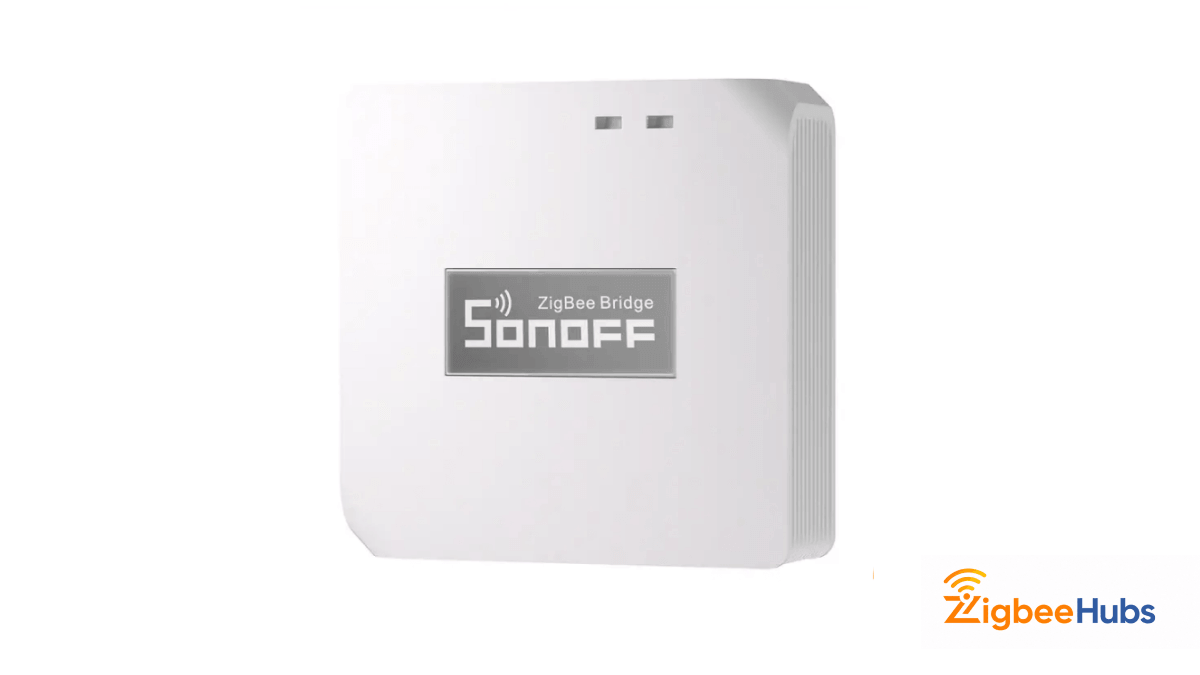
⭐SONOFF Zigbee Bridge Pro (ZBBridge-P)
The SONOFF Zigbee Bridge Pro is an affordable Zigbee 3.0 gateway that connects Zigbee devices to your network and supports local smart home automation.
Key Features
- Zigbee 3.0 support
- Supports up to 128 devices
- Built-in alarm functionality
- Smart scene automation
- Compact design
Pros
- Affordable
- Supports large device counts
- Easy installation
- Reliable performance
Cons
- Requires SONOFF ecosystem setup
- Fewer advanced options than Home Assistant
Aqara Hub M2
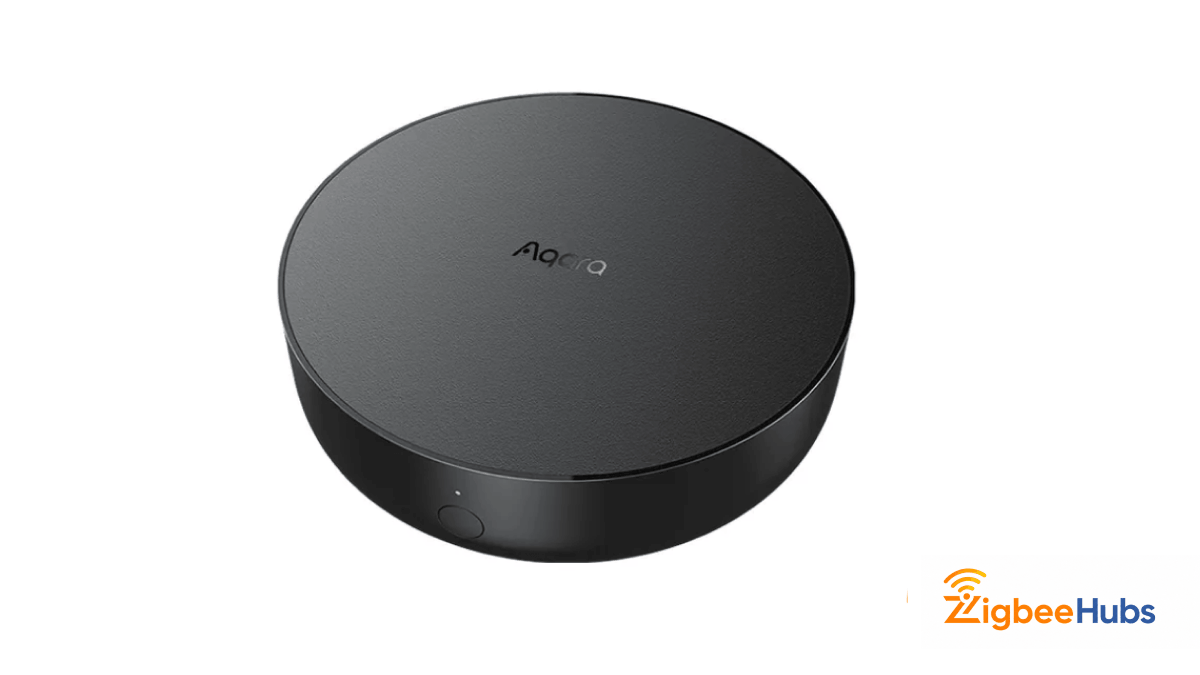
The Aqara Hub M2 is one of my favorite choices for users who want Zigbee, Apple HomeKit, Matter, and Alexa compatibility in a single device.
Key Features
- Ethernet connectivity
- Zigbee 3.0 support
- HomeKit support
- Matter support
- Built-in IR blaster
Pros
- Extremely reliable
- Excellent HomeKit integration
- Stable wired connection
- Easy setup
Cons
- More expensive than entry-level hubs
- Best experience within Aqara ecosystem
 Ishara Fernando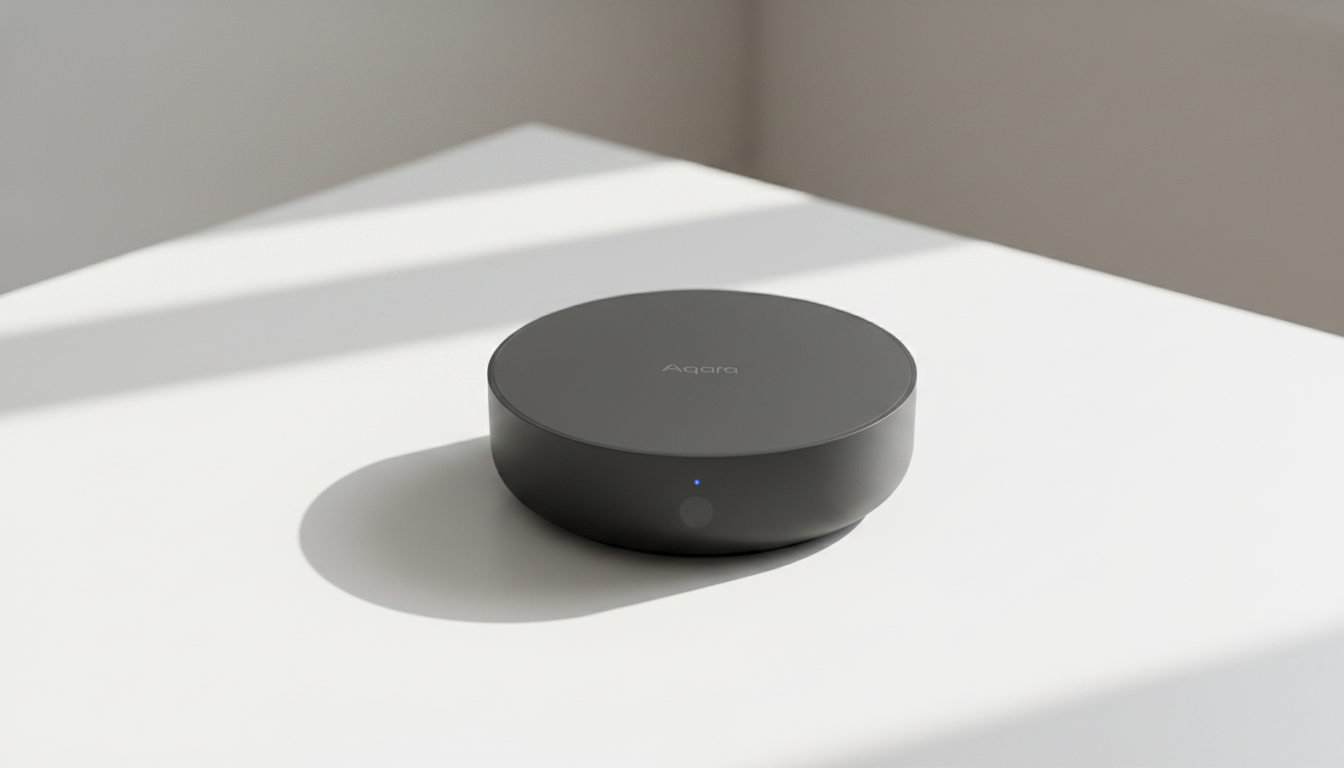
Aqara Door and Window Sensor T1
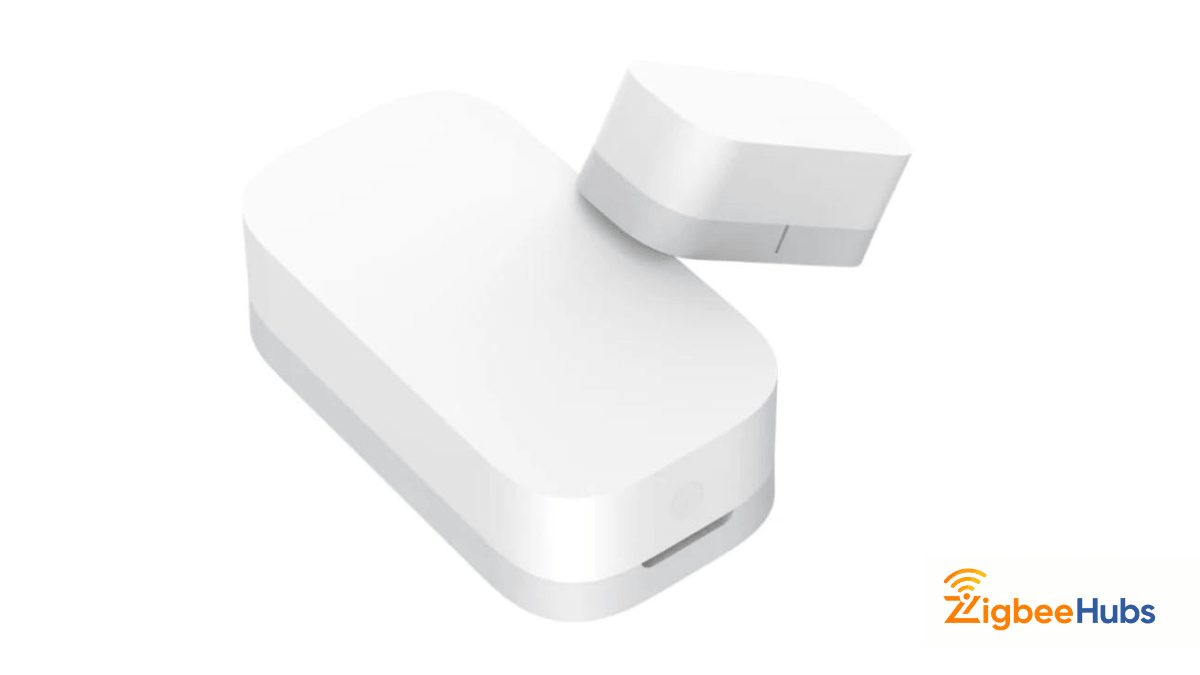
This compact Zigbee sensor detects door and window activity and can trigger smart home automations.
Key Features
- Long battery life
- Zigbee 3.0 support
- Compact design
- Automation triggers
Pros
- Small footprint
- Fast response times
- Excellent battery life
Cons
- Requires Zigbee hub
- Limited functionality outside automation scenarios
SONOFF Zigbee 3.0 USB Dongle Plus
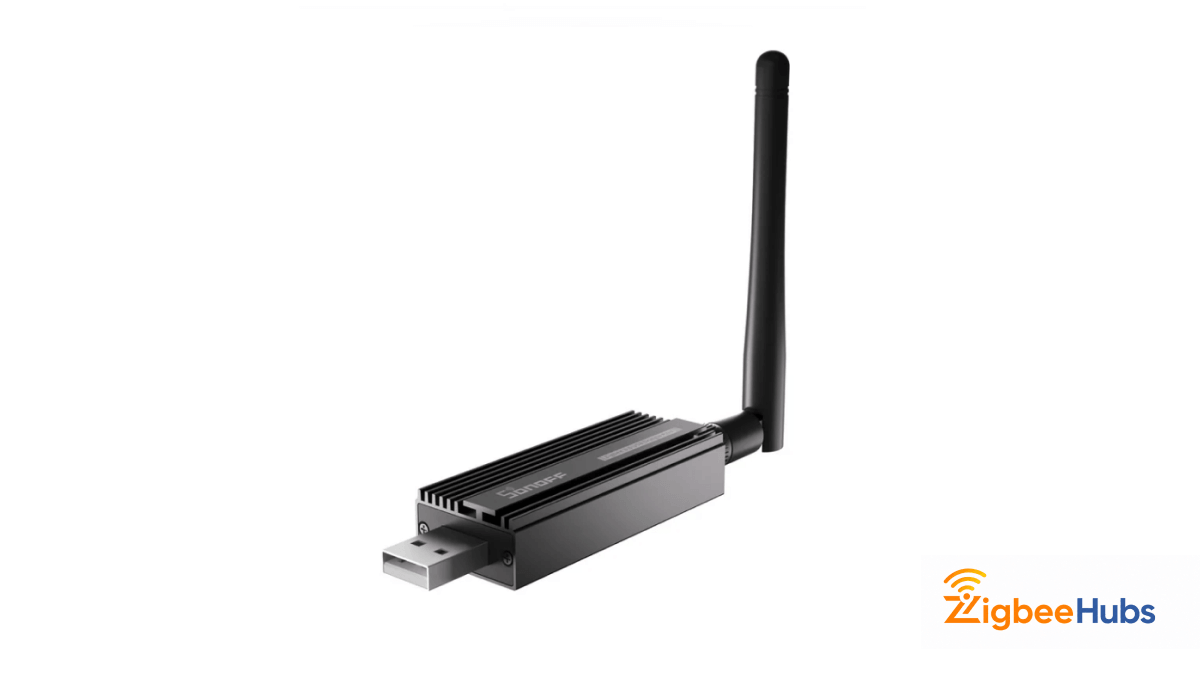
For advanced users building an eero zigbee home assistant setup, this is one of the best coordinators available.
Key Features
- External antenna
- Zigbee coordinator functionality
- Zigbee router functionality
- Excellent range
- Home Assistant compatibility
Pros
- Excellent range
- Large community support
- Frequent firmware updates
- Ideal for Zigbee2MQTT
Cons
- Requires technical setup
- Not beginner-friendly
 Sarah Diyana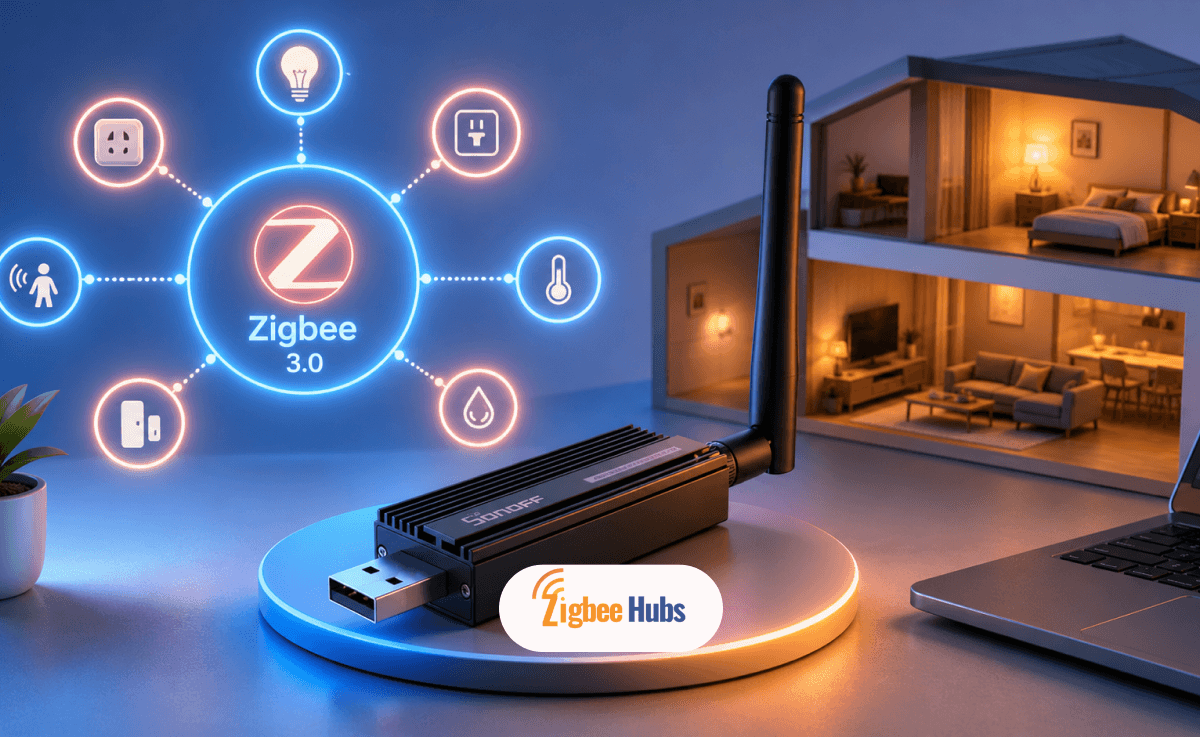
How Does Eero Zigbee Home Assistant Integration Work?
Many users search for eero zigbee home assistant because they want advanced automations beyond Alexa.
The recommended approach is:
Recommended Coordinators
- SONOFF ZBDongle-P
- SONOFF ZBDongle-E
- ConBee III
I personally prefer Zigbee2MQTT because it offers broader device support and detailed network diagnostics.
Can You Use Zigbee Devices with Apple HomeKit?
Yes.
Many people searching for eero zigbee homekit compatibility are trying to connect Zigbee devices to Apple's Home app.
Since HomeKit does not communicate directly with Zigbee, you'll need a compatible bridge.
Recommended HomeKit-Compatible Hubs
- Aqara Hub M2
- Aqara Hub M3
- Philips Hue Bridge
- Home Assistant
The hub translates Zigbee commands into HomeKit-compatible commands.
This allows:
- Siri control
- Apple Home automations
- HomeKit scenes
- Remote access through Apple Home
Common Eero Zigbee Setup Problems
Devices Not Pairing
Try:
- Resetting the device
- Moving it closer to the hub
- Restarting the hub
Weak Zigbee Signal
Install additional powered Zigbee devices such as:
- Smart plugs
- Smart bulbs
- Wall switches
These act as repeaters.
Wi-Fi Interference
Zigbee and 2.4GHz Wi-Fi share similar frequencies.
If you experience instability:
- Change Wi-Fi channels
- Move hubs away from routers
- Avoid placing devices inside cabinets
Alexa Cannot Discover Devices
Check:
- Amazon account linking
- Eero firmware updates
- Device compatibility
Matter, Thread, and the Future of Eero Smart Homes
The smart home industry is gradually moving toward Matter and Thread.
Fortunately, many newer Eero routers already support Thread Border Router functionality.
This means your Eero investment remains valuable even as newer standards gain adoption.
For now, Zigbee remains one of the most reliable smart home technologies available, especially for sensors, lighting, and automation devices.
 Sarah Diyana
Final Thoughts
Connecting Zigbee devices with an Eero router is easier than most people expect. If you own an Eero 6-series router, you can often use the built-in smart home hub for basic Zigbee functionality. For larger smart homes, I generally recommend a dedicated Zigbee hub such as the Aqara Hub M2 or a Home Assistant coordinator.
A dedicated Zigbee network provides better reliability, improved battery life, and less Wi-Fi congestion. Whether you're building a simple smart home or a fully automated system with Home Assistant and HomeKit, Zigbee remains one of the best smart home protocols available today.