Aqara Hub M2 Review | Is This Zigbee Hub Still Worth Buying in 2026?


If you're building a smart home around Zigbee devices, you've probably come across the Aqara Hub M2. It’s one of the most popular smart home hubs for Apple Home users, but in 2026, newer options like the Aqara Hub M3, Home Assistant, and Matter-enabled controllers have changed the landscape.
So, is the Aqara Hub M2 still worth buying today?
After testing it with Apple HomeKit, Home Assistant, Matter, Zigbee automation, and Aqara sensors, we found that the M2 is still one of the best plug-and-play hubs.
Is Aqara M2 Worth It?
Yes, the Aqara Hub M2 is still worth buying in 2026 if you use Aqara Zigbee devices and want a stable hub with Ethernet, HomeKit support, Matter bridging, and local automation. However, if you want Thread support, broader Zigbee compatibility, or advanced automation, newer options like the Aqara Hub M3 or Home Assistant may be better.
Key Takeaways
- The Aqara Hub M2 supports Zigbee 3.0, Bluetooth 5.0, Wi-Fi, Ethernet, and Matter bridge functionality.
- It works best with Aqara devices and Apple Home users looking for easy setup.
- Home Assistant users can integrate the hub, but advanced users may prefer a USB Zigbee coordinator.
- The built-in IR blaster is useful for TVs, AC units, and legacy appliances.
- The biggest limitations are lack of Thread support and restricted third-party Zigbee compatibility.
What Is the Aqara Hub M2 and Who Is It For?
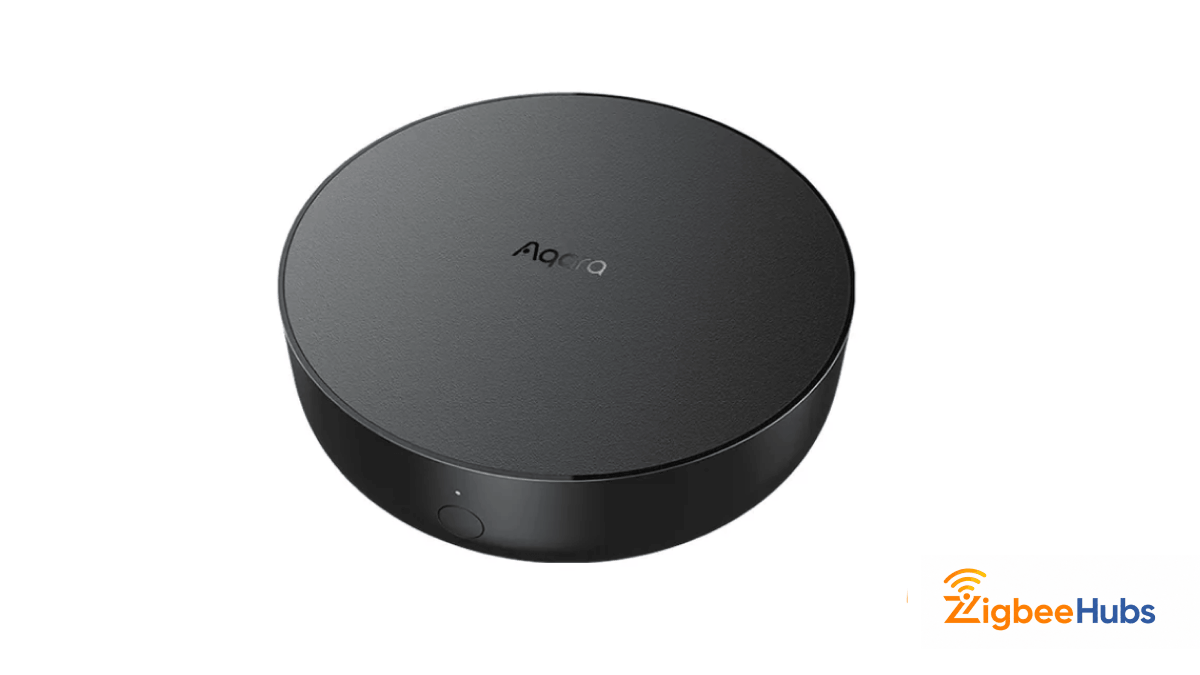
Aqara Hub M2
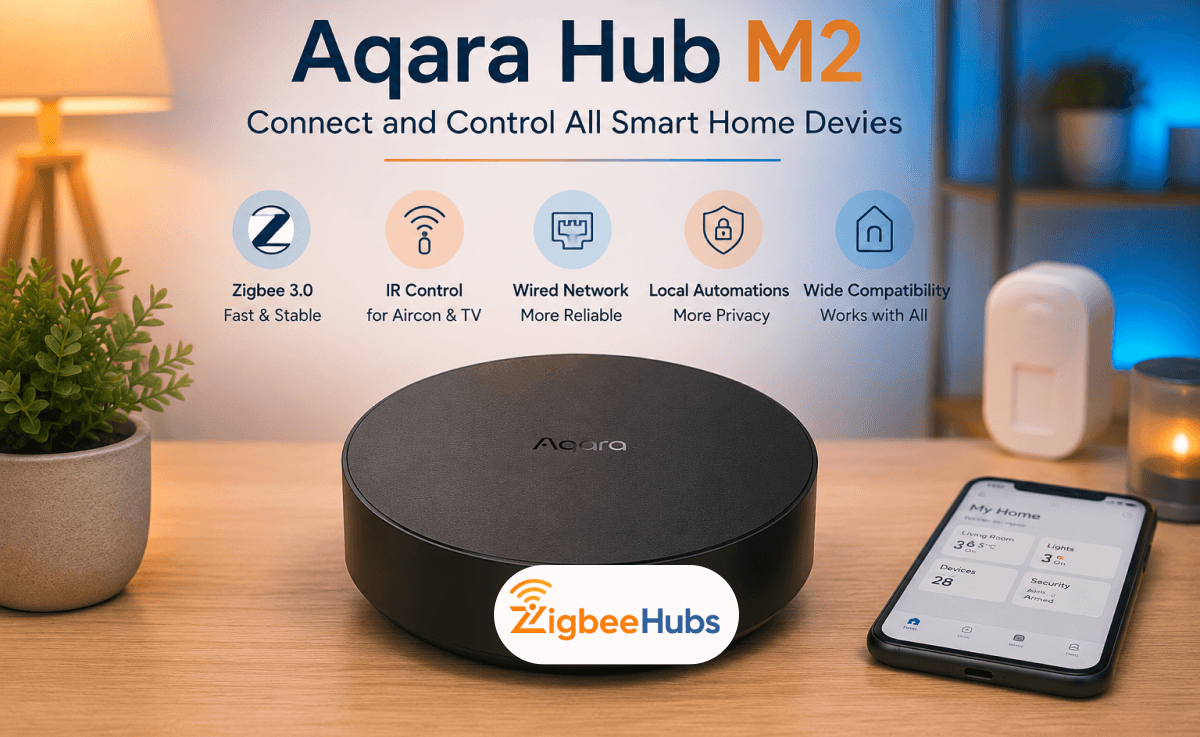
The Aqara Hub M2 is a Zigbee 3.0 smart home hub designed to connect Aqara sensors, switches, buttons, locks, and automation devices into one ecosystem.
Unlike many entry-level hubs, the M2 includes Ethernet connectivity, a built-in IR controller, HomeKit certification, and Matter bridge support—making it a strong choice for users who want a reliable local smart home setup without needing a Raspberry Pi or advanced DIY knowledge.
Who is the Aqara Hub M2 Best For?
- Apple Home users who want native HomeKit support
- Aqara users building a stable Zigbee ecosystem
- Beginners who want simple app-based automation
- Users who want to control IR appliances like TVs and air conditioners
It may not be ideal for users who need open Zigbee compatibility, Thread support, or advanced custom automations.
Does the Aqara Hub M2 Support Matter?
Yes. The Aqara Hub M2 received a firmware update that adds Matter bridge functionality.
This means Aqara Zigbee devices connected to the M2 can be exposed to Matter ecosystems like Apple Home, Google Home, Amazon Alexa, and Samsung SmartThings.
However, it’s important to understand that the Hub M2 acts as a Matter bridge, not a native Thread border router.
This Means:
- Your existing Aqara Zigbee devices become visible in Matter ecosystems
- Your devices do not automatically become Thread devices
- You still depend on Aqara’s ecosystem as the underlying controller
For most users, this is more than enough. But if you're planning a Thread-first smart home, the Aqara Hub M3 is a better long-term investment.
How Does the Aqara Hub M2 Work with Home Assistant?
The Aqara Hub M2 can be integrated into Home Assistant using HomeKit Controller, Matter, or cloud-based integrations depending on your setup.
In our testing, Apple HomeKit Controller provided the most stable local integration for Aqara sensors, buttons, and automations.
What Home Assistant Users Should Know About Aqara M2?
- Device exposure depends on Aqara firmware support
- Not every Aqara child device appears immediately
- Advanced Zigbee users may still prefer a dedicated USB coordinator like SkyConnect or Sonoff ZBDongle
If you want easy setup, the M2 works well. If you want full Zigbee freedom, a coordinator-based setup may be better.
 Ishara Fernando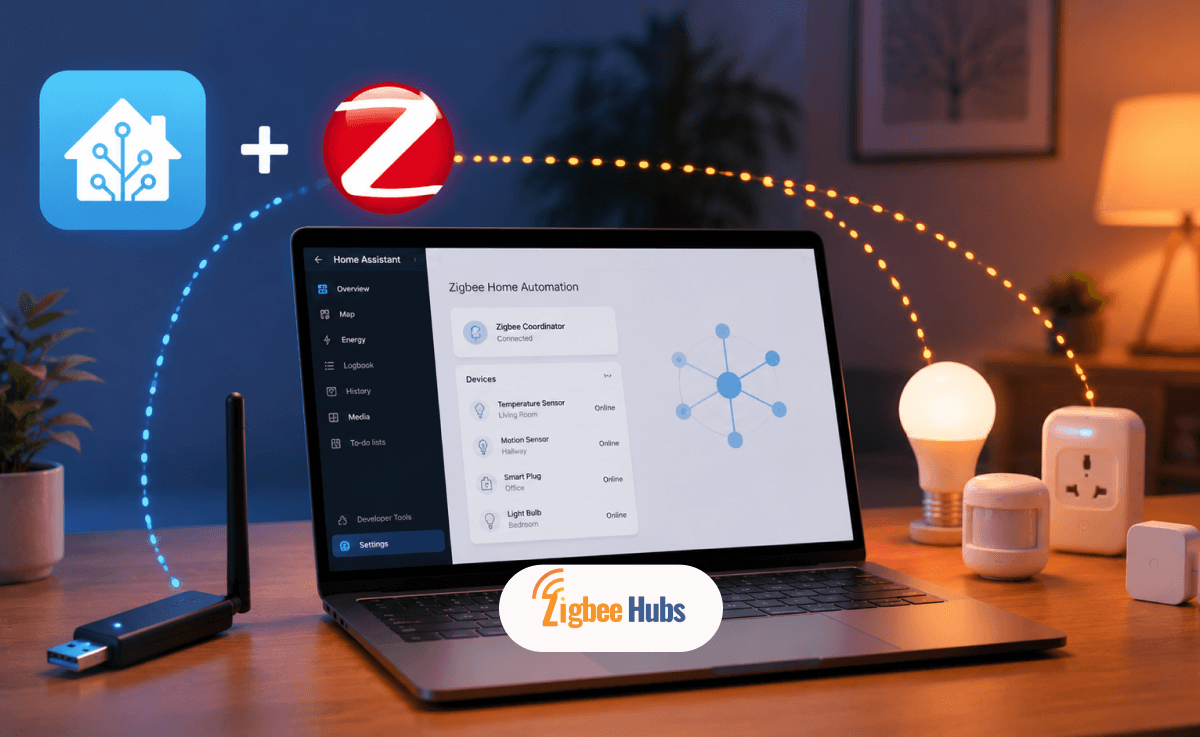
Path 1: HomeKit Controller [Best for Most Users]
The easiest way to connect the Aqara Hub M2 to Home Assistant is through the HomeKit Controller integration.
This method exposes your Aqara devices locally through Apple’s HomeKit protocol, allowing Home Assistant to discover compatible sensors, switches, and automations without relying on the cloud.
Choose this path if:
- You want simple plug-and-play integration
- You already use Apple Home or iPhone devices
- You want local control without complex setup
- You mainly use Aqara devices only
Pros
- Local control.
- Fast setup.
- Reliable for basic automations.
Cons
- Not every child device may appear.
- Limited advanced customization.
Path 2: Matter Integrations [Best for Future Expansion]
The second option is using Matter integration. After updating the Aqara Hub M2 firmware, supported Aqara Zigbee devices can be exposed to Home Assistant through Matter.
This method is ideal if you're building a cross-platform smart home using Apple Home, Alexa, Google Home, or SmartThings alongside Home Assistant.
Choose this path if:
- You want a Matter-based ecosystem
- You plan to expand into multi-platform automation
- You want better long-term compatibility
Pros
- Future-proof ecosystem support.
- Works across multiple platforms.
- No need for HomeKit dependency.
Cons
- Device exposure depends on Aqara firmware.
- Not all devices are Matter-exposed yet.
Our Recommendation: Most users should start with HomeKit Controller for stability. Matter is better for users building a long-term multi-platform smart home.
What Are the Key Features of the Aqara Hub M2?
The Aqara Hub M2 includes several premium features that make it stand out from basic Zigbee hubs.
Zigbee 3.0 Device Support
The Hub M2 supports Aqara’s Zigbee 3.0 ecosystem, allowing you to connect sensors, buttons, locks, switches, plugs, curtains, and automation accessories with low latency and low power consumption.
Ethernet Connectivity
Unlike many Wi-Fi-only hubs, the M2 includes an RJ45 Ethernet port. In our testing, Ethernet provided more stable device response times and reduced automation delays.
Built-In IR Blaster
The M2 includes a 360-degree infrared transmitter that can control TVs, air conditioners, fans, and other legacy appliances using the Aqara Home app.
Matter Bridge Support
Firmware updates added Matter bridge support, allowing connected Aqara Zigbee devices to appear in compatible Matter ecosystems.
Apple HomeKit Certification
The Aqara Hub M2 works natively with Apple Home, making it one of the easiest hubs for iPhone users building a HomeKit smart home.
Local Automation Engine
Many automations run locally through the hub, helping devices continue working even during internet outages.
What Are the Technical Specifications of the Aqara Hub M2 (HM2-G01)?
| Specification | Detail |
|---|---|
| Model Number | HM2-G01 |
| Dimensions | 100.5 × 30.75 mm |
| Power Input | 5V-1A or 5V-2A via Micro-USB |
| Wi-Fi | IEEE 802.11 b/g/n 2.4GHz only |
| Zigbee | Zigbee 3.0 (IEEE 802.15.4) |
| Bluetooth | BLE 5.0 |
| Ports | Micro-USB (power), RJ45 (Ethernet), USB-A (reserved) |
| Operating Temperature | -5°C to +50°C |
| Matter Support | Yes (Matter bridge, firmware 4.0.0+) |
| Thread Support | No |
| Max Devices | 128 (with router devices); 32 direct end devices |
| Power Adapter Included | No — Micro-USB cable only |
Aqara Hub M2 vs M3: Which One Should You Buy?
| Feature | Aqara Hub M2 | Aqara Hub M3 |
|---|---|---|
| Zigbee | Zigbee 3.0 | Zigbee 3.0 |
| Thread | No | Yes (Border Router) |
| Matter | Bridge only (via update) | Native Controller + Bridge |
| Wi-Fi | 2.4GHz only | Dual-band 2.4/5GHz |
| Power | Micro-USB | USB-C or PoE |
| Speaker | Functional, moderate volume | 95dB, significantly louder |
| Wall Mount | No | Yes (bracket included) |
| Price Range | ~$55–60 | ~$85–95 |
| Best For | Zigbee-first setups, budget-conscious builds | Thread/Matter-native setups, large homes |
Our pick: The M2 for the majority of Zigbee-focused setups. The M3 is worth the premium if you need Thread device support, a louder security siren, or want native Matter control rather than bridge mode.
How Do You Set Up the Aqara Hub M2?
Setting up the Aqara Hub M2 usually takes less than 10 minutes.
- Connect the Aqara Hub M2 using the Micro-USB power cable.
- Connect Ethernet if you want the most stable setup.
- Download the Aqara Home app on your smartphone.
- Create or sign in to your Aqara account.
- Tap the "+" icon in the Aqara Home app.
- Select Aqara Hub M2 from the device list.
- Ethernet (recommended).
- 2.4GHz Wi-Fi.
- Put your Aqara sensors or switches into pairing mode.
- Add them through the Aqara app.
- Apple HomeKit.
- Amazon Alexa.
- Google Home.
- Home Assistant.
- Matter ecosystems.
Pro Tip:
Use Ethernet if you plan to run multiple automations or connect 20+ devices for better stability.
Why Is My Aqara Hub M2 Not Working?
If your Aqara Hub M2 isn’t working properly, the issue is usually related to network setup, firmware, device pairing, or ecosystem syncing.
The Hub Won't Connect to WiFI
The Aqara Hub M2 only supports 2.4GHz Wi-Fi. Make sure your router isn’t forcing 5GHz-only connections.
Fix:
Zigbee Devices Won't Pair
If child devices won’t connect, the hub may already be at pairing timeout or the device may not be reset properly.
Fix:
HomeKit or Matter Devices are Missing
This usually happens when the hub firmware is outdated.
Fix:
Automation Are Slow
Wi-Fi congestion can slow down device response times.
Fix:
Our Testing Tip:
In our testing, Ethernet dramatically improved automation reliability compared to Wi-Fi-only setups.
Is the Aqara Hub M2 Worth Buying in 2026?
Yes, the Aqara Hub M2 is still one of the best beginner-friendly Zigbee hubs in 2026. It offers stable Zigbee performance, Ethernet connectivity, HomeKit support, Matter bridging, and useful IR control in one compact hub. However, if you want Thread support, deeper Home Assistant integration, or broader Zigbee compatibility, newer platforms like the Aqara Hub M3 or dedicated Zigbee coordinators may be better long-term investments.
Our Verdict: For most Aqara users, the Hub M2 is still worth buying.