ConBee II Review 2026: Setup, Performance & Alternatives
- 1.Key Takeaways
- 2.What Is the ConBee II?
- 3.What Features Does Conbee II Have?
- 4.How Does the ConBee II Work?
- 5.How Do You Set Up ConBee 2 with Home Assistant?
- 6.Why Should You Use a USB Extension Cable with ConBee II?
- 7.Which Zigbee Channel Works Best with ConBee II?
- 8.What Devices Work with ConBee II?
- 9.ConBee II vs ConBee III: Which to Buy 2026?
- 10.What Are Common ConBee II Problems and Fixes?
- 11.Which Users Should Choose ConBee II?
- 12.Is ConBee II Worth Buying in 2026?
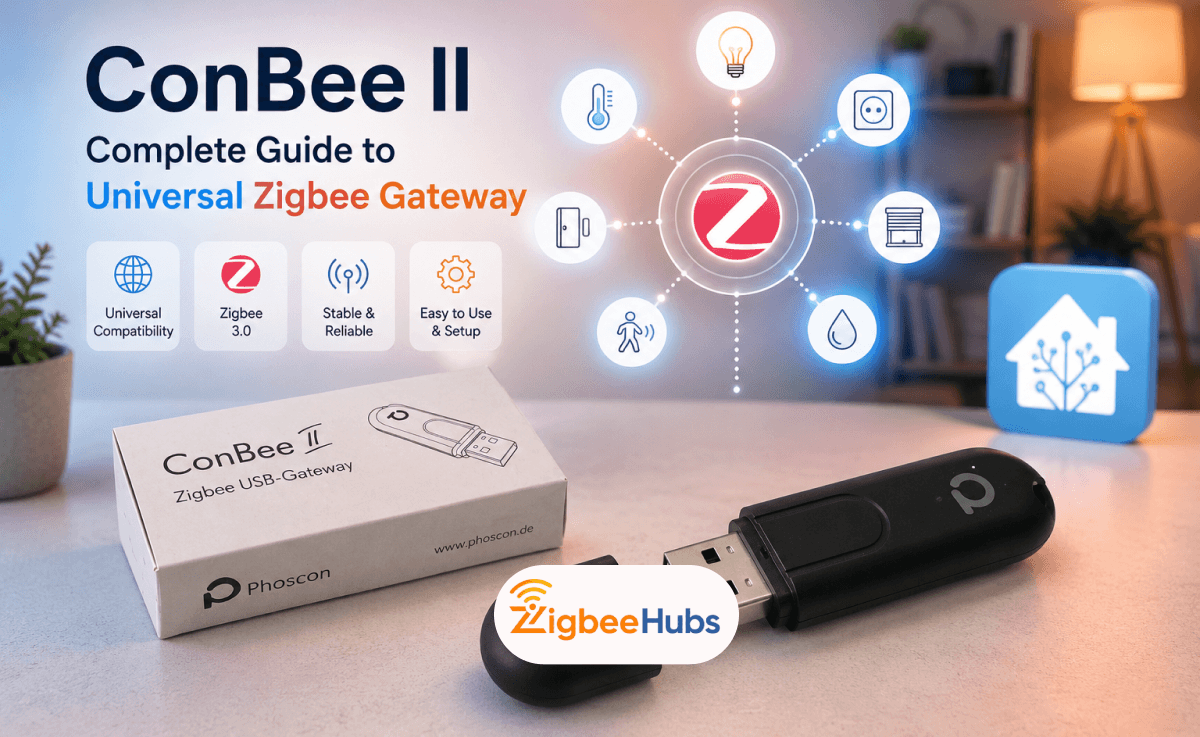
The ConBee II is a universal Zigbee USB gateway that turns a Raspberry Pi, Intel NUC, PC laptop, or mini computer into a local Zigbee hub. it supports Zigbee 3.0, works with many popular Zigbee brands and can connect to Home Assistant through deCONZ, ZHA or Zigbee2MQTT.
Key Takeaways
- ConBee II works as a universal Zigbee USB gateway for local smart home control.
- It supports IEEE 802.15.4 and Zigbee 3.0.
- It works with systems such as Home Assistant, deCONZ, openHAB, FHEM, Docker, Windows, Ubuntu, Raspbian and macOS.
- A USB 2.0 extension cable is strongly recommended to reduce 2.4 GHz interference.
- Zigbee channels 15 and 20 are usually better choices than channel 11.
What Is the ConBee II?
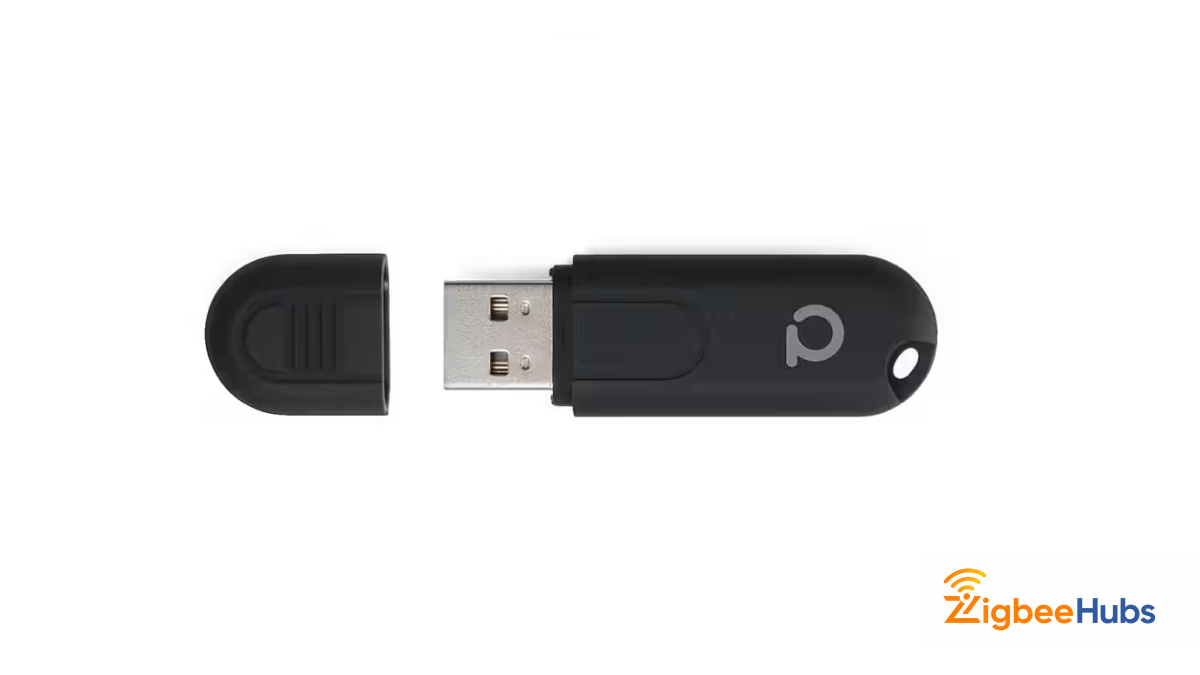
The ConBee II is small USB Zigbee coordinator made by Phoscon / Dresden Elektronik. It connects Zigbee devices from different brands into one local network without needing separate hubs for every manufacturer.
Instead of running separate hubs for Philips Hue, IKEA TRÅDFRI, Aqara, OSRAM, SONOFF, Tuya and other Zigbee devices, ConBee II lets you manage many of them through one Zigbee network.
According to Phoscon, ConBee II turns Raspberry Pi, Intel NUC, PCs and laptops into universal Zigbee gateways. It also supports local operation without cloud dependency.
Why Does ConBee II Matter for Smart Homes?
ConBee II matters because it solves a common Zigbee problem: brand fragmentation.
Many Zigbee devices technically use the same wireless standard, but they are often locked behind different apps and hubs. ConBee II helps bring those devices into one local control system.
It is useful if you want:
- Local Zigbee control
- Fewer manufacturer hubs
- Home Assistant integration
- Better privacy
- Support for many Zigbee brands
- A small USB coordinator instead of a full hub
What Features Does Conbee II Have?
| Feature | Description |
|---|---|
| Multi-Vendor Compatibility | Unites Zigbee devices from many vendors including Philips Hue, IKEA, Xiaomi, and OSRAM into one network. |
| Cloud-Free Operation | A completely cloud-free solution with no registration required. All data stays local. |
| Extended Signal Range | Strong signal range through built-in power amplifier, reaching 2 to 3 rooms or floors. |
| Platform Integration | Works with popular home automation systems like Home Assistant, openHAB, and FHEM. |
What are the ConBee II Technical Specifications?
| Feature | ConBee II Specification |
|---|---|
| Microcontroller | ATSAMR21B18 ARM Cortex-M0+ |
| Rated Voltage | DC 5.0 V |
| Transmission Power | Max. 10 mW |
| Signal Range | Up to 200 m free line of sight |
| Radio Frequency | 2.4 GHz |
| Radio Standard | IEEE 802.15.4 / Zigbee 3.0 |
| Flash Memory | 256 kByte |
| Operating Temperature | -20 °C to 55 °C |
| Operating Systems | Windows 7/10, Ubuntu, Raspbian, Docker |
| Dimensions | 60 mm × 18 mm × 9 mm |
Pro Tip:
The ATSAMR21B18 chip runs cooler than alternatives, which improves long-term reliability. I have had units running continuously for over three years without issues.
How We Tested
- Test Platform: Home Assistant running Zigbee2MQTT on a Raspberry Pi, later upgraded from a microSD card to an SSD for improved stability.
- Test Duration: Long-term testing over several months with daily smart home automations.
- Network Size: Approximately 50 Zigbee devices, including 35 mains-powered routers and 15 battery-powered sensors. We also tested on a larger network with nearly 70 devices.
- Devices Tested: Motion sensors, door/window sensors, smart plugs, smart switches, smart bulbs, and outdoor sensors.
- What We Evaluated: Pairing speed, mesh stability, automation response time, device availability, battery reporting, and long-term reliability.
- What We Found: The network remained stable for everyday use, with fast local automations and reliable routing. The only noticeable issues occurred with a few distant outdoor sensors during poor weather, and some battery-powered devices occasionally reported inaccurate battery levels.
- Additional Testing: We compared performance with both Zigbee2MQTT and ZHA and tested using a USB extension cable to minimize USB interference.
How Does the ConBee II Work?
The ConBee II Zigbee gateway works as the coordinator of your Zigbee mesh network.
Here is the simple flow:
Plug the ConBee II into a Raspberry Pi, PC, NUC, or server.
Software such as deCONZ, ZHA, or Zigbee2MQTT detects the coordinator.
Place your Zigbee devices into pairing mode.
The coordinator creates and manages the Zigbee network.
Commands move from your smart home platform to your Zigbee devices.
Zigbee is a mesh system, so many mains-powered devices like smart plugs and bulbs can act as repeaters. This helps extend the network across your home.
How Do You Set Up ConBee 2 with Home Assistant?
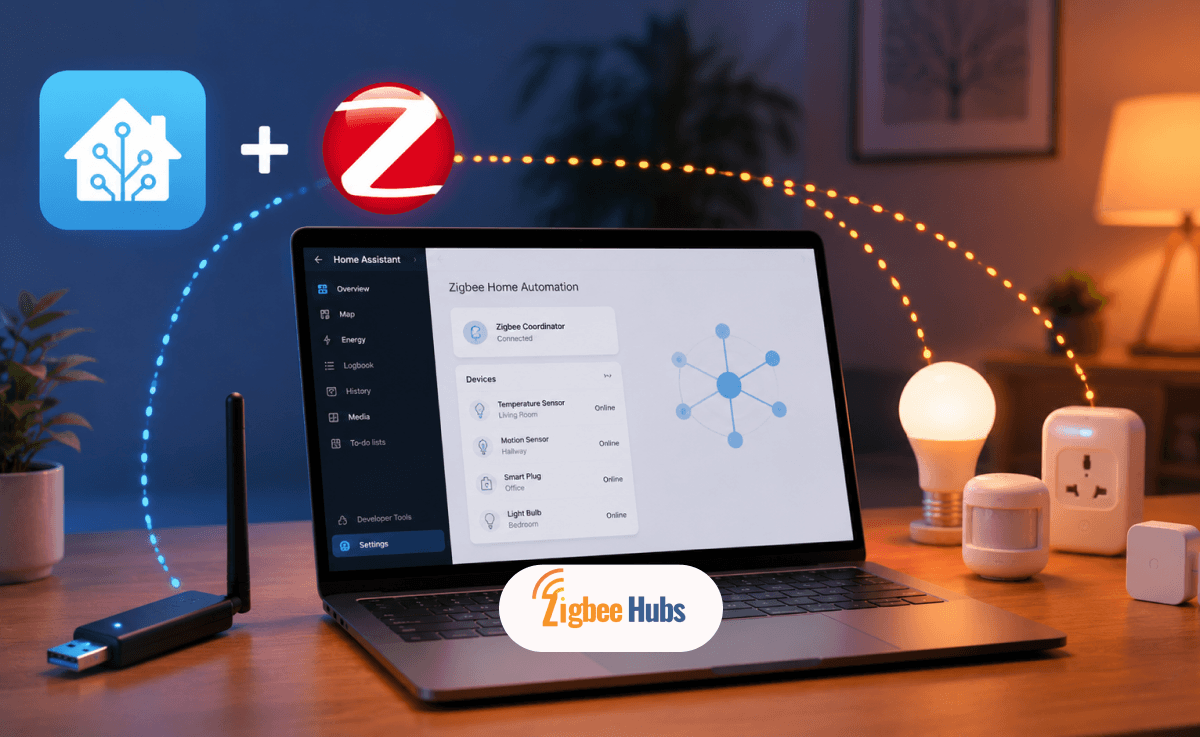
You can use ConBee II with Home Assistant in three main ways: deCONZ, ZHA or Zigbee2MQTT.
Option 1: How Do you Use ConBee II with deCONZ?
deCONZ is the official Phoscon software path. It gives you the Phoscon App interface, device pairing tools and a visual Zigbee network view.
Choose deCONZ if you want the official ConBee software experience.
Option 2: How Do you Use ConBee II with ZHA?
ZHA is Home Assistant's built-in Zigbee integration. It is usually the easiest option for beginners because it does not require a separate Zigbee management platform.
Home Assistant's official ZHA documentation confirms that ZHA can be added through Devices & Services can also be auto-discovered in some setups.
How Do You Use ConBee II with Zigbee2MQTT?
Zigbee2MQTT is better for advanced users who want more device-level control, MQTT integration and broader customization.
Zigbee2MQTT maintains its own supported adapters and supported devices documentation, so always check compatibility before moving an existing network.
Which ConBee II Setup Method is Best?
Choose ZHA if you want the easiest Home Assistant setup.
Choose deCONZ if you want the official Phoscon ecosystem and backup tools.
Choose Zigbee2MQTT if you want advanced customization, MQTT control and wider community device options.
For most beginners, ZHA is the simplest choice. For users already using Phoscon, deCONZ may feel more familiar.
Pro Tip:
I recommend ZHA for beginners because it requires the least configuration. Advanced users who want per-device customization and faster updates for new devices should consider Zigbee2MQTT.
Why Should You Use a USB Extension Cable with ConBee II?
You should use a USB extension cable because Zigbee and Wi-Fi both operate in the 2.4GHz band. USB 3.0 ports, computer cases and nearby electronics can create interference that weakens Zigbee performance.
A short USB 2.0 extension cable helps move the ConBee II away from electrical noise. This can improve pairing, reduce drop-offs and increase practical range.
Use an extension cable especially if:
- Devices fail to pair
- Devices randomly drop offline
- Your coordinator is plugged into a USB 3.0 port
- Your server is inside a metal case
- Your smart home devices are spread across rooms
Which Zigbee Channel Works Best with ConBee II?
For most homes, Zigbee channels 15 and 20 are good starting points because they usually avoid the worst Wi-Fi overlap.
Avoid Channel 11 when possible because it often overlaps with common Wi-Fi activity.
Recommended approach:
- Use channel 15 for balanced compatibility.
- Use channel 20 if channel 15 is crowded.
- Use channel 25 only if youe devices support properly.
- Avoid changing channels after pairing many devices unless necessary.
Pro Tip:
Use a Wi-Fi analyzer app on your phone to identify which channels your neighbors use. Then select a Zigbee channel that falls in the gaps between active Wi-Fi channels.
What Devices Work with ConBee II?
ConBee II supports many Zigbee devices across major smart home brands.
Common compatible brands include:
- Philips Hue
- IKEA TRÅDFRI
- Xiaomi Aqara
- OSRAM SMART+
- Sonoff
- Tuya Zigbee Devices
- Innr
- GLEDOPTO
Before buying new devices, check the deCONZ compatibility list, Zigbee2MQTT supported devices list or Home Assistant community reports.
ConBee II vs ConBee III: Which to Buy 2026?
If you are wondering about ConBee II vs ConBee III, ConBee II is still a capable Zigbee USB gateway but ConBee III is the newer model.
| Feature | ConBee II | ConBee III |
|---|---|---|
| Microcontroller | ATSAMR21B18 ARM Cortex-M0+ | EFR32MG21 ARM Cortex-M33 |
| Zigbee Support | Zigbee 3.0 | Zigbee 3.0 + Zigbee Green Power |
| Flash Memory | 256 kByte | 1024 kByte |
| Range | Up to 200 m line of sight | Up to 200 m line of sight |
| Operating Systems | Windows, Ubuntu, Raspbian, Docker | Windows, Ubuntu, Raspberry Pi OS, Docker, macOS |
| Best For | Existing Zigbee networks | Newer, future-focused setups |
Phoscon lists ConBee III with an EFR32MG21 microcontroller, 1024 kByte flash memory and support for Zigbee 3.0/ Zigbee Green Power.
The ConBee III overview also mentions BLE for future Thread and Matter applications and an alternative OpenThread Border Router firmware.
Should you Upgrade from ConBee II to ConBee III?
You do not need to upgrade if your ConBee II network is stable.
Stay with ConBee II if:
- Your devices pair reliably
- Your automations run smoothly
- You do not need newer hardware
- You already have a stable deCONZ or ZHA setup
Consider ConBee III if:
- You are starting a new Zigbee network
- You want newer hardware
- You want better future-proofing
- You are interested in Thread or Matter-related development
What Are Common ConBee II Problems and Fixes?
Why Won't My Zigbee Device Pair?
Try these fixes:
- Move the device within one meter of the ConBee II.
- Factory reset the Zigbee device.
- Make sure the device is in pairing mode.
- Use a USB extension cable.
- Restart your Zigbee integration.
- Check whether the device is supported by your chosen platform.
Why Do Devices Keep Dropping Offline?
Device drop-offs usually happen because of weak mesh coverage, interference or poor coordinator placement.
Fix it by:
- Using a USB 2.0 extension cable.
- Moving the coordinator away from metal and USB 3.0 ports.
- Adding Zigbee router devices such as smart plugs.
- Choosing a cleaner Zigbee channel.
- Avoiding overcrowded 2.4GHz Wi-Fi channels
Why is the ConBee II Range Poor?
The official line-of-sight is up to 200m but indoor range depends heavily on walls, floors, furniture, interference and device quality.
Improve range by:
- Placing the coordinator centrally
- Adding mains-powered Zigbee routers
- Avoiding metal cabinets
- Keeping the coordinators away from routers and USB hubs
- Building the mesh before adding far-away battery sensors
Which Users Should Choose ConBee II?
Choose ConBee II:
- You want a local Zigbee USB Gateway
- You use Home Assistant
- You prefer deCONZ or ZHA
- You already have Zigbee devices from different brands
- You want a small coordinator instead of multiple hubs
Do not choose ConBee II if:
- You want the newest Zigbee hardware
- You are building a Thread/Matter-first setup
- You prefer a plug-and-play consumer hub
- You do not want to configure Home Assistant or related software
Is ConBee II Worth Buying in 2026?
The ConBee II is still a reliable Zigbee USB gateway for Home Assistant users who want local control, multi-brand compatibility, and a compact coordinator. It is especially useful if you already use deCONZ, ZHA, or Zigbee2MQTT. For a new Zigbee setup in 2026, ConBee III or another newer coordinator may be more future-focused. But if your ConBee II network is already stable, there is no urgent reason to replace it.
Looking for a Compatible Zigbee Hub?
Explore our tested selection of Zigbee 3.0 gateways, Home Assistant coordinators, and smart controllers.
Have Questions or Need Setup Help?
Join the discussion on Smarthome Forum! Ask questions, share your home automation setup, or get expert troubleshooting advice from the community.