CC2530 Review: Is the CC2530 Still Worth It in 2026?
- 1.Key Takeaways
- 2.What is the CC2530?
- 3.Why Is the CC2530 Still Popular in 2026?
- 4.What are Technical Specifications of the CC2530 Zigbee Module?
- 5.Is the CC2530 Good for Zigbee2MQTT?
- 6.What is a CC2530 CC Debugger?
- 7.Can You Use the Zigbee CC2530 with Arduino?
- 8.Stand-Alone Mode vs ZNP Mode
- 9.What are the Best Modern Alternatives to the CC2530?
- 10.Common Problems With the CC2530
- 11.When Should You Still Buy a CC2530?
- 12.Final Verdict: Is the CC2530 Still Worth It in 2026?
- 13.FAQs
Yes! The cc2530 is still worth using in 2026 for DIY Zigbee projects, especially as a low-cost Zigbee router or learning platform. While it cannot compete with modern CC2652-based coordinators for large smart homes, the CC2530 remains reliable, cheap, power-efficient, and surprisingly capable when used correctly.
Key Takeaways
- The cc2530 zigbee module still works well for DIY routers and custom sensors.
- It supports Zigbee 3.0 only on the CC2530F256 variant.
- A cc2530 cc debugger is essential for flashing firmware.
- Modern coordinators like the CC2652P outperform it for large networks.
- The CC2530 remains one of the cheapest ways to learn Zigbee networking.
- External antenna versions can dramatically improve mesh coverage.
- It is best used as a router, not a primary coordinator, in 2026.
What is the CC2530?
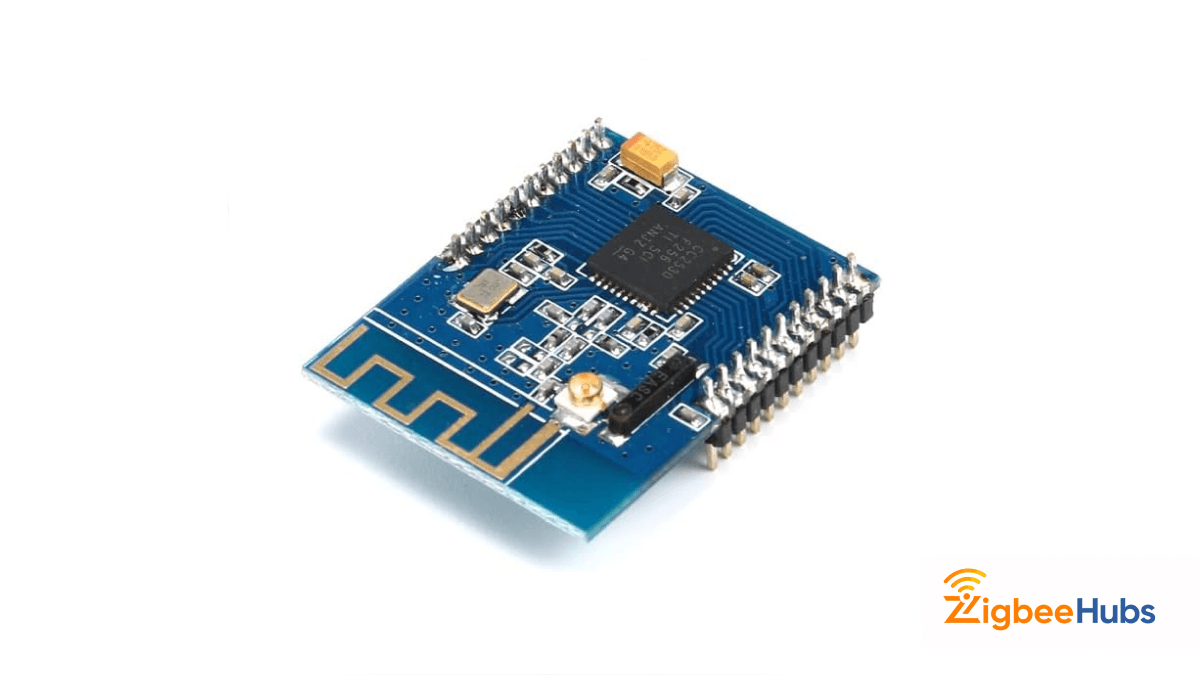
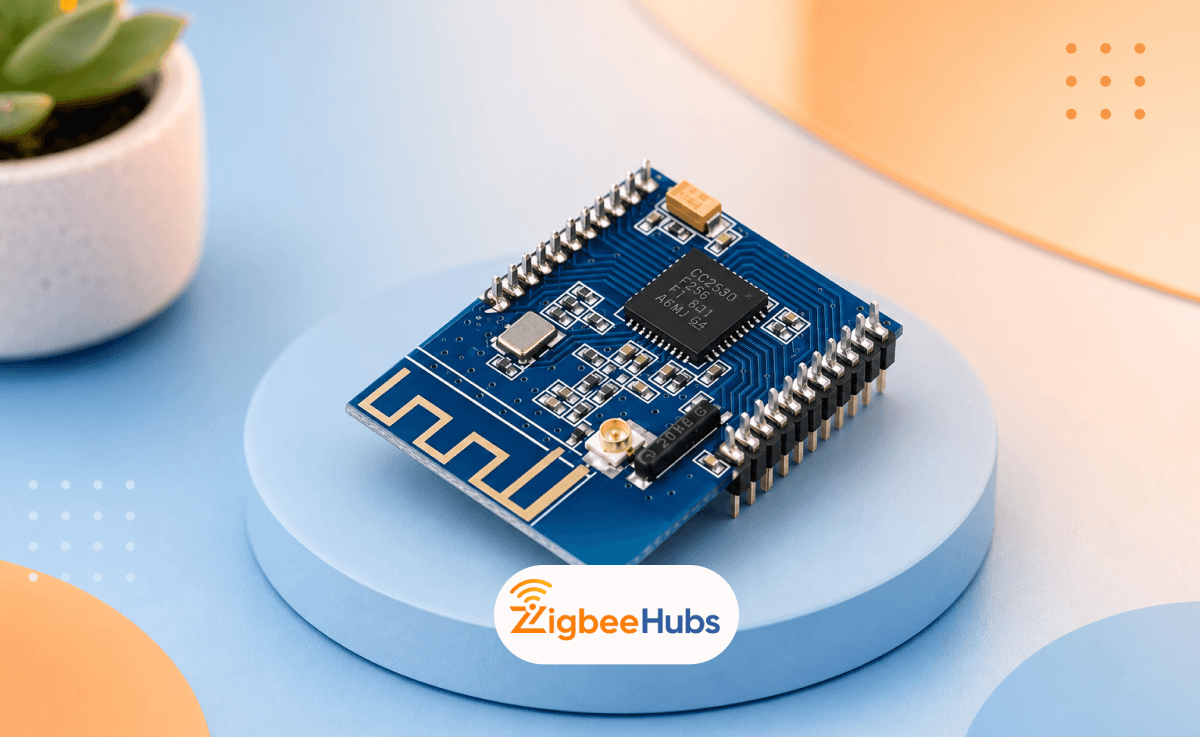
The CC2530 is a Zigbee System-on-Chip (SoC) developed by Texas Instruments. It combines:
- A 2.4 GHz IEEE 802.15.4 radio
- An enhanced 8051 microcontroller
- Flash memory
- GPIO pins
- ADC and serial interfaces
In simple terms, it gives you both the “brain” and the wireless radio in a single chip. That made it one of the most popular Zigbee platforms for DIY smart home projects.
I first started using CC2530 modules years ago when building custom Zigbee routers for Home Assistant. Even today, I still keep a few in my testing kit because they are extremely cheap and surprisingly dependable for range extension.
Why Is the CC2530 Still Popular in 2026?
Is it Extremely Budget-Friendly
One of the biggest reasons the zigbee cc2530 remains popular is cost.
You can still buy complete modules for a smaller cost, including:
- External antenna models
- USB-powered router boards
- Pre-flashed Zigbee routers
That makes it perfect for:
- Learning Zigbee development
- Building custom sensors
- Expanding a mesh network
- Experimenting with firmware
The Community Support is Massive
The CC2530 ecosystem has been around for years. That means:
- Thousands of tutorials exist
- Firmware is mature
- Most bugs are already documented
- Zigbee2MQTT support is well understood
If something breaks, somebody has probably solved it already.
That is a huge advantage compared to newer chips with smaller communities.
What are Technical Specifications of the CC2530 Zigbee Module?
Here are the important specifications of the cc2530 zigbee module.
| Specification | Details |
|---|---|
| MCU | Enhanced 8051 |
| Flash Options | 32KB / 64KB / 128KB / 256KB |
| RAM | 8KB |
| Wireless Standard | IEEE 802.15.4 |
| Frequency | 2.4 GHz |
| Receiver Sensitivity | -97 dBm |
| Sleep Current | 1 µA |
| GPIO Pins | 21 |
| ADC | 12-bit |
| UART Interfaces | 2 |
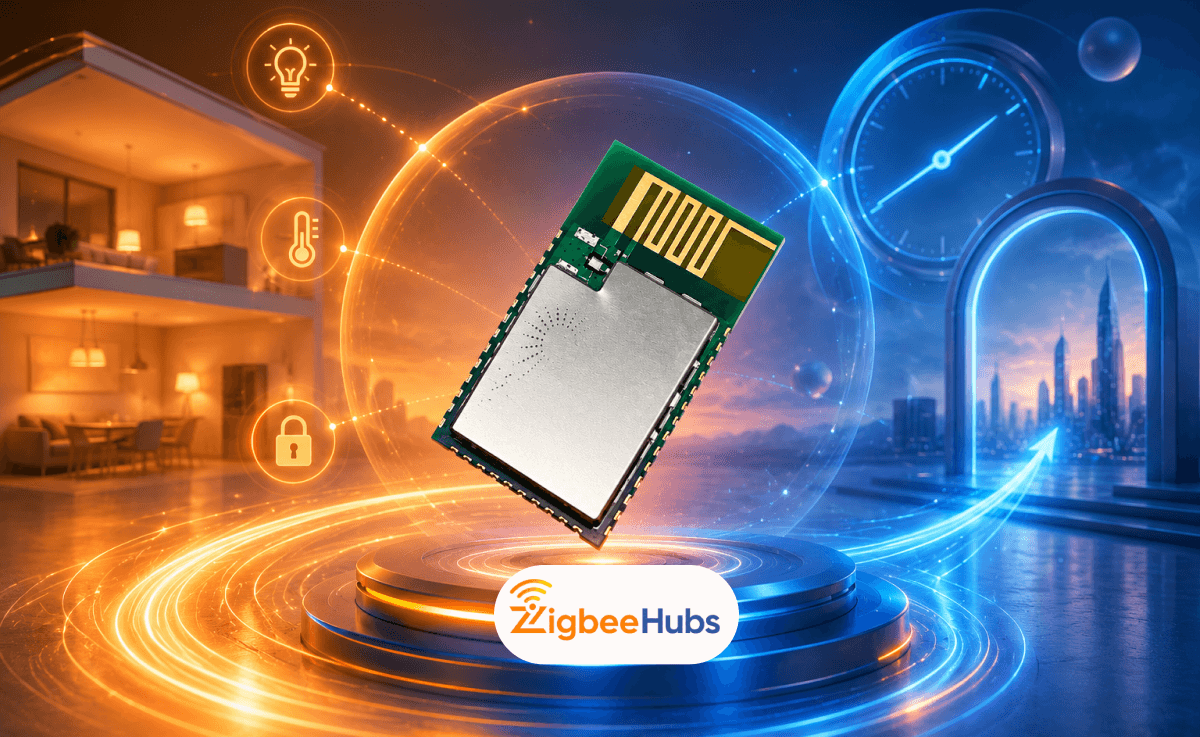
The most important thing to understand is memory.
If you want proper Zigbee 3.0 support, you need the CC2530F256 model. Smaller flash variants struggle with modern firmware.
Is the CC2530 Good for Zigbee2MQTT?
Yes, but mostly as a router
In 2026, I would not recommend the CC2530 as your main Zigbee coordinator unless you are running a very small network.
Instead, it works best as:
- A dedicated Zigbee router
- A custom end-device
- A learning platform
- A DIY signal repeater
Modern coordinators based on the CC2652P chipset are significantly more powerful.
However, a CC2530 router can still improve a mesh network dramatically.
I have personally used external-antenna CC2530 routers to stabilize weak garden sensors and detached garage devices. The improvement was immediate.
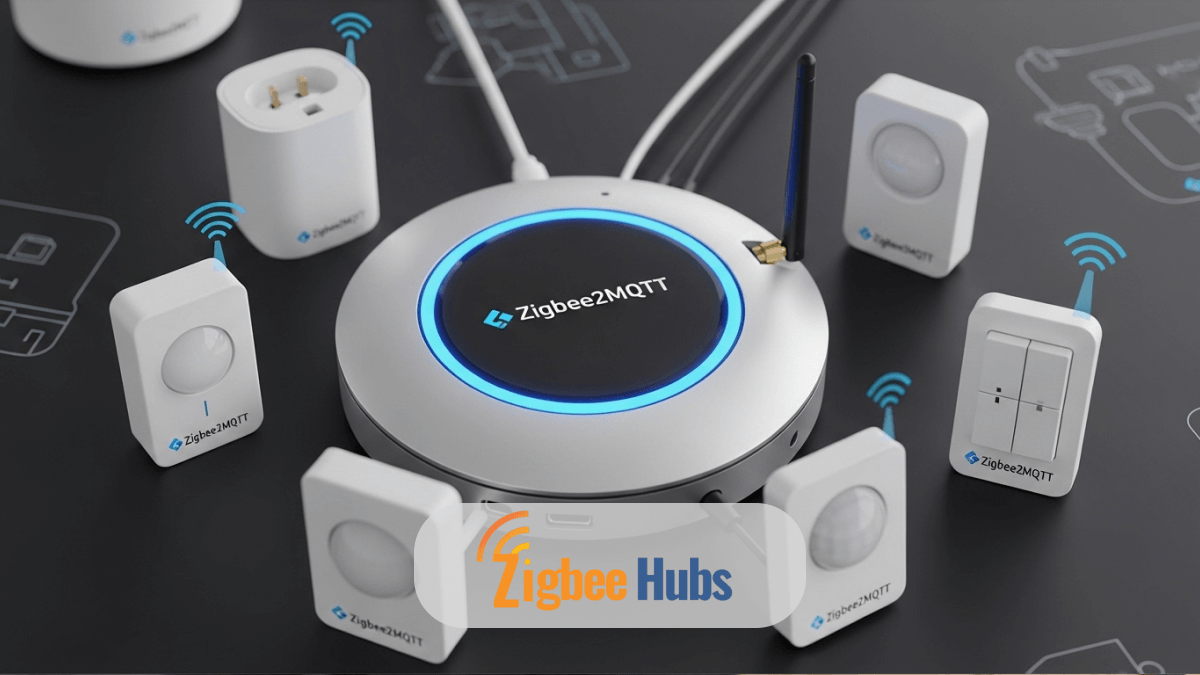
What is a CC2530 CC Debugger?
A cc2530 cc debugger is a flashing tool used to:
- Install firmware
- Recover failed flashes
- Change device roles
- Debug Zigbee firmware
Without it, you cannot properly program most raw CC2530 boards.
What You Need to Connect
When flashing a CC2530, you typically connect:
- GND
- VCC
- RESET
- DD
- DC
Using the official debugger is easiest, but clone versions usually work fine.
CC2530 Debugger Setup Tips
- Use Short Wires
Long jumper wires often cause flashing failures.
Keep wires under 20cm whenever possible.
- Avoid Cheap USB Hubs
I learned this the hard way.
Many flashing issues actually come from unstable USB power delivery.
Always connect the debugger directly to the computer.
- Verify Voltage Before Flashing
Most modules expect 3.3V.
Applying 5V can permanently damage the chip.
Can You Use the Zigbee CC2530 with Arduino?
Yes, and it still works well
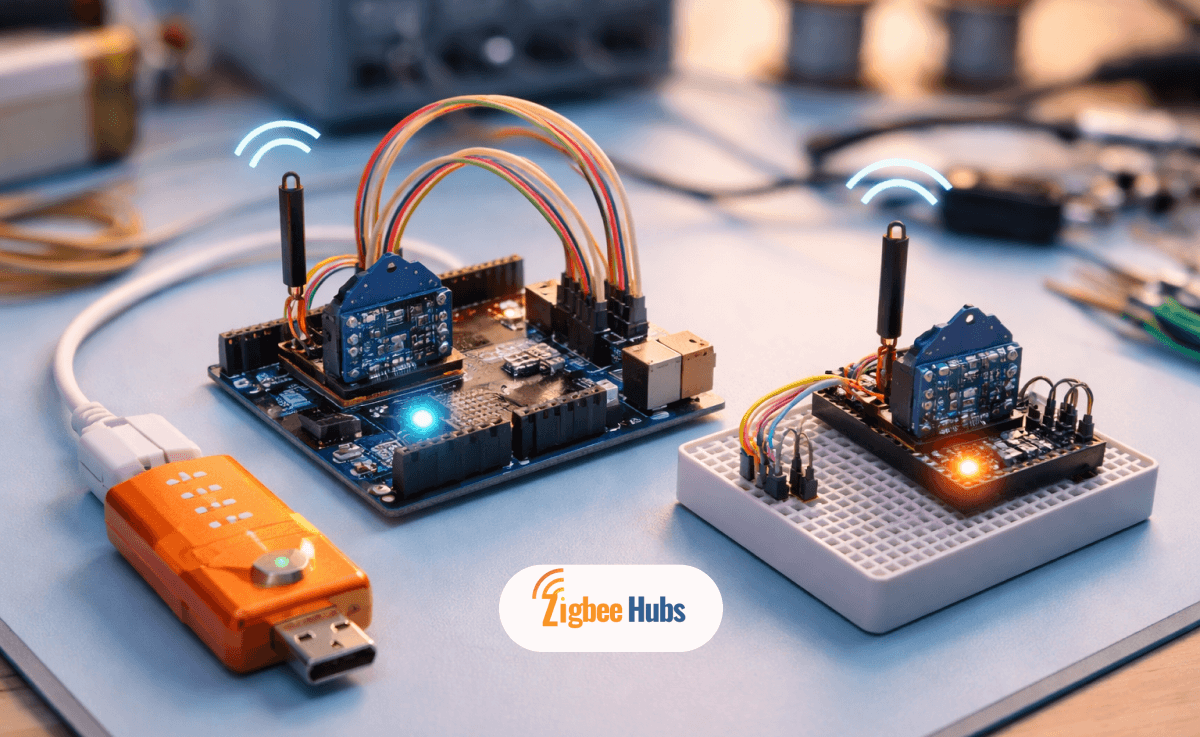
The zigbee cc2530 arduino setup remains popular for custom automation projects.
The most common method uses:
- CC2530 in ZNP mode
- Arduino handling logic
- UART communication between them
This setup works well for:
- Sensor gateways
- Environmental monitoring
- Automation experiments
- DIY smart buttons
However, modern ESP32-based Zigbee solutions are becoming more attractive because they are easier to develop.
Stand-Alone Mode vs ZNP Mode
1. Stand-Alone Mode
In this setup:
- The CC2530 runs the full Zigbee application itself.
- No external microcontroller is needed.
Best For:
- Battery-powered sensors
- Minimal hardware designs
- Low-power applications
Downsides:
- Steep learning curve
- Older toolchains
- Requires TI Z-Stack knowledge
ZNP Mode
This is the most popular setup today.
The CC2530 becomes a Zigbee radio processor while another device handles logic.
Best For:
- Arduino projects
- Raspberry Pi integrations
- Home Assistant setups
- Zigbee2MQTT experimentation
Downsides:
- More hardware required
- Slightly higher power consumption
What are the Best Modern Alternatives to the CC2530?
If you are building a serious smart home today, newer coordinators are much better choices.
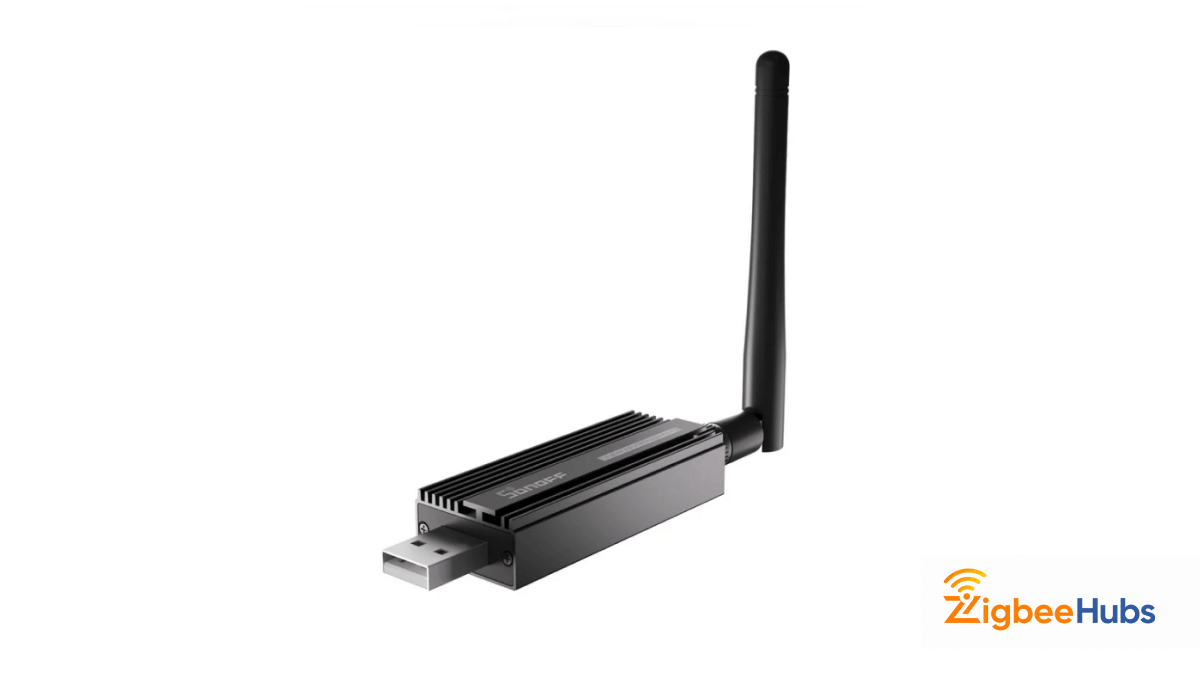
SONOFF Zigbee 3.0 USB Dongle Plus
⭐SONOFF Zigbee 3.0 USB Dongle Plus
Key Features
- External antenna
- +20dBm output power
- Excellent Zigbee2MQTT support
- Supports large networks
Pros
- Outstanding range.
- Handles 200+ devices.
- Very stable.
- Excellent firmware support.
Cons
- Costs more than CC2530 modules.
- Larger physical size.
This is the coordinator I currently recommend most for Home Assistant users.
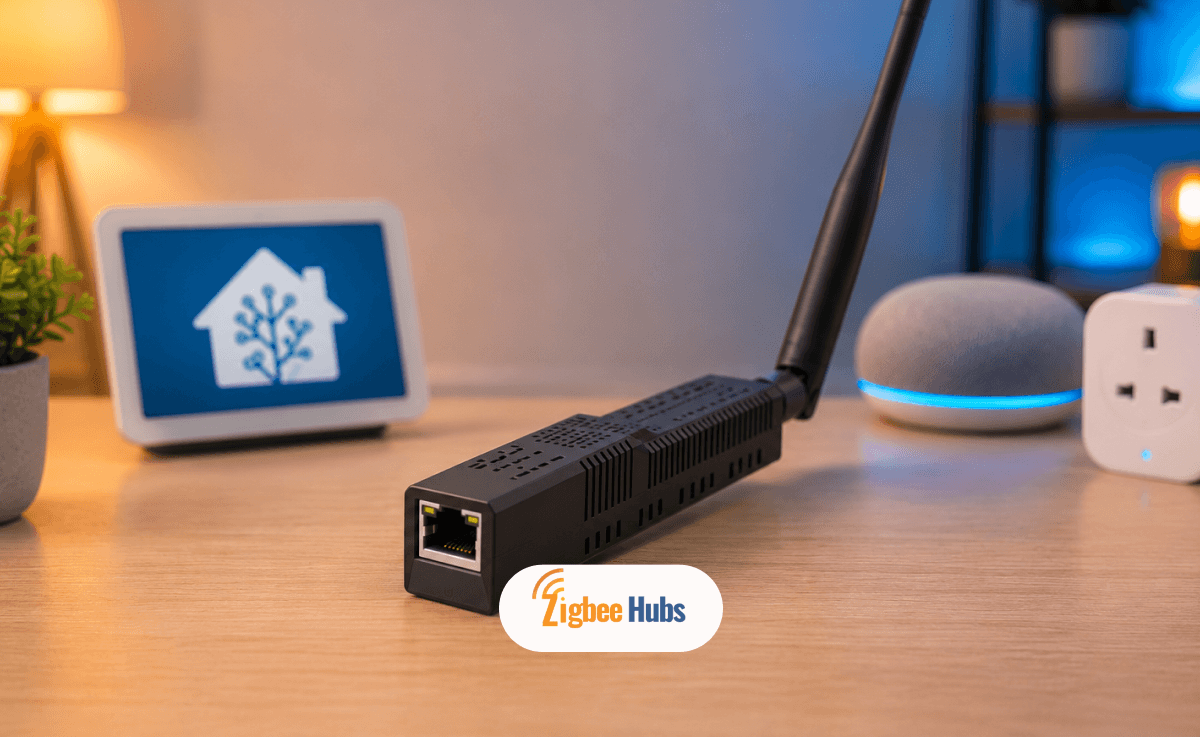
SMLIGHT SLZB-06
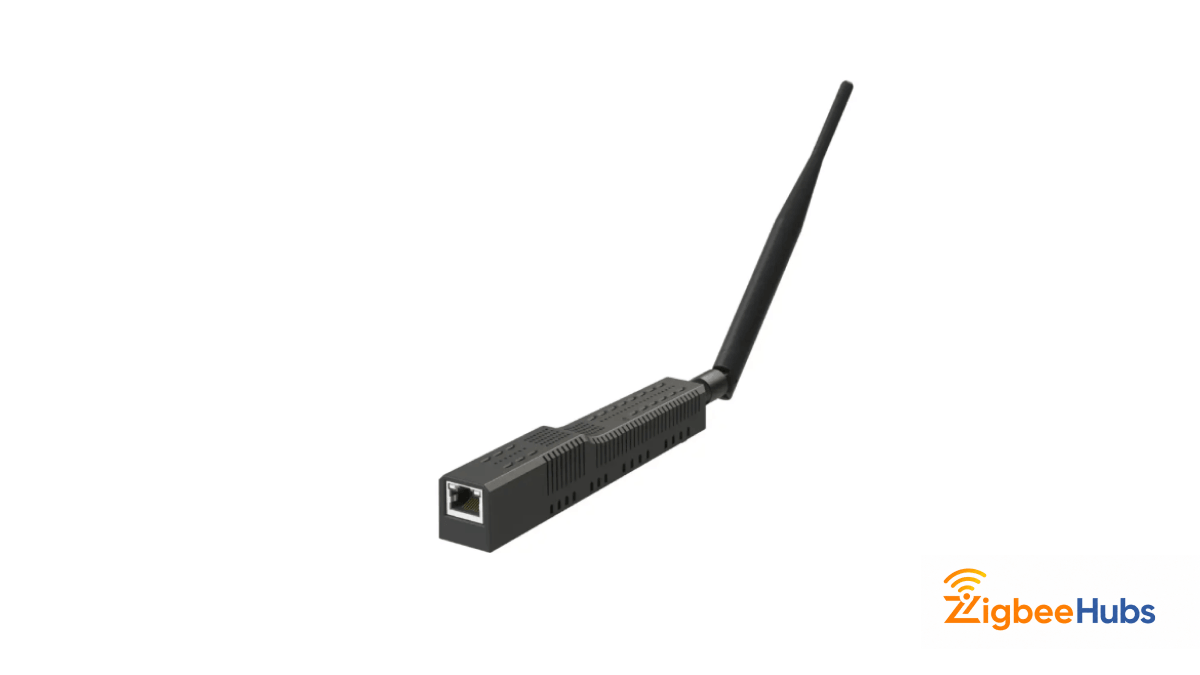
A network-based Zigbee coordinator that connects via Ethernet or Wi-Fi instead of USB.
Key Features
- Power over Ethernet (PoE)
- LAN connectivity
- Excellent Zigbee2MQTT compatibility
- Remote placement support
Pros
- Avoids USB interference.
- Extremely stable.
- Flexible placement.
- Great for large homes.
Cons
- More expensive.
- Slightly more advanced setup.
I moved one of my test environments to the SLZB-06 last year and immediately noticed fewer random Zigbee drops.
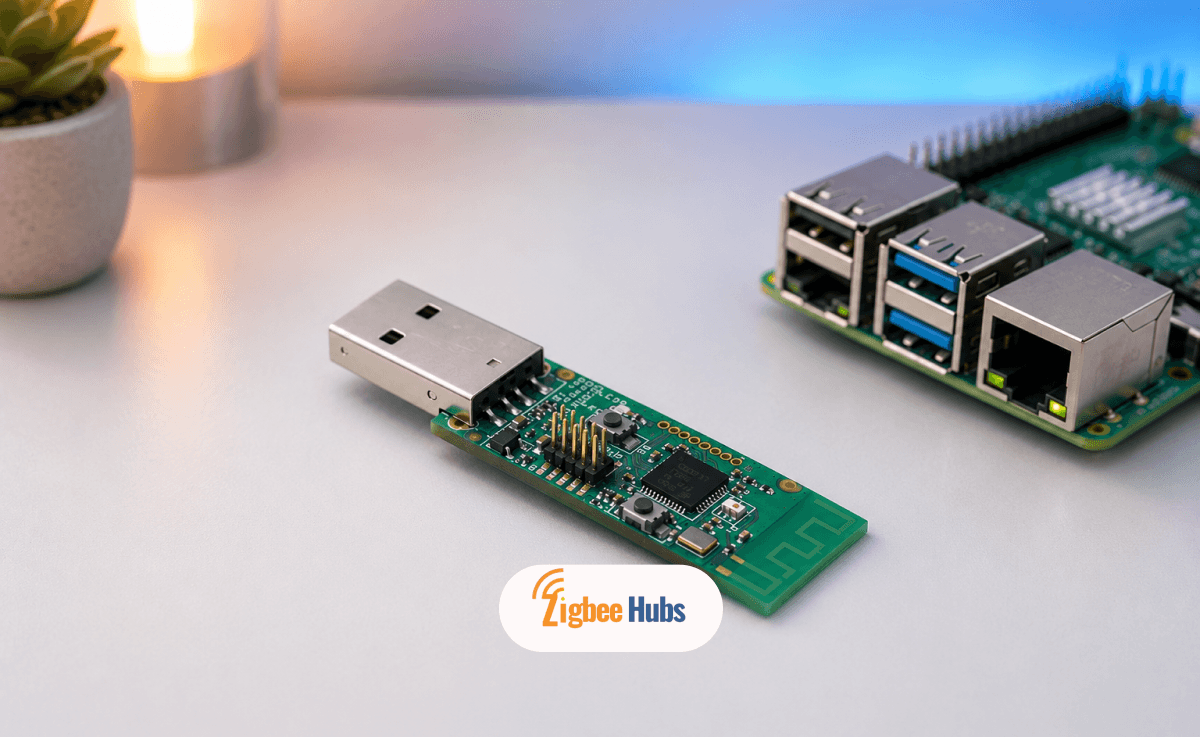
CC2531 USB Dongle
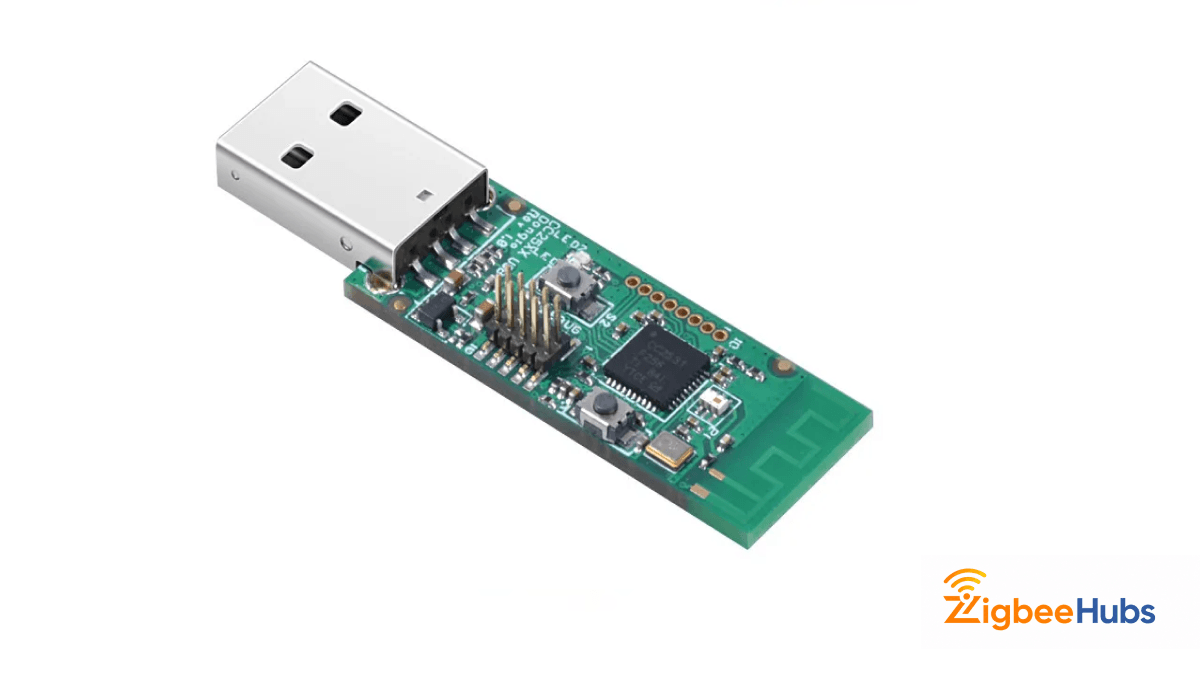
The USB-based sibling of the CC2530.
Key Features
- USB interface
- Zigbee2MQTT compatibility
- Compact design
Pros
- Cheap.
- Huge community support.
- Easy to flash.
Cons
- Weak antenna.
- Limited network scalability.
- Aging hardware.
Common Problems With the CC2530
Limited Memory
The biggest weakness is flash size.
Modern Zigbee stacks continue growing, and the CC2530 simply lacks resources compared to newer chips.
Weak Coordinator Performance
Large networks can overwhelm the CC2530.
You may experience:
- Delayed responses
- Pairing instability
- Device drops
Especially beyond 30–40 devices.
Older Toolchains
Development tools for the CC2530 feel outdated in 2026.
You often need:
- IAR Embedded Workbench
- Older SDKs
- Legacy TI tooling
That frustrates many beginners.
When Should You Still Buy a CC2530?
Buy If You Want:
- A cheap Zigbee router
- A learning platform
- DIY experimentation
- Custom sensor projects
- Mesh extension
Skip If You Want:
- A large production smart home
- 100+ Zigbee devices
- Easy firmware development
- Long-term coordinator scalability
Final Verdict: Is the CC2530 Still Worth It in 2026?
The cc2530 is no longer the king of Zigbee hardware, but it still has a place in the DIY smart home world. For hobbyists, students, and tinkerers, it remains one of the cheapest and easiest ways to learn Zigbee networking. As a dedicated router, it can still perform extremely well. But for primary coordinators, modern CC2652-based devices are simply better.
My recommendation:
- Use the CC2530 for routers and experiments.
- Use newer coordinators for serious smart homes.
That combination gives you the best balance of cost, reliability, and performance.
FAQs
Looking for a Compatible Zigbee Hub?
Explore our tested selection of Zigbee 3.0 gateways, Home Assistant coordinators, and smart controllers.
Have Questions or Need Setup Help?
Join the discussion on Smarthome Forum! Ask questions, share your home automation setup, or get expert troubleshooting advice from the community.