Zigbee Home Automation | Compete Guide 2026
- 1.Key Takeaways
- 2.What Is Zigbee Home Automation?
- 3.Why Should You Choose Zigbee for Home Automation in 2026?
- 4.Which Zigbee Hub Should You Choose?
- 5.What Are the Best Zigbee Hubs in 2026?
- 6.What Zigbee Devices Should You Start With?
- 7.How Do You Build a Strong Zigbee Mesh Network?
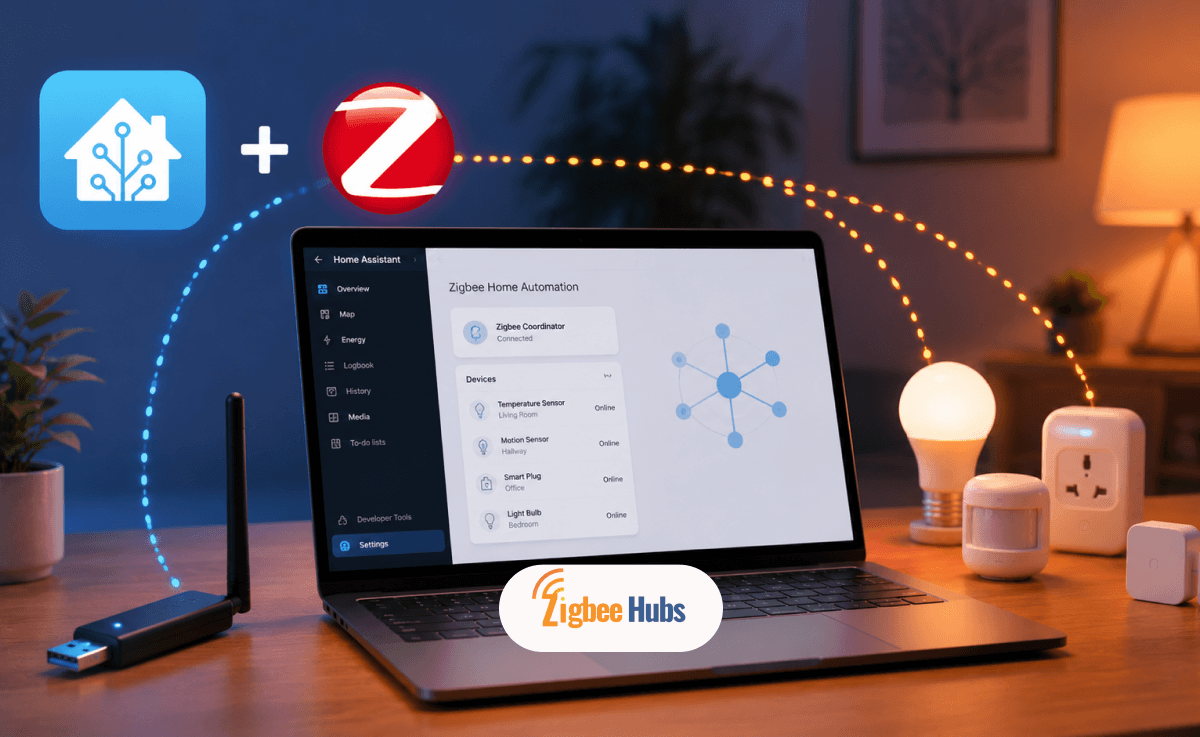
- 8.How Do You Set Up Zigbee Home Automation with Home Assistant?
- 9.Why Do Zigbee Devices Keep Disconnecting?
- 10.Is Zigbee Still Worth Using in 2026 with Matter Available?
- 11.Conclusion
- 12.Frequently Asked Questions about Zigbee Home Automation
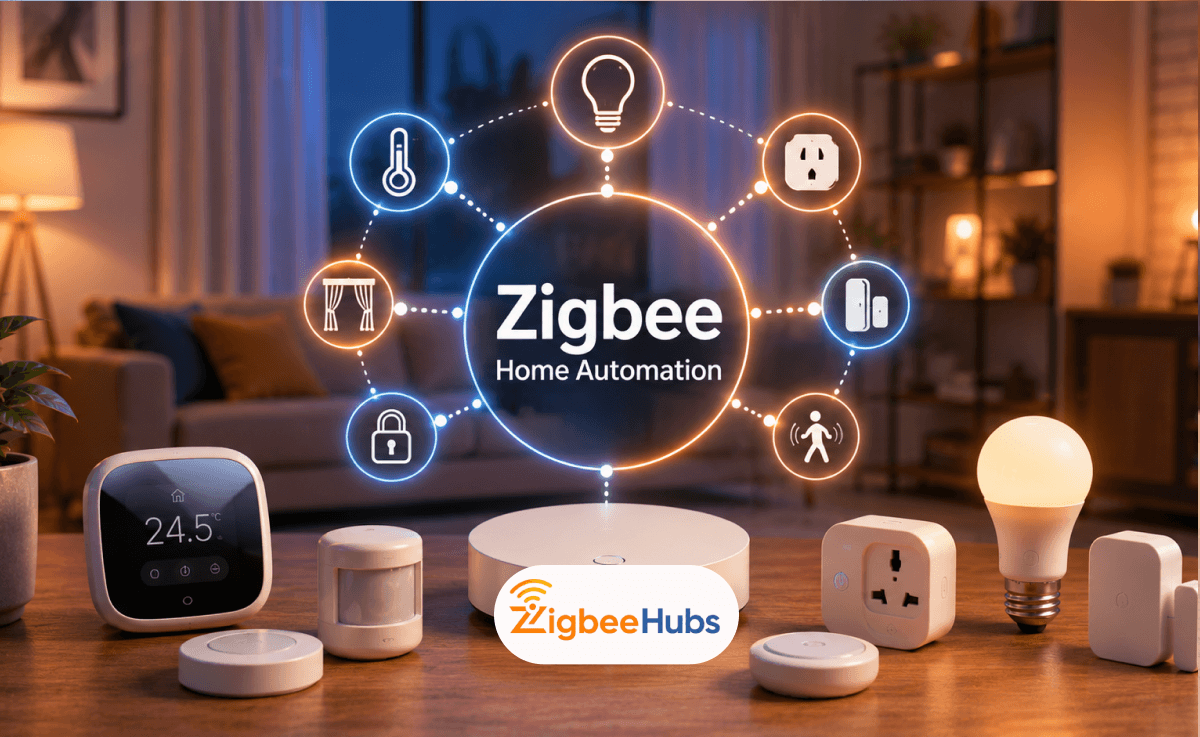
If you are building a smart home in 2026, you have more protocol options than ever. Wi-Fi devices are everywhere, Matter is gaining traction, and Z-Wave still has its loyal following. Yet zigbee home automation continues to be the go-to choice for anyone who wants a large, reliable, battery-friendly network that runs entirely without the cloud.
Key Takeaways
- Zigbee home automation is a low-power mesh protocol that connects smart devices without loading your Wi-Fi network.
- Every mains-powered Zigbee device acts as a signal repeater, making the network stronger as you add more devices.
- You need a coordinator hub to manage the network. Home Assistant with a Sonoff USB dongle gives you maximum flexibility. The Aqara Hub M3 is better if you plan to stay within the Aqara ecosystem.
- The most common mistake new users make is adding too many battery-powered sensors before building a proper router backbone with smart plugs and switches.
What Is Zigbee Home Automation?
Zigbee home automation is a wireless communication standard designed specifically for low-power, short-range IoT devices. It is built on the IEEE 802.15.4 specification and operates primarily on the 2.4 GHz frequency band, which is the same band used by Wi-Fi and Bluetooth.
The core difference from Wi-Fi is how data travels through the network. Wi-Fi uses a star topology where every device connects directly to a central router. Zigbee uses a mesh topology where devices pass data through one another to reach the hub.
How Does Zigbee Mesh Networking Work?
In a Zigbee mesh, a sensor in your basement does not need to communicate directly with the hub in your living room. Instead, it passes its signal through a smart plug in the hallway, which passes it through a light switch on the stairs, until the data reaches the hub. This chain of relays is what makes Zigbee so resilient.
If one device in the chain goes offline, the network automatically reroutes around it. This is why Zigbee networks are described as self-healing. The more mains-powered devices you add, the more routing paths exist and the more stable the network becomes.
What Are the Three Types of Zigbee Devices?
Every device in a zigbee home automation network plays one of three roles:
| Role | Power Source | Function | Examples |
|---|---|---|---|
| Coordinator | Mains (via hub) | Manages the network, stores security keys | Sonoff ZBDongle-E, Aqara Hub M3 |
| Router | Mains-powered | Relays data to extend mesh coverage | Smart plugs, light switches, bulbs |
| End Device | Battery-powered | Sends and receives data only; sleeps to save power | Motion sensors, door sensors, remotes |
Why Should You Choose Zigbee for Home Automation in 2026?
How Does Zigbee Compare to Z-Wave, Wi-Fi, and Matter?
Each protocol has a different design philosophy. Use this table to understand where zigbee automation fits:
| Protocol | Frequency | Device Limit | Cloud Required | Best For |
|---|---|---|---|---|
| Zigbee | 2.4 GHz | Thousands (theoretically) | No | Large, local, mixed-brand ecosystems |
| Z-Wave | 868/908 MHz | ~232 | No | Interference-free environments; premium devices |
| Wi-Fi | 2.4/5 GHz | Limited by router | Often yes | High-bandwidth devices (cameras, displays) |
| Matter | Over Thread/Wi-Fi | Varies | No (optional) | New devices; cross-platform interoperability |
Zigbee's core advantages in 2026:
- Local control: Automations run without an internet connection.
- Battery life: Sensors commonly last 1 to 3 years on a single CR2032.
- Device breadth: Hundreds of compatible devices are available across all price points.
- Mature ecosystem: Home Assistant, SmartThings, Amazon Alexa, and Samsung all support it natively.
Zigbee's real limitations:
- Shares the 2.4 GHz band with Wi-Fi, which requires active interference management.
- Some manufacturers use proprietary implementations that lock devices to their own hub.
- The setup curve is steeper than plug-and-play Wi-Fi devices.
Which Zigbee Hub Should You Choose?
This is the most consequential decision you will make for your zigbee home automation setup. Your hub determines device compatibility, local control capability, and long-term flexibility.
What Is the Difference Between ZHA and Zigbee2MQTT?
Both ZHA and Zigbee2MQTT run inside Home Assistant and turn a USB coordinator into a Zigbee hub. They are architecturally different, and the choice matters.
| Feature | ZHA (Zigbee Home Automation) | Zigbee2MQTT |
|---|---|---|
| Setup | Built into Home Assistant; configured in minutes | Requires MQTT broker + add-on setup |
| Device Support | ~2,000+ devices | ~3,000+ devices (broader database) |
| Configuration | GUI-based, minimal manual config | YAML-based; highly granular control |
| Stability | Very stable; official Home Assistant integration | Stable; maintained by large open-source community |
| Advanced Features | Limited | Extensive (custom clusters, binding, device reporting tweaks) |
| Best For | Users who want reliability with minimal complexity | Power users who need maximum device support and control |
What Are the Best Zigbee Hubs in 2026?
![SONOFF ZBDongle-E [Best Recommended]](https://blog.zigbeehubs.com/content/images/2026/08/zbdongle-e-2.png)
SONOFF ZBDongle-E [Best Recommended]
⭐SONOFF ZBDongle-E [Best Recommended]
Key Features
- Supports Zigbee 3.0 for broad device compatibility
- Built with the Silicon Labs EFR32MG21 chipset
- Works with both Home Assistant ZHA and Zigbee2MQTT
- Handles 100+ Zigbee devices in properly optimized networks
- Future-ready hardware with Thread / Matter development support
- External antenna improves signal range and mesh stability
- USB form factor makes it ideal for Home Assistant servers, Raspberry Pi, and NUC setups
Pros
- Open ecosystem. Pairs with nearly any Zigbee device on the market.
- Fully local control with no cloud dependency.
- Compatible with both ZHA and Zigbee2MQTT.
Cons
- Requires a Home Assistant server such as a Raspberry Pi, Home Assistant Green, or NUC.
- Initial setup is not beginner friendly.
Aqara Hub M3
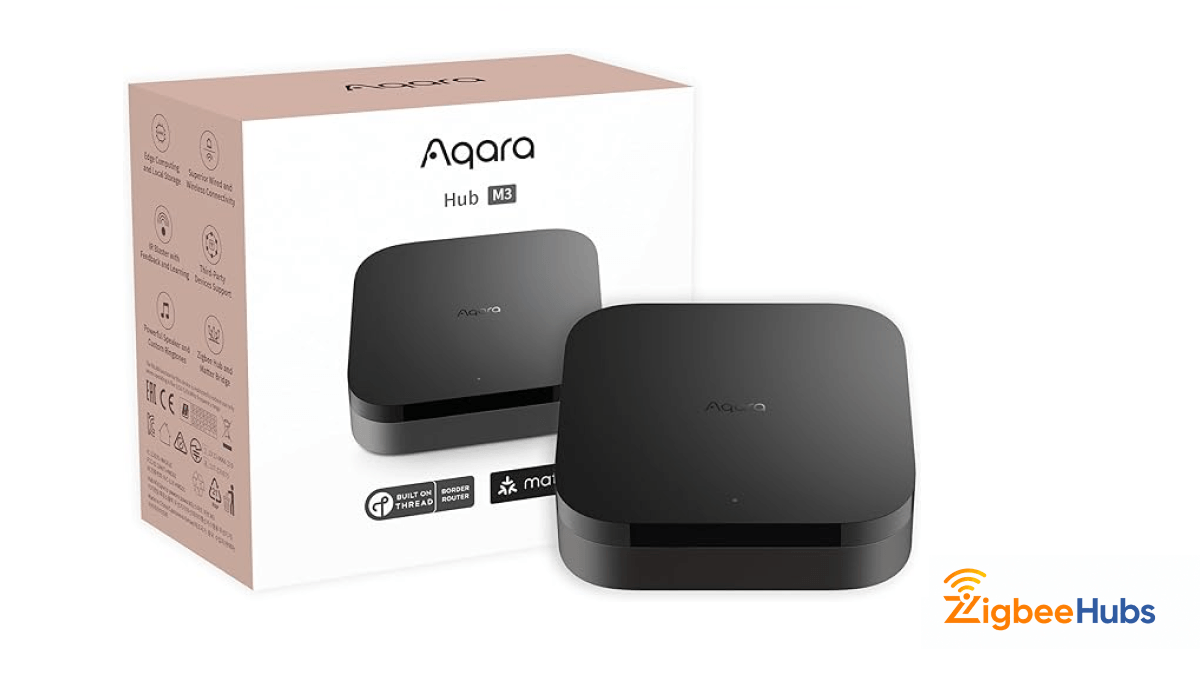
The Aqara M3 is a powerful local hub that supports Zigbee 3.0, Thread, and Matter. It can bridge Aqara Zigbee devices into Apple Home, Google Home, and Amazon Alexa via Matter.
Key Features
- Supports Zigbee 3.0, Thread, and Matter
- Functions as a Matter Controller and Thread Border Router
- Enables local automation processing for faster smart home response
- Designed for seamless integration with Apple Home, Alexa, and Google Home
- Supports Aqara sensors, switches, locks, and automation accessories
- Built for users who want a closed, polished smart home ecosystem
- Future-proof hardware for expanding beyond Zigbee devices
Pros
- Excellent for users building an Aqara-only ecosystem.
- Matter bridge exposes devices to any Matter controller.
- Local automations run without any cloud dependency.
Cons
- The M3 only works with Aqara-branded Zigbee devices. Sonoff, IKEA, and other third-party Zigbee devices will not pair with it.
- The Aqara Home app offers limited automation logic compared to Home Assistant.
SONOFF iHost
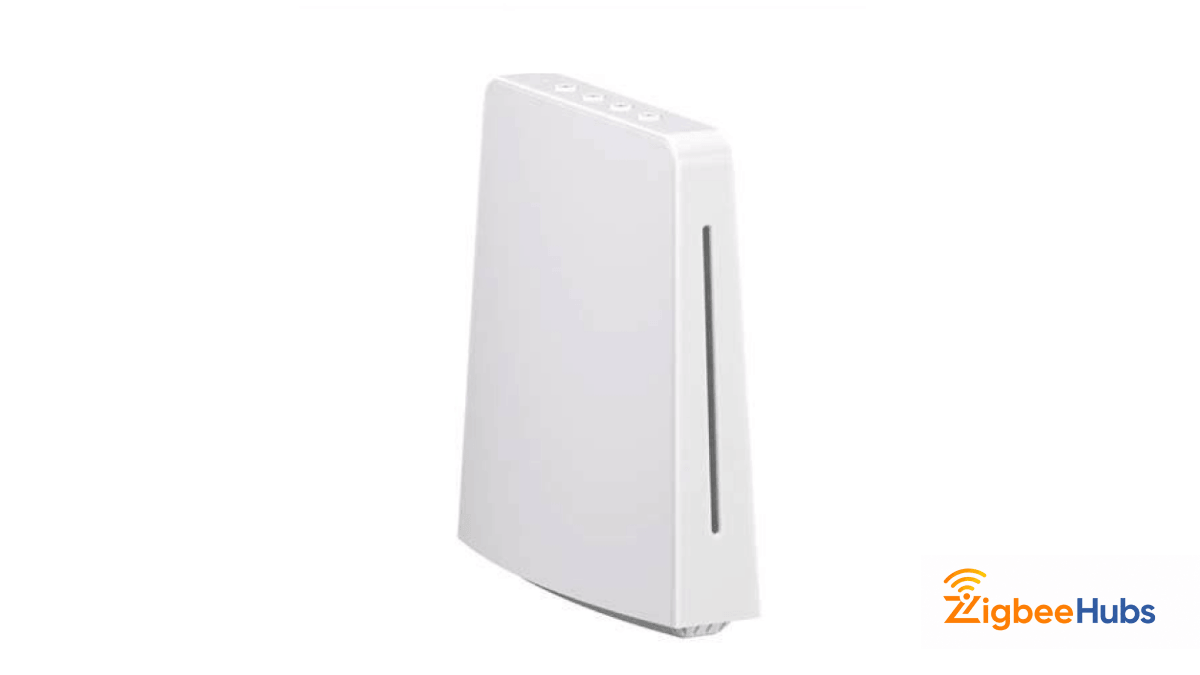
A local Smart Home Private Server that runs Zigbee natively without cloud dependency. It is easier to set up than Home Assistant but less customizable. A solid choice for users who want Sonoff's ecosystem without the full Home Assistant learning curve.
Key Features
- Built for fully local smart home control, so automations continue even if the internet goes offline
- Supports both Zigbee 3.0 devices and SONOFF LAN devices for broader ecosystem compatibility
- Can manage up to 128 Zigbee sub-devices in a properly designed mesh network
- Includes local data storage for device logs, automation history, and security events
- Supports Open API and Docker-based add-ons for advanced customization
- Features Ethernet connectivity for stable local communication
- Expandable storage with TF/microSD card support up to 256GB
- Can integrate cameras such as ONVIF / RTSP compatible devices for local monitoring in supported setup
Aeotec SmartThings Smart Home Hub
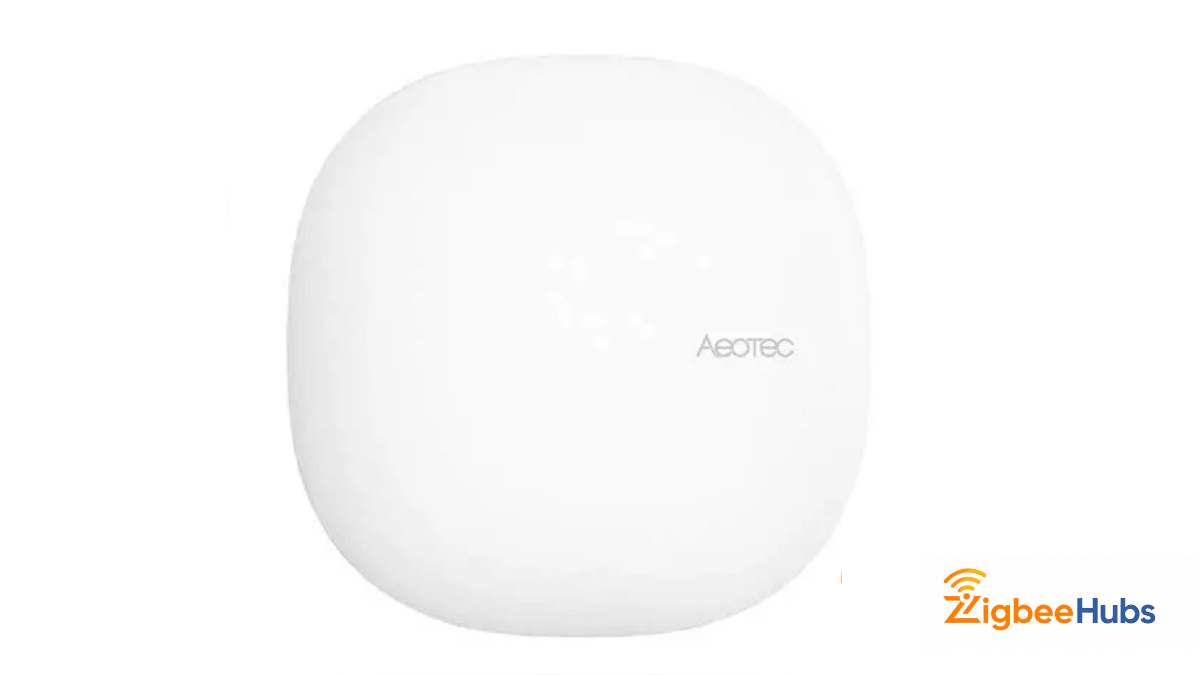
A combined Z-Wave and Zigbee hub running the SmartThings platform. Best suited if you need both protocols and are already invested in the SmartThings ecosystem.
Key Features
- Officially built to run the SmartThings ecosystem
- Supports multiple smart home protocols including Zigbee, Z-Wave, and Wi-Fi connected services
- Designed for local automation processing for faster device response where supported
- Works with voice platforms like Apple Siri (via supported integrations), Alexa, and Google Assistant
- Supports thousands of compatible smart home devices across different brands
- Ideal for users who want cross-brand compatibility without building a DIY smart home server
- Includes built-in automation routines, scenes, and remote smart home access through the SmartThings app
Pros
- Supports Zigbee, Z-Wave, Matter, and Thread.
- Works with thousands of smart devices.
- Easy SmartThings app setup.
- Strong automation and scene support.
- Local automation support.
Cons
- Some features still rely on cloud services.
- Not natively built for Apple HomeKit.
- Can feel complex for beginners.
- Higher price than basic Zigbee hubs.
- Platform updates may affect integrations.
Which Zigbee Hub Is Right for You?
Choose Home Assistant + ZBDongle-E if you want maximum device compatibility across mixed brands, local control and privacy are priorities, you are comfortable with a technical setup process, or you plan to build a large network of 50 or more devices.
Choose Aqara Hub M3 if you are building a primarily or exclusively Aqara ecosystem, you want Matter bridge functionality for Apple Home or Google Home, you prefer a polished mobile app over custom automation logic, or your device count will stay under 100.
Choose Sonoff iHost if you primarily use Sonoff devices, want local control without the Home Assistant learning curve, or your network will stay at 30 to 50 devices or fewer.
See more: How to create Raspberry Pi Zigbee Gateway
What Zigbee Devices Should You Start With?
The zigbee home automation devices ecosystem is large. Here is where to focus first, categorized by function:
| Category | Recommended Devices | Notes |
|---|---|---|
| Smart Plugs / Switches | Sonoff S31 Lite Zigbee, Sonoff ZBMINIL2, Aqara Wall Switch H1 | Critical: these act as mesh routers. Buy these before sensors. |
| Motion Sensors | Aqara Motion Sensor P1, Sonoff SNZB-03P | Aqara P1 has adjustable sensitivity and detection zones. |
| Door/Window Sensors | Aqara Door and Window Sensor P2, Sonoff SNZB-04 | Long battery life; excellent for security automations. |
| Temperature/Humidity | Aqara Temperature and Humidity Sensor, Sonoff SNZB-02D | SNZB-02D includes a built-in display. |
| Smart Lighting | Philips Hue, IKEA Tradfri, Ledvance Smart+ | Hue bulbs in Touchlink mode can cause mesh disruption. |
| Climate Control | Sonoff TRVZB, Aqara Radiator Thermostat E1 | Both integrate cleanly with Home Assistant. |
| Smart Locks | Yale Assure Lock 2, Danalock V3 | Check module compatibility. Some Yale models require proprietary bridges. |
How Do You Build a Strong Zigbee Mesh Network?
How Many Zigbee Routers Do You Actually Need?
A Zigbee router is any mains-powered Zigbee device: a smart plug, light switch, or dedicated repeater. These form the backbone of your mesh.
A practical guideline: Place a router device every 15 to 20 feet (4 to 6 meters). Maintain a router-to-end-device ratio of at least 1:3, meaning one router for every three battery-powered sensors. For networks larger than 15 devices, aim for 5 or more router devices spread across floors.
In our testing, a 12-device network with only 2 smart plugs produced consistent drop-offs from sensors in distant rooms. Adding 3 additional Sonoff S31 Lite plugs in intermediate locations eliminated all disconnections within 24 hours.
Which Wi-Fi Channels Conflict with Zigbee?
This is the most under-discussed cause of zigbee automation problems. Zigbee and Wi-Fi both operate on 2.4 GHz and their channels overlap significantly. Understanding this overlap is essential for a stable network.
Zigbee channels and their Wi-Fi conflicts:
| Zigbee Channel | Center Frequency | Conflicts With Wi-Fi Channel |
|---|---|---|
| 11 | 2.405 GHz | 1 |
| 14 | 2.425 GHz | 1, 6 |
| 15 | 2.428 GHz | 1, 6 |
| 20 | 2.450 GHz | 6, 11 |
| 25 | 2.475 GHz | 11 (partial) |
| 26 | 2.480 GHz | 11 (partial) |
Recommendation: If your Wi-Fi uses channels 1, 6, and 11 (the standard non-overlapping set), set your Zigbee network to channel 25 or 26. These sit above most Wi-Fi overlap and offer the cleanest spectrum in typical home environments.
You can change your Zigbee channel in Home Assistant under ZHA Settings > Change Channel or in Zigbee2MQTT's configuration.yaml. A channel change causes all devices to briefly drop and re-join, so run it during a low-activity period.
How Do You Avoid Zigbee Interference?
Beyond channel selection, three specific practices significantly improve reliability:
1. Use a USB extension cable for your coordinator. USB 3.0 ports emit radio frequency noise in the 2.4 GHz band that directly interferes with Zigbee signals. Never plug your coordinator directly into a USB 3.0 port. Use a shielded USB 2.0 extension cable (50 to 100 cm) to move the dongle away from the machine. This single change eliminates the most common source of Zigbee interference in home setups.
2. Keep your coordinator away from the Wi-Fi router. Your Wi-Fi router is a strong 2.4 GHz transmitter. Place your Zigbee coordinator at least 1 to 2 meters away from it and avoid direct line-of-sight placement between the two.
3. Handle Philips Hue bulbs carefully. Hue bulbs using Zigbee Light Link (ZLL) in Touchlink commissioning mode can disrupt mesh traffic. If you are using Hue bulbs directly in Home Assistant without the Hue Bridge, confirm they are in Zigbee 3.0 mode and not attempting to join an external Hue network.
How Do You Set Up Zigbee Home Automation with Home Assistant?
What You Need:
- Home Assistant server (Green, Yelloe, Raspberry Pi or NUC
- SONOFF Zigbee 3.0 USB Dongle E
- USB 2.0 extension cable
- At least one Zigbee device
- Plug the ZBDongle-E into the USB extension cable.
- Connect it to your Home Assistant server.
- Avoid USB 3.0 ports.
- Open Settings → Devices & Services.
- Click Add Integration.
- Search for Zigbee Home Automation (ZHA).
- Select your detected dongle.
- Open ZHA Settings.
- Click Change Channel.
- Select Channel 25 or 26.
- Put your Zigbee plugs into pairing mode.
- In ZHA, click Add Device.
- Pair all powered devices first.
- Put sensors into pairing mode.
- Click Add Device again.
- Pair sensors near their final location.
- Open Settings → Automations.
- Click Create Automation.
- Example: Door opens → After sunset → Turn on light.
If you're interested in SLZB 06, you can read our new article on this.
Why Do Zigbee Devices Keep Disconnecting?
Three causes are responsible for the overwhelming majority of zigbee home automation connectivity problems:
Cause 1: USB 3.0 Interference The coordinator is plugged directly into a USB 3.0 port. The fix is a USB 2.0 extension cable. This is the single most common issue reported across Home Assistant forums and Zigbee communities.
Cause 2: Insufficient Router Coverage Too many battery-powered sensors and too few mains-powered routers. When sensors have no nearby router to relay through, they attempt to communicate directly with the coordinator over long distances. This results in dropped messages and unstable behavior. The fix is to add smart plugs in the areas where sensors are dropping off.
Cause 3: Wi-Fi Channel Overlap When your Wi-Fi and Zigbee channels overlap significantly, packet loss increases and devices begin to drop. Use the channel table above to select a non-conflicting Zigbee channel.
Less common but worth checking: Some older Aqara E1 sensors have a known behavior where they prefer to rejoin an Aqara hub over a third-party coordinator. If Aqara sensors repeatedly drop from Home Assistant ZHA, switch to Zigbee2MQTT and apply the Aqara-specific device quirk, which handles their non-standard join behavior. For very large networks with 100 or more devices and few routers, mesh congestion is also possible. Add dedicated repeaters such as the IKEA Tradfri Signal Repeater or a spare Sonoff ZBDongle running in router mode to offload traffic.
Is Zigbee Still Worth Using in 2026 with Matter Available?
How Does Zigbee Relate to the Matter Protocol?
Matter is a unifying interoperability standard backed by Apple, Google, Amazon, and Samsung. It is not a replacement for Zigbee. It acts as a bridge layer that allows devices from different ecosystems to communicate with one another.
In practice, Matter works over Wi-Fi or Thread and not natively over Zigbee. However, several hubs including the Aqara M3 and Home Assistant act as Matter bridges, exposing your Zigbee devices to Matter controllers. This means your Aqara Zigbee sensors can appear natively in Apple Home or Google Home through the M3's Matter bridge functionality.
What this means for your decision: If you are building new in 2026, Zigbee remains the best choice for sensor-heavy networks. Thread still has a smaller device ecosystem and less mature battery-powered device support. Existing Zigbee investments are fully protected since Matter bridges preserve compatibility. For new smart plugs and switches where Thread devices are available, Thread is worth considering for its cleaner implementation and lower legacy overhead.
Bottom line: Zigbee is not obsolete. It is the most device-rich, battle-tested low-power mesh protocol available in 2026. Build on it confidently while monitoring Thread device availability for future expansions.
Conclusion
Zigbee remains one of the best smart home technologies in 2026 thanks to its local control, strong mesh reliability, and excellent battery efficiency. For the best results, choose the right hub, build your mesh with powered devices first, and use the correct Zigbee channel. Start with a coordinator and a few smart plugs, then expand with sensors as your network grows.
Frequently Asked Questions about Zigbee Home Automation
Looking for a Compatible Zigbee Hub?
Explore our tested selection of Zigbee 3.0 gateways, Home Assistant coordinators, and smart controllers.
Have Questions or Need Setup Help?
Join the discussion on Smarthome Forum! Ask questions, share your home automation setup, or get expert troubleshooting advice from the community.