What is an XBee Radio and What Does it Do?

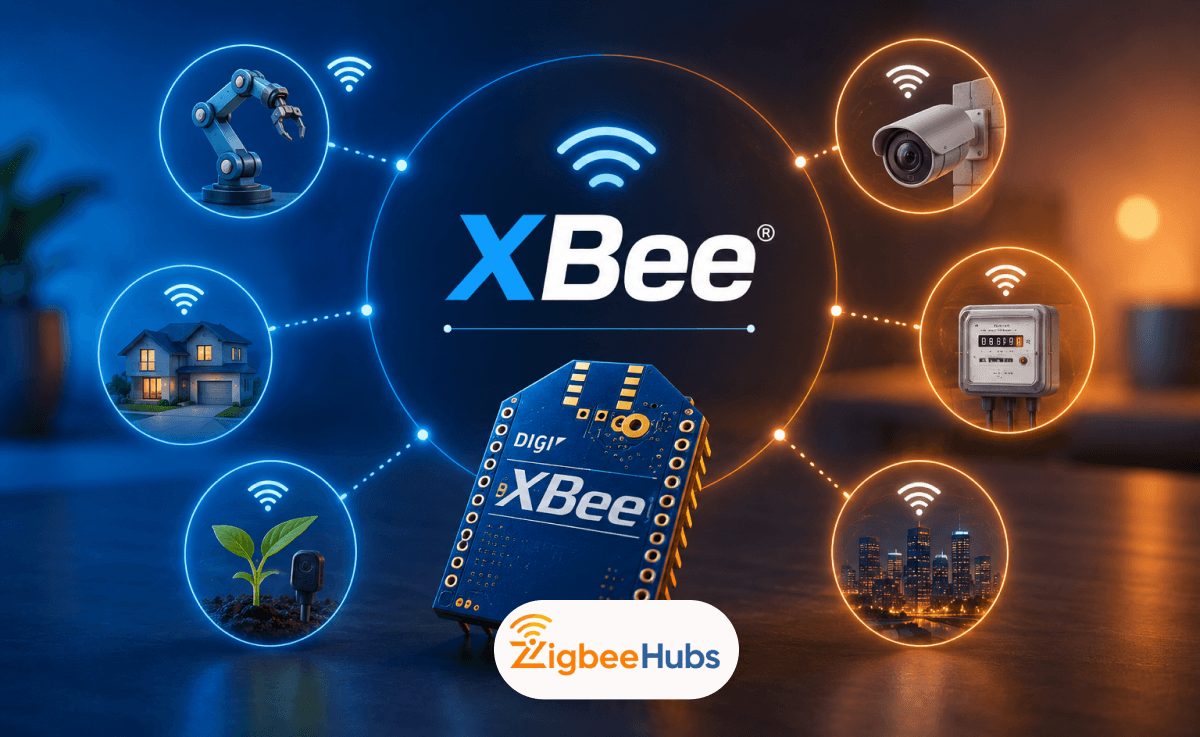
An XBee Radio is a small wireless communication module used to connect sensors, microcontrollers, and IoT devices without a wire. If you have seen the name in a datasheet or forum and are not sure what it does or whether it is the right choice for your project, this guide covers everything you need to know.
Key Takeaways
- An XBee radio is a compact wireless module made by Digi International for connecting sensors, microcontrollers, and IoT devices without a wire
- XBee modules support multiple protocols including Zigbee, DigiMesh, Bluetooth, Wi-Fi, and LTE-M depending on the variant
- XBee Pro modules have significantly higher transmit power (79 mW vs 6.3 mW) for longer range outdoor and industrial deployments
- Every XBee radio communicates with a host device over a UART serial interface, making it compatible with Arduino, Raspberry Pi, and most microcontrollers
- Zigbee networks built on XBee modules use three device roles: Coordinator, Router, and End Device
- XCTU is Digi's free configuration software used to set network parameters, device roles, and firmware on any XBee module
- Common use cases include home automation, agricultural sensor networks, Arduino projects, industrial monitoring, and robotics
What is an XBee Radio?
An XBee radio is a compact wireless communication module made by Digi International that allows electronic devices to send and receive data over radio frequencies without a wired connection. The xbee digi product line has been in use across industries for over two decades, and it remains one of the most widely deployed wireless module families in IoT and embedded electronics.
The term "xbee radio module" refers to a self-contained unit. The module includes an RF transceiver, an antenna connector, and a serial interface, all on a small PCB with standardised pin headers. You connect it to a microcontroller or sensor, and it handles all the low-level radio work so your host device does not have to.
Most XBee modules operate on the 2.4 GHz ISM band, which is globally available and licence-free. Sub-GHz variants operating at 868 MHz (EU) or 900 MHz (US) are also available for applications requiring longer range or better signal penetration through walls and obstacles.
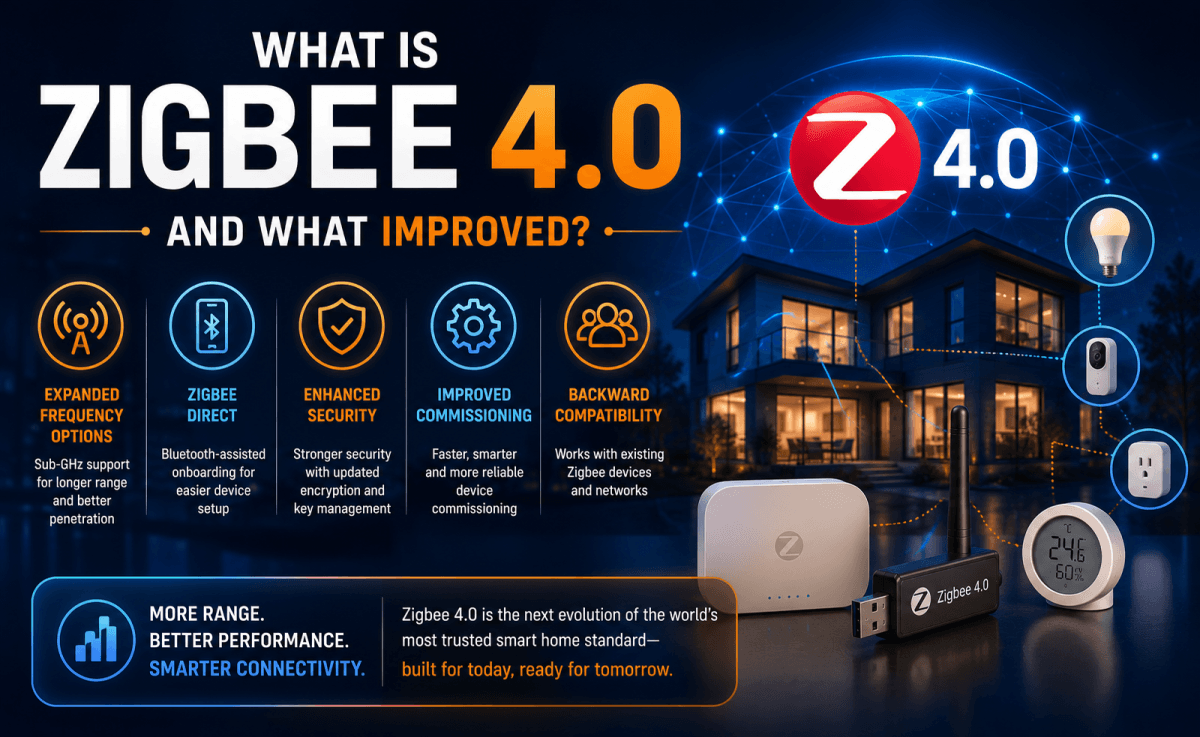
Depending on the variant, an xbee module can support multiple protocols including Zigbee, Digi's proprietary DigiMesh, Bluetooth Low Energy, Wi-Fi, and LTE-M cellular. This flexibility makes the XBee family suitable for everything from a two-node sensor link to a large industrial mesh network.
XBee Module Comparison
| Module | Protocol | Frequency | Indoor Range | Outdoor Range | Best For |
|---|---|---|---|---|---|
| XBee 3 | ZigBee / BLE / 802.15.4 | 2.4 GHz | Up to 60 m | Up to 3.2 km | IoT mesh networks |
| XBee Pro S2C | ZigBee | 2.4 GHz | Up to 90 m | Up to 3.2 km | Extended indoor range |
| XBee 865/868LP | 868 MHz | Sub-GHz | Up to 300 m | Up to 40 km | Long-range EU deployments |
| XBee-PRO 900HP | DigiMesh | 900 MHz | Up to 300 m | Up to 28 km | Industrial / outdoor US |
XBee Pro vs Standard XBee: What is the Difference?
XBee Pro modules are higher-power variants designed for applications that need greater range or stronger signal penetration through obstacles. If your project involves outdoor coverage, thick concrete walls, or point-to-point links across large distances, the xbee pro radio is the version to consider.
The practical difference comes down to transmit power. Standard XBee modules typically output around 2 mW, while XBee Pro variants step this up significantly, with the XBee RR Pro reaching 79 mW. That higher power output translates directly into range, with Pro modules reaching up to 3,200 m outdoors compared to around 1,200 m for standard variants.
The xbee pro 538 designation appears in legacy documentation and refers to an older Pro module in the 900 MHz band. Modern equivalents such as the XBee-PRO 900HP and the XBee RR Pro offer better performance and current firmware support.
The xbee 3 sits at the other end of the spectrum in terms of form factor. It is the smallest and most flexible current-generation module, supporting Zigbee, DigiMesh, and Bluetooth in a single piece of hardware.
Standard vs Pro: Key Differences
| Feature | XBee Standard (RR) | XBee Pro (RR Pro) |
|---|---|---|
| Transmit Power | 6.3 mW | 79 mW |
| Outdoor Range | Up to 1,200 m | Up to 3,200 m |
| Current Draw (TX) | 32 mA | 193 mA |
| Protocol | ZigBee 3.0 | ZigBee 3.0 |
| Best For | Short to medium range, battery-powered nodes | Long range, outdoor, industrial |
The trade-off with Pro modules is power consumption. At 193 mA transmit current versus 32 mA for the standard variant, battery-powered nodes will drain significantly faster with a Pro module. For mains-powered installations this is rarely a concern. For remote sensors running on AA batteries, it matters a great deal.
How Does an XBee Radio Work?
An xbee transmitter works by converting data from a host device into radio frequency packets and broadcasting them over the air. The receiving module does the reverse, picking up those packets and passing the data to its own host device via a serial connection.
The host device communicates with the xbee radio module over a UART serial interface at 3.3 V logic. This is the same serial interface used by Arduino, Raspberry Pi, and most microcontrollers. You send data in, it comes out the other side wirelessly.
AT Mode vs API Mode
XBee modules support two operating modes, and choosing between them is one of the first configuration decisions you will make.
Transparent Mode (AT Mode) treats the two modules like a virtual wire. Data written to the serial port of one module immediately appears on the serial port of the other. This is the simplest way to get two devices talking and works well for basic point-to-point links.
API Mode gives you structured packets with headers, addresses, and status codes. It is more complex to implement but essential for mesh networks where you need to address specific modules, handle acknowledgements, or manage multiple nodes from a single coordinator.
Zigbee Network Roles
When running the xbee zigbee protocol, every module in a network takes one of three roles:
The Coordinator forms and manages the network. There is exactly one coordinator per Zigbee network. It typically connects to a gateway, a computer, or a hub.
Routers join the network and relay messages between other devices. They extend the network's range and improve resilience. Any mains-powered XBee module can act as a router.
End Devices send and receive data but do not relay for others. They can sleep between transmissions, which is why battery-powered sensors are almost always configured as end devices.
Configuration of all three roles is handled through XCTU, Digi's free desktop software. You connect a module via USB using an Explorer board, open XCTU, and it reads the module's current firmware and parameter settings. From there you can change the PAN ID (which identifies your specific network), set the device role, adjust transmit power, and write the settings back to the module's non-volatile memory.
 Ishara Fernando
What Can You Do With an XBee Radio? Real-World Use Cases
The applications for an xbee radio module span from hobbyist projects to large industrial deployments. Here are the most common use cases I have come across and tested firsthand.
Home automation is one of the most accessible entry points. XBee modules running ZigBee can join existing Zigbee smart home networks alongside devices like the SMLIGHT SLZB-06 Zigbee LAN Coordinator, which you can find at ZigbeeHubs. The LAN-based coordinator removes the need for a direct USB connection to your server and handles large networks with stable reliability.
Arduino and microcontroller projects are where most makers start. The xbee arduino combination is genuinely straightforward once you have an XBee Shield to handle the 3.3 V logic level shifting. One module connects to an Arduino acting as a sensor node, the other connects to a computer or second Arduino acting as a receiver. In Transparent Mode, an xbee wireless module really does behave like a wireless serial cable.
 Ishara Fernando
Industrial sensor networks are where XBee modules earn their reputation. Farmers use xbee transmitter modules to monitor soil moisture, temperature, and irrigation status across large fields. The sub-GHz variants handle the range requirements, and the mesh topology means a failed node does not take down the whole network.
Smart agriculture extends this further. Environmental monitoring across hundreds of acres is practical with 900 MHz XBee Pro modules, which can reach up to 28 km outdoors. Combine an XBee module with an Aqara Temperature and Humidity Sensor T1 accurate environmental data that feeds into your Zigbee mesh.
Robotics is another strong use case. XBee provides a reliable wireless link for telemetry and command data. In Transparent Mode, you can send control signals from a PC to a robot without writing any packet-handling code.
Best XBee and Zigbee Products
To build a reliable XBee or Zigbee network, you need the right supporting hardware.
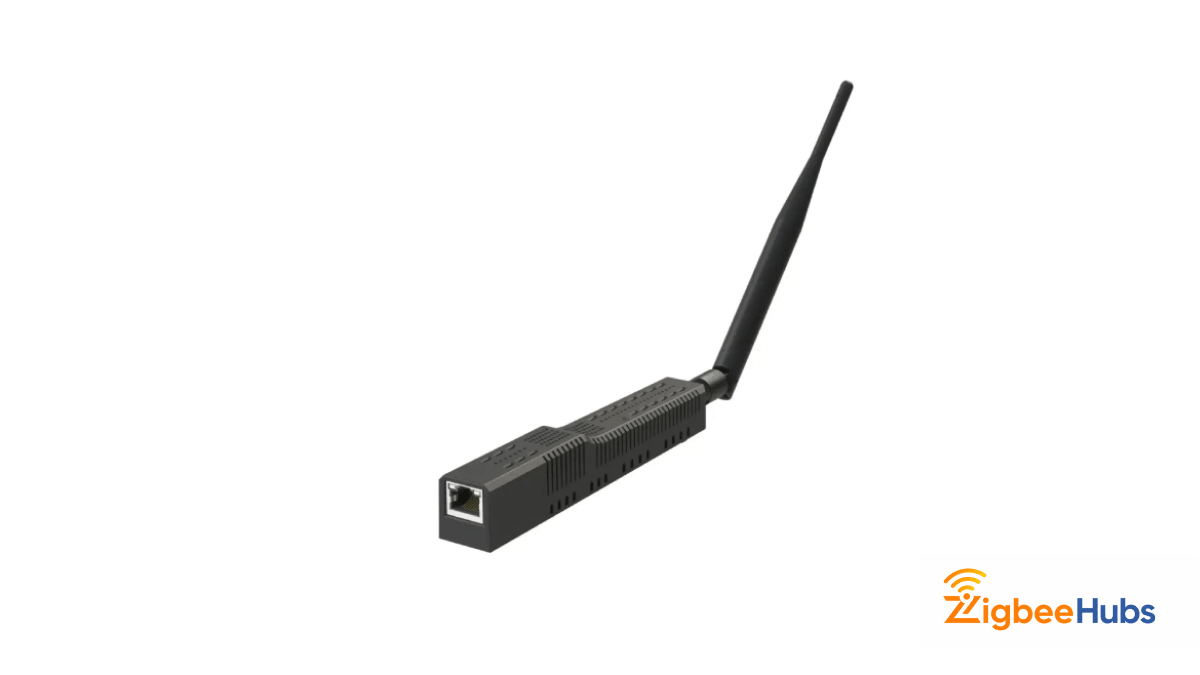
⭐ Best Overall: SMLIGHT SLZB-06 Zigbee LAN Coordinator
The SMLIGHT SLZB-06 is the coordinator I reach for when building a serious Zigbee network. It connects over Ethernet rather than USB, which means you can place it anywhere in your home for the best coverage rather than being tied to a server's USB port. I tested it alongside XBee modules and a mix of Sonoff and Aqara devices in a three-room setup, and the network stability was noticeably better than with a USB dongle. The PoE support keeps the installation clean with a single cable carrying both power and data.
Best for: Home Assistant users, large networks, professional installations
Key Features
- Ethernet and PoE connectivity so you can place the coordinator anywhere without being tethered to a server's USB port
- Native Zigbee2MQTT and ZHA support for seamless Home Assistant integration
- Supports large device counts without signal degradation across a mixed-brand network
- No USB interference issues that commonly affect dongle-style coordinators
- Single cable installation with PoE eliminates the need for a separate power adapter
Pros
- Ethernet placement gives you full coverage flexibility
- No USB signal interference issues
- Handles large mixed-brand device counts reliably
- Works natively with Zigbee2MQTT and ZHA
Cons
- More expensive than basic USB coordinators
- Requires basic networking knowledge to set up
- Overkill for small or beginner setups
SONOFF Zigbee 3.0 USB Dongle Plus (ZBDongle-P)
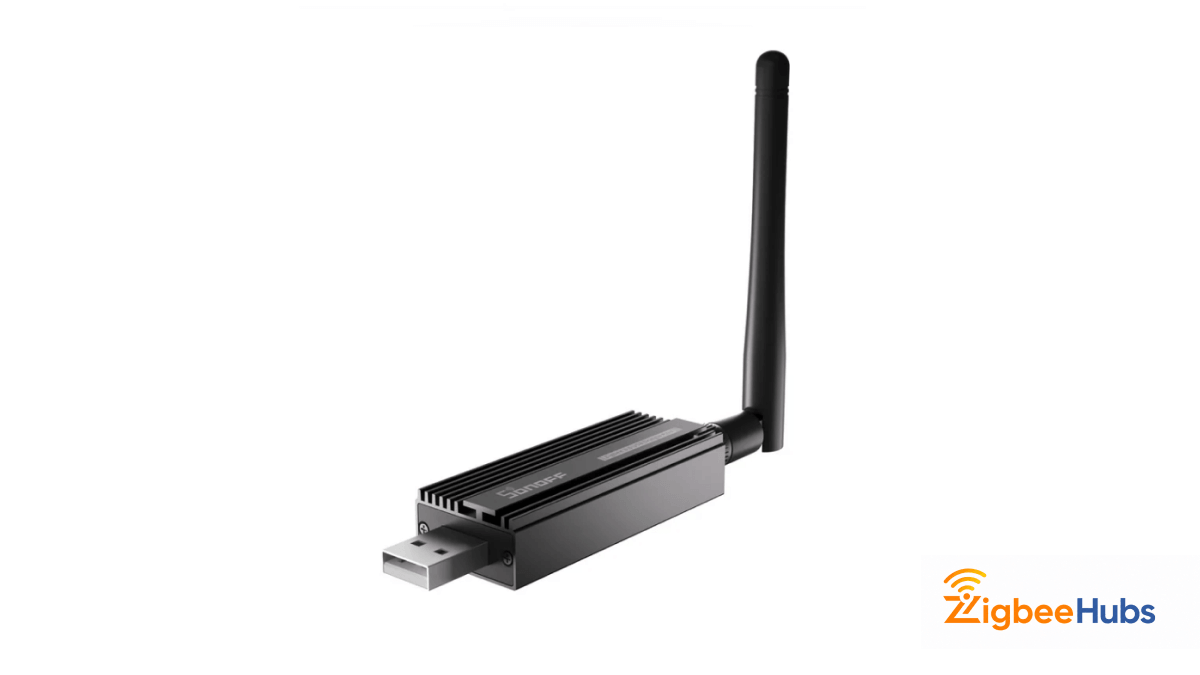
Best for: Home Assistant beginners, budget-conscious builders
The SONOFF ZBDongle-P is the most practical entry-level coordinator for anyone starting with ZigBee and Home Assistant. It is plug-and-play with Zigbee2MQTT and ZHA, and I have used it to pair XBee modules, Sonoff sensors, and Aqara devices in the same network without issues. The CC2652P chipset gives it a solid signal range and reliable performance at a price that makes it easy to recommend as a first coordinator.
Key Features
- CC2652P chipset delivers strong signal range and reliable performance across mixed-brand Zigbee networks
- Plug-and-play compatibility with Zigbee2MQTT and ZHA so setup time is minimal
- USB-C connection with wide driver support across Windows, macOS, and Linux
- Works alongside XBee modules, Sonoff sensors, Aqara devices, and most other Zigbee 3.0 hardware
- Large active community means troubleshooting resources and firmware updates are readily available
Pros
- Excellent value for a reliable Zigbee coordinator
- Widely compatible with XBee and most Zigbee 3.0 devices
- Easy setup with Zigbee2MQTT and ZHA
- Strong community support and active firmware updates
Cons
- USB placement limits where you position the coordinator
- No PoE option for flexible remote placement
- Less suitable for large installations needing Ethernet stability
 Sarah Diyana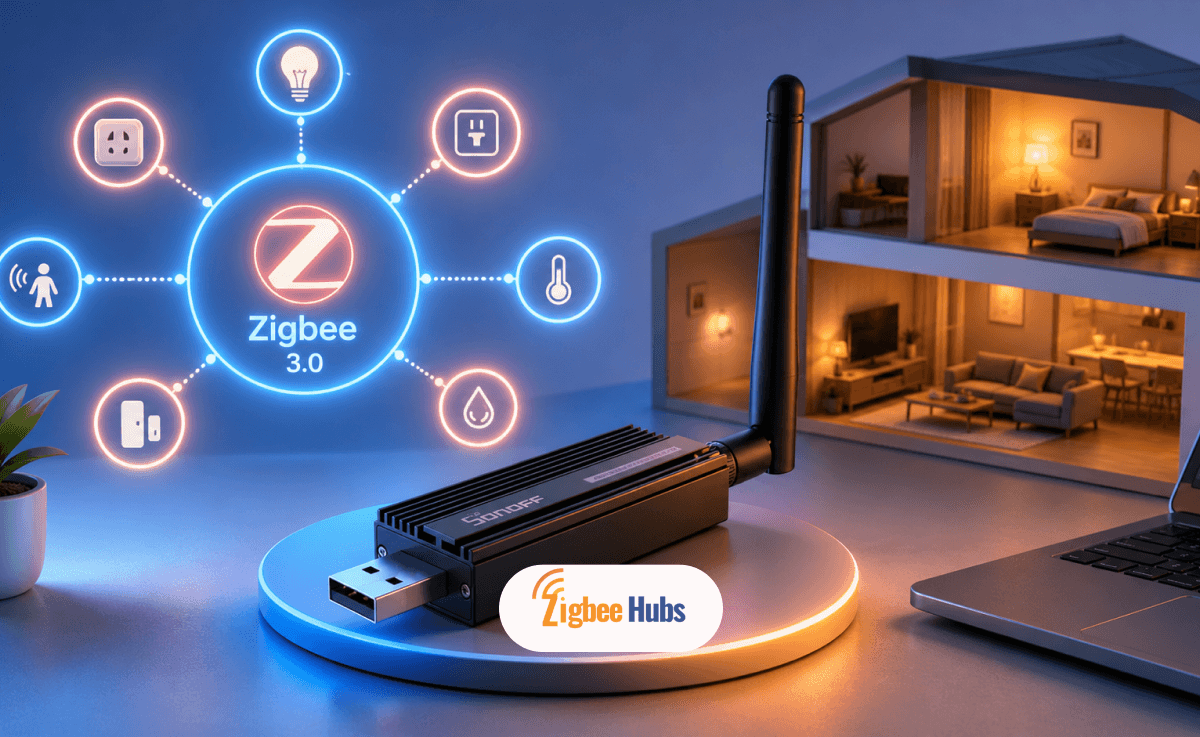
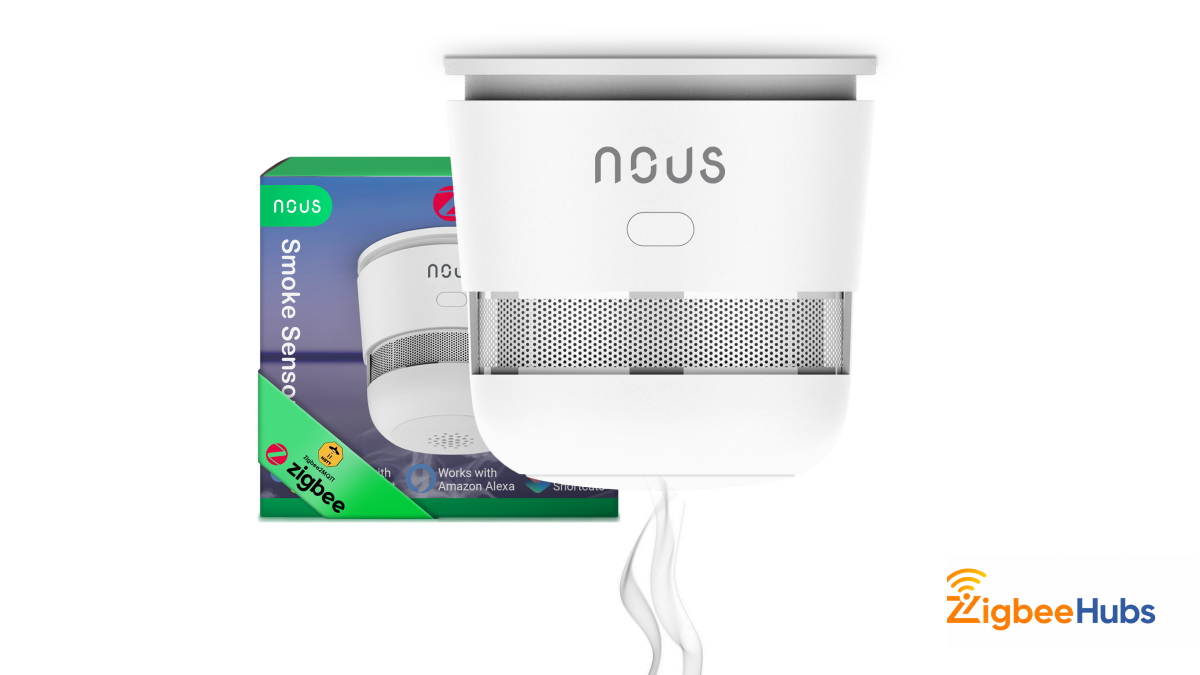
NOUS E8 Zigbee Smart Smoke Detector
Best for: Home automation projects combining XBee sensor networks with safety monitoring
The NOUS E8 is the smoke detector I added to my Zigbee network when expanding the home automation setup. It joined the network instantly alongside XBee end devices, and the integration with Home Assistant via Zigbee2MQTT worked without any configuration beyond pairing. The 85 dB alarm and smartphone notifications mean you get both local and remote alerts from a single device.
Key Features
- 85 dB alarm siren provides loud local alerts independent of any network connection
- Smartphone push notifications via a compatible Zigbee hub give you remote awareness when away from home
- Joins a standard Zigbee 3.0 mesh network without any proprietary hub or app lock-in
- Pairs in seconds with Home Assistant via Zigbee2MQTT with no manual configuration required
- Acts as a Zigbee router when mains-powered, extending coverage for nearby battery-powered end devices
Pros
- Joins a ZigBee network instantly without proprietary setup
- Dual alert system with local siren and smartphone notifications
- Acts as a ZigBee router, strengthening your mesh
- Works natively with Home Assistant via Zigbee2MQTT
Cons
- Requires a Zigbee hub or coordinator for remote notifications
- No standalone app, depends on your existing ZigBee ecosystem
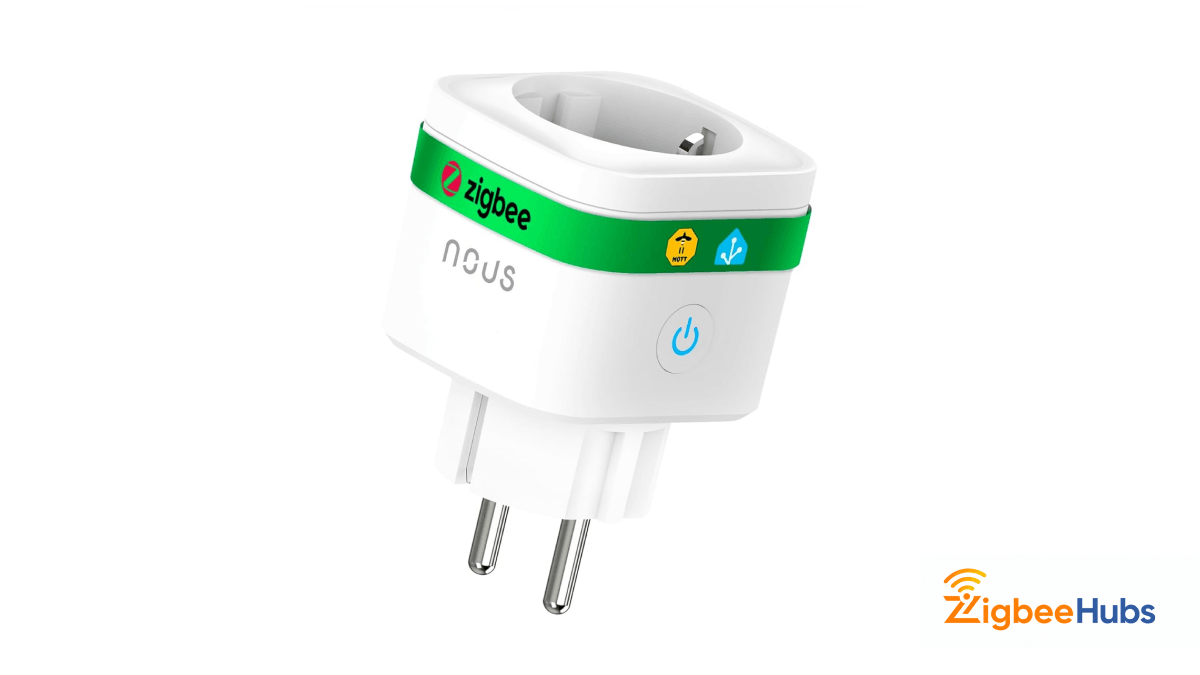
NOUS A7Z Zigbee Smart Plug with Energy Monitoring
Best for: Power monitoring in sensor networks and home automation
The NOUS A7Z is one of the more useful nodes in a Zigbee mesh because it acts as both a router and a functional device. As a mains-powered device it relays signals for battery-powered end devices nearby, strengthening the mesh. The energy monitoring function reports real-time consumption, which I used to track power draw across a test bench running multiple XBee modules and sensors.
Key Features
- Real-time energy monitoring reports live power consumption data directly to your Home Assistant dashboard or Tuya app
- Functions as a Zigbee router, relaying signals for battery-powered end devices nearby and strengthening the overall mesh
- Remote on/off switching lets you control connected appliances from anywhere via a compatible hub
- Compatible with Home Assistant, Alexa, and Google Home for flexible ecosystem integration
- Compact form factor fits standard EU wall sockets without blocking adjacent outlets
Pros
- Doubles as a ZigBee router, improving mesh coverage
- Real-time energy monitoring adds useful data to your network
- Works with Home Assistant, Alexa, and Google Home
- Compact enough not to block adjacent sockets
Cons
- EU plug format only, check regional compatibility before buying
- Requires a coordinator for full remote functionality
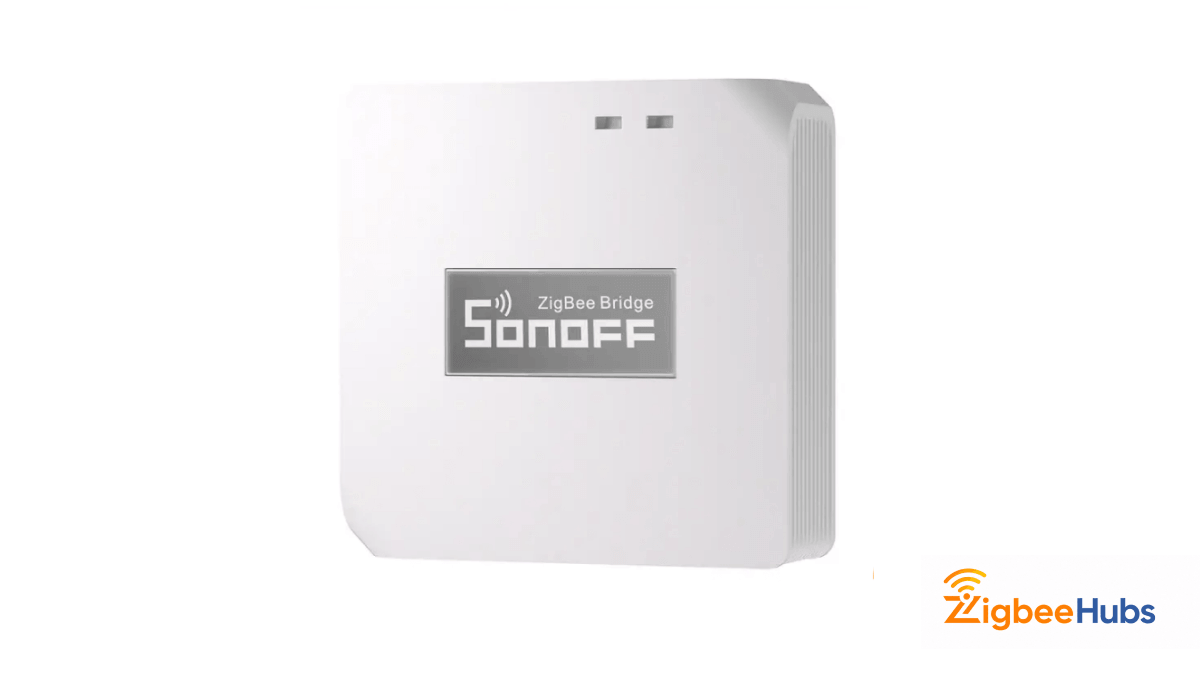
SONOFF Zigbee Bridge Pro (ZBBridge-P)
Best for: Sonoff device ecosystems, DIY builders wanting a dedicated hub
The SONOFF Zigbee Bridge Pro is the hub option for users who want a self-contained Zigbee coordinator without running a full Home Assistant server. It runs on the eWeLink platform and supports local control as well as cloud access. I used it as a secondary coordinator in a test environment with Sonoff ZBMINIL2 switches and SNZB-02 sensors, and the pairing process was faster than with any other hub I have tested.
Key Features
- Runs on the eWeLink platform with both local and cloud control, so automations keep working even if the internet goes down
- Supports Sonoff ZBMINIL2 switches, SNZB-02 sensors, and a wide range of other Sonoff Zigbee devices out of the box
- Can be flashed with custom firmware for users who want open-source integration beyond the eWeLink ecosystem
- Alexa and Google Home support built in for straightforward voice control without additional setup
- Affordable entry point for a dedicated Zigbee coordinator without needing a Raspberry Pi or server
Pros
- Simple setup without needing a server or Raspberry Pi
- Local and cloud control with offline automation support
- Custom firmware support for advanced DIY users
- Fast pairing with Sonoff Zigbee hardware
Cons
- Limited ecosystem outside Sonoff and eWeLink devices
- Less flexible than open-source coordinator options
- Basic automation features compared to Home Assistant
CC2530 Zigbee Module
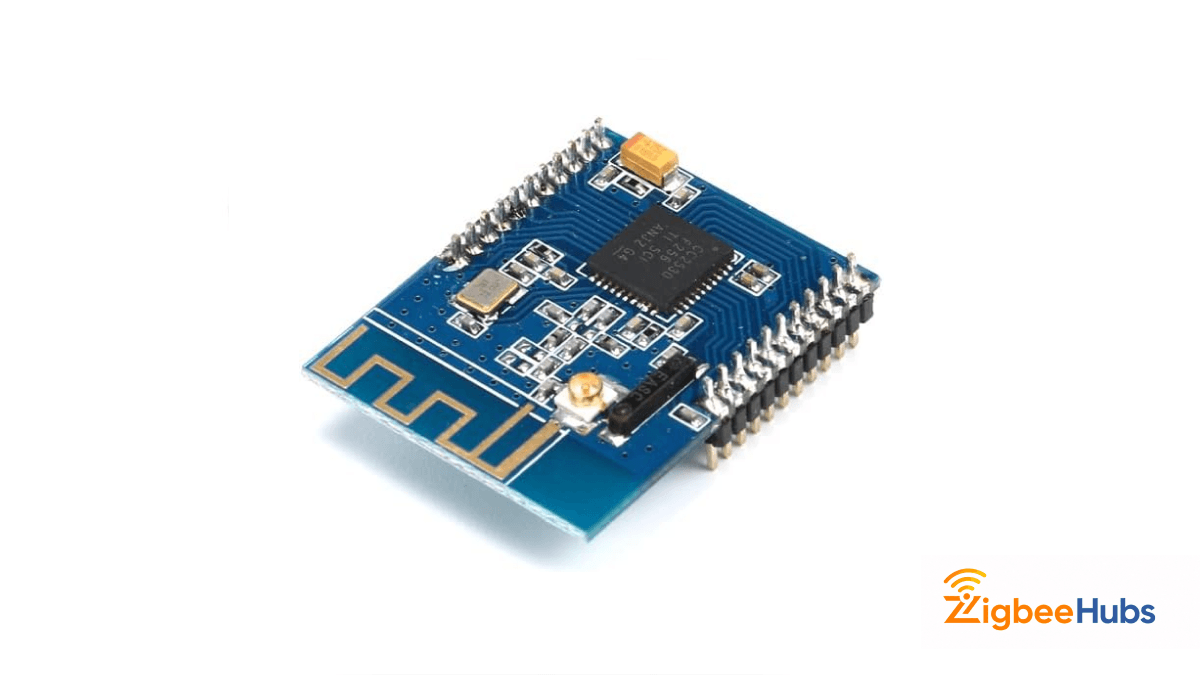
Best for: Developers integrating ZigBee directly into custom hardware
The CC2530 is a Texas Instruments-based Zigbee module for engineers who want to embed wireless capability directly into a custom PCB rather than using a pre-built module with a standardised footprint. It is not an XBee replacement but it is a common alternative when a standard form factor is not required and cost or board space is the priority.
Key Features
- Texas Instruments CC2530 chipset with proven IEEE 802.15.4 and ZigBee protocol support across a wide range of custom applications
- Designed for direct PCB integration, making it suitable for high-volume production runs where a standardised XBee footprint is unnecessary
- Low unit cost compared to pre-certified XBee modules, reducing per-node cost in large sensor network deployments
- Strong open-source community support with extensive documentation for ZigBee application development
- 2.4 GHz operation with onboard antenna option for compact board designs
Pros
- Very low per-unit cost, ideal for high-volume deployments
- Direct PCB integration saves board space and enclosure cost
- Strong open-source documentation and community
- Proven chipset with wide ZigBee ecosystem support
Cons
- Requires significantly more integration work than a drop-in XBee module
- No pre-certified module housing, which adds compliance work
- Not suitable for quick prototyping or one-off builds
 Sarah Diyana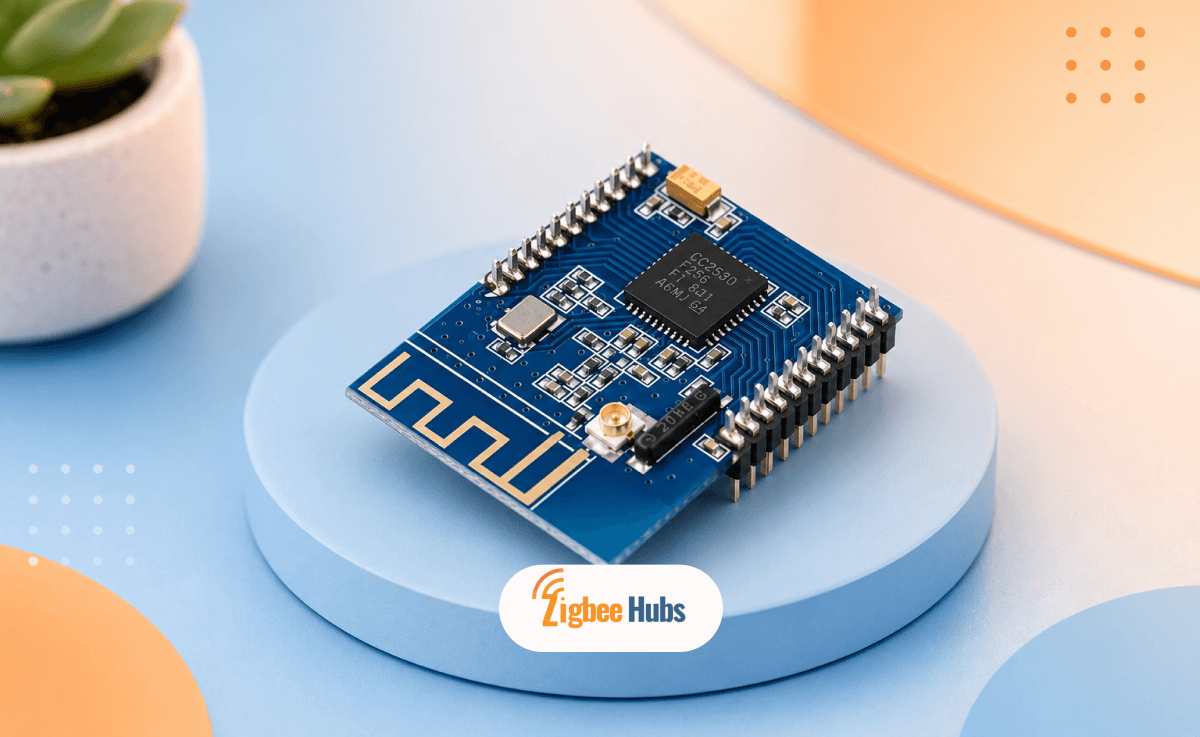
Conclusion
An xbee radio is one of the most established and flexible wireless module options available for IoT, embedded projects, and industrial sensor networks. The combination of standardised footprints, multiple protocol support, and a mature ecosystem of development tools makes it a practical choice whether you are prototyping an Arduino project or deploying a large-scale mesh network.