Tuya TS0601: Complete Guide for Zigbee2MQTT & Home Assistant

The Tuya TS0601 is a Zigbee model identifier used across multiple Tuya-powered smart home devices, including radiator thermostats, smoke detectors, temperature sensors, and other automation products. When paired with Zigbee2MQTT or Home Assistant, TS0601 devices can operate locally without relying on Tuya's cloud services, providing faster response times, greater privacy, and more advanced automation possibilities.
Whether you are building a climate-control system, monitoring home safety, or expanding an existing Zigbee network, understanding how TS0601 devices work will help you get the most from your smart home.
Key Takeaways
- The Tuya TS0601 is not a single product but a model identifier used across multiple Zigbee devices.
- Most TS0601 devices work well with Zigbee2MQTT and Home Assistant.
- Common TS0601 products include radiator thermostats and smoke detectors.
- Local control through Zigbee2MQTT eliminates cloud dependency.
- Device support depends on the specific TS0601 variant and firmware version.
- A reliable Zigbee coordinator significantly improves performance and stability.
What Is Tuya TS0601?
The Tuya TS0601 is a Zigbee device identifier commonly found on products manufactured by Tuya and rebranded by dozens of smart home companies. You may purchase a thermostat from Moes, Silvercrest, Evolveo, Avatto, or another manufacturer and still discover that it reports itself as a TS0601 device.
This sometimes creates confusion because two completely different products may use the same model identifier.
In practice, the TS0601 designation tells Zigbee coordinators how to communicate with the device. Zigbee2MQTT and Home Assistant use device fingerprints and converters to determine which features should be exposed.
As a result, you may find multiple TS0601 devices in your smart home performing entirely different functions.
Which Devices Use the TS0601 Identifier?
The most common categories include:
- Radiator Thermostatic Valves (TRVs)
- Smoke Detectors
- Temperature Sensors
- Humidity Sensors
- Water Leak Sensors
- Gas Detectors
- Smart Switches
- Energy Monitoring Devices
Among these, TS0601 thermostats and smoke detectors have become especially popular within the Zigbee community because of their excellent Zigbee2MQTT support.
Why Is TS0601 Popular with Zigbee2MQTT?
The popularity of ts0601 zigbeemqtt integrations comes down to flexibility.
Unlike many proprietary smart home platforms, Zigbee2MQTT gives users direct access to device attributes and controls. This allows advanced automations that are often unavailable in manufacturer apps.
For example, a TS0601 thermostat can expose:
- Target temperature
- Current temperature
- Child lock
- Window detection
- Weekly schedules
- Valve position
- Battery level
- Calibration settings
These values can be used directly within Home Assistant automations.
Pro Tip
I always recommend checking the Zigbee2MQTT device database before purchasing a TS0601 device. Since the same model identifier can represent different products, compatibility varies depending on the manufacturer and firmware version.
How Does TS0601 Work with Home Assistant?
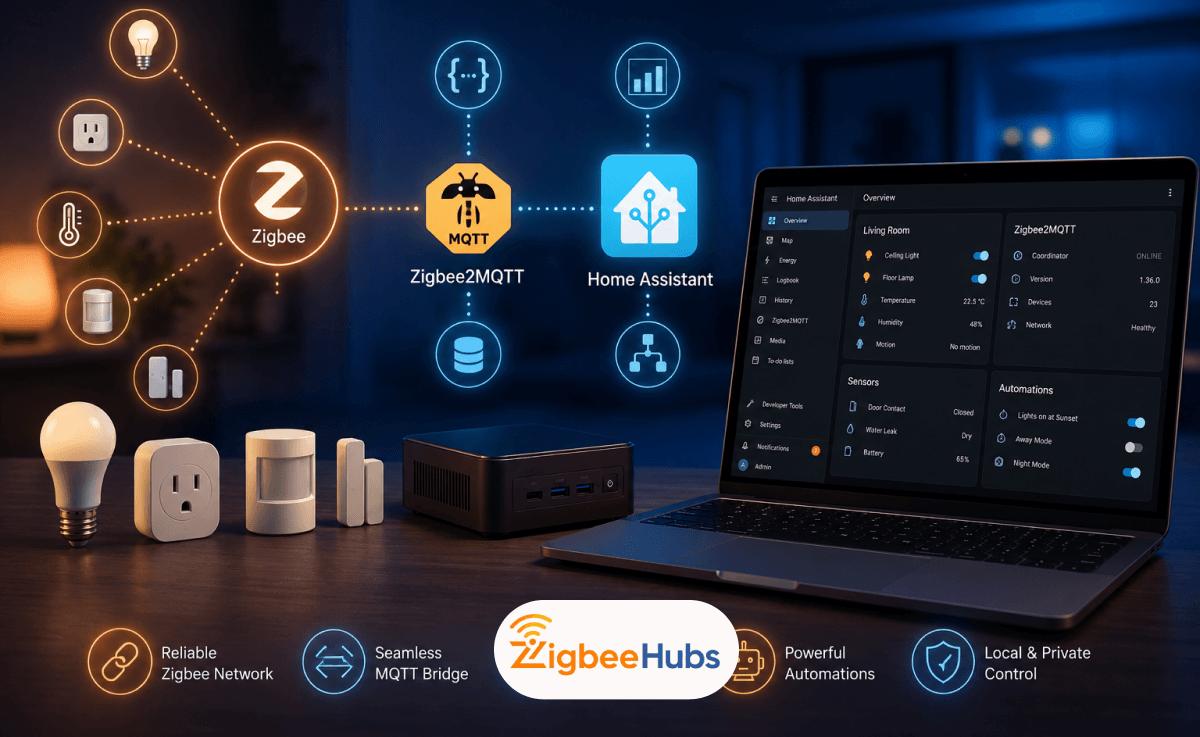
A ts0601 home assistant setup typically follows this structure:
Device → Zigbee Coordinator → Zigbee2MQTT → MQTT Broker → Home Assistant
Once paired, Home Assistant automatically discovers most TS0601 entities and exposes them through dashboards, automations, and scenes.
This setup provides several advantages:
- Local control
- Faster automation execution
- Improved reliability
- No internet dependency
- Greater customization
For users focused on privacy and long-term stability, this is often the preferred configuration.
 Ishara Fernando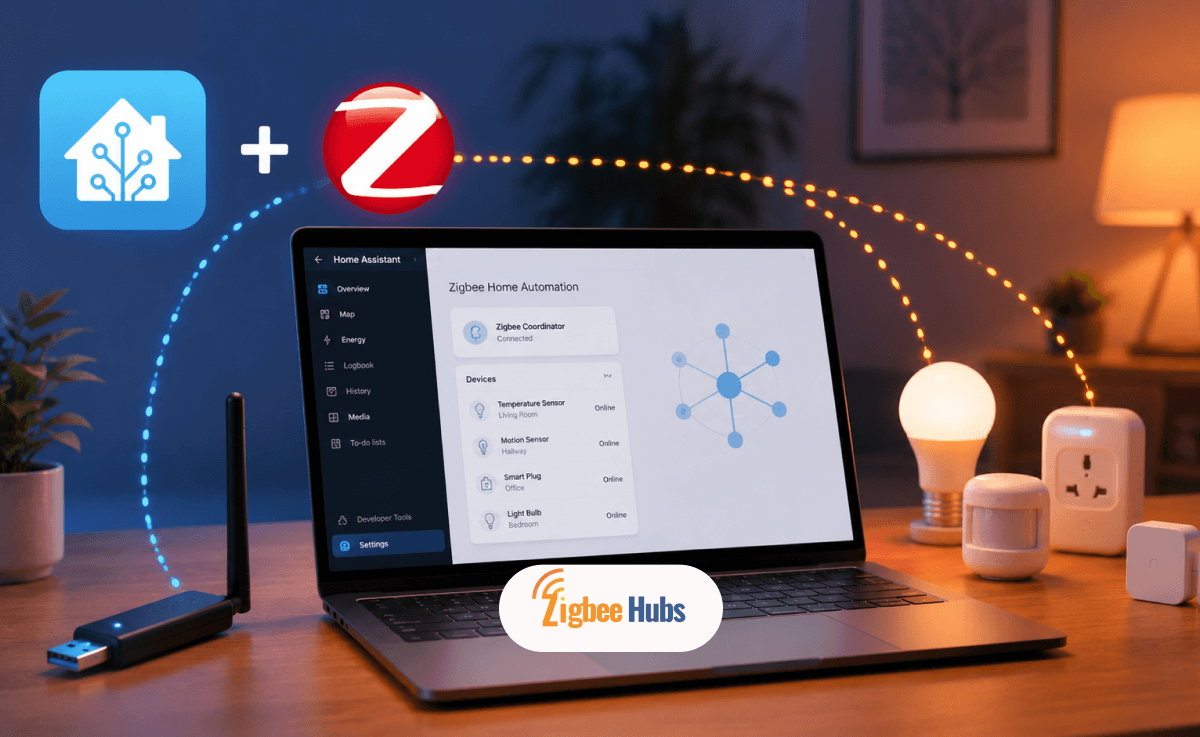
TS0601 Thermostatic Radiator Valves (TRVs)
One of the most popular TS0601 implementations is the Zigbee radiator thermostat.
These devices replace traditional radiator valve heads and automatically regulate room temperatures based on schedules and sensor readings.
Key Features
- Temperature range between 5°C and 35°C
- Automatic scheduling
- Holiday mode
- Child lock
- Window detection
- Frost protection
- Battery-powered operation
- Zigbee mesh integration
Real-World Experience
In my testing, TS0601 radiator valves work surprisingly well when paired with external temperature sensors. Radiator-mounted temperature readings can sometimes be slightly inaccurate because the valve sits close to the heat source.
Using a room-based temperature sensor typically results in more accurate heating control.
TS0601 Smoke Detectors
Another common TS0601 implementation is the Zigbee smoke detector.
These devices provide local alarm notifications and can trigger automations inside Home Assistant.
Key Features
- Photoelectric smoke detection
- Loud built-in alarm
- Battery monitoring
- Zigbee communication
- Home Assistant support
- Automation triggers
Practical Automation Example
When smoke is detected:
- Send mobile notifications
- Turn on all lights
- Unlock smart locks
- Trigger emergency sirens
- Pause HVAC systems
These automations can all run locally without cloud services.
How Do You Pair a TS0601 Device with Zigbee2MQTT?
Most TS0601 devices follow a similar pairing process.
Step 1: Enable Joining
Open Zigbee2MQTT and enable permit joining.
Step 2: Reset the Device
Hold the pairing button according to the manufacturer's instructions.
Most TS0601 devices indicate pairing mode through:
- Flashing LEDs
- Blinking icons
- Audible alerts
Step 3: Wait for Discovery
Within several seconds, Zigbee2MQTT should detect the device.
Step 4: Rename the Device
Assign a friendly name before creating automations.
Step 5: Test Device Functions
Verify that all exposed entities respond correctly.
Advanced MQTT Control
One reason power users love ts0601 zigbee devices is the ability to access advanced controls through MQTT.
For supported thermostats, you can:
- Adjust calibration values
- Force valve positions
- Modify schedules
- Read diagnostic information
- Trigger immediate updates
These features make TS0601 devices particularly attractive for advanced Home Assistant users.
Best Zigbee Coordinators for TS0601 Devices
A good coordinator is the foundation of every Zigbee network. After testing numerous Zigbee setups over the years, these are the coordinators I most often recommend for TS0601 devices.
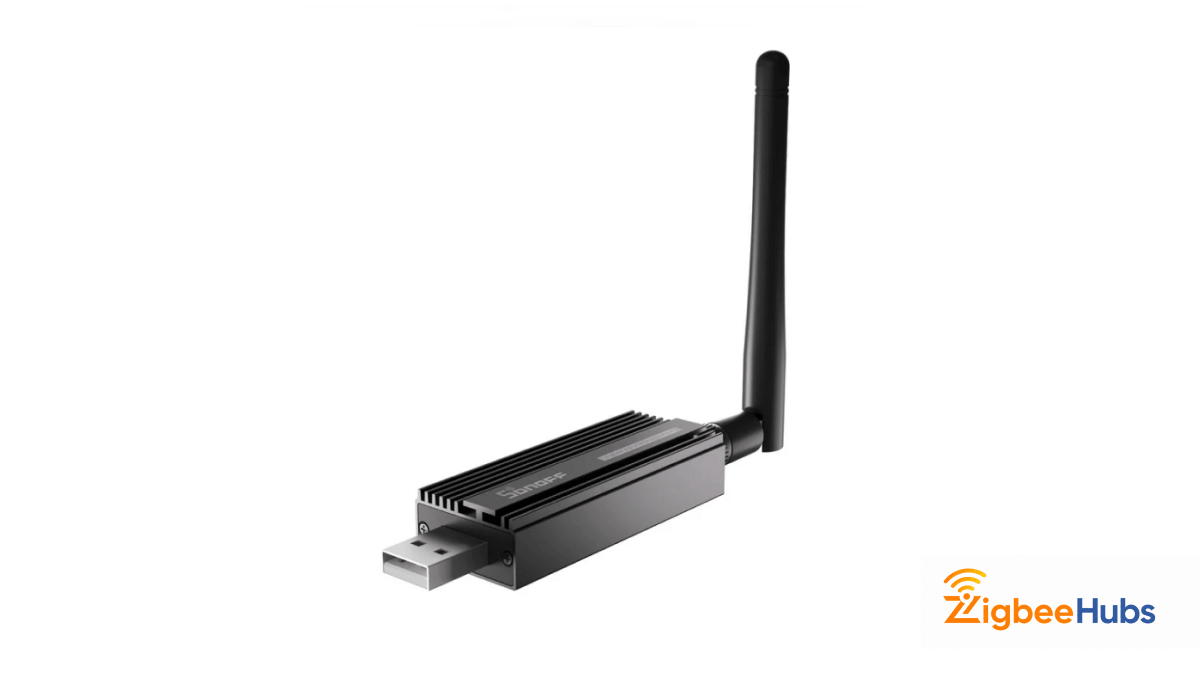
⭐SONOFF Zigbee 3.0 USB Dongle Plus (ZBDongle-P)
The SONOFF ZBDongle-P remains one of the most dependable coordinators available for Zigbee2MQTT. I have used it in networks containing dozens of TS0601 devices, sensors, and smart plugs with excellent results.
Key Features
- CC2652P chipset
- Zigbee 3.0 support
- External antenna
- Zigbee2MQTT compatible
- Home Assistant compatible
Pros
- Excellent range
- Strong device compatibility
- Stable performance
- Large community support
- Frequent firmware updates
Cons
- Requires a host device
- Larger physical size
- External antenna needs space
Zemismart Smart Tuya Zigbee Gateway (T1)
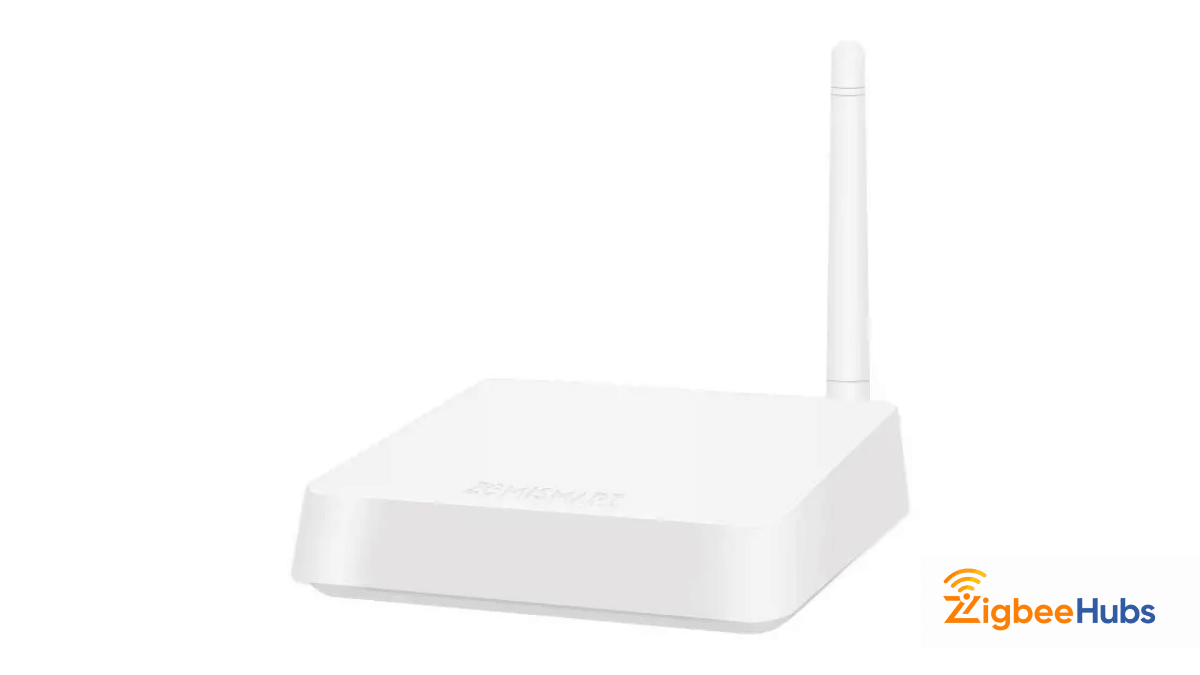
For users who prefer a dedicated hub, the Zemismart T1 offers a reliable Ethernet-based solution. The wired connection provides additional stability compared to Wi-Fi-only gateways.
Key Features
- Zigbee 3.0 support
- Ethernet connectivity
- Dedicated hub design
- Tuya ecosystem support
- Easy deployment
Pros
- Stable wired networking
- Simple setup process
- Good device compatibility
- No USB host required
Cons
- Less flexible than Zigbee2MQTT
- Smaller community support
- Fewer advanced customization options
CC2531 Zigbee Coordinator
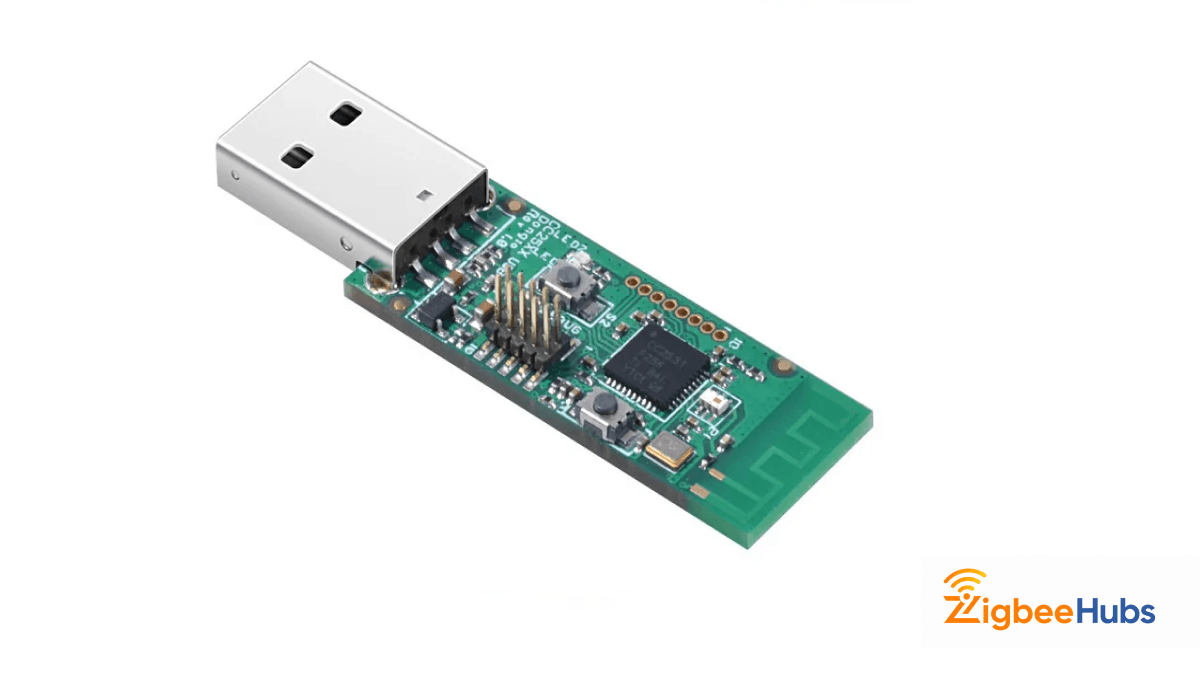
The CC2531 helped establish Zigbee2MQTT as a popular platform. While newer hardware has largely surpassed it, the coordinator still works for smaller TS0601 deployments.
Key Features
- Native Zigbee2MQTT support
- USB powered
- Large documentation base
- Beginner-friendly
Pros
- Affordable entry point
- Easy to learn
- Extensive community resources
- Reliable for small networks
Cons
- Limited range
- Lower device capacity
- Older hardware
- Not ideal for large installations
Recommended Sensors for TS0601 Automation
Adding environmental sensors dramatically improves automation quality.
Aqara Temperature and Humidity Sensor T1
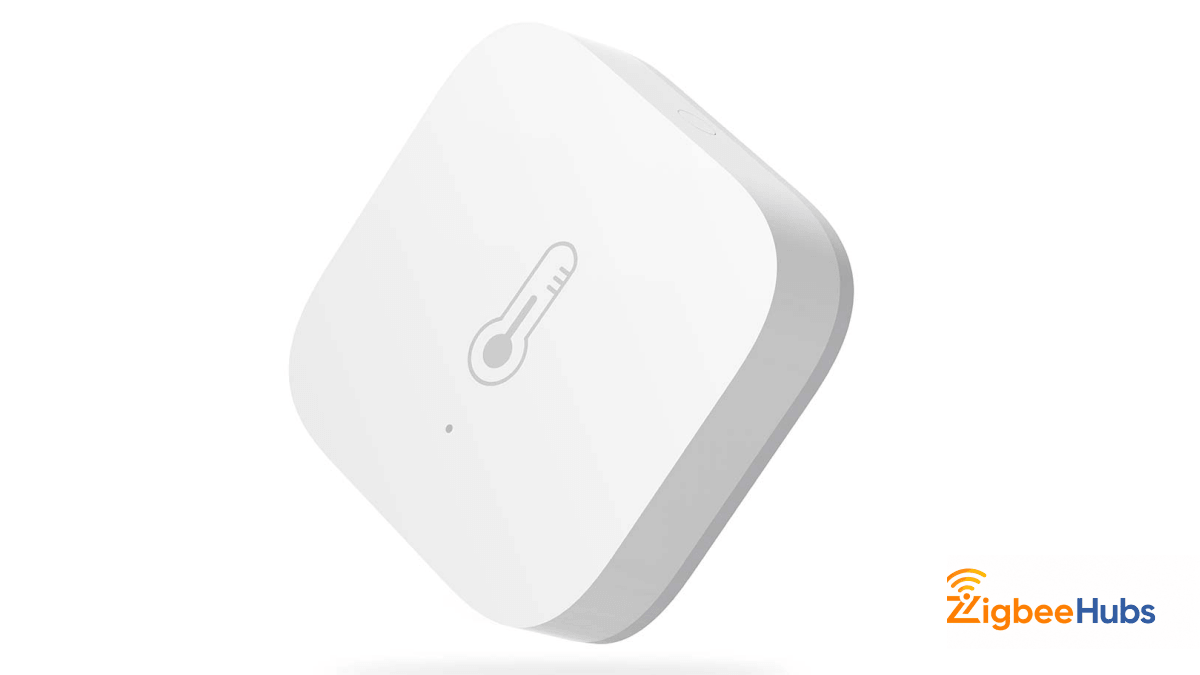
I frequently pair this sensor with TS0601 thermostats because room temperature measurements are generally more accurate than radiator-mounted readings.
Key Features
- Temperature monitoring
- Humidity monitoring
- Zigbee 3.0 support
- Long battery life
- Compact design
Pros
- Accurate measurements
- Excellent battery performance
- Reliable connectivity
- Small footprint
Cons
- Requires Zigbee coordinator
- Limited functionality beyond monitoring
Aqara Door and Window Sensor T1
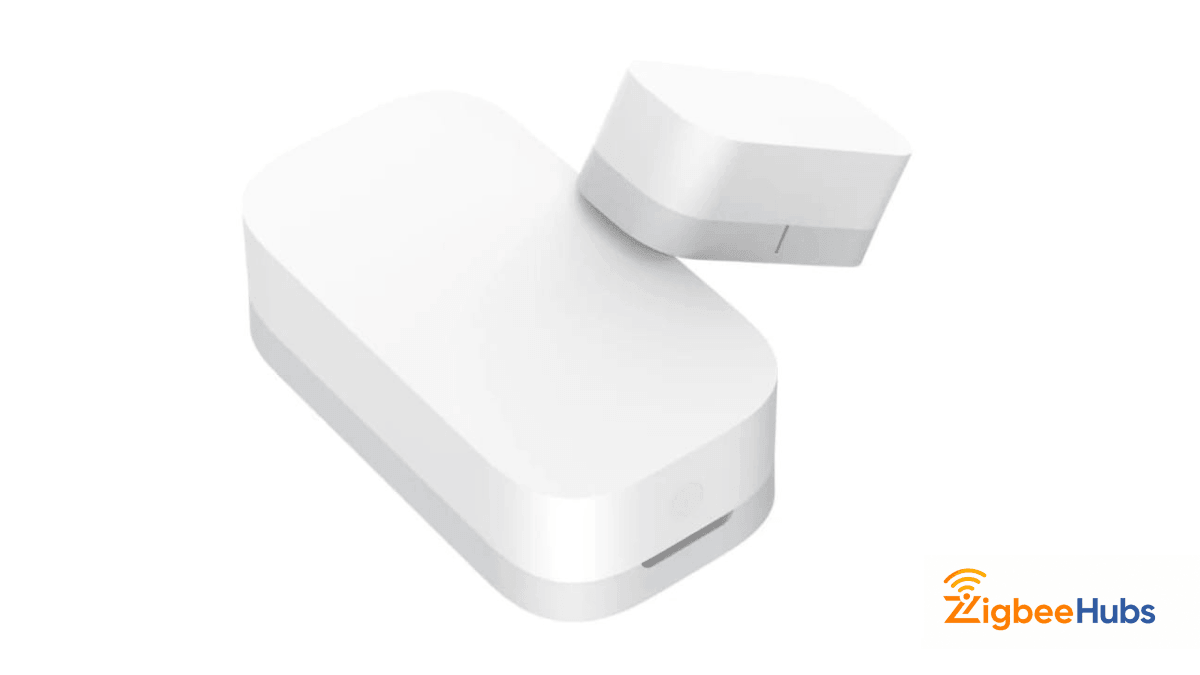
This sensor works particularly well alongside TS0601 radiator valves. Opening a window can automatically reduce heating output to save energy.
Key Features
- Open/close detection
- Zigbee communication
- Compact design
- Long battery life
Pros
- Fast response times
- Reliable operation
- Easy installation
- Excellent Home Assistant support
Cons
- Limited to contact sensing
- Requires proper alignment
SONOFF SNZB-02 Temperature & Humidity Sensor
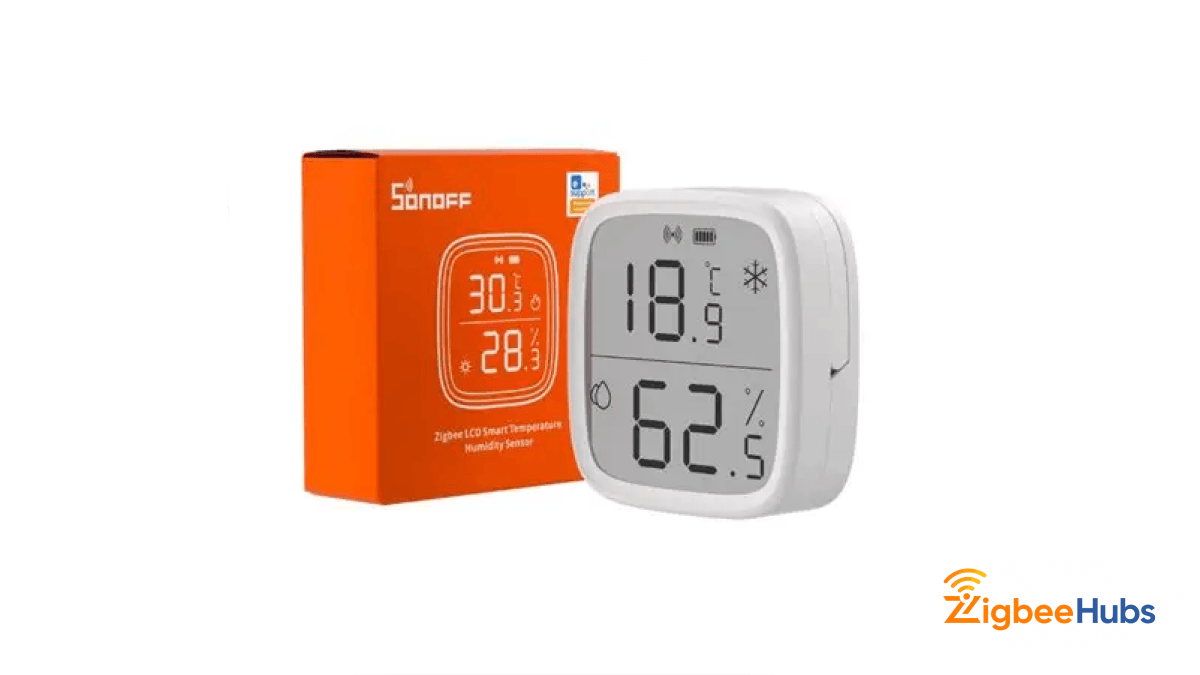
For larger homes, I often recommend the SNZB-02 because it offers dependable environmental monitoring at scale.
Key Features
- Temperature monitoring
- Humidity monitoring
- Zigbee support
- Battery-powered design
Pros
- Affordable deployment
- Good accuracy
- Easy integration
- Compact size
Cons
- More basic build quality
- Reporting intervals may require tuning
Common TS0601 Issues and How to Fix Them
Device Will Not Pair
Possible causes:
- Device not fully reset
- Coordinator too far away
- Zigbee network interference
Try pairing within a few feet of the coordinator.
Temperature Reporting Delays
Many thermostats reduce reporting frequency to conserve battery.
Adjust reporting settings within Zigbee2MQTT when available.
Missing Features in Home Assistant
This usually occurs when:
- Firmware differs from supported versions
- Device converter is outdated
- Zigbee2MQTT requires updating
Always update Zigbee2MQTT before troubleshooting device compatibility.
Is Tuya TS0601 Worth Using?
For most Zigbee enthusiasts, the answer is yes.
The TS0601 ecosystem offers excellent flexibility, broad community support, and strong compatibility with Zigbee2MQTT and Home Assistant. While device support varies because TS0601 represents multiple products, most popular implementations work extremely well in local-first smart homes.
If you pair TS0601 devices with a reliable coordinator and build a strong Zigbee mesh network, you can create highly responsive automations without relying on cloud services.
Conclusion
The Tuya TS0601 has become one of the most recognized identifiers in the Zigbee ecosystem. From radiator thermostats to smoke detectors, these devices provide affordable entry points into advanced home automation.
Combined with ts0601 zigbeemqtt integrations and ts0601 home assistant automations, they deliver local control, improved privacy, and impressive flexibility. Whether you are upgrading your heating system or building a comprehensive smart home, TS0601 devices remain an excellent choice for DIY enthusiasts and professionals alike.