How to Set Up Silvercrest Gateway for Home Assistant

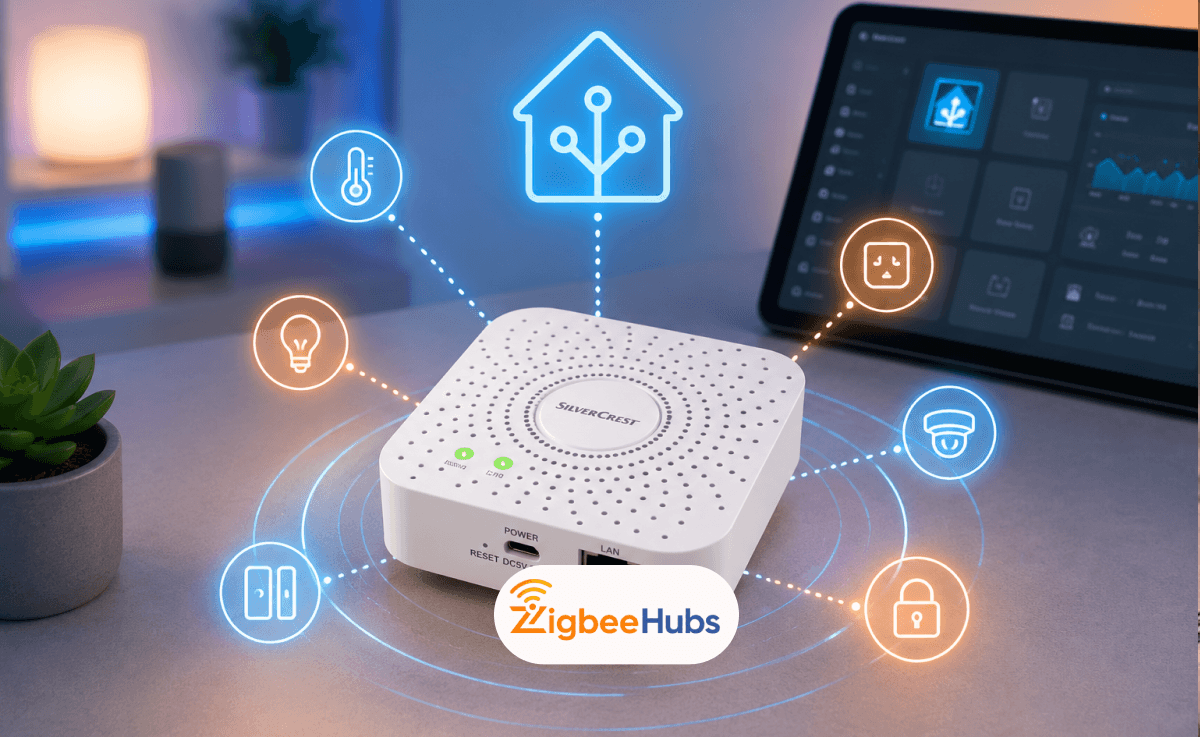
If you want to use a Silvercrest Gateway with Home Assistant, you'll need to modify the gateway's firmware to expose its Zigbee radio over your network. Once configured, the gateway can function as a Zigbee coordinator for ZHA or Zigbee2MQTT, allowing local control of your Zigbee devices without relying on Lidl's cloud services.
Key Takeaways
- The Silvercrest Gateway is a Zigbee 3.0 hub sold by Lidl.
- It includes an Ethernet port, making it more stable than many Wi-Fi-based Zigbee hubs.
- Home Assistant integration requires a firmware modification.
- After modification, it can work with both ZHA and Zigbee2MQTT.
- The gateway supports many Zigbee devices from Lidl, Aqara, SONOFF, Philips Hue, and more.
- Dedicated coordinators such as the SONOFF ZBDongle-P are easier alternatives.
What Is the Silvercrest Gateway?
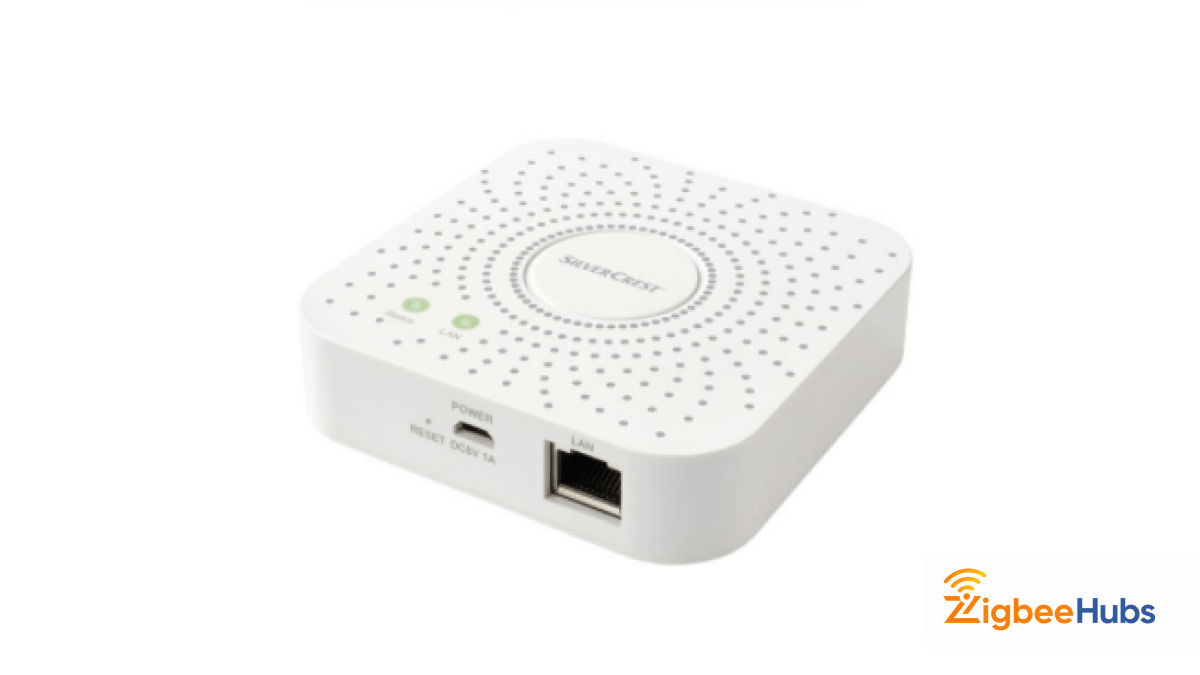
The Silvercrest Gateway (model SGWZ 1 A1) is Lidl's smart home hub designed to connect Zigbee devices to the Lidl Home ecosystem. The device uses Zigbee 3.0 and serves as the central communication point between smart home accessories and the Lidl mobile app.
Unlike many entry-level Zigbee hubs, the gateway includes:
- Zigbee 3.0 support
- RJ45 Ethernet connectivity
- Local network communication
- Compact design
- Support for Lidl smart home products
Internally, the gateway uses a Realtek processor and a Tuya Zigbee module, making it an interesting option for Home Assistant enthusiasts willing to perform some modifications.
Unfortunately, this product is not widely available in the US.
Why Use a Lidl Zigbee Gateway with Home Assistant?
Many smart home users purchase the Lidl Zigbee Gateway because it is inexpensive and often available during Lidl promotional sales.
However, the biggest advantage comes after integrating it with Home Assistant.
Benefits of Local Control
When I move Zigbee devices away from cloud-based systems, I typically notice:
- Faster automation response times
- Greater reliability
- Better privacy
- Reduced dependence on vendor services
- More advanced automation options
If Lidl ever changes its cloud platform or discontinues support, your Home Assistant setup can continue operating normally.
 Sarah Diyana
Better Device Compatibility
Once connected to Home Assistant, the gateway can work alongside devices from brands such as:
- Aqara
- SONOFF
- Philips Hue
- IKEA
- Third Reality
- Tuya
- MOES
This creates a much more flexible smart home environment than the standard Lidl app.
Can You Use the Silvercrest Gateway Without Modifying It?
Unfortunately, no.
The factory firmware is designed to communicate with Lidl and Tuya cloud services. Home Assistant cannot directly access the Zigbee radio without first modifying the gateway.
If you're looking for a plug-and-play solution, you may want to skip the Silvercrest gateway entirely and choose a dedicated Zigbee coordinator instead.
What Do You Need Before Starting?
Before attempting the modification, gather the following equipment:
Required Hardware
- Silvercrest Gateway (SGWZ 1 A1)
- USB-to-Serial Adapter (3.3V)
- Jumper wires
- Soldering iron
- Pin headers
- Small screwdriver
- Computer running Windows, Linux, or macOS
Recommended Knowledge
You should be comfortable with:
- Basic electronics
- Soldering
- Serial console access
- Home Assistant setup
This project is not particularly difficult, but it is not beginner-friendly either.
How to Modify the Silvercrest Gateway?
Step 1: Open the Gateway
Carefully remove the enclosure and expose the internal circuit board.
Locate the serial header pads on the PCB.
Step 2: Solder the Header Pins
Solder header pins onto the serial connection points.
This allows communication between your USB serial adapter and the gateway.
Pro Tip: Always use a 3.3V adapter. Using 5V can permanently damage the board.
Step 3: Connect to the Bootloader
Connect the serial adapter to your computer.
Open a terminal application and reboot the gateway.
Repeatedly press ESC during startup to access the Realtek bootloader.
From here, you'll be able to retrieve the information needed to gain root access.
Step 4: Install Modified Firmware
After obtaining access to the device, install the serial gateway software.
The modification exposes the Zigbee radio through a network socket, usually on port 8888.
Many users also update the Zigbee radio firmware to improve compatibility with newer Home Assistant releases.
How to Add the Silvercrest Gateway to Home Assistant?
Once the gateway has been modified, adding it to Home Assistant is straightforward.
Using ZHA
Home Assistant should automatically detect the coordinator.
How to Use Zigbee2MQTT with Silvercrest Gateway?
Many advanced users prefer Zigbee2MQTT because of its broader device support.
Example Configuration
serial: port: tcp://192.168.1.50:8888adapter: ezspReplace the IP address with your gateway's address.
After restarting Zigbee2MQTT, the coordinator should appear and allow device pairing.
This is one of the most popular approaches for a zigbee2mqtt silvercrest gateway setup.
 Sarah Diyana
What Devices Can You Connect?
After setup, you can pair many Zigbee products including:
- Smart plugs
- Motion sensors
- Contact sensors
- Smart bulbs
- Temperature sensors
- Smart switches
- Water leak detectors
Actual compatibility depends more on Home Assistant and the Zigbee coordinator firmware than on Lidl itself.
Best Alternatives to the Silvercrest Gateway
If you would rather avoid opening hardware and soldering components, these alternatives offer a simpler experience.
SONOFF Zigbee 3.0 USB Dongle Plus (ZBDongle-P)
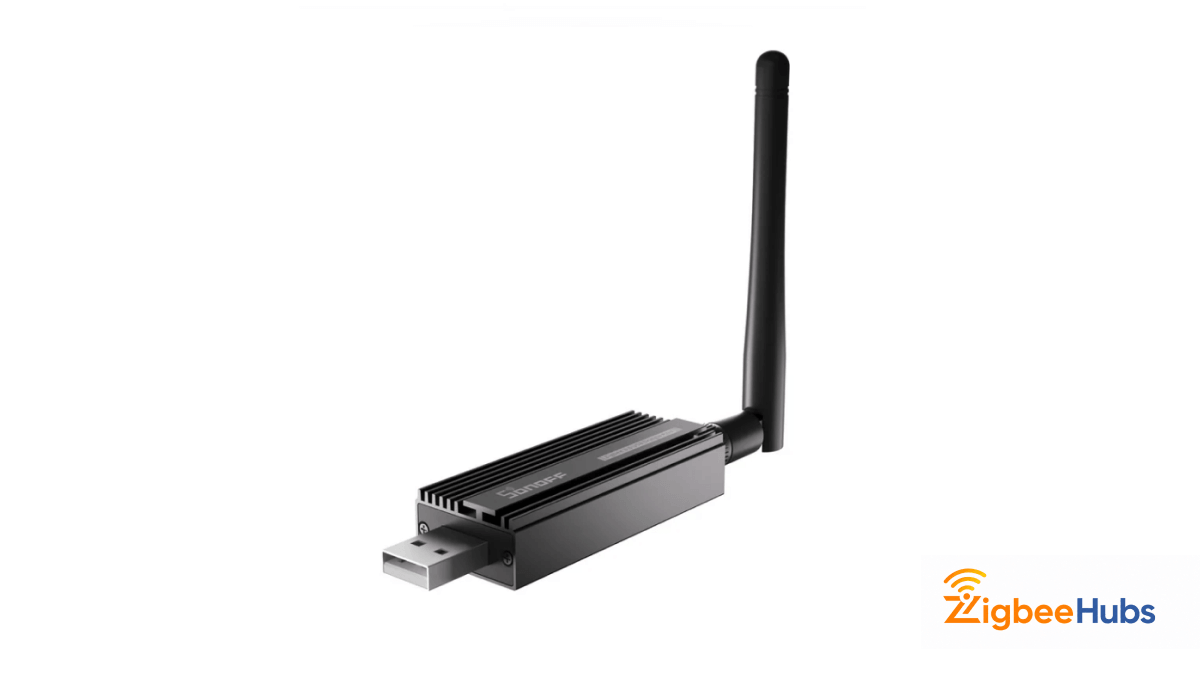
The SONOFF ZBDongle-P remains one of my favorite Home Assistant coordinators because it combines excellent range with outstanding community support.
A USB-based Zigbee coordinator powered by the CC2652P chipset that works exceptionally well with both ZHA and Zigbee2MQTT.
Key Features
- CC2652P chipset
- External antenna
- Zigbee2MQTT support
- ZHA support
- Frequent firmware updates
Pros
- Excellent range
- Huge community support
- Stable performance
- Easy setup
Cons
- Requires a host device
- Not a standalone network coordinator
SONOFF Zigbee Bridge Pro
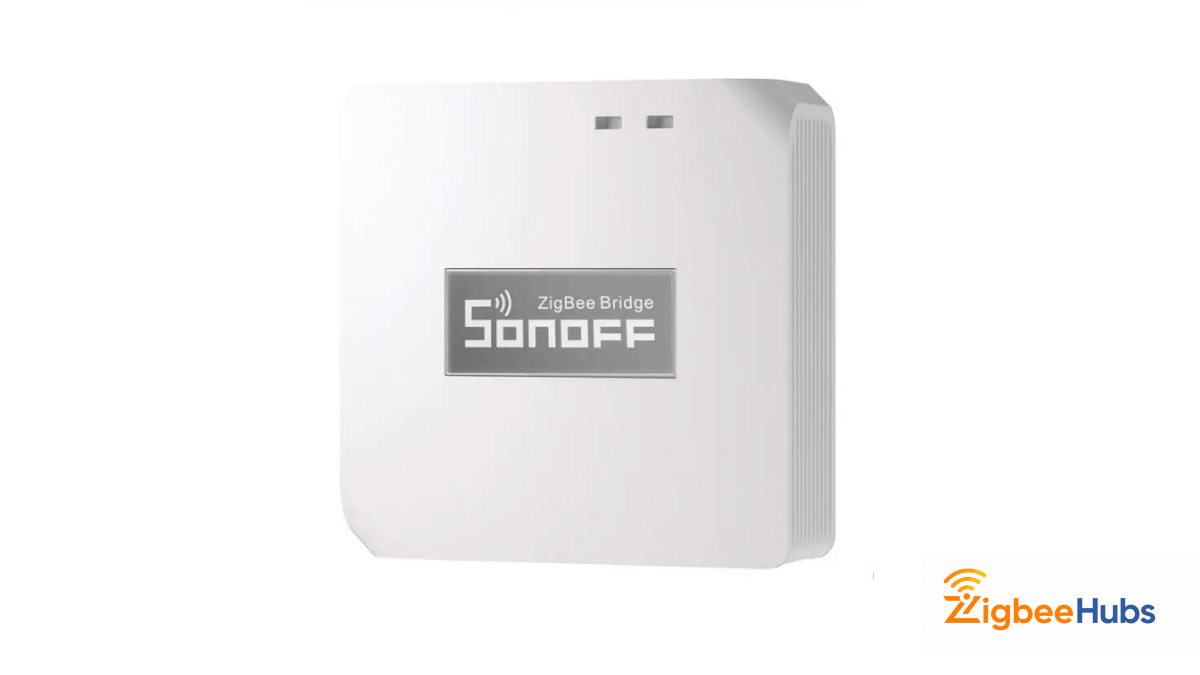
A compact Zigbee hub capable of supporting up to 128 devices.
Key Features
- Zigbee 3.0
- Compact design
- Supports large device counts
- Affordable price
Pros
- Budget-friendly
- Widely available
- Active user community
Cons
- Primarily Wi-Fi based
- Less flexible than dedicated coordinators
Zemismart Smart Tuya Zigbee Gateway T1
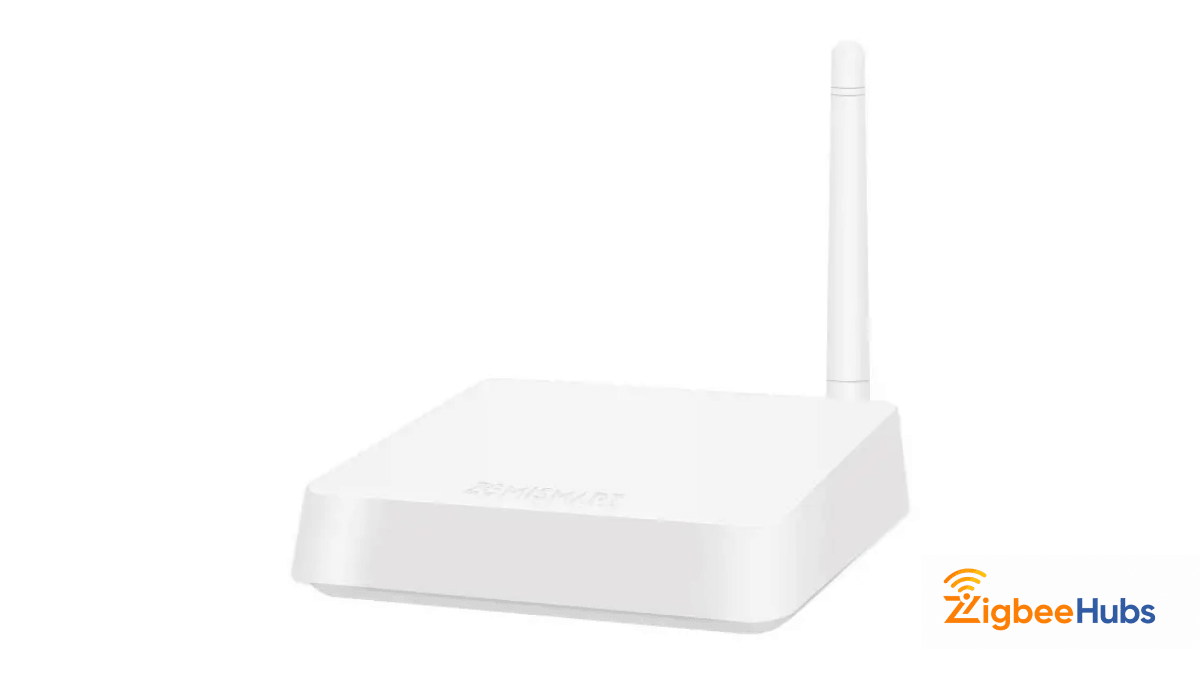
A Tuya-compatible Zigbee gateway featuring Ethernet connectivity for improved stability.
Key Features
- Ethernet connection
- Zigbee 3.0
- Tuya ecosystem support
- Reliable operation
Pros
- Wired network connection
- Easy setup
- Good compatibility
Cons
- More expensive
- Some features remain cloud-dependent
Which Option Should You Choose?
If you already own a Silvercrest Gateway, modifying it can be an excellent low-cost project.
However, if you're building a new Home Assistant system, I generally recommend:
- SONOFF ZBDongle-P
- Zemismart T1
- Silvercrest Gateway (for enthusiasts)
The dedicated coordinators require significantly less effort while providing equal or better performance.
Final Verdict
The Silvercrest Gateway is one of the most interesting hidden gems in the Zigbee ecosystem. Although it was never designed for Home Assistant, the hardware can be transformed into a capable Ethernet-based Zigbee coordinator with a little effort.
For DIY enthusiasts, the modification provides a low-cost path to local Zigbee control. For everyone else, a dedicated coordinator such as the SONOFF ZBDongle-P will usually be the easier and more reliable choice.