How to Add Any Zigbee Devices to Alexa

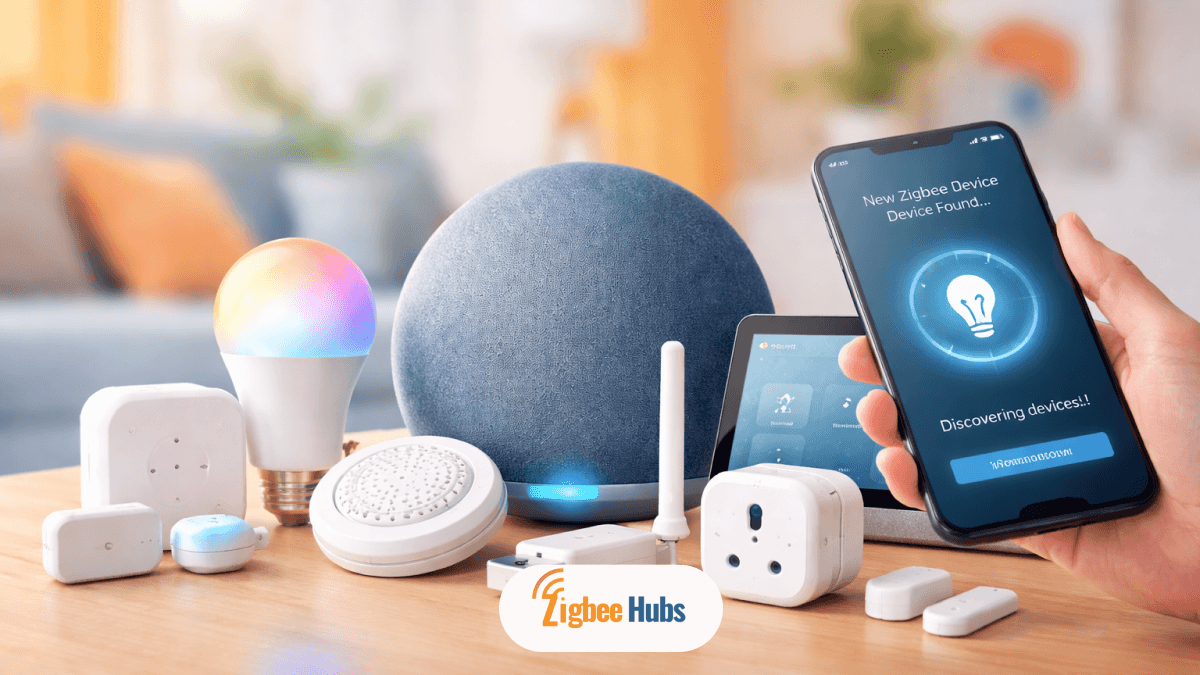
Connecting Zigbee Alexa devices is simple when you use an Echo device with a built-in hub. Power on the Zigbee device, put it in pairing mode, and say “Alexa, discover my devices.” Within about a minute, Alexa will detect and add the device so you can control it using voice commands, routines, and automation.
Key Takeaways
- Zigbee Alexa setups create a local mesh network that improves reliability and reduces Wi-Fi congestion.
- Many Amazon Echo Zigbee Hub devices allow direct pairing without an extra bridge.
- Devices pair using either voice commands or the Alexa app.
- Zigbee devices can still work locally even if the internet goes down.
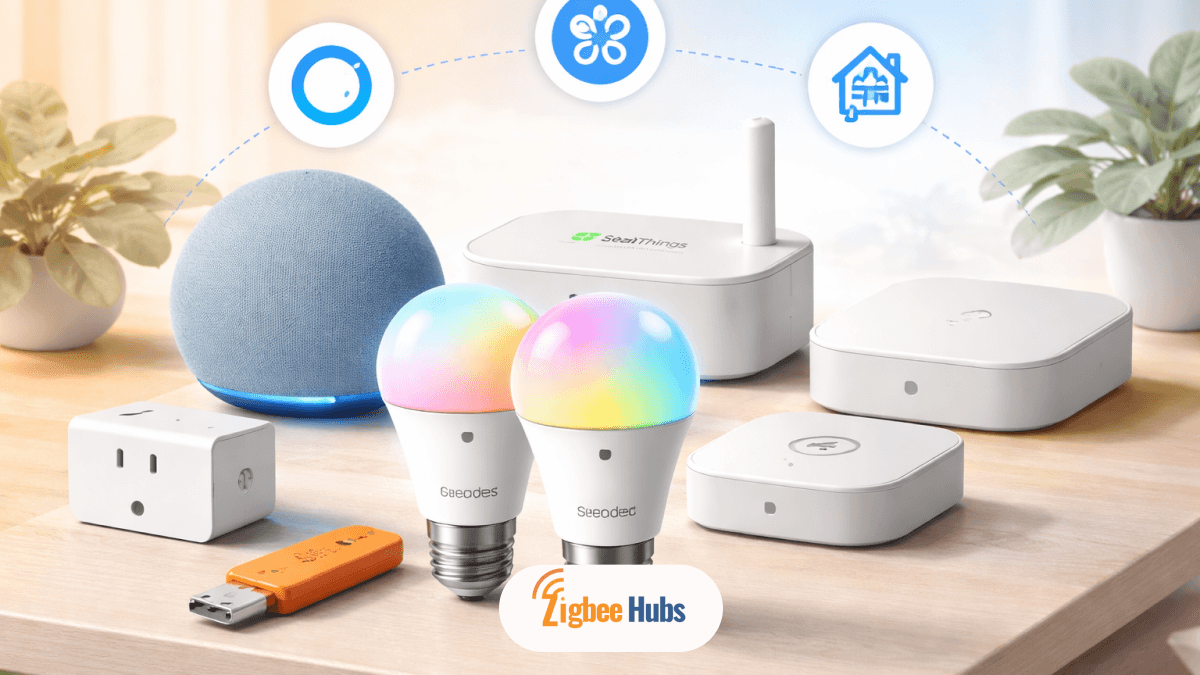
- Reliable hardware like Hubitat, Aqara Hub M3, Sonoff Zigbee Dongle Plus, and Homey Pro can extend automation capabilities.
What is Zigbee?
Zigbee is a low-power wireless communication protocol designed specifically for smart home devices.
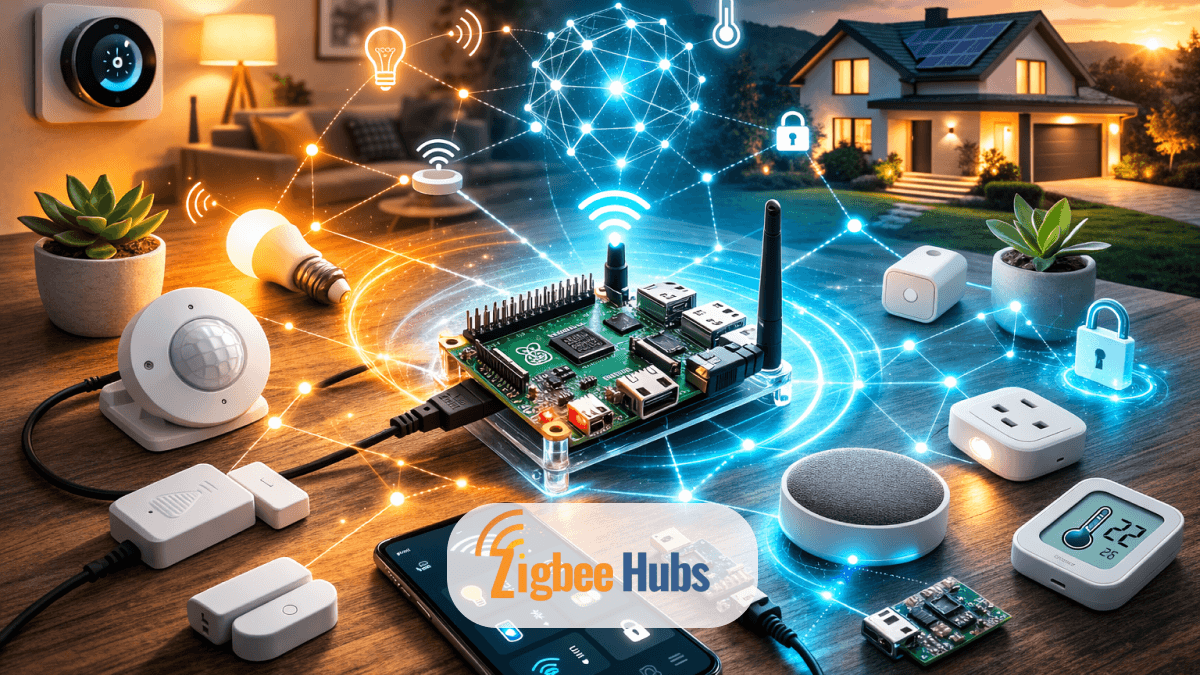
Instead of connecting every device directly to Wi-Fi, Zigbee devices create a mesh network. Each powered device acts as a signal repeater, expanding the range of the network.
In my experience setting up smart homes, this architecture makes a huge difference in reliability. Wi-Fi smart bulbs often struggle when you add many devices. Zigbee networks, on the other hand, become stronger as you add more devices.
Another advantage is power efficiency. Zigbee devices consume very little energy, which is why battery-powered sensors can run for years on a single battery.
Typical Zigbee devices include:
- Motion sensors
- Door/window sensors
- Smart switches
- Smart bulbs
- Smart locks
Why Use a Zigbee Hub Alexa Setup?
Using a Zigbee Hub Alexa configuration brings several advantages that I consistently recommend when building a smart home.
Local Control
Many Alexa and Zigbee devices communicate locally through the Echo hub. Even if your internet connection drops, devices can still trigger automations.
Reduced Wi-Fi Congestion
Zigbee uses its own radio frequency, separate from Wi-Fi. This keeps your network free for:
- Video streaming
- Gaming
- Video calls
Faster Response Time
Because commands stay inside your local network, Zigbee automations react almost instantly.
Universal Compatibility
The Zigbee 3.0 standard allows devices from different manufacturers to work together in the same ecosystem.
From my own testing, Zigbee networks are noticeably more responsive than purely cloud-based smart home setups.
 Ishara Fernando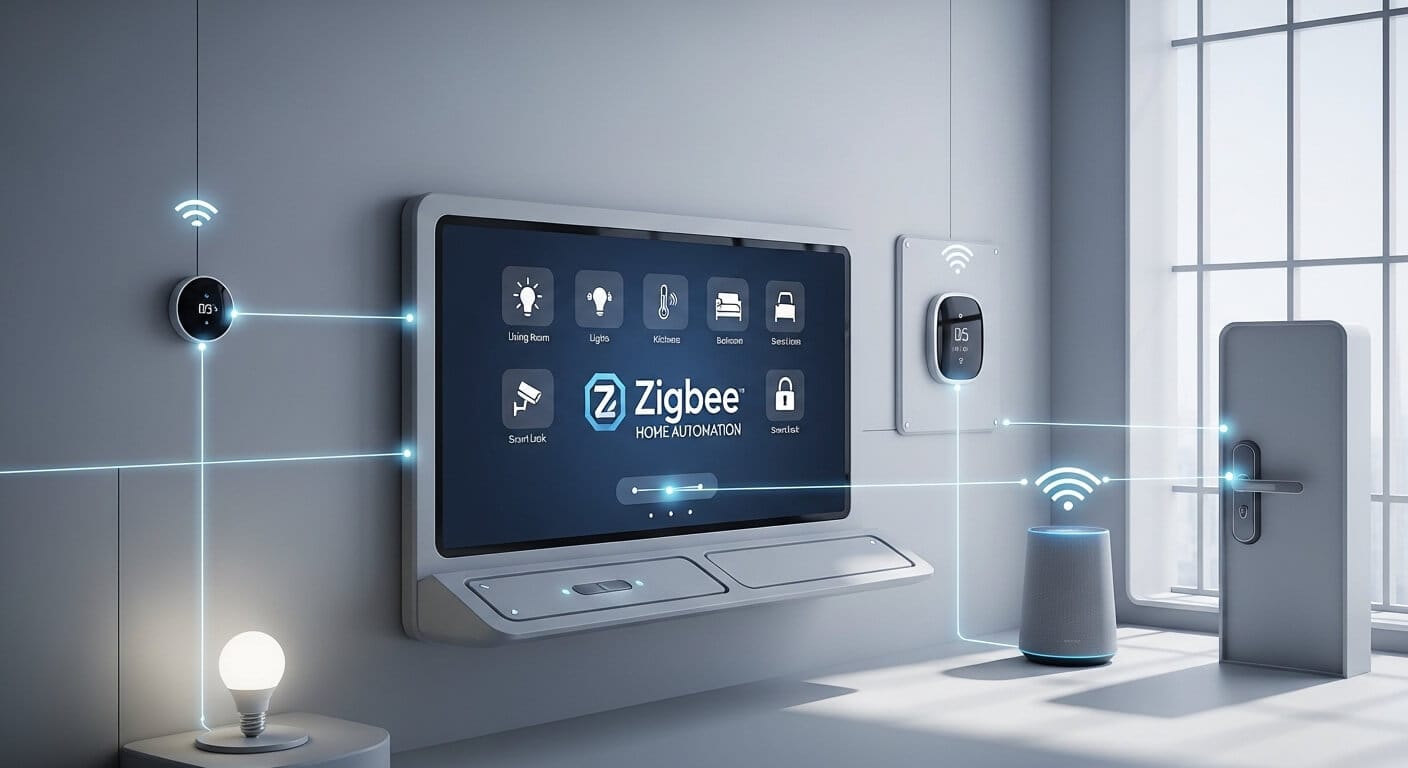
Which Amazon Echo Devices Have a Built-in Zigbee Hub?
Many Amazon Echo Zigbee Hub devices include a built-in Zigbee radio. This removes the need for an external hub.
Alexa Smart Displays with Zigbee
These devices combine a screen with smart home control.
Echo Show 11
A smart display with a 10.95-inch Full HD screen and built-in Zigbee hub.
- Key Features: Visual dashboard for devices, voice assistant, smart home hub.
- Pros: Large display, excellent smart home overview.
- Cons: Larger footprint compared to compact Echo devices.
Echo Show 10 (3rd Gen)
A rotating 10.1-inch smart display with Zigbee, Matter, and Thread support.
- Key Features: Motion-tracking screen, built-in Zigbee hub.
- Pros: Advanced automation support and flexible positioning.
- Cons: Higher price compared to standard Echo speakers.
Echo Show 21 & 15 (2nd Gen)
Large smart displays designed to function as home control panels.
- Key Features: Big screens, integrated smart home management.
- Pros: Ideal for wall-mounted smart home dashboards.
- Cons: Requires more space.
Echo Hub
An 8-inch touchscreen dedicated to smart home control.
- Key Features: Dashboard interface, Zigbee smart home hub.
- Pros: Built specifically for automation management.
- Cons: Limited entertainment features compared to Echo Show.
Echo Show 8 (3rd Gen)
Compact smart display with built-in Zigbee and Matter support.
- Key Features: Balanced size, strong automation support.
- Pros: Excellent for kitchens or bedside tables.
- Cons: Smaller screen compared to larger Echo displays.
Alexa Speakers with Zigbee
If you prefer voice control without a display, these Amazon Echo Zigbee speakers work perfectly.
Echo (4th Gen)
A spherical smart speaker with an integrated Zigbee radio.
- Key Features: Voice control, built-in smart home hub, improved audio.
- Pros: Affordable entry point to the Amazon Zigbee ecosystem.
- Cons: No screen for visual control.
Echo Studio
Amazon’s premium speaker with high-fidelity sound and Zigbee support.
- Key Features: Spatial audio, integrated Zigbee hub.
- Pros: Excellent audio performance.
- Cons: Larger and more expensive.
Echo Plus (1st & 2nd Gen)
Earlier Echo models that introduced the built-in Alexa Zigbee Hub.
- Key Features: Voice assistant plus smart home hub functionality.
- Pros: Reliable Zigbee connectivity.
- Cons: Older hardware compared to current Echo devices.
Eero Mesh Wi-Fi with Zigbee
Some Eero mesh Wi-Fi systems also include Zigbee radios.
Supported models include:
- eero Max 7
- eero Pro 6E
- eero 6
If you already use Eero, you may already own a hidden Zigbee hub without realizing it.
Pro Tip from Experience
Many people assume Echo Dot Zigbee support exists, but it does not. Most Echo Dot models lack a Zigbee radio, so they require an external hub.
 Ishara Fernando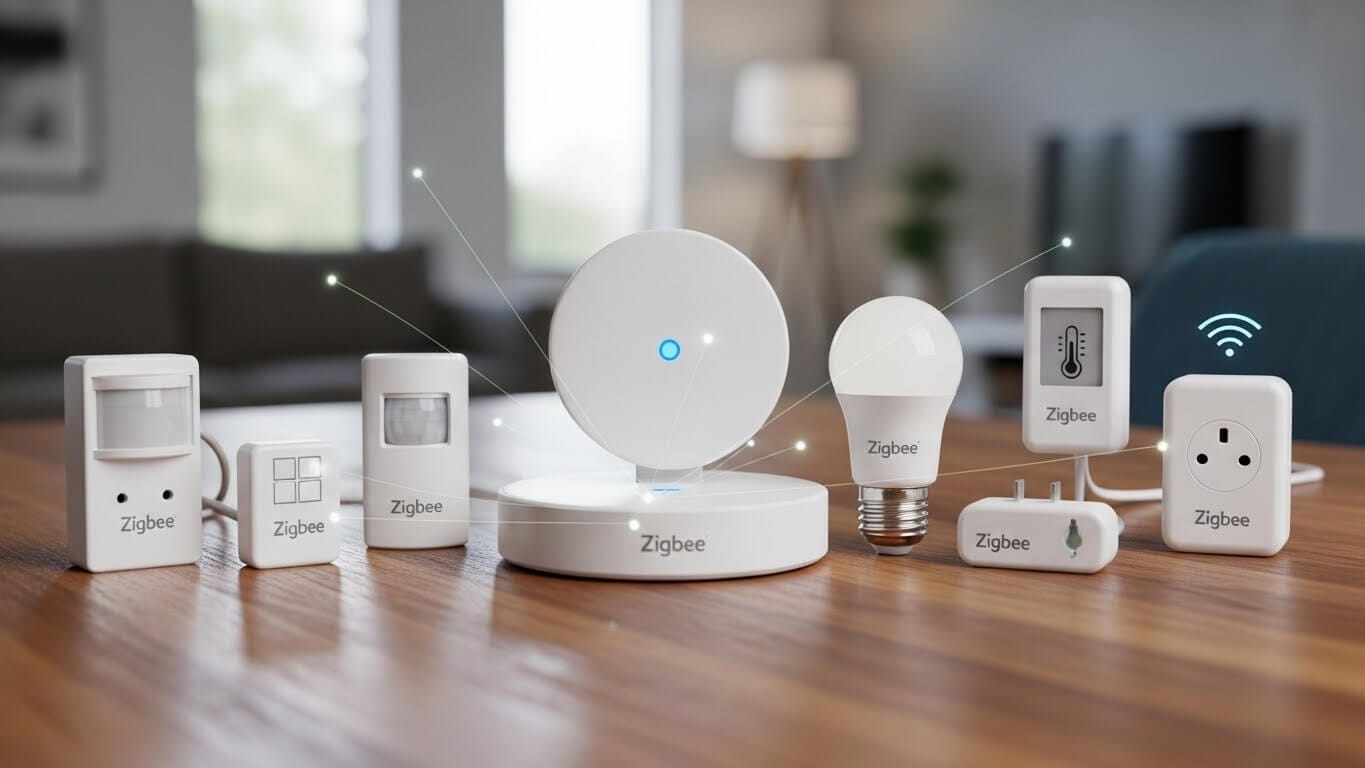
How to Add Zigbee Devices to Alexa?
Connecting Zigbee Alexa devices takes only a few minutes.
There are two simple methods.
Method 1: Voice Command Setup
This is the fastest method I usually recommend.
Alexa will confirm once the device connects.
Method 2: Using the Alexa App
If voice discovery fails, the app method works reliably.
What the Best Zigbee Devices that Work with Alexa?
These devices integrate well with Alexa and Zigbee ecosystems and offer advanced automation capabilities.
Hubitat Elevation C-8 Pro
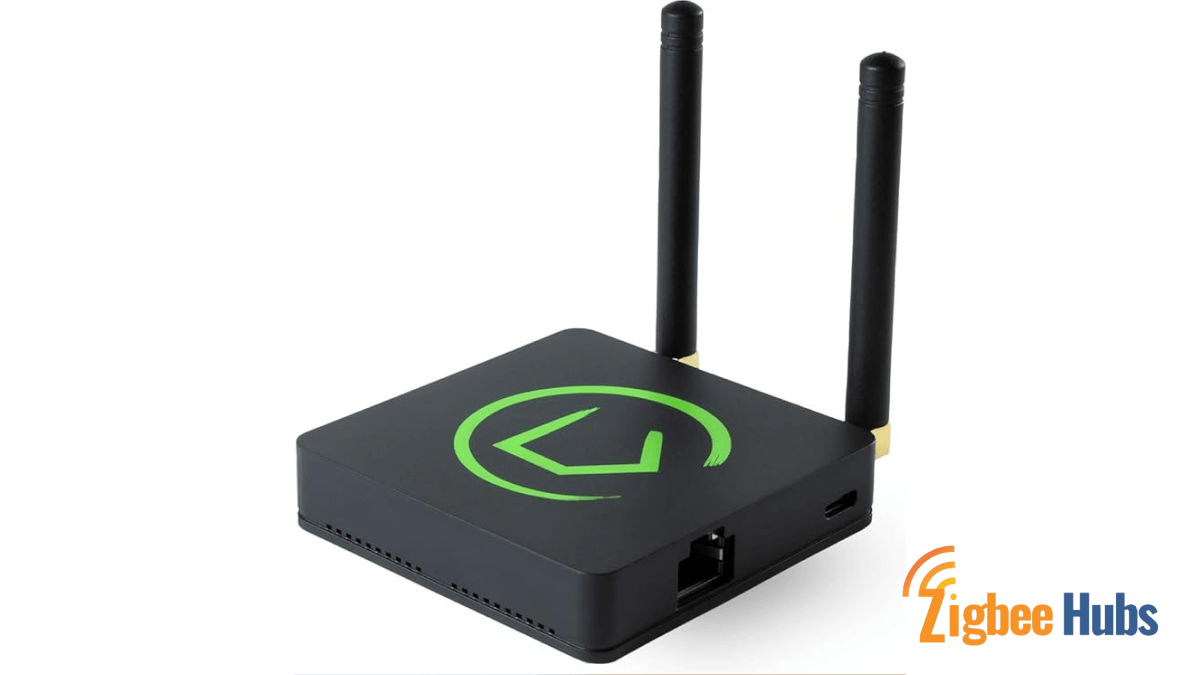
The Hubitat Elevation is a powerful automation hub designed for local smart home processing and advanced automation.
Key Features
- Zigbee and Z-Wave support
- Local automation processing
- Extensive device compatibility
Pros
- Extremely fast response times
- Strong privacy with local processing
Cons
- Learning curve for beginners
From my experience testing automation hubs, Hubitat is one of the fastest local automation platforms available.
Aqara Hub M3
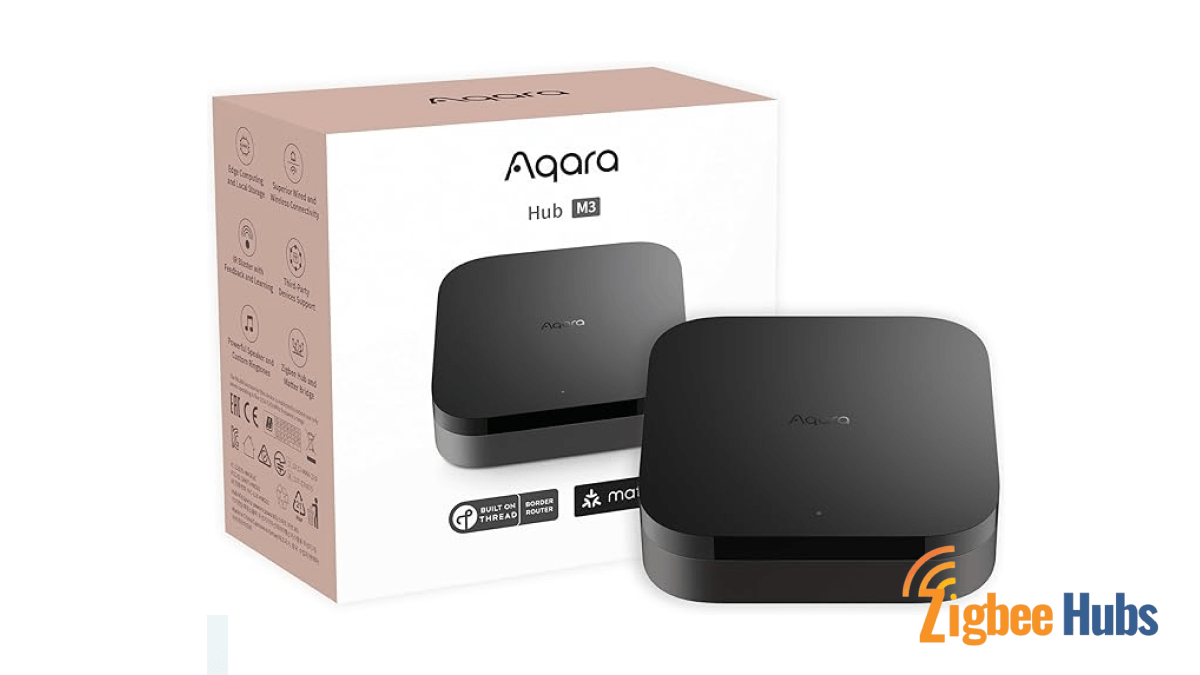
A multi-protocol hub designed to connect Zigbee devices with modern ecosystems.
Key Features
- Zigbee, Matter, and Thread support
- Built-in speaker for alerts
- Secure automation environment
Pros
- Reliable sensors ecosystem
- Future-proof with Matter support
Cons
- Some features require the Aqara app.
Sonoff Zigbee 3.0 USB Dongle Plus
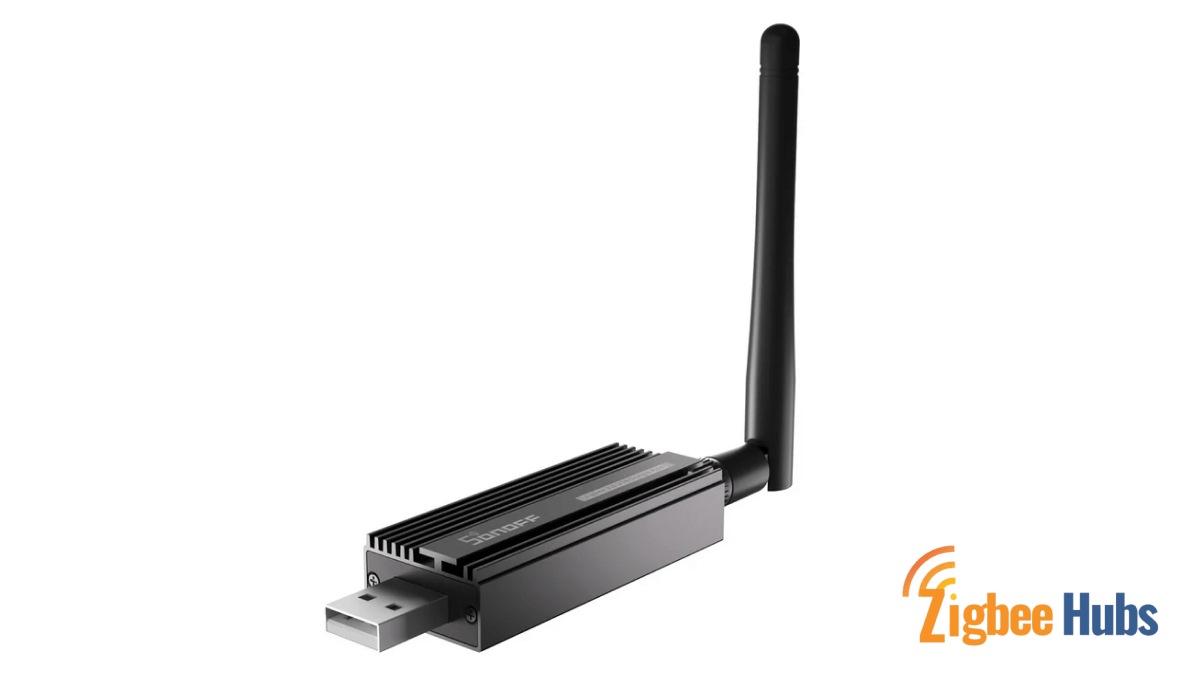
A Zigbee USB coordinator designed for DIY smart home servers.
Key Features
- Zigbee 3.0 compatibility
- External antenna for extended range
- Works with automation platforms
Pros
- Very affordable
- Strong signal performance
Cons
- Requires a server or smart home controller
I’ve used this dongle in several custom setups. When paired with automation platforms, it creates a very stable Zigbee mesh network.
Homey Pro (2023)
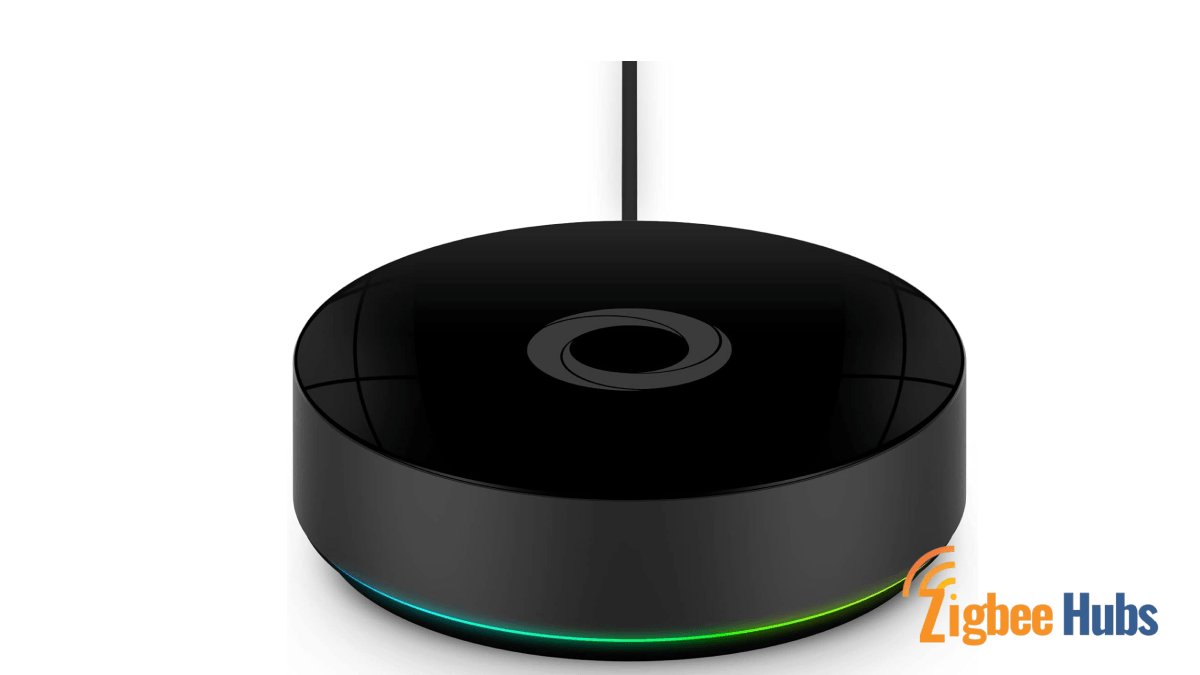
An all-in-one smart home controller that supports multiple wireless protocols.
Key Features
- Zigbee, Z-Wave, Wi-Fi, Bluetooth, and Infrared support
- Powerful automation engine
- Unified smart home dashboard
Pros
- Extremely versatile
- User-friendly interface
Cons
- Higher price point
For users building a complex automation ecosystem, Homey Pro acts like the central brain of the smart home.
 Sarah Diyana
Advanced Alexa Automation Tips
Once your Alexa Zigbee Hub detects devices, you can unlock powerful automation features.
Device Groups
Group multiple lights together.
Example command:
“Alexa, turn on the kitchen.”
Instead of controlling each bulb individually, the entire group activates.
Routines
Create automated actions triggered by time or voice commands.
Example:
Good Morning Routine
- Turn on lights
- Open smart blinds
- Start coffee maker
Sensor Automations
Zigbee sensors enable smart automations.
Example:
Motion sensor detects movement at night → hallway lights turn on at 20% brightness.
This type of automation is one of the reasons I strongly prefer Zigbee sensor networks.
Troubleshooting Zigbee Alexa Pairing Issues
If Alexa fails to detect your device, try these steps.
Check Distance
Place the device within 10–30 feet of your Echo during pairing.
Reset the Device
Many Zigbee devices require resetting if previously paired.
For example:
- Turn bulbs on and off five times to reset.
Verify Compatibility
Look for labels such as:
- Works with Alexa
- Zigbee Certified
Update Echo Firmware
Ask:
“Alexa, is your software up to date?”
Conclusion
Using Zigbee Alexa integrations is one of the easiest ways to build a reliable smart home. Echo devices with built-in hubs allow you to connect sensors, switches, and bulbs without needing extra hardware. With local communication, reduced Wi-Fi congestion, and lightning-fast response times, Zigbee provides the perfect foundation for automation. Whether you start with a simple smart bulb or expand into advanced automation with hubs like Hubitat or Aqara, Zigbee creates a stable and scalable smart home network.