How to Set Up Zigbee2MQTT with Docker for Home Automation

Setting up Zigbee2mqtt Docker gives you full local control of your smart home. You can connect Zigbee devices to MQTT, run everything in Docker, and integrate with Home Assistant without relying on any cloud services. This setup is stable, private, and highly flexible when configured correctly.
Key Takeaways
- Zigbee2MQTT Docker enables fullly local, cloud-free smart home.
- You need three core components: Zigbee coordinator, MQTT broker and Docker.
- Using
/dev/serial/by-id/ensures stable USB detection. - SONOFF and ConBee II dongles offer the best real-world performance.
- Docker Compose simplfies managing Zigbee2MQTT and Mosquitto together.
- Proper adapter configuration is critical for stability.
What is Zigbee2MQTT and Why Use Docker?
Zigbee2MQTT is an open-source bridge that converts Zigbee signals into MQTT messages. These messages can then be used by platforms like Home Assistant, Node-RED, or custom automation scripts.
When I run Zigbee2MQTT inside Docker, I get three major benefits:
- Isolation: No conflicts with the host OS
- Portability: Easy to move or rebuild the system
- Reliability: Clean updates without breaking dependencies
From my experience, running zigbee2mqtt docker home assistant setups is far more stable than native installs, especially on Raspberry Pi and mini servers.
What Do You Need Before Starting?
Before setting up zigbee2mqtt docker, make sure you have:
- A Linux-based system or Raspberry Pi
- Docker and Docker Compose installed
- A Zigbee USB coordinator
- Basic network access to your router
- A text editor for configuration
Pro Tip: Always use a USB extension cable for your Zigbee dongle. This reduces interference from your server and improves signal quality significantly.
What Hardware Works Best for Zigbee2MQTT?
Choosing the right coordinator makes or breaks your setup. I have tested multiple dongles, and here are the ones I recommend.
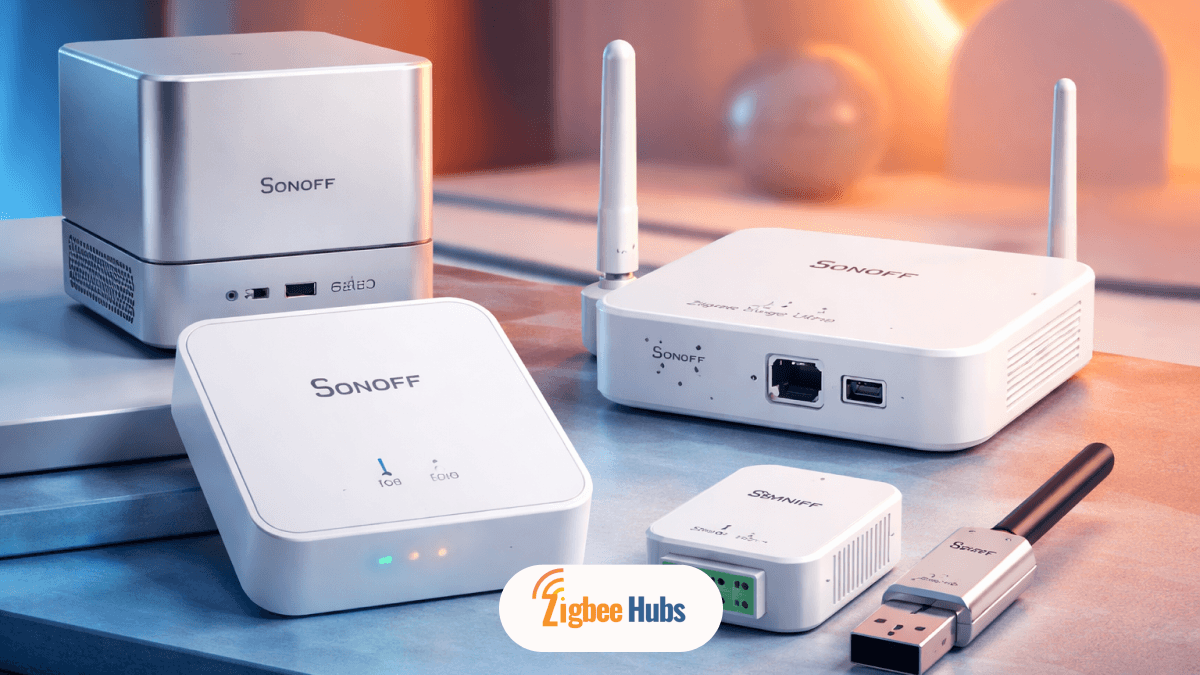
SONOFF Zigbee 3.0 USB Dongle Plus (ZBDongle-P)
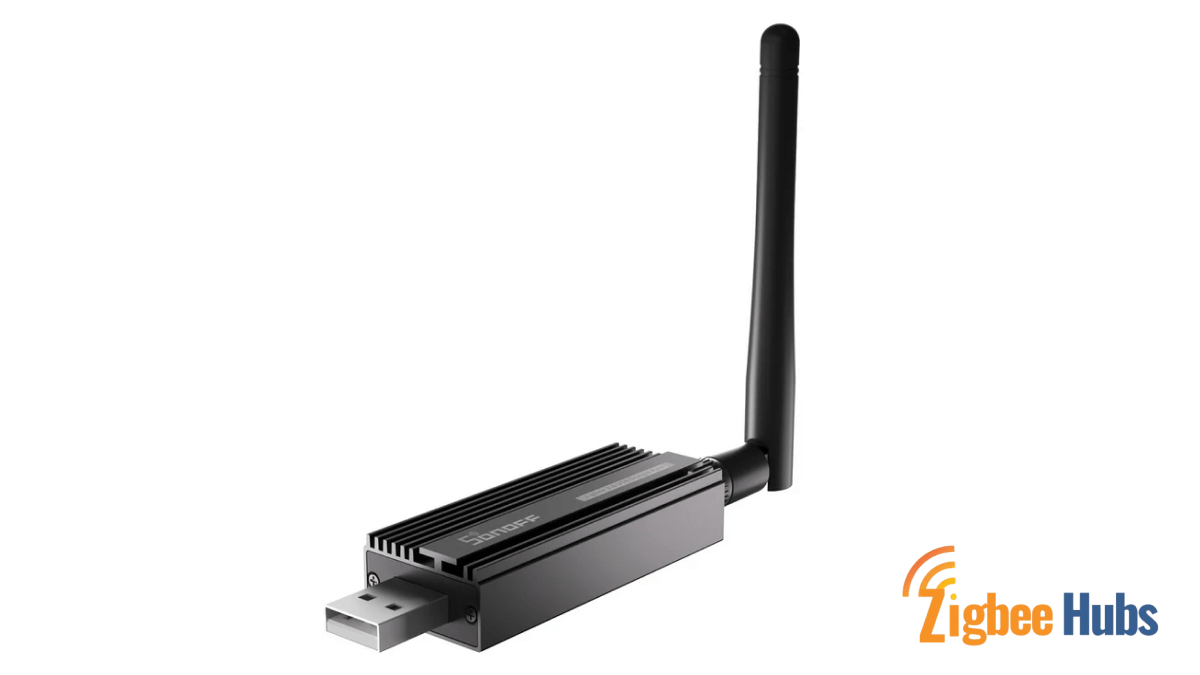
⭐ SONOFF Zigbee 3.0 USB Dongle Plus (ZBDongle-P)
This is my go-to coordinator for most deployments. A powerful Zigbee USB coordinator built on the CC2652P chipset. It delivers strong range and excellent device handling.
Key Features
- Pre-flashed with Z-Stack firmware
- External antenna for better signal
- Supports large Zigbee networks
Pros
- Very stable in long-term use
- Handles many devices without drops
- Strong signal penetration through walls
Cons
- Slightly bulky
- Can block nearby USB ports
SONOFF Zigbee 3.0 USB Dongle E (ZBDongle-E)
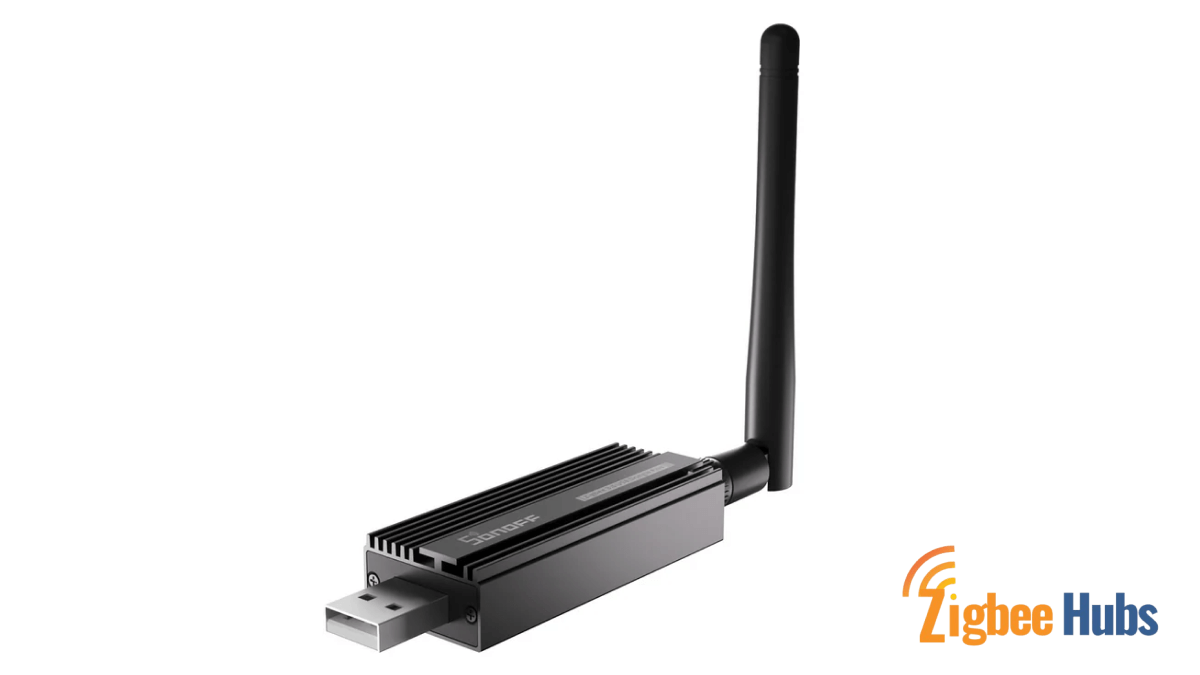
I use this in newer setups where Matter and modern stacks are involved. A compact Zigbee coordinator based on the EFR32MG21 chipset, designed for newer ecosystems.
Key Features
- Compact design
- Low power consumption
- Supports Zigbee 3.0
Pros
- Easy to install in tight spaces
- Efficient and modern chipset
- Great community support
Cons
- Requires correct "ember" adapter configuration
- Slightly more setup complexity
CC2531 Zigbee USB Dongle
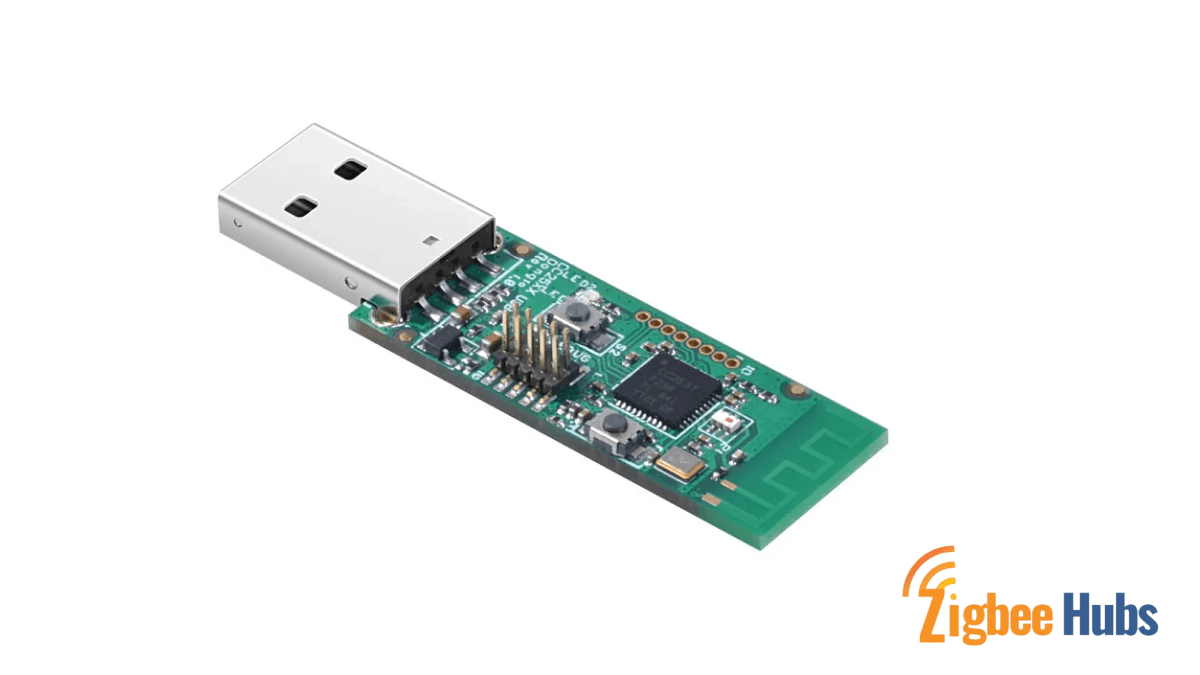
An entry-level Zigbee USB stick widely used by beginners.
Key Features
- Low cost
- Widely documented
- Simple setup
Pros
- Very affordable
- Good for learning
Cons
- Limited range
- Struggles with many devices
- Needs USB extension cable
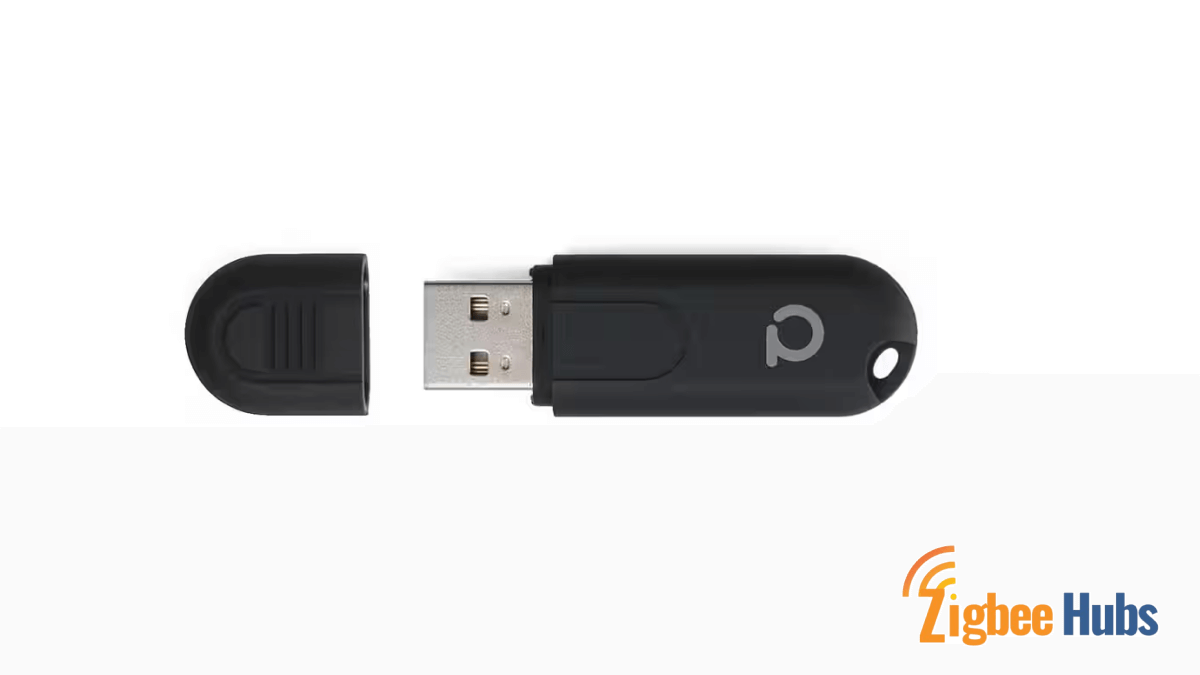
ConBee II Zigbee USB Gateway
Buy Now
A reliable alternative for multi-platform setups. A universal Zigbee gateway known for strong compatibility and local control.
Key Features
- Works across multiple systems
- Strong ecosystem support
- Clean integration
Pros
- Stable performance
- Works with Docker and other platforms
- No cloud dependency
Cons
- Higher price
 Sarah Diyana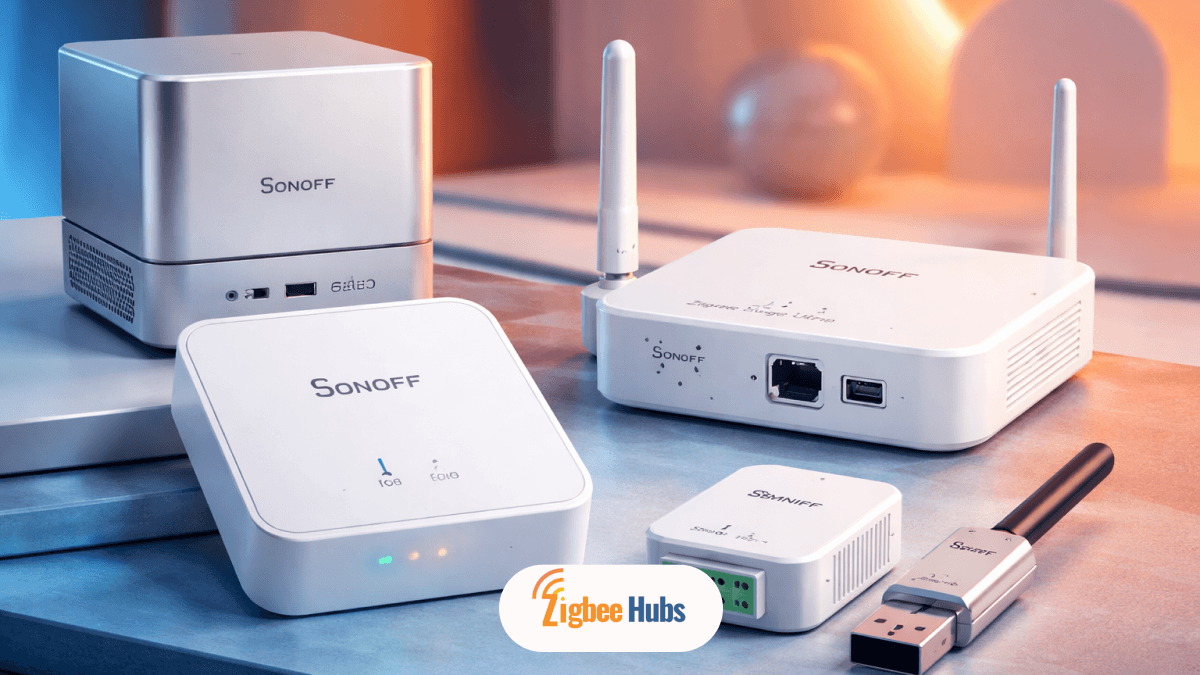
How Do You Prepare Your Docker Environment?
To start your Docker Zigbee2MQTT Mosquitto setup:
1.1 Run
sudo apt update
sudo apt install docker.io docker-compose -y
2.1 Plug in your USB dongle and run:
ls /dev/serial/by-id/
Copy the full device path.
Pro Tip: Never use /dev/ttyUSB0. It changes after reboots.
mkdir zigbee2mqtt
cd zigbee2mqtt
How to Set Up the MQTT Broker (Mosquitto)?
MQTT is the backbone of your system.
Create a folder:
mkdir mosquitto/config
Create mosquitto.conf:
persistence true

listener 1883

allow_anonymous true
This allows communication between Zigbee2MQTT and your automation platform.
How to Configure Docker Compose for Zigbee2MQTT?
Create a docker-compose.yml file:
version: '3.8'

services:

mqtt:

image: eclipse-mosquitto

container_name: mosquitto

volumes:

- ./mosquitto/config:/mosquitto/config

ports:

- 1883:1883


zigbee2mqtt:

image: koenkk/zigbee2mqtt

container_name: zigbee2mqtt

restart: unless-stopped

volumes:

- ./zigbee2mqtt-data:/app/data

- /run/udev:/run/udev:ro

ports:

- 8080:8080

environment:

- TZ=Asia/Colombo

devices:

- /dev/serial/by-id/YOUR-DEVICE:/dev/ttyACM0
Replace YOUR-DEVICE with your actual adapter path.
How Do You Configure Zigbee2MQTT?
After starting the container, edit:
nano zigbee2mqtt-data/configuration.yaml
Add:
  mqtt:

 server: mqtt://localhost


serial:

 port: /dev/ttyACM0

 adapter: zstack


frontend:

 port: 8080
Adapter Types:
- zstack → SONOFF P
- ember → SONOFF E
- deconz → ConBee II
How to Start Zigbee2MQTT Docker?
Run:
docker compose up -d
Check logs:
docker logs zigbee2mqtt
Look for:
"Connected to MQTT broker"
How to Pair Zigbee Devices?
http://YOUR-IP:8080
Pro Tip: Pair devices close to the coordinator first, then move them to their final location.
 Sarah Diyana
How Does Zigbee2MQTT Work with Home Assistant?
For Home Assistant Zigbee2MQTT Docker setups:
- Enable MQTT integration in Home Assistant
- Use auto-discovery
- Devices appear automatically
This is the most seamless way to manage your smart home.
Special Case: Zigbee2MQTT on Synology
For zigbee2mqtt synology docker:
- Install Container Manager
- Map USB device manually
- Enable USB permissions
On DSM 7, you may need extra drivers.
Recommended Devices to Add After Setup
Once your system is live, I recommend starting with:
- SONOFF ZBMINIR2 Smart Switch
- Aqara Smoke Detector
- ThirdReality Smart Bulb
These devices work reliably with Zigbee2MQTT and help build a strong mesh network.
Comparison of the Recommended Devices
| Device | Category | Best Use Case | Rating | Buy |
|---|---|---|---|---|
| SONOFF ZBMINIR2 | Smart Switch | Automating traditional lights | ⭐ 4.7 / 5 | Buy Now |
| Aqara Smoke Detector | Safety Sensor | Fire and smoke alerts | ⭐ 4.6 / 5 | Buy Now |
| ThirdReality Smart Colour Bulb | Smart Lighting | Automation and ambiance | ⭐ 4.5 / 5 | Buy Now |
Common Issues and Fixes
Why is the USB Not Detected?
Use
/dev/serial/by-id/- Check permissions
Why is the Device Not Pairing?
- Reset device properly
- Enable permit join
Unstable Network
- Add Zigbee routers
- Avoid WiFi channel overlap
Conclusion
Running zigbee2mqtt docker is one of the best decisions you can make for a reliable smart home. You get full control, better privacy, and long-term stability. From my experience, once this setup is done correctly, it runs for months without issues. The key is choosing the right hardware and configuring the adapter properly from the start.
FAQs about Zigbee2MQTT Docker
docker compose pull and then docker compose up -d.
/dev/serial/by-id/.