Zigbee Home Automation | Complete Guide 2026

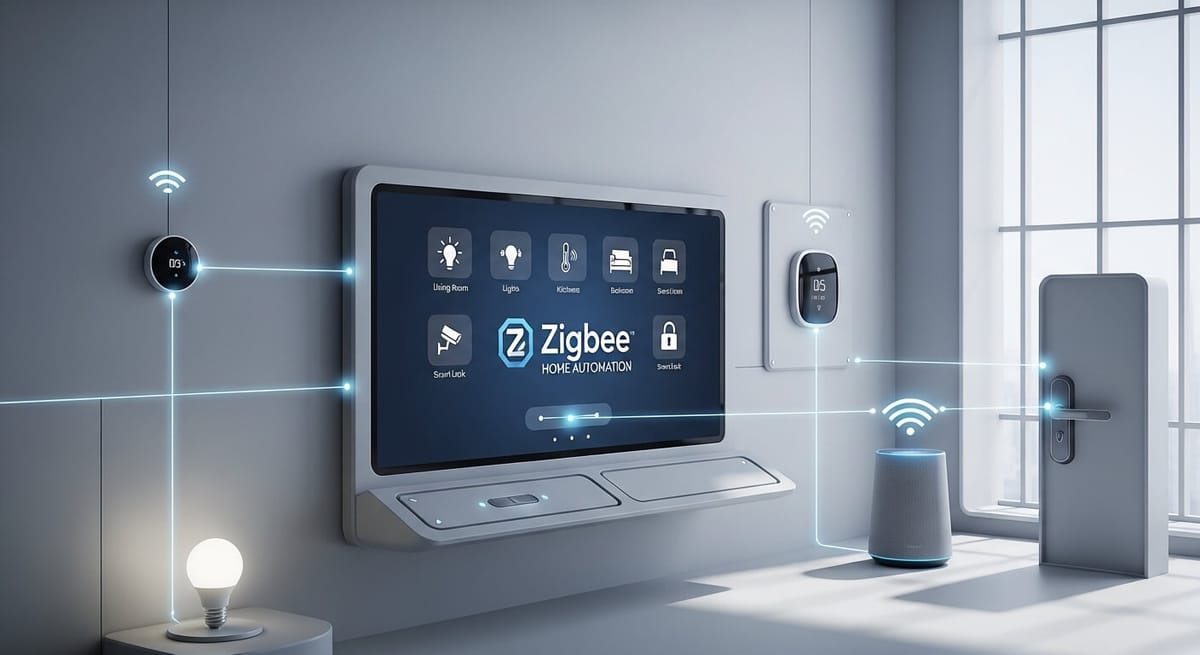
Zigbee home automation transforms your house into a responsive, energy-efficient smart home by connecting devices through a self-healing mesh network. Every mains-powered device you add strengthens the overall system. After building and maintaining these networks for over a decade, I can walk you through exactly how to set up a system that runs reliably for years without constant troubleshooting.
Key Takeaways
- Choose a local hub like Home Assistant or Aqara M3 to keep automations running without internet dependency.
- Start with mains-powered devices like smart plugs to build a strong mesh backbone before adding battery sensors.
- Place Zigbee routers every 15 to 20 feet throughout your home for consistent coverage.
- Set your Zigbee network to channel 15, 20, or 25 to avoid interference with common Wi-Fi channels.
- Always use a USB extension cable to move your coordinator away from USB 3.0 port interference.
- Give your mesh 24 to 48 hours to stabilize after adding new devices.
How Do You Choose the Right Hub for Zigbee Home Automation?
Your hub serves as the coordinator for your entire zigbee home automation system. It starts the network, manages device pairing, and executes your automations. Choosing the wrong hub creates headaches down the road.
What Should You Look for in a Zigbee Hub?
Focus on these criteria when selecting your hub:
- Local Processing: Hubs that process automations locally continue working during internet outages. Cloud-dependent hubs become useless when your ISP goes down.
- Device Capacity: Entry-level hubs support 50 to 100 devices. Professional options handle 200 or more. Plan for growth.
- Protocol Support: Some hubs support only Zigbee. Others include Z-Wave or Matter bridging. A multi-protocol hub gives you flexibility.
- Update Frequency: Active development means better device compatibility and security patches. Check how often the manufacturer releases updates.
Which Zigbee Hubs Do Professionals Actually Recommend?
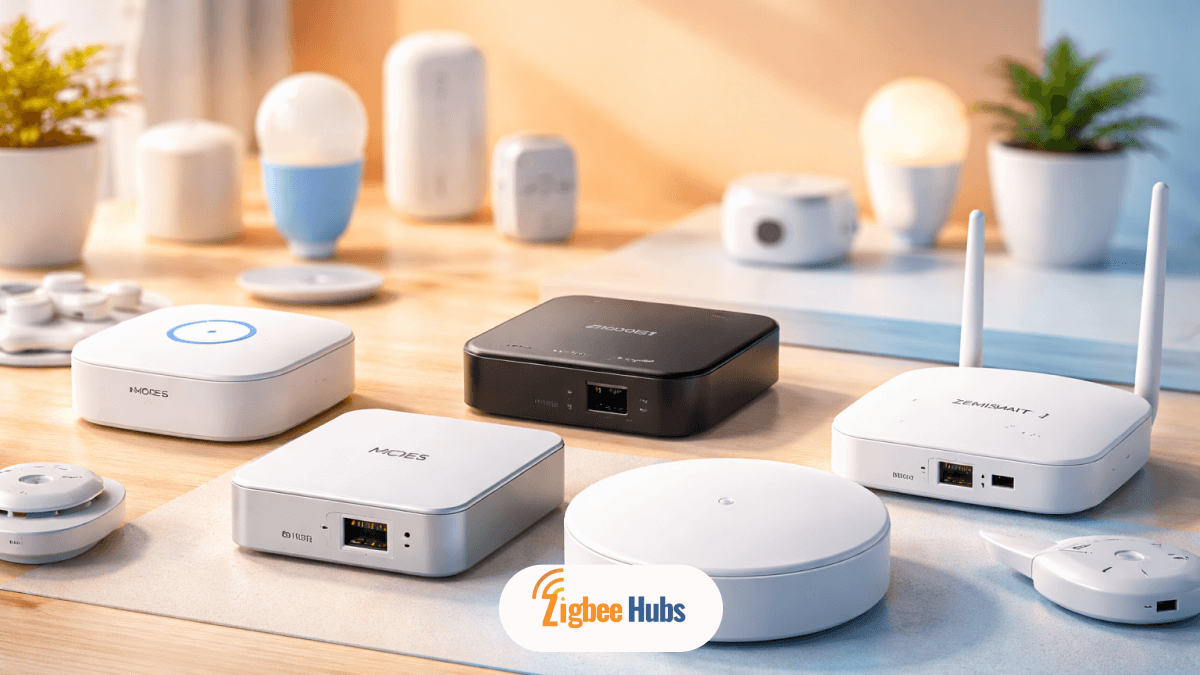
I have tested dozens of hubs across residential and commercial installations. Here are my top picks:
| Hub | Best For | Why I Recommend It |
|---|---|---|
| Home Assistant Green | Power users wanting full customization | Open-source, massive community, ZHA integration handles hundreds of devices |
| Aqara Hub M3 | Users wanting easy setup with advanced features | Supports Zigbee 3.0, Thread, and Matter bridging out of the box |
| Sonoff iHost | Privacy-focused users avoiding cloud services | Runs entirely local with no account required |
| Hubitat Elevation | Users migrating from SmartThings | Local processing with a familiar interface |
If you choose Home Assistant, pair it with the Home Assistant Connect ZBT-2 or SkyConnect USB adapter. This combination delivers enterprise-level reliability without subscription fees.
What to Look Out For: Avoid hubs that require constant cloud connectivity. I have seen entire homes go dark during AWS outages because every automation depended on external servers.
 Sarah Diyana
What Devices Should You Buy to Start Your Zigbee Home Automation System?
The order in which you add zigbee home automation devices matters more than most guides admit. Building your mesh incorrectly creates reliability problems that frustrate you for months.
Why Should Mains-Powered Devices Come First?
Every mains-powered Zigbee device acts as a router, forwarding signals from distant sensors back to your hub. Battery-powered devices do not route traffic. They sleep to conserve power.
If you add battery sensors before establishing router coverage, those sensors connect directly to your hub. When you later add routers, the sensors do not automatically switch to better paths. Your zigbee automation mesh remains weak.
My Rule: Install at least three to four mains-powered devices before adding any battery sensors. This creates the backbone your sensors will rely on.
What Is the Ideal Starter Device Kit?
Based on hundreds of installations, here is my recommended starting configuration:
Phase 1: Build the Backbone (Week 1)
- 4 smart plugs placed in different rooms (ThirdReality or Aqara)
- 1 smart light switch in a central hallway (Aqara or Inovelli)
Phase 2: Add Sensors (Week 2)
- 3 to 5 door and window sensors for entry points (Aqara)
- 2 motion sensors for high-traffic areas (Sonoff or Aqara)
- 1 temperature and humidity sensor (Sonoff SNZB-02D)
Phase 3: Expand Based on Needs (Week 3 and Beyond)
- Smart bulbs for accent lighting (Philips Hue, IKEA Tradfri)
- Water leak sensors for bathrooms and kitchen (Aqara)
- Smart locks for exterior doors (Yale Assure, Kwikset)
Best Zigbee Smart Home Automation Devices
Selecting the right zigbee home automation devices determines whether your system delights or frustrates you. After testing hundreds of products across dozens of installations, I have identified the devices that consistently perform well.
Best Zigbee Smart Plugs
Smart plugs serve double duty in your zigbee home automation system. They control lamps and appliances while acting as routers that strengthen your mesh. Every home needs several.
Top Picks:
| Device | Why It Stands Out | Router Function |
|---|---|---|
| ThirdReality Smart Plug | Compact design, reliable repeater, excellent price | Yes |
| Aqara Smart Plug | Power monitoring, compact size, fast response | Yes |
| IKEA Tradfri Outlet | Budget-friendly, widely available | Yes |
| Sonoff S31 Lite ZB | Energy monitoring, affordable | Yes |
My Recommendation: Start with ThirdReality plugs for pure mesh-building purposes. Add Aqara plugs where you want power monitoring for energy tracking.
Best Zigbee Door and Window Sensors
Contact sensors form the foundation of security and presence-based automations. These small devices tell your system when doors open, windows close, or cabinets get accessed.
Top Picks:
| Device | Battery Life | Special Features |
|---|---|---|
| Aqara Door and Window Sensor | 2 to 5 years | Extremely compact, reliable |
| Sonoff SNZB-04 | 2 to 3 years | Budget-friendly, good performance |
| Third Reality Door Sensor | 3 to 5 years | Includes temperature reporting |
| IKEA Parasoll | 2 to 4 years | Clean design, easy setup |
Pro Tip: Aqara sensors are so small they virtually disappear on door frames. I use them on medicine cabinets and refrigerators where larger sensors would look awkward.
Best Zigbee Motion Sensors
Motion sensors enable hands-free lighting and occupancy-based climate control. Response time matters here because slow sensors create frustrating delays.
Top Picks:
| Device | Response Time | Detection Range | Extra Features |
|---|---|---|---|
| Philips Hue Motion Sensor | Under 0.5 seconds | 16 feet | Temperature, light level |
| Aqara Motion Sensor P1 | Under 1 second | 23 feet | Light level, adjustable sensitivity |
| Sonoff SNZB-03 | 1 to 2 seconds | 20 feet | Budget-friendly |
| IKEA Tradfri Motion Sensor | 1 to 2 seconds | 16 feet | Widely available |
What to Look Out For: Cheap motion sensors often have mandatory cooldown periods of 60 seconds or more. During cooldown, they cannot detect new motion. The Aqara P1 lets you adjust this down to 5 seconds.
Best Zigbee Light Bulbs and Switches
Smart lighting delivers the most visible impact in any zigbee home control system. You can choose between smart bulbs or smart switches depending on your situation.
Best Smart Bulbs:
| Device | Color Options | Brightness | Acts as Router |
|---|---|---|---|
| Philips Hue | White, tunable white, full color | Up to 1100 lumens | Yes |
| IKEA Tradfri | White, tunable white, full color | Up to 1000 lumens | Yes |
| Sengled Smart Bulb | White, tunable white, full color | Up to 800 lumens | No (by design) |
| Innr Bulbs | White, tunable white, full color | Up to 806 lumens | Yes |
Best Smart Switches:
| Device | Neutral Required | Special Features |
|---|---|---|
| Inovelli Blue Series | No | LED notifications, scene control, excellent build quality |
| Aqara Smart Wall Switch | Available in both versions | Clean design, reliable |
| Sonoff ZBMINI | Yes | Extremely compact for tight boxes |
| Lutron Aurora | No | Dimmer that works with Hue bulbs |
My Recommendation: Use smart switches when possible. They work with any bulb, never lose power when someone flips the switch, and last longer than smart bulbs. Reserve smart bulbs for lamps and fixtures where changing the switch is impractical.
Best Zigbee Climate Control Devices
Climate control devices reduce energy waste and improve comfort. These zigbee home automation devices pay for themselves through lower utility bills.
Top Picks:
| Device | Type | Key Feature |
|---|---|---|
| Sonoff TRVZB | Thermostatic Radiator Valve | Individual room temperature control |
| Aqara Radiator Thermostat E1 | Thermostatic Radiator Valve | Works with Aqara ecosystem |
| Sinope TH1123ZB | Line Voltage Thermostat | Designed for electric baseboards |
| Sonoff SNZB-02D | Temperature and Humidity Sensor | LCD display, accurate readings |
Practical Example: I installed Sonoff TRVs throughout a three-bedroom house last winter. By heating only occupied rooms instead of the whole house, the homeowner cut heating costs by 30% in the first month.
Best Zigbee Security Devices
Security devices protect your home and provide peace of mind. These integrate directly with your zigbee automation rules for immediate response.
Top Picks:
| Device | Type | Integration Quality |
|---|---|---|
| Yale Assure Lock 2 | Smart Lock | Excellent, native Zigbee |
| Kwikset SmartCode 955 | Smart Lock | Reliable, multiple finish options |
| Aqara Water Leak Sensor | Leak Detection | Compact, accurate, long battery life |
| Heiman Smoke Detector | Smoke Alarm | Fast detection, loud alarm |
| Aqara Vibration Sensor | Vibration Detection | Detect tampering on windows or safes |
What to Look Out For: Some smart locks advertise Zigbee compatibility but require a proprietary bridge. Yale Assure Lock 2 with the Zigbee module connects directly to your hub without extra hardware.
You May be Interested in:
Best Zigbee Signal Repeaters
Dedicated repeaters strengthen your mesh in areas where you have no reason to place a smart plug or switch.
Top Picks:
| Device | Range Improvement | Power Source |
|---|---|---|
| IKEA Tradfri Signal Repeater | Significant | USB powered |
| Aqara Hub M1S | Acts as repeater plus secondary coordinator | Wall outlet |
| Tuya Zigbee Signal Repeater | Moderate | Wall outlet |
How Do You Optimize Your Zigbee Home Automation Mesh?
A poorly optimized mesh causes the frustration that makes people abandon zigbee home automation entirely. The good news is that most problems have simple fixes.
What Causes Zigbee Connectivity Problems?
Three issues cause 90% of all Zigbee reliability problems:
- USB 3.0 Interference: USB 3.0 ports emit radio frequency noise in the 2.4 GHz band. Plugging your Zigbee coordinator directly into these ports cripples its range.
- Wi-Fi Channel Overlap: Zigbee and Wi-Fi share the 2.4 GHz spectrum. If both use overlapping channels, they interfere with each other.
- Insufficient Router Density: Too few mains-powered devices create weak spots where battery sensors lose connection.
How Do You Fix USB Interference?
Never plug your Zigbee USB coordinator directly into your computer or hub. Always use a shielded USB 2.0 extension cable at least three feet long.
I learned this lesson the hard way. My first Home Assistant installation had constant device dropouts. Moving the coordinator three feet away from my NUC using a $6 extension cable solved everything immediately.
How Do You Select the Right Zigbee Channel?
Wi-Fi typically uses channels 1, 6, or 11. Each Wi-Fi channel overlaps with specific Zigbee channels:
| Wi-Fi Channel | Zigbee Channels to Avoid |
|---|---|
| 1 | 11, 12, 13, 14 |
| 6 | 16, 17, 18, 19 |
| 11 | 21, 22, 23, 24 |
Safe Zigbee Channels: 15, 20, and 25 sit in the gaps between common Wi-Fi channels. I default to channel 20 for most installations.
Most hub software lets you change channels in the Zigbee settings. After changing, you must re-pair all devices, so set this correctly before adding devices.
How Should You Position Devices for Maximum Coverage?
Follow these placement guidelines:
- Router Spacing: Place mains-powered devices every 15 to 20 feet. Zigbee signals weaken significantly beyond 30 feet indoors.
- Obstacle Awareness: Concrete walls, metal surfaces, and large appliances block signals. Place a router on each side of major obstacles.
- Vertical Coverage: Signals travel poorly between floors. Place at least one router on each level of multi-story homes.
- Avoid Corners: Placing your coordinator in a corner of your home forces signals to travel maximum distances. Central placement works better.
After adding or moving devices, wait 24 to 48 hours before judging mesh performance. Zigbee networks automatically optimize routing paths, but this process takes time.
How Do You Create Effective Zigbee Home Automations?
The devices and mesh form your foundation. Zigbee automation rules make your home actually smart. Well-designed automations solve real problems without requiring your attention.
What Makes a Good Automation?
Effective automations share three qualities:
- Solve a Real Problem: Automating something for novelty wears off quickly. Automations that address daily frustrations remain valuable.
- Fail Gracefully: Consider what happens when a sensor battery dies or a device goes offline. Good automations have fallbacks.
- Run Locally: Cloud-dependent automations fail during internet outages. Local processing ensures reliability.
What Are Some Practical Automation Examples?
Here are automations running in my home right now:
Arrival Lighting
- Trigger: Front door sensor opens after sunset
- Condition: Living room lights are off
- Action: Turn on entry light at 40% for 10 minutes
This ensures I never enter a dark house. The timer prevents wasted energy if I forget to turn off the light.
Morning Routine
- Trigger: Bathroom motion sensor detects movement between 5:30 AM and 8:00 AM
- Condition: Bathroom light is off
- Action: Turn on bathroom light at 30% brightness
Low brightness prevents eye strain while I'm still waking up. After 8 AM, the same automation triggers full brightness.
Security Alert
- Trigger: Any exterior door opens
- Condition: Time is between 11:00 PM and 6:00 AM
- Action: Send notification to phone, flash hallway light twice
This catches anyone entering the house during sleeping hours without creating a full alarm.
Climate Response
- Trigger: Window sensor opens
- Condition: HVAC is running
- Action: Pause HVAC for 15 minutes, resume automatically
This prevents wasting energy heating or cooling air that escapes through open windows.
How Do You Troubleshoot Automations That Do Not Fire?
When an automation fails, check these points in order:
- Device Status: Confirm the triggering device shows as online in your hub.
- Condition Logic: Review conditions carefully. An automation with conditions that never match will never run.
- Time Settings: Check for timezone mismatches or incorrect AM/PM settings.
- Hub Logs: Most hubs log automation attempts. The logs reveal whether the automation tried to run and what stopped it.
How Do You Integrate Zigbee with Other Smart Home Protocols??
Modern zigbee home automation systems rarely exist in isolation. You likely want voice control, phone notifications, or integration with devices using other protocols.
How Does Zigbee Work with Matter?
Matter provides a translation layer between different smart home ecosystems. A Matter-compatible hub bridges your zigbee home automation devices to Apple HomeKit, Google Home, or Amazon Alexa without needing separate integrations for each platform.
Hubs like the Aqara M3 and Home Assistant (with the Matter integration) expose your Zigbee devices as Matter accessories. This means your Zigbee motion sensor can trigger Apple HomeKit scenes or respond to Google Assistant routines.
What to Look Out For: Not all Zigbee devices expose to Matter. Your hub determines which device types bridge successfully. Check your hub's documentation for supported categories.
See more: ZWave vs Zigbee vs Matter vs WiFi: Which is better?
Should You Combine Zigbee and Z-Wave?
Z-Wave operates on sub-GHz frequencies (908.42 MHz in North America), avoiding all 2.4 GHz interference issues. Some users add Z-Wave devices for critical functions like door locks.
My recommendation: Start with Zigbee for its larger device selection and lower costs. Add Z-Wave only if you experience persistent 2.4 GHz congestion that proper channel selection cannot fix.
Hubs like the Aeotec Z-Stick 10 Pro support both protocols simultaneously, letting you mix devices freely.
How Do You Maintain Your Zigbee Home Automation System Long-Term?
A well-designed Zigbee HA system requires minimal maintenance, but some regular tasks keep everything running smoothly.
What Regular Maintenance Should You Perform?
Monthly Tasks:
- Check battery levels on all battery-powered devices
- Review hub logs for any error patterns
- Verify critical automations still run correctly
Quarterly Tasks:
- Update hub firmware
- Check for device firmware updates
- Review mesh map for any devices with weak connections
Annual Tasks:
- Replace batteries proactively on older sensors
- Evaluate whether new device categories would add value
- Back up your hub configuration
How Do You Handle Device Failures?
Zigbee devices occasionally fail. Here is my troubleshooting sequence:
- Check Battery: Low batteries cause erratic behavior before complete failure.
- Power Cycle: Remove battery (or unplug) for 30 seconds, then re-insert.
- Re-pair: Delete the device from your hub and pair it fresh.
- Replace: If problems persist, the device may have failed. Zigbee devices are affordable enough that replacement often makes more sense than extensive troubleshooting.
Keep one spare of each critical device type. When a door sensor fails, you can swap in the spare immediately while ordering a replacement.
How Do You Scale Your System Beyond the Basics?
Once your core system runs reliably, you can expand into advanced territory.
What Advanced Devices Add the Most Value?
Based on user satisfaction, these additions provide the best return on investment:
- Smart Locks: Yale Assure and Kwikset SmartCode integrate directly with Zigbee hubs. Automations can lock doors at bedtime or unlock when you arrive home.
- Thermostatic Radiator Valves: Sonoff TRVs provide room-by-room temperature control. Pair them with temperature sensors for precise climate management.
- Water Leak Sensors: Place these under sinks, near water heaters, and behind washing machines. Early leak detection prevents thousands in damage.
- Smart Blinds: IKEA Fyrtur blinds automate natural light. Program them to open at sunrise and close at sunset.
How Many Devices Can Your Network Actually Handle?
Most coordinators support 200 to 400 devices comfortably. High-end options like the EFR32-based adapters handle even more.
The practical limit is rarely the coordinator. Your mesh needs adequate routers. The general rule is one router for every three to four end devices.
For reference, my primary home runs 87 Zigbee devices on a Home Assistant Yellow with zero performance issues.
FAQ about Zigbee Home Automation
How do I know if my Zigbee mesh is healthy?
Most hubs provide a mesh visualization or LQI (Link Quality Indicator) values. Look for devices showing direct connections to nearby routers rather than long chains back to the coordinator. LQI values above 100 indicate strong connections. Values below 50 suggest problems.
Why do some devices take a long time to respond?
Slow response usually indicates weak mesh coverage. The device may be routing through multiple hops to reach the coordinator. Add a mains-powered device closer to the slow responder. Give the mesh 24 hours to reorganize.
Can I use Zigbee devices without internet access?
Absolutely. Zigbee networks run entirely on local radio communication. With a local hub like Home Assistant, your entire system functions during internet outages. Only cloud-dependent features like remote access or voice assistants require internet.
How often do Zigbee devices need battery replacement?
Most door and window sensors last two to five years on a single CR2032 battery. Motion sensors with temperature monitoring typically last 12 to 24 months. Check your hub's battery reporting to catch low batteries before devices go offline.
Should I use Zigbee 3.0 devices exclusively?
Zigbee 3.0 devices offer the best interoperability and security. However, well-made older devices still function reliably. I would not replace working equipment just to upgrade to 3.0, but I would prioritize 3.0 for new purchases.
What happens if my coordinator fails?
You must re-pair all devices to a new coordinator. This is why hub backups matter. Home Assistant and similar platforms let you export configurations. Keep regular backups so you can restore automations quickly after replacing hardware.