How to Configure ESP32 with Zigbee

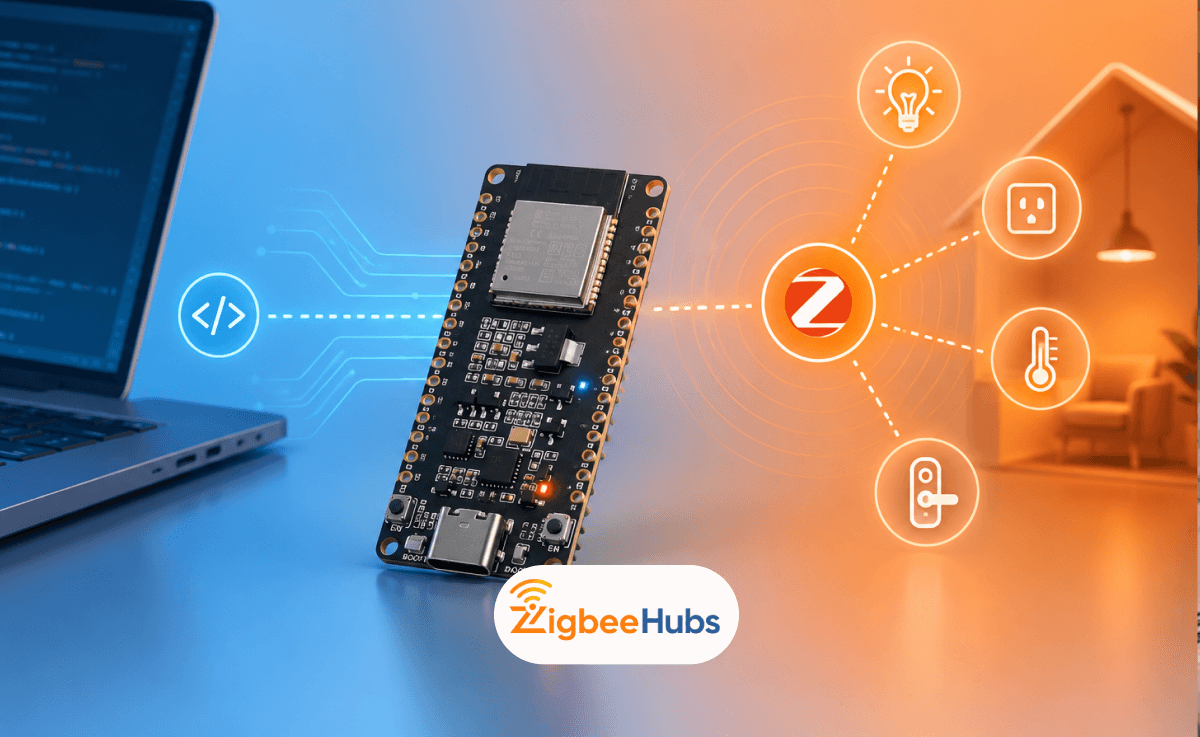
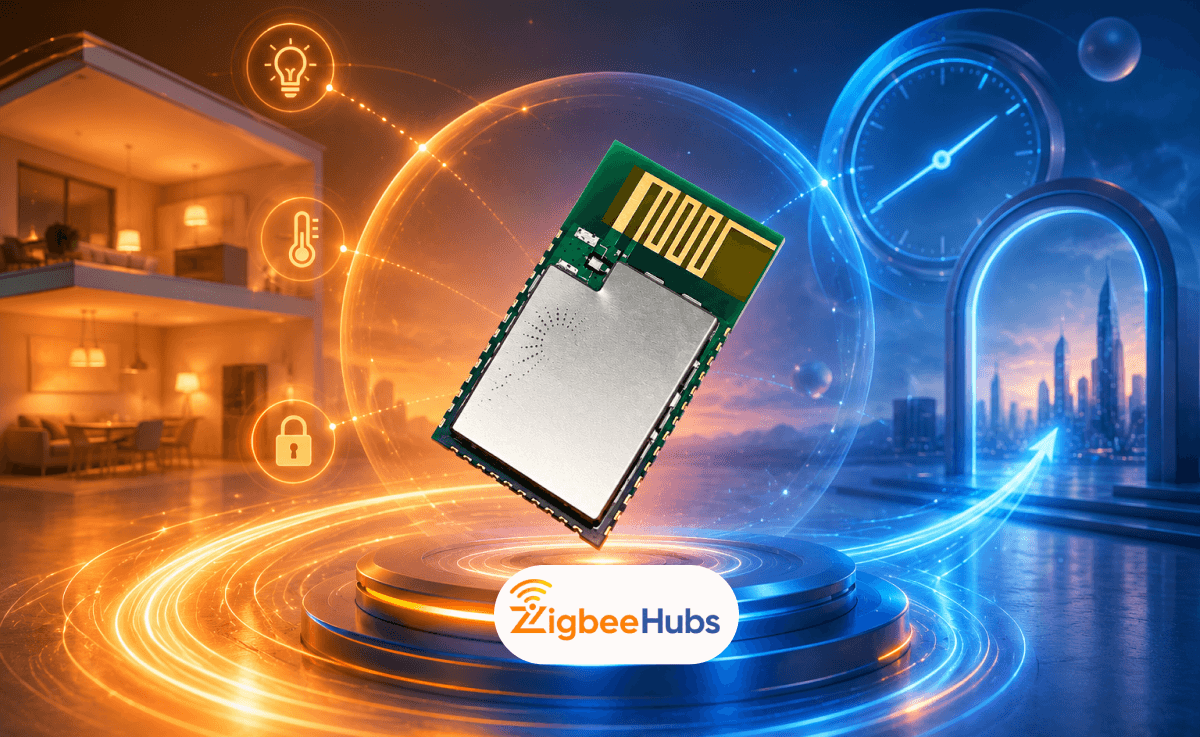
Configuring ESP32 with Zigbee is one of the best ways to build custom smart home devices, Zigbee routers, or low-power wireless sensors. With newer chips like the ESP32-C6 and ESP32-H2, you can run Zigbee directly from the board without needing a separate radio module.
If you are building a smart home product, experimenting with home automation, or just learning Zigbee development, ESP32 is one of the most flexible platforms to start with.
Key Takeaways
- ESP32-C6 and ESP32-H2 support Zigbee
- ESP32 can be configured as a Zigbee coordinator, router, or end device
- ESP32-C6 is ideal for Zigbee + Wi-Fi projects
- ESP32-H2 is better for dedicated low-power Zigbee devices
- Arduino IDE and ESP-IDF both support ESP32 Zigbee development
What is ESP32 Zigbee?
ESP32 Zigbee refers to using an ESP32 chip with built-in IEEE 802.15.4 support to communicate over the Zigbee protocol.
Zigbee is designed for low-power wireless communication. It’s widely used in smart homes for devices like motion sensors, smart plugs, switches, contact sensors, and hubs. Unlike Wi-Fi, Zigbee creates a mesh network. That means devices can pass messages between each other instead of relying on one direct connection.
This makes the network more stable, more efficient, and much better for larger homes.
I like using ESP32 Zigbee because it gives you flexibility that many ready-made Zigbee products don’t. You can build exactly what you need instead of trying to force your setup around a fixed device.
Which ESP32 Supports Zigbee?
This is where many people get confused.
Not every ESP32 board supports Zigbee. Older ESP32 boards do not include the required radio hardware. For Zigbee projects, the two main boards you want to look at are ESP32-C6 and ESP32-H2.
Both are excellent, but they serve slightly different purposes.
ESP32-C6 Zigbee
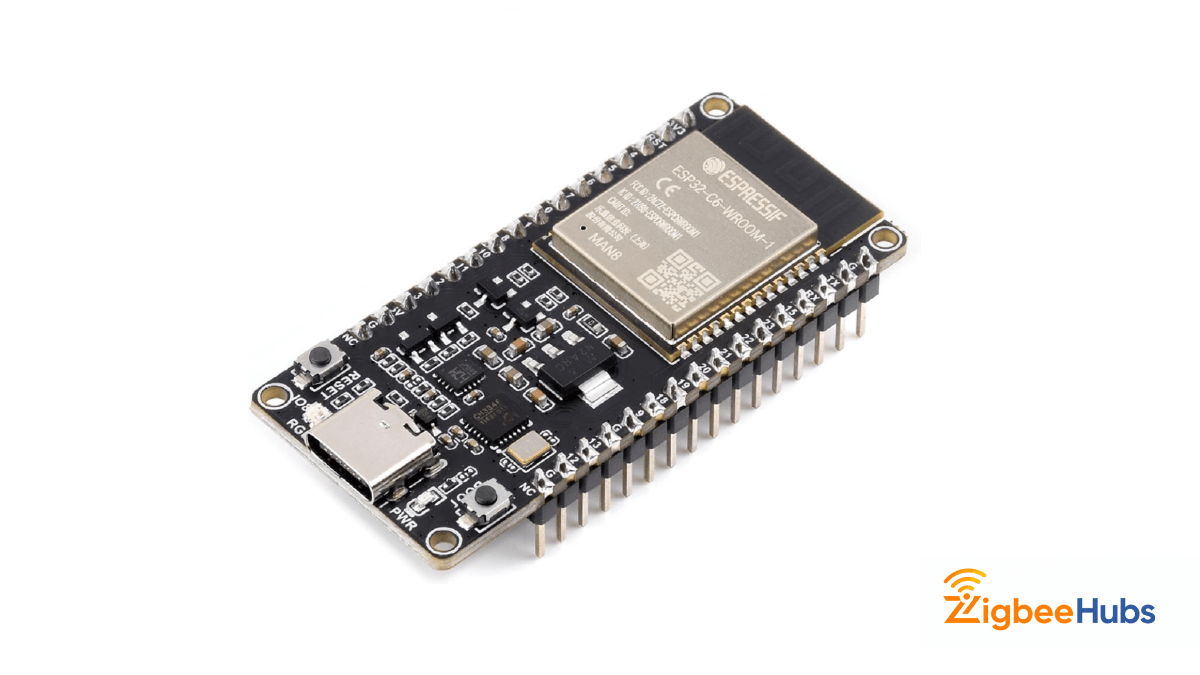
If I’m building a Zigbee project that also needs internet access, cloud updates, or Wi-Fi connectivity, I usually reach for the ESP32-C6 first.
What makes it so useful is that it combines multiple wireless protocols into one board. You get Wi-Fi, Bluetooth, Thread, and Zigbee together. That opens up a lot of possibilities.
For example, you can build a Zigbee sensor that communicates locally through Zigbee while also using Wi-Fi for updates or remote control.
It’s one of the most flexible ESP chips available right now.
Key Features
- Zigbee 3.0 support
- Wi-Fi 6
- Bluetooth 5.3
- Thread support
- Matter-ready hardware
Pros
- Supports multiple wireless protocols.
- Great for gateways and bridges.
- Strong future support.
- Excellent developer ecosystem.
Cons
- Slightly higher power usage.
- More expensive than older Zigbee modules.
ESP32-H2 Zigbee
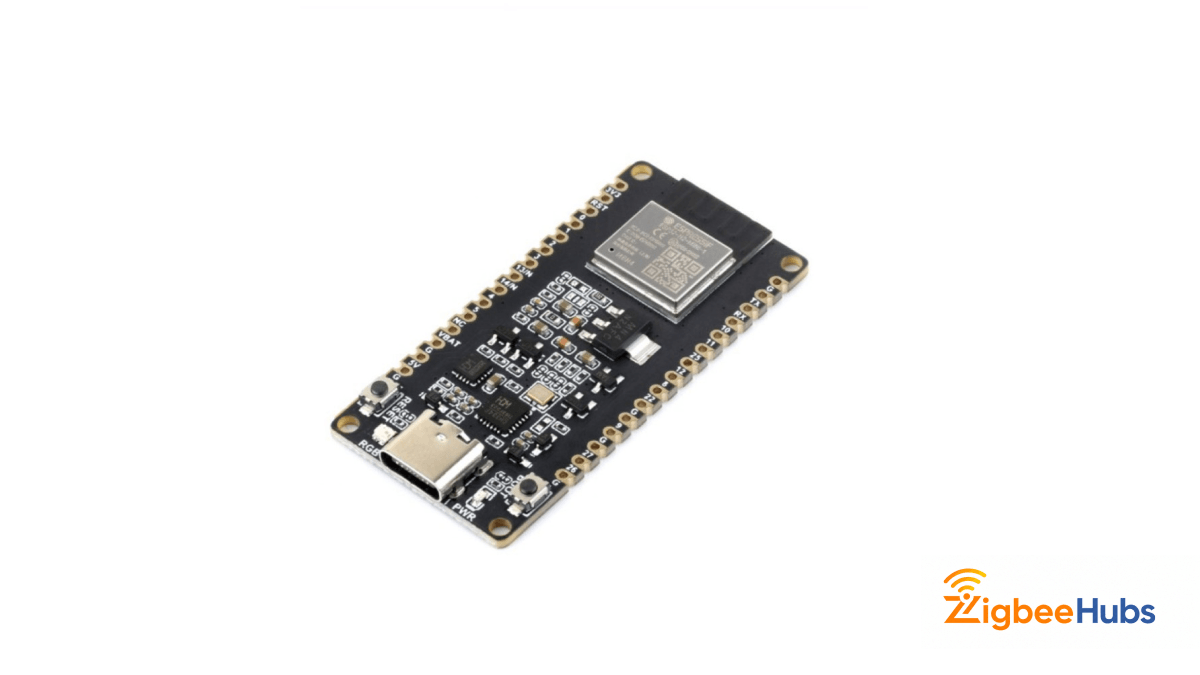
If the ESP32-C6 is the all-rounder, the ESP32-H2 is the specialist.
This board focuses mainly on low-power mesh communication. It removes Wi-Fi completely and is built specifically for Zigbee and Thread.
That makes it perfect for battery-powered smart home devices.
If I were building:
- door sensors
- motion sensors
- battery buttons
- temperature sensors
this is the board I’d choose first.
It’s efficient, lightweight, and ideal for Zigbee mesh devices that need to stay connected without draining power.
Key Features
- Zigbee support
- Thread support
- Bluetooth LE
- low power design
- IEEE 802.15.4 radio
Pros
- Very power efficient.
- Excellent for sensors.
- Great Zigbee mesh reliability.
Cons
- No Wi-Fi.
- Less flexible for hybrid projects.
 Sarah Diyana
How to Configure ESP32 with Zigbee Step By Step
Once you have your board, setup is actually easier than many people expect.
Here’s the process I normally follow.
1. Install the Development Environment
You can configure ESP32 Zigbee using:
- Arduino IDE
- ESP-IDF
If you’re just starting, Arduino IDE is easier.
If you’re building production firmware or need deeper control, ESP-IDF is better.
For most beginners, I recommend Arduino IDE first.
2. Install the ESP32 Board Package
Open Arduino IDE and go to:
Tools → Board Manager
Search:
ESP32
Then install:
ESP32 by Espressif Systems
This adds Zigbee-compatible board support.
3. Select Your Board
After installation, choose your board under:
Tools → Board
For example:
- ESP32-C6 DevKit
- ESP32-H2 DevKit
Double check this step because selecting the wrong board causes many flashing issues later.
4. Choose Zigbee Device Mode
This is where your project starts to take shape.
ESP32 can run as different Zigbee device types depending on what you’re building.
Most projects use one of these:
Coordinator
Starts and manages the Zigbee network.
Router
Repeats messages and expands Zigbee coverage.
End Device
Simple device like a sensor or switch that joins the network.
I usually think of it like this:
Coordinator = brain
Router = repeater
End Device = accessory
Flash Firmware
Once configured, upload your firmware to the ESP32 board.
Example projects are already available in:
- Arduino Zigbee examples
- ESP Zigbee SDK
These are useful for testing before building your own application.
6. Pair with Your Zigbee Network
After flashing, power on the device and place it into pairing mode.
Your Zigbee coordinator or hub should detect it like any other Zigbee device.
At that point you can test:
- joining the network
- sending commands
- switching relays
- reading sensor data
- mesh routing
Can ESP32 Be Used as a Zigbee Gateway?
Yes and it works surprisingly well.
An ESP32 Zigbee Gateway acts as the bridge between Zigbee devices and another network like Wi-Fi or Ethernet.
This means you can use ESP32 to pass Zigbee data into:
- Home Assistant
- mobile apps
- cloud dashboards
- automation servers
I’ve seen many DIY setups where ESP32-C6 is used as a lightweight custom gateway, especially in home automation testing environments.
Can ESP32 Be Used as a Zigbee Router?
Yes.
An ESP32 Zigbee Router is actually one of the most useful DIY applications.
Routers extend your Zigbee mesh by relaying traffic between devices.
This is especially helpful in:
- large homes
- multi-floor buildings
- detached garages
- outdoor smart home installs
One properly placed router can make a huge difference to signal stability.
Best Products for ESP32 Zigbee Projects
If you’re building around ESP32 Zigbee, these are the products I’d personally recommend based on hands-on use and setup experience.
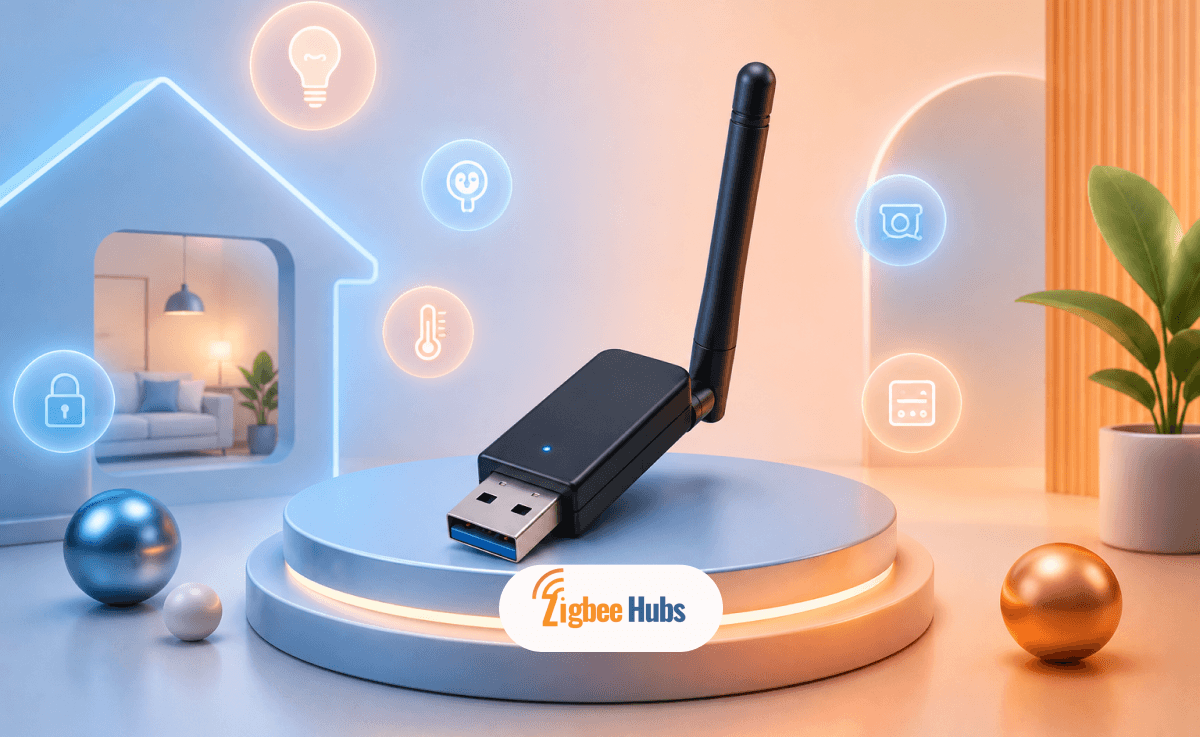
SONOFF Zigbee 3.0 USB Dongle E
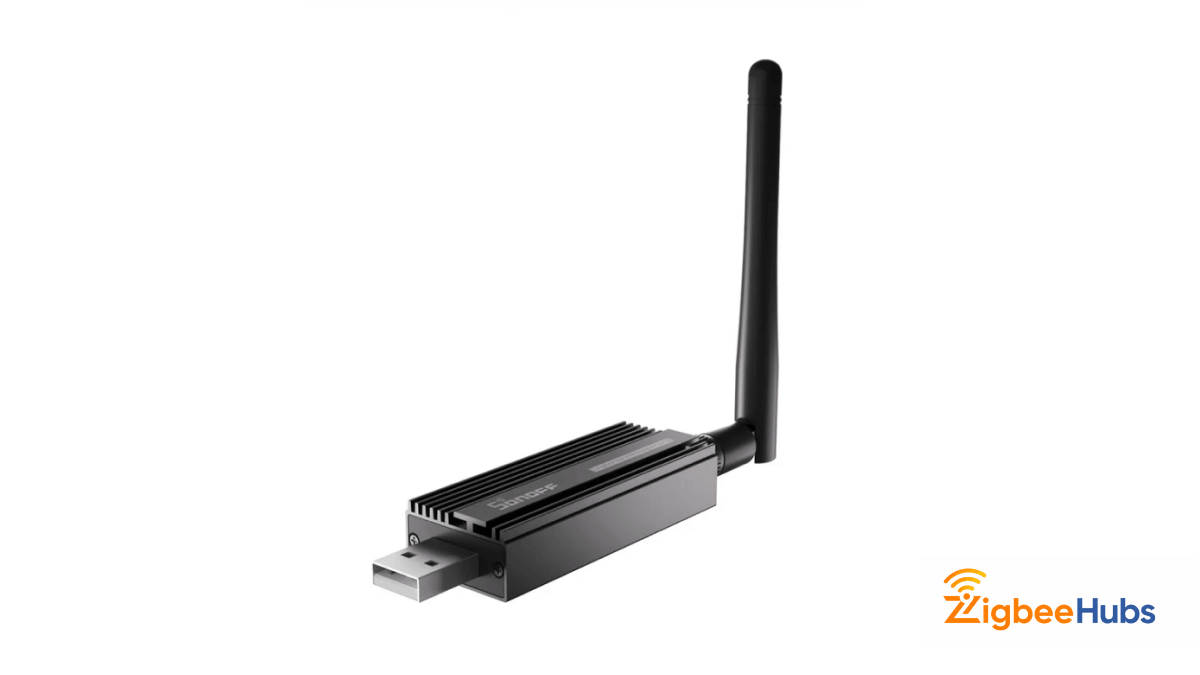
I’ve used this in multiple Zigbee networks and it continues to be one of the easiest coordinators to recommend. Setup is simple, firmware support is excellent, and range is impressive for the size.
It works especially well with Home Assistant and Zigbee2MQTT.
Key Features
- Zigbee 3.0
- USB coordinator
- strong external antenna
- wide device compatibility
Pros
- Excellent range.
- Easy setup.
- Reliable performance.
- Great value.
Cons
- Needs a host device.
- Not standalone.
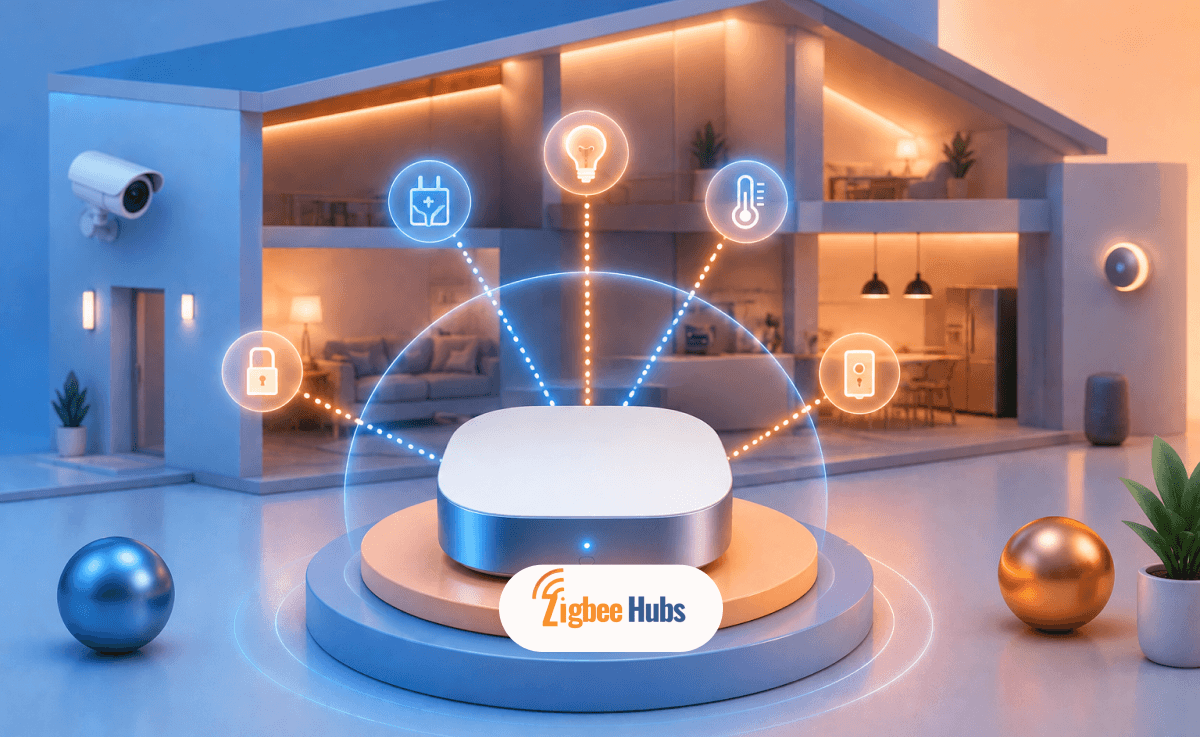
SONOFF Zigbee Bridge Pro
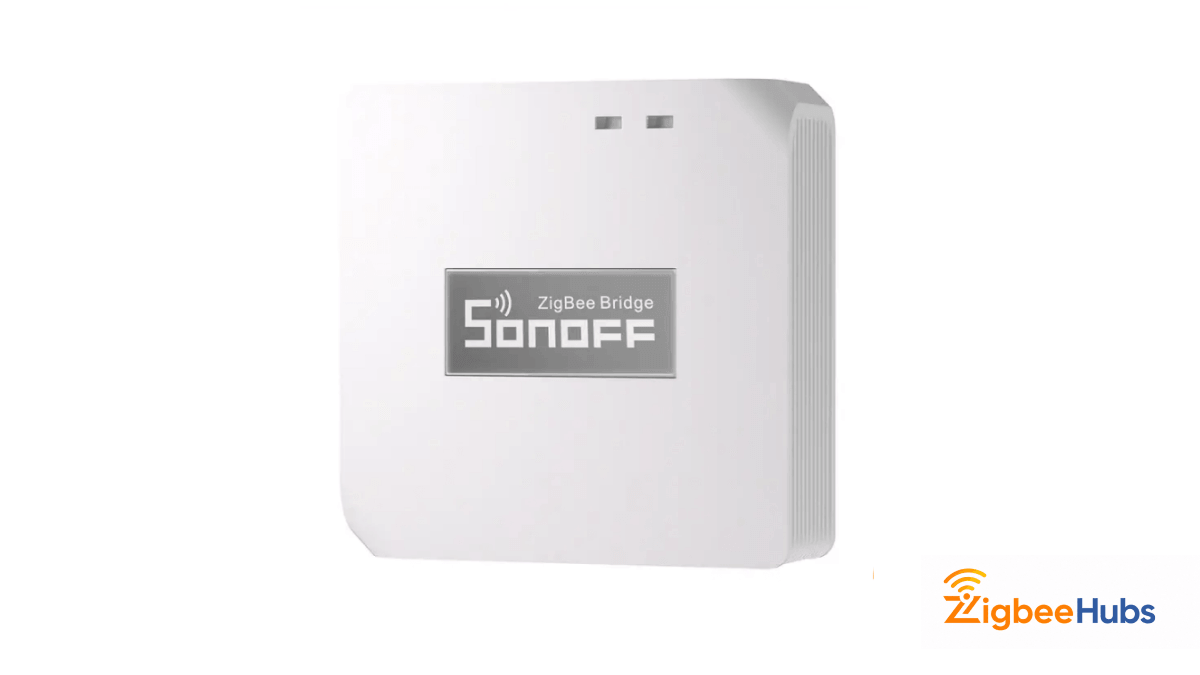
This is one of the easiest ways to get a Zigbee network running quickly. I like using it for testing or smaller home setups where speed matters more than customization.
It feels much more plug-and-play compared to DIY coordinators.
Key Features
- Zigbee 3.0
- Wi-Fi bridge
- local smart scenes
- eWeLink support
Pros
- Fast setup.
- Beginner-friendly.
- Compact.
- Reliable.
Cons
- Less flexible than DIY coordinator setups.
- More ecosystem-dependent.
Aqara Hub M2
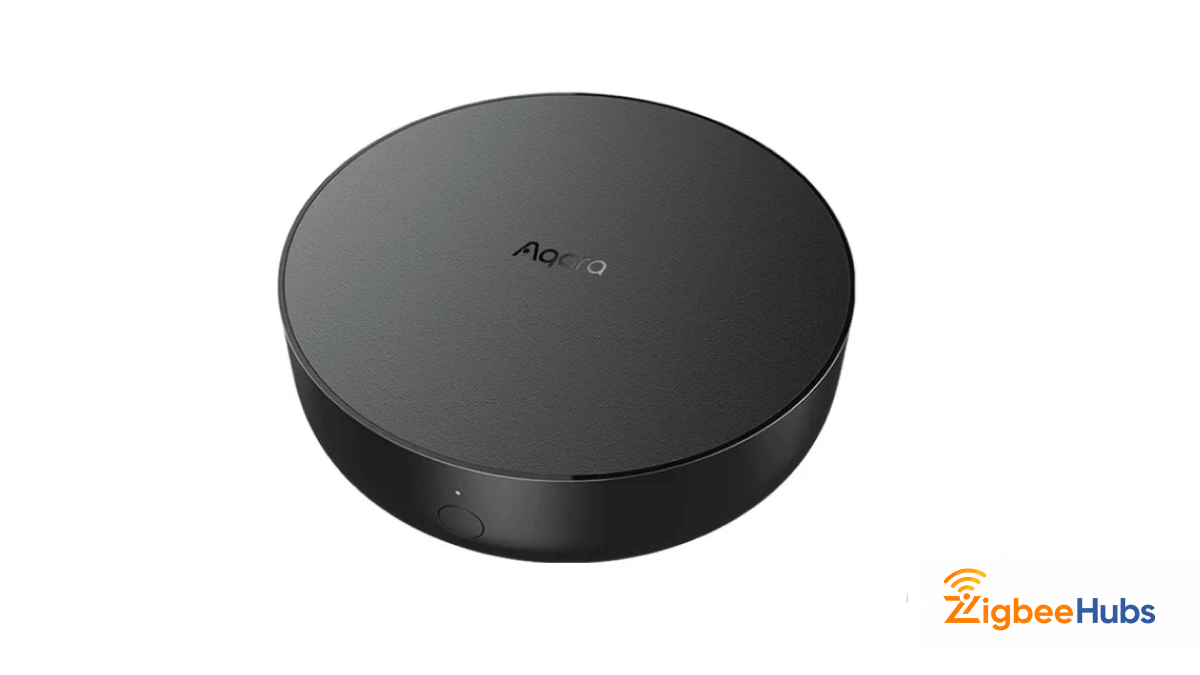
I’ve had very good results with the Aqara Hub M2, especially inside Apple Home setups. Pairing tends to be fast and stable, and the overall hardware feels premium.
If someone is already using HomeKit, this is usually one of my top recommendations.
Key Features
- Zigbee 3.0
- Ethernet connection
- infrared control
- HomeKit support
Pros
- Excellent HomeKit integration.
- Stable connectivity.
- Premium build quality.
Cons
- Higher price.
- Works best inside the Aqara ecosystem.
Final Thoughts
Configuring ESP32 Zigbee opens up a huge number of possibilities for smart home and IoT development.
Whether you want to build a Zigbee sensor, router, relay, or full gateway, ESP32 gives you a flexible platform with strong community support and modern wireless hardware.
If I’m choosing hardware today:
ESP32-C6 for gateways and mixed Wi-Fi/Zigbee projects.
ESP32-H2 for dedicated low-power Zigbee devices.
Both are excellent and both make Zigbee development much easier than it used to be.
FAQs
Yes. ESP32-C6 and ESP32-H2 both support Zigbee through built-in IEEE 802.15.4 radios.
Yes. ESP32 can be configured as a Zigbee router to extend Zigbee mesh coverage.
For most projects, ESP32-C6 is the best overall option because it supports Wi-Fi and Zigbee together.
Yes. ESP32-C6 is commonly used as an ESP32 Zigbee gateway in smart home projects.
ESP32-C6 includes Wi-Fi along with Zigbee. ESP32-H2 focuses only on low-power Zigbee and Thread communication.