Aqara M1s Review: Best Aqara Hub in 2026?

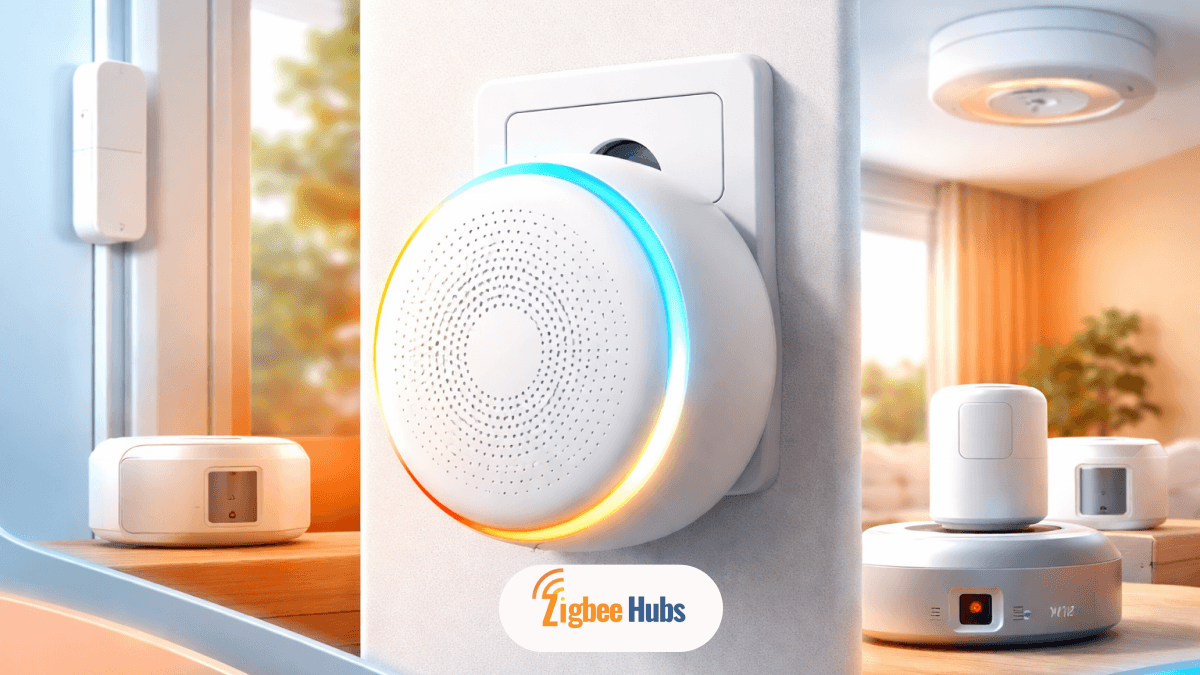
The Aqara M1s is still one of the best Aqara hubs in 2026 because it combines a Zigbee 3.0 bridge, security siren, and RGB light into one reliable device. From my hands-on use, it delivers fast response times, strong HomeKit performance, and stable automation without requiring subscriptions.
Key Takeaways
- The Aqara m1s supports up to 128 Zigbee devices
- Built-in speaker works as a powerful alarm system
- Excellent HomeKit integration with local automations
- RGB light adds real automation value
- Limited to 2.4 GHz Wi-Fi
- Best suited for Aqara ecosystem users
What is the Aqara M1S and How Does it Work?
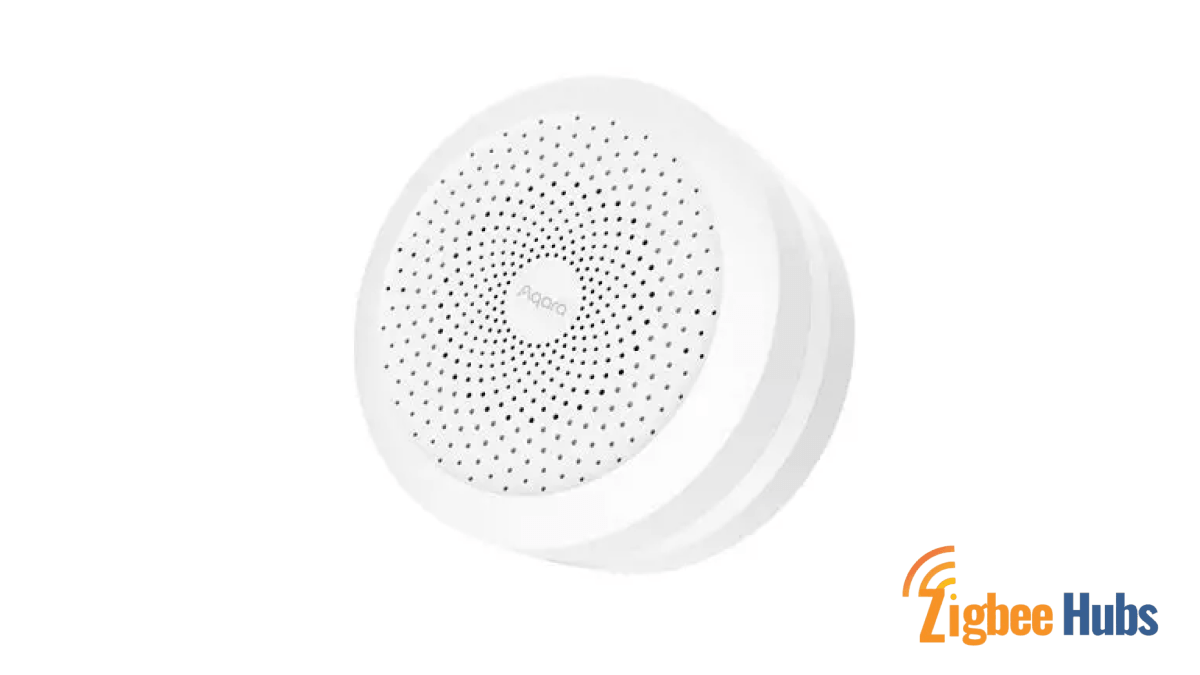
The Aqara Hub M1S is a Zigbee 3.0 smart hub that connects Aqara devices to your Wi-Fi network and smart home platforms like Apple Home, Google Home, and Alexa.
In simple terms:
- Zigbee devices connect to the hub
- The hub connects to your home network
Unlike Wi-Fi devices, Zigbee creates a mesh network. I noticed this improves stability a lot, especially when adding more sensors across rooms.
Pro Tip
If you plan to scale your setup, add Zigbee repeaters like smart plugs. This significantly improves range and reliability.
What Makes the Aqara M1S Stand Out in 2026?
Zigbee 3.0 Stability and Capacity
The Aqara M1S Smart Hub supports up to 128 devices. In my testing, even with multiple sensors, performance stayed smooth and responsive.
- Low latency communication
- Strong mesh networking
- Ideal for automation-heavy homes
Built-in Speaker and Alarm
The 2W speaker is not just a feature, it is a real security tool.
You can use it as:
- Intrusion alarm
- Doorbell
- Automation alert
When I tested it with door sensors, the alert was instant and loud enough to be effective across multiple rooms.
RGB Light with Practical Use
The LED ring is more useful than expected.
You can:
- Use it as a night light
- Trigger color-based alerts
- Automate lighting scenes
For example, I set it to turn red at night when motion is detected. Simple but very effective.
Platform Capatibitility
The Aqara Hub M1S works with:
- Apple HomeKit
- Google Assistant
- Amazon Alexa
From experience, it performs best with HomeKit due to deeper integration and local automation support.
How Good is Aqara M1S with Google Home?
The Aqara Hub M1S Google Home setup is straightforward.
How to Add Aqara to Google Home?
Devices appear instantly but advanced automation still rely on Aqara's app.
Does Aqara M1S Work with Home Assistant?
Yes. The Aqara Hub M1S Home Assistant setup works well for advanced users.
You can:
- Enable local control
- Reduce cloud dependency
- Build complex automations
However, I recommend this only if you are familiar with Zigbee Home Assistant setups.
Aqara Hub M1S Gen 2
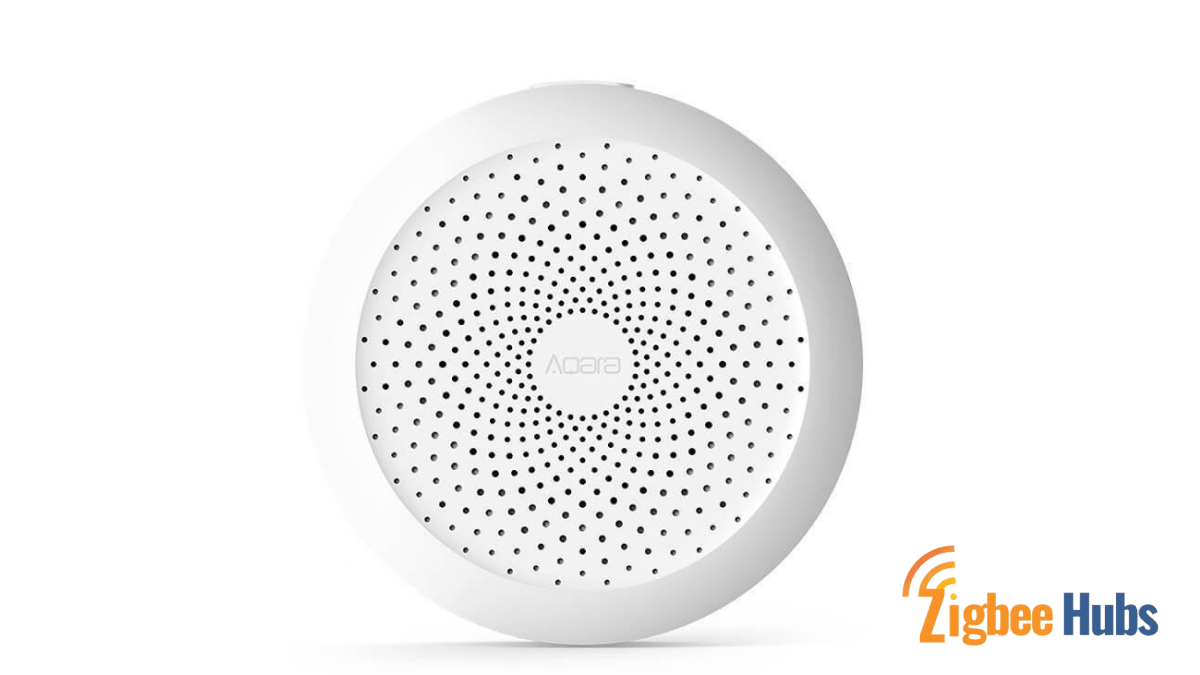
The Aqara Hub M1S Gen 2 is the refined version of the original hub, offering better stability and improved wireless performance. From my use, it feels fast, reliable, and very responsive during automations. It combines three devices in one: a Zigbee hub, a security system, and a smart light.
Key Features
- Zigbee 3.0 support
- 128 device capacity
- Built-in speaker (alarm system)
- RGB LED ring with light sensor
- WPA3 security support
Pros
- Multi-functional device
- Very stable connection
- Fast automation response
- Works without internet for local automations
Cons
- Only supports 2.4 GHz Wi-Fi
- Bulky design
- Limited to Aqara ecosystem
 Ishara Fernando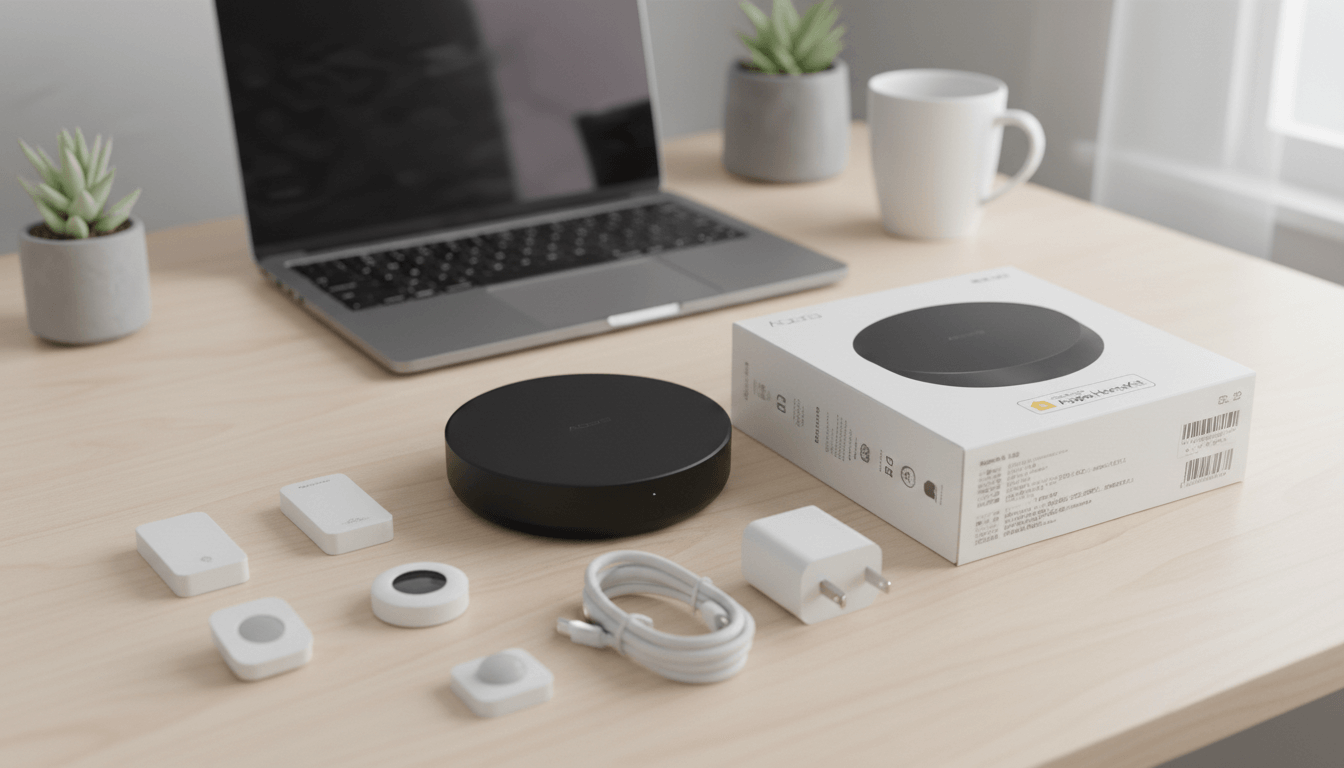
Expanding Your Ecosystem: Compatible Products
To fully unlock the power of the Aqara M1S, you need the right accessories. This is where the ecosystem really shines.
Aqara Door & Window Sensor (T1)
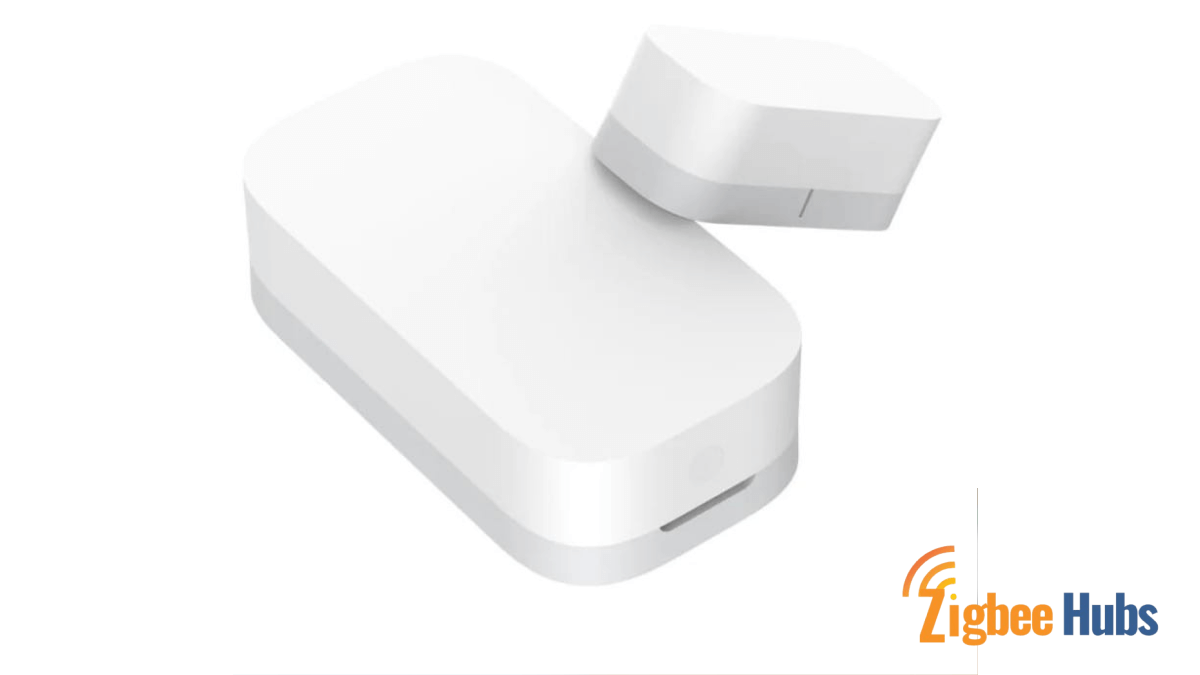
The Aqara Door & Window Sensor (T1) is one of the most essential devices in any Aqara setup. I have used this across multiple doors and windows, and the response time is almost instant. It works perfectly with the aqara m1s to trigger alarms, notifications, and automation routines.
Key Features
- Zigbee 3.0 connectivity
- Instant open/close detection
- 2+ year battery life
- Easy adhesive installation
Aqara Hub M2
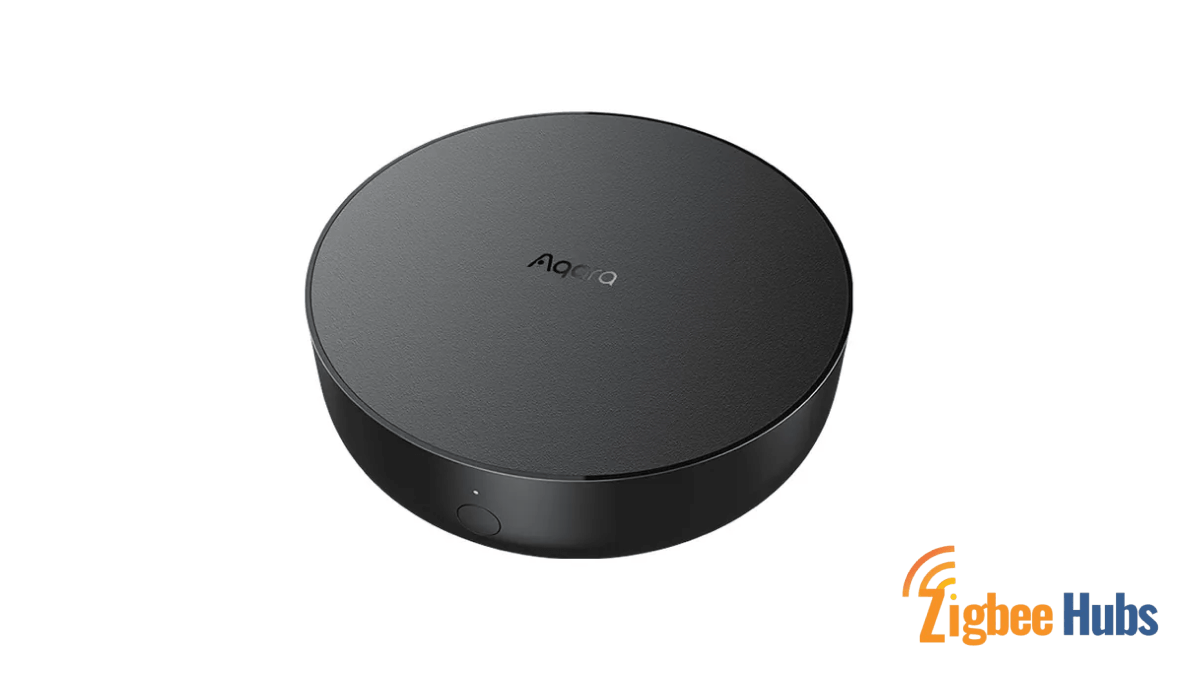
The Aqara Hub M2 is designed for more advanced users who need additional connectivity options. I have used this in setups where Ethernet reliability and IR control are required. It is especially useful for controlling traditional devices like TVs and air conditioners.
Key Features
- Zigbee 3.0 support
- Ethernet (RJ45) connection
- 360° IR blaster
- Wide platform support
Pros
- Stable wired connection
- Can control IR devices
- Great for advanced setups
Cons
- No RGB light
- Higher price than M1S
Aqara Zigbee Smoke Detector
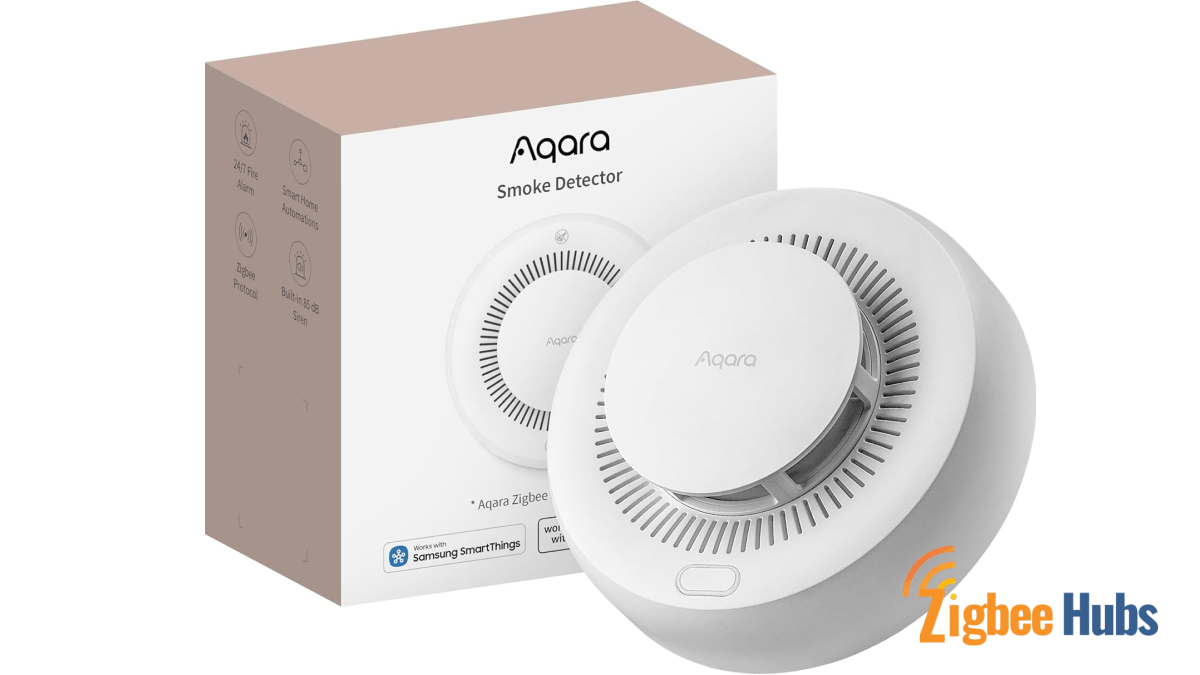
The Aqara Zigbee Smoke Detector is a critical safety device that integrates directly with the Aqara Hub M1S. I always recommend adding at least one of these in kitchens or high-risk areas. It not only triggers its own alarm but also activates the M1S siren and sends notifications.
Key Features
- Zigbee connectivity
- High-decibel alarm
- Real-time alerts via app
- HomeKit integration
Pros
- Strong safety feature
- Instant alerts
- Works with hub siren
Cons
- Higher price
- Requires proper placement
Aqara Hub M3
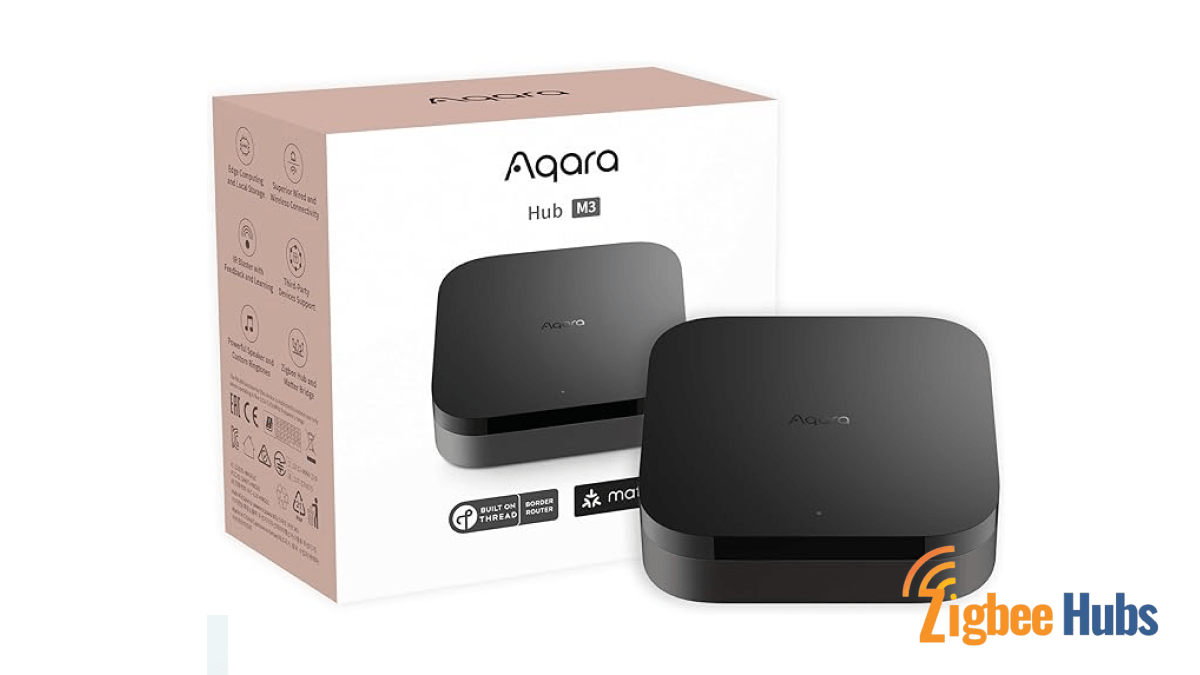
The Aqara Hub M3 is the latest flagship hub designed for users who want maximum flexibility, performance, and future-proof smart home capabilities. From what I have seen and tested, this is a major step up from the Aqara M1S, especially for advanced setups that require Matter support and local automation control across multiple ecosystems.
Key Features
- Matter support (future-proof ecosystem compatibility)
- Local automation engine (reduced cloud dependency)
- Ethernet + Wi-Fi connectivity
- Advanced multi-protocol support
- Improved processing performance
Pros
- Full Matter ecosystem support
- More powerful and future-ready
- Supports complex automations
- Better for multi-platform smart homes
Cons
- Higher price compared to M1S
- Overkill for beginners
- Lacks built-in RGB light and speaker
Aqara Hub Comparison: M1S vs M2 vs E1 vs M3
| Feature | M1S Gen 2 | M2 | E1 | M3 |
|---|---|---|---|---|
| Connection | Wi-Fi (2.4GHz) | Wi-Fi + Ethernet | USB-A + Wi-Fi | Wi-Fi + Ethernet |
| Max Devices | 128 | 128 | 128 | 128+ |
| Protocol | Zigbee 3.0 | Zigbee 3.0 | Zigbee 3.0 | Zigbee + Matter |
| Special Feature | RGB Light + Speaker | IR Control | Compact USB Stick | Local Engine + Matter |
| Speaker / Alarm | Yes | Yes | No | No |
| IR Control | No | Yes | No | No |
| Portability | Fixed Plug | Fixed | Highly Portable | Fixed |
| Best For | Security + Lighting | Advanced IR setups | Small spaces | Future-proof smart homes |
Which Aqara Hub Should You Choose?
From my experience, choosing the right hub depends entirely on your smart home goals.
Choose M1S if you want:
- All-in-one hub with alarm + lighting
- Simple setup and strong HomeKit support
- Best value for most users
Choose M2 if you want:
- IR control for TVs and ACs
- Wired Ethernet stability
- More advanced home automation setups
Choose E1 if you want:
- A compact and portable hub
- Travel or small room setups
- Minimal installation
Choose M3 if you want:
- Full Matter support
- Advanced local automation
- A future-proof smart home system
Pro Tip
If you are just starting out, go with the Aqara M1S. If you are planning a long-term, expandable smart home with multiple ecosystems, the M3 is the smarter investment.
How to Set Up Aqara M1S?
From my experience, setup takes less than 5 minutes.
Pro Tip
Keep the hub close to your router during setup to avoid pairing failures.
Why Aqara M1S is a Security Powerhouse?
The Aqara M1S replaces multiple devices:
- Smart hub
- Alarm system
- Night light
It supports:
- Stay mode
- Away mode
- Night mode
- Off mode
From my testing, this makes it one of the best subscription-free security systems for smart homes.
Limitation You Should Know
- Only supports 2.4 GHz Wi-Fi
- Limited to Aqara devices
- No Ethernet port
If you want cross-brand flexibility, you may need a more advanced system.
Conclusion
After using the Aqara M1S in real setups, it remains one of the most reliable smart home hubs in 2026. It delivers fast automations, strong HomeKit performance, and combines security, lighting, and connectivity in one device. For most users, it is the best balance between simplicity and functionality. If you need something more advanced and future-proof, the M3 is the better option. Otherwise, the Aqara M1S is still one of the safest and most practical choices you can make.