Best Zigbee Gateways | How to Choose the Right One

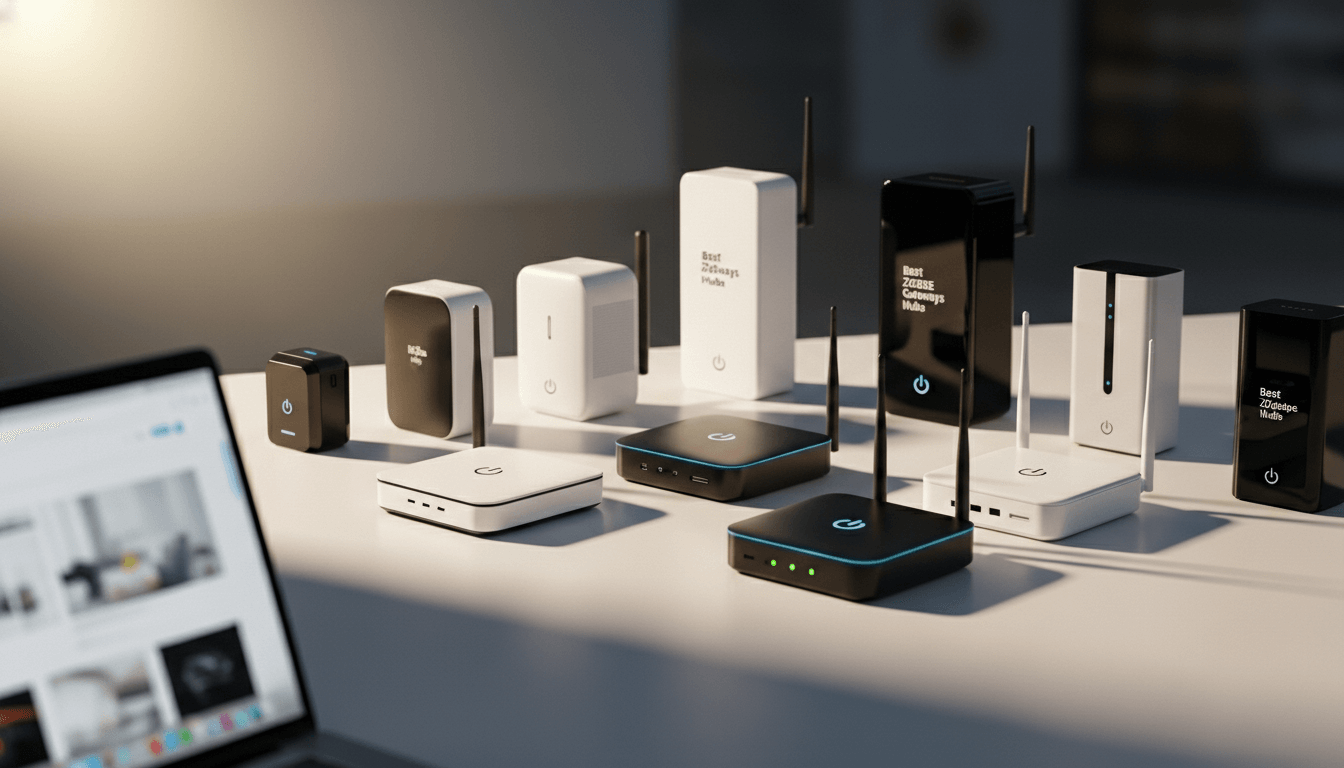
A Zigbee gateway is the central hub that connects your low-power smart devices (sensors, bulbs, and switches) to your home network and smartphone. The best Zigbee gateway for most users is a Tuya-compatible hub like the MOES or Tongou models, which support 128+ devices and work with thousands of products. For advanced users, a Home Assistant Zigbee gateway like the Athom bridge offers unmatched privacy and customization.
Key Takeaways
- A Zigbee gateway is essential for controlling any Zigbee-based smart device because they cannot connect directly to Wi-Fi.
- Tuya Zigbee gateways offer the best balance of ease, price, and compatibility for general users.
- Home Assistant Zigbee gateways provide local control and eliminate cloud dependency for privacy-focused setups.
- Wired (LAN) gateways deliver superior stability over wireless models.
- Device capacity matters. Choose a Zigbee 3.0 gateway that supports at least 50 to 128 devices for future expansion.
- Budget options like the Lidl Zigbee gateway (Silvercrest) work well for smaller homes.
What Is a Zigbee Gateway and Why Do You Need One?
A Zigbee bridge acts as a translator between your Zigbee smart devices and your home network. Zigbee devices use a special low-power wireless protocol. They cannot speak directly to your Wi-Fi router or phone. The gateway converts their signals into data your apps and voice assistants can understand.
Think of it like this: your Zigbee sensors speak "Zigbee language." Your smartphone speaks "Wi-Fi language." The Zigbee gateway hub sits in the middle and translates every command.
Pro Tip: I've tested dozens of smart home setups over the years. The single biggest source of frustration is people buying Zigbee bulbs or sensors without realizing they need a gateway. Always check your device's protocol before purchasing.
See more: What is Zigbee
How a Zigbee Gateway Works
When you tap "turn on lights" in your app, here's what happens:
- Your phone sends the command over Wi-Fi (or the internet) to the gateway.
- The Zigbee smart gateway translates that command into Zigbee protocol.
- The gateway broadcasts the signal to your Zigbee light bulb.
- The bulb turns on and sends a confirmation back through the same chain.
This entire process happens in milliseconds with a quality gateway.
Do You Really Need a Zigbee Gateway Hub?
Yes. If you plan to use any Zigbee-compatible devices, a Zigbee gateway hub is non-negotiable. Here's why:
- Protocol Bridging: Zigbee devices cannot connect to the internet alone. The gateway makes remote control possible.
- Local Automation: Quality gateways like the MOES Zigbee gateway run automations locally. Your lights still work if your internet drops.
- Reduced Wi-Fi Congestion: Offloading 50+ sensors to Zigbee frees your Wi-Fi for phones, laptops, and streaming.
- Unified Control: One gateway can manage devices from multiple brands under a single app like the SmartLife gateway interface.
What to Watch Out For: Some cheap gateways require constant cloud connectivity. If the manufacturer's servers go down, so does your smart home. Always check whether a gateway supports local control.
How to Choose the Best Zigbee Gateway: 3 Golden Rules
Choosing the wrong hub leads to dropped connections, slow responses, and endless frustration. I've refined my selection process down to three critical factors.
1. Stability: Wired vs. Wireless Gateways
A Zigbee wireless gateway connects to your network over Wi-Fi. It's flexible, and you can place it anywhere with a power outlet. However, it depends entirely on your Wi-Fi signal strength.
A Zigbee LAN gateway uses a wired Ethernet (RJ45) connection. This creates a dedicated, interference-free "highway" for your smart home data. For homes with many devices or thick walls, wired is the clear winner.
My Recommendation: If you have more than 30 devices or experience any Wi-Fi dead zones, invest in a wired Zigbee LAN gateway like the Tongou hub. The stability difference is night and day.
2. Device Capacity
Every gateway has a limit on how many "sub-devices" it can control. A standard Zigbee 3.0 gateway should handle at least 50 to 100 devices. Premium models support 128 or more.
Here's a rough guide:
| Home Size | Recommended Capacity |
|---|---|
| Apartment / Small Home | 50 devices |
| Medium Home | 100 devices |
| Large Home / Power User | 128+ devices |
Pro Tip: Always buy more capacity than you think you need. Smart homes grow fast. That "just a few bulbs" setup quickly becomes sensors in every room.
3. Ecosystem Compatibility
The value of your Zigbee bridge depends on what devices it supports.
- Tuya/Smart Life Ecosystem: The Tuya Zigbee gateway works with thousands of "Works with Tuya" products from brands like MOES, Nedis, and Silvercrest. It's the largest ecosystem available.
- Home Assistant Ecosystem: A Home Assistant Zigbee gateway like the Athom bridge integrates with open-source software. You get complete local control and zero cloud dependency.
- Proprietary Ecosystems: Some gateways, like the Danfoss Ally gateway, only work with that brand's products. These are limiting but can be ideal for single-purpose setups (like radiator control).
Best Zigbee Gateways Compared: 2026 Recommendations
After extensive testing, here are my top picks across different categories.
Best Overall | Tuya-Compatible Gateways (MOES / Tongou)
The Tuya smart gateway ecosystem dominates the market for good reason. These hubs offer:
- Support for 128 devices
- Compatibility with thousands of products
- Easy setup via the SmartLife gateway app
- Affordable pricing ($20 to $40 range)
The MOES Zigbee gateway adds multi-protocol support (Zigbee 3.0 + Bluetooth). The Tongou wired hub delivers rock-solid stability via Ethernet.
Best For: Most users who want plug-and-play simplicity with massive device compatibility.
Best for Privacy and Customization | Home Assistant Zigbee Gateway
For users who want complete local control, the Home Assistant Zigbee gateway is unmatched. The Athom gateway comes pre-flashed for immediate integration with ZHA or Zigbee2MQTT.
Key advantages:
- Zero cloud dependency, as everything runs locally
- Works with 200+ devices
- Full customization of automations
- No manufacturer can "sunset" your hub
Best For: Tech-savvy users, privacy advocates, and anyone building a serious home automation system.
Best Budget Option: Lidl Zigbee Gateway (Silvercrest)
The Lidl Zigbee gateway (branded as Silvercrest gateway in some regions) offers incredible value. You can often find it for under $20 at Lidl stores.
It connects to the Lidl Home gateway app, which is actually Tuya-based. This means it works with most "Works with Tuya" devices, not just Lidl's own products.
What to Watch Out For: The gateway Lidl sells has lower device capacity than premium options. It's perfect for apartments or small homes but may struggle with larger setups.
Best For: Beginners, renters, and budget-conscious users.
Best for Specific Use Cases
| Use Case | Recommended Gateway |
|---|---|
| Radiator/Heating Control | Danfoss Ally Gateway |
| eWeLink Ecosystem | Sonoff Gateway |
| Dutch Market / Retail | Nedis Zigbee Gateway |
| DIY Enthusiasts | Raspberry Pi Zigbee Gateway |
How to Set Up Your Zigbee Gateway Hub
Setting up a Zigbee 3.0 gateway takes about 10 to 15 minutes. Here's the standard process:
Step 1: Connect the Gateway
Plug your gateway into a power outlet. If you chose a Zigbee LAN gateway, connect an Ethernet cable from the hub to your router.
Placement Tip: Position the gateway centrally in your home. Zigbee signals travel about 10 to 20 meters indoors. A central location ensures all devices stay within range.
Step 2: Add the Gateway to Your App
Download the appropriate app:
- Tuya/MOES/Tongou: Smart Life or Tuya Smart app
- Lidl/Silvercrest: Lidl Home app
- Sonoff: eWeLink app
- Home Assistant: Home Assistant app + ZHA or Zigbee2MQTT integration
Open the app, create an account, and tap "Add Device." Follow the prompts to discover your gateway.
Step 3: Pair Your Zigbee Devices
Put each Zigbee device into pairing mode (usually by holding a button for 5 to 10 seconds). Then use your app to "search" for new devices through the gateway.
Pro Tip: Pair devices closest to the gateway first. Zigbee creates a "mesh network," and each device can relay signals to others. Building outward from the center strengthens your network.
Advanced Setup: Zigbee on Raspberry Pi
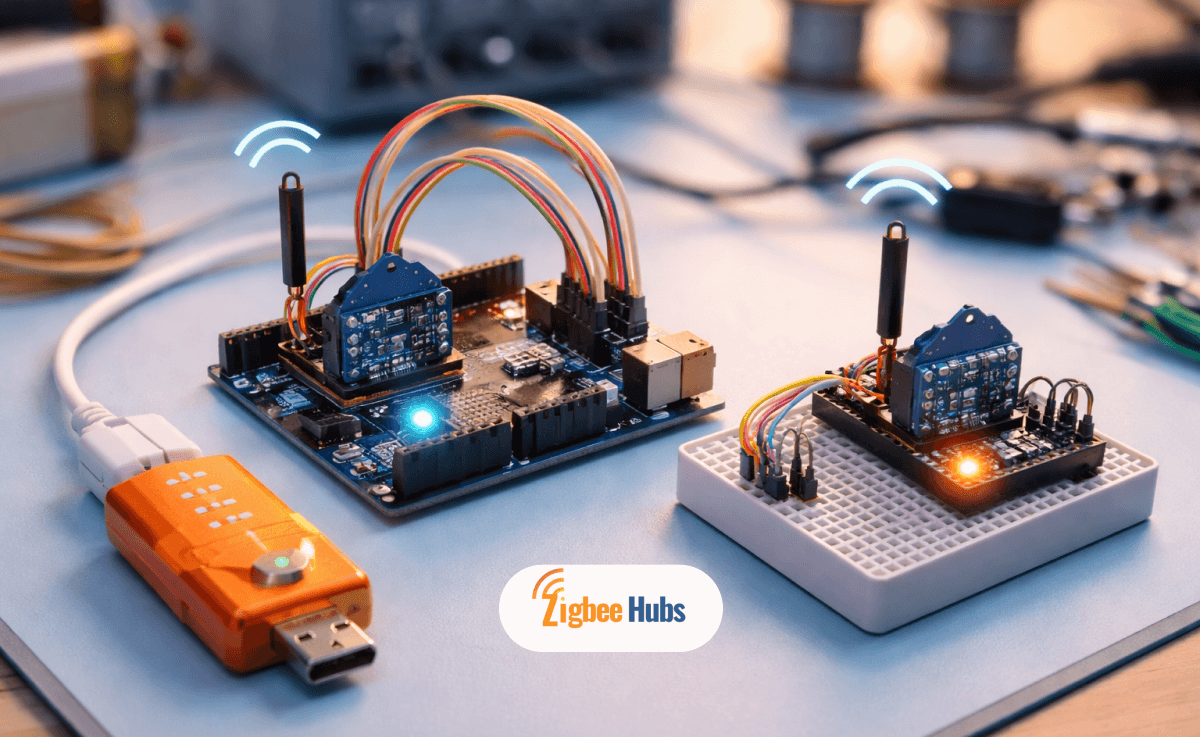
For maximum control, running Zigbee on Raspberry Pi is the ultimate DIY solution. You'll need:
- A Raspberry Pi (Model 3B+ or newer)
- A Gateway Zigbee 3.0 USB coordinator (like the Sonoff Zigbee 3.0 Dongle Plus)
- Home Assistant or Zigbee2MQTT software
Why Build a Raspberry Pi Zigbee Gateway?
- Complete ownership: No cloud, no subscriptions, no manufacturer shutdowns.
- Unlimited customization: Write your own automations with full access to device data.
- Cost-effective at scale: One $50 setup can control hundreds of devices.
Basic Setup Process
- Flash Home Assistant OS onto your Raspberry Pi's SD card.
- Plug the Zigbee USB coordinator into the Pi.
- Boot the Pi and access Home Assistant via your browser.
- Add the ZHA or Zigbee2MQTT integration.
- Start pairing devices.
What to Watch Out For: A Raspberry Pi Zigbee gateway requires more technical knowledge than plug-and-play options. Expect a learning curve if you're new to Home Assistant.
Zigbee Gateway vs. Other Smart Home Protocols
How does a Zigbee bridge compare to alternatives like Z-Wave, Thread, or Matter?
| Protocol | Range | Device Limit | Power Use | Best For |
|---|---|---|---|---|
| Zigbee | 10 to 20m (mesh) | High (100+) | Very Low | Sensors, bulbs, switches |
| Z-Wave | 30m (mesh) | 232 max | Low | Security systems |
| Thread | 10 to 20m (mesh) | High | Very Low | Newer Matter devices |
| Wi-Fi | Router-dependent | Limited | High | Cameras, displays |
My Take: Zigbee remains the best choice for most smart home builds in 2026. It has the largest device selection, proven reliability, and excellent battery life for sensors. Thread/Matter is promising but still maturing.
Credits:
- Connectivity Standards Alliance (CSA): (Official technical specifications for the Zigbee protocol)
- Home Assistant ZHA Documentation: (Authoritative integration guide for open-source Zigbee setups)
Frequently Asked Questions About Zigbee Gateways
Is a Zigbee gateway really necessary?
Yes. Zigbee devices cannot connect directly to Wi-Fi. A Zigbee gateway hub is required to translate their signals and enable app control, voice commands, and automations.
What is the difference between a Zigbee hub and a Zigbee gateway?
The terms are often interchangeable. Technically, a "hub" focuses on local device management, while a "gateway" emphasizes bridging to external networks (Wi-Fi, internet, cloud). Most modern devices serve both functions.
Can I use a Tuya Zigbee gateway with other brands?
Yes. A Tuya gateway works with any device labeled "Works with Tuya." This includes products from MOES, Nedis, Silvercrest, and many others, regardless of brand name.
Why is a wired Zigbee LAN gateway better than wireless?
A Zigbee LAN gateway uses a dedicated Ethernet connection that's immune to Wi-Fi interference. This delivers faster response times and eliminates dropouts caused by wireless congestion or signal issues.
Can I use multiple Zigbee gateways in one home?
Yes. Multiple Zigbee gateways can extend coverage in large homes or increase total device capacity. Most apps (like Smart Life or Home Assistant) let you manage all gateways from a single interface.
Does a Zigbee gateway work without internet?
It depends on the gateway. Quality hubs like the MOES Zigbee gateway or any Home Assistant Zigbee gateway support local control, so your automations run even when the internet is down. Some budget gateways require constant cloud connectivity.
Conclusion: Choosing Your Smart Home's Foundation
Your Zigbee gateway is the foundation of a reliable smart home. For most users, I recommend starting with a Tuya Zigbee gateway or MOES Zigbee gateway because they offer the best balance of price, compatibility, and ease of use.
If privacy and local control matter most, invest in a Home Assistant Zigbee gateway like the Athom bridge or build your own Raspberry Pi Zigbee gateway.
And if you're testing the waters on a budget, the Lidl Zigbee gateway punches well above its price point.
Whatever you choose, prioritize a Zigbee 3.0 gateway with capacity for growth. Your future self (surrounded by perfectly automated lights, sensors, and switches) will thank you.