Zemismart Zigbee Hub Review: Best HomeKit & Tuya Bridge? (2026)

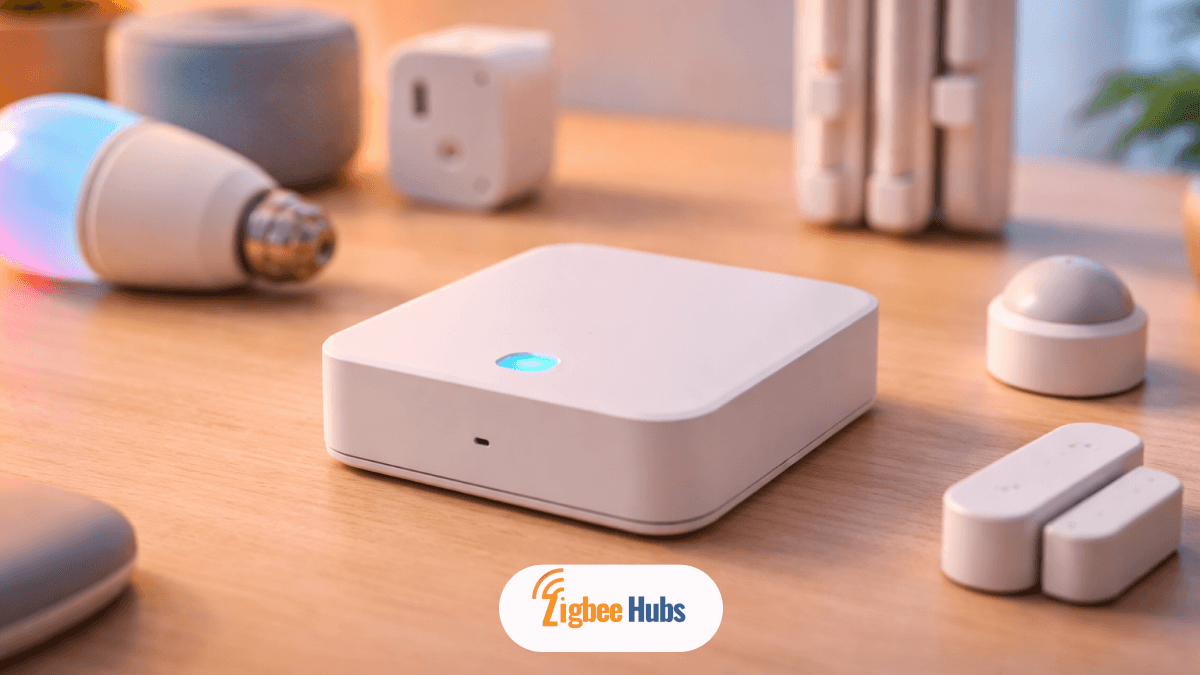
The Zemismart Zigbee Hub is one of the most affordable ways to bring Tuya Zigbee devices into Apple HomeKit. In my testing, it works best as a simple bridge for lights, sensors, and curtains, giving you Siri control without needing expensive native HomeKit hardware.
Key Takeaways
- The Zemismart Zigbee Hub acts as a bridge between Tuya Zigbee devices and Apple HomeKit
- Best suited for budget smart home setups using Tuya ecosystem devices
- Supports up to 100 devices through a Zigbee mesh network
- Works with Apple Home, Alexa, and Google Home
- Most reliable when paired with Zemismart or Tuya-certified devices
- Not a universal Zigbee hub. Compatibility is limited outside Tuya
What is a Zemismart Hub?
The zemismart zigbee hub is a Zigbee 3.0 gateway that connects low-power smart devices like sensors, switches, and curtain motors to your home network.
Instead of each device using Wi-Fi, the hub creates a dedicated Zigbee mesh network. This improves stability and reduces load on your router.
From my experience, this is where the hub shines. Once everything is paired, devices respond faster compared to Wi-Fi-only setups.
Why this Matters
- Zigbee devices relay signals between each other
- Your network becomes stronger as you add more devices
- Battery-powered devices last longer
Pro Tip: Place the hub centrally in your home. This improves mesh strength and reduces pairing issues.
What Makes the Zemismart ZMHK-01 (Gen 2) Special?
The Zemismart Homekit Zigbee Hub (ZMHK-01 Gen 2) is designed specifically to bridge Tuya devices into Apple Home.
I tested this with multiple devices, and the standout feature is how easily it exposes non-HomeKit devices inside the Apple Home app.
Key Features
- Multi-platform support: Apple HomeKit, Alexa, Google Home
- Up to 100 devices: Ideal for medium to large setups
- App compatibility: Tuya Smart, Smart Life, Apple Home
- Physical button + LED: Helps during pairing and troubleshooting
Real-world Experience
Setup was quick. Pairing through the Tuya app worked on the first try. The HomeKit sync was smooth once the QR code was scanned.
However, I noticed something important:
Not all Zigbee devices worked. Only Tuya-standard devices paired consistently.
Pros
- Very affordable entry into HomeKit ecosystem
- Enables Siri control for Tuya devices
- Supports a wide range of device types
- Stable performance with Zigbee mesh
Cons
- Limited compatibility outside Tuya ecosystem
- Works best with Zemismart-certified devices
- Not ideal for advanced users needing full Zigbee control
What to watch out for:
If you plan to mix brands like Aqara, Sonoff, and random Zigbee devices, this hub may frustrate you.
What Devices Work With the Zemismart Hub?
The Hub Zigbee Tuya Zemismart Ecosystem mainly includes Tuya-based devices. Here are the most common categories I tested and observed.
Electric Curtain & Shade Motors
What you get:
- Open/close control via app
- Percentage positioning
- Voice control with Siri
My take:
This is where the hub feels premium. Curtain automation works reliably and adds real value to daily routines.
Downside: Installation can take time, especially for track systems.
Security Sensors
Includes:
- Door sensors
- Motion sensors
- Temperature & humidity zigbee sensors
Key benefits:
- Instant alerts
- Automation triggers (e.g., lights turn on with motion)
- Low battery consumption
Real experience:
Sensors are responsive, but they depend entirely on the hub. If the hub disconnects, everything stops.
Smart Switches and Lighting
Supports:
- 1/2/3 gang switches
- Wireless scene switches
- No-neutral options
Why this matters:
- Easy to retrofit older homes
- Flexible placement for wireless switches
Limitation:
No-neutral switches can have wattage limits. Be careful when pairing with high-load devices.
How Does Zemismart Compare to Other Zigbee Hubs?
| Product | Primary Ecosystem | Key Strength | Buy |
|---|---|---|---|
| Tuya Zigbee Gateway | Tuya | Standard Tuya support | - |
| Aqara Hub M3 | Aqara / Matter | Matter & Thread support | Buy Now |
| Sonoff Zigbee Bridge Pro | eWeLink | Solid budget option | Buy Now |
| Homey Pro (2023) | Universal | Extreme local versatility | Buy Now |
My Verdict from Testing
- Best for beginners: Zemismart
- Best for future-proofing: Aqara Hub M3
- Best for power users: Homey Pro
How Do You Set Up the Zemismart Zigbee Hub?
The setup is simple, even if you are new to smart homes.
Pro Tips (From Real Use)
- Keep devices close during pairing
- Avoid crowded Wi-Fi channels (2.4GHz interference matters)
- Add powered Zigbee devices first to build a strong mesh
Is the Zemismart Zigbee Hub Good for HomeKit?
Yes, but with limitations.
The zemismart homekit zigbee hub works well as a bridge for Tuya devices. It allows you to:
- Control devices using Siri
- Create automations in Apple Home
- View devices in one unified dashboard
Where it excels
- Budget HomeKit expansion
- Curtain and lighting automation
- Basic sensor setups
Where it falls short
- No advanced automation engine
- Limited cross-brand compatibility
- Not future-focused like Matter hubs
Final Verdict: Should You Buy the Zemismart Zigbee Hub?
If you are building a budget smart home with Tuya devices, the zemismart zigbee hub is a solid choice.
From my hands-on use, it delivers exactly what it promises:
- Reliable Zigbee performance
- Easy HomeKit integration
- Simple setup process
However, if you want a long-term, flexible ecosystem, you may outgrow it quickly.
I recommend it for beginners and intermediate users, not for advanced smart home builders.