How to Add Sengled Zigbee Devices to Smart Home Ecosystems

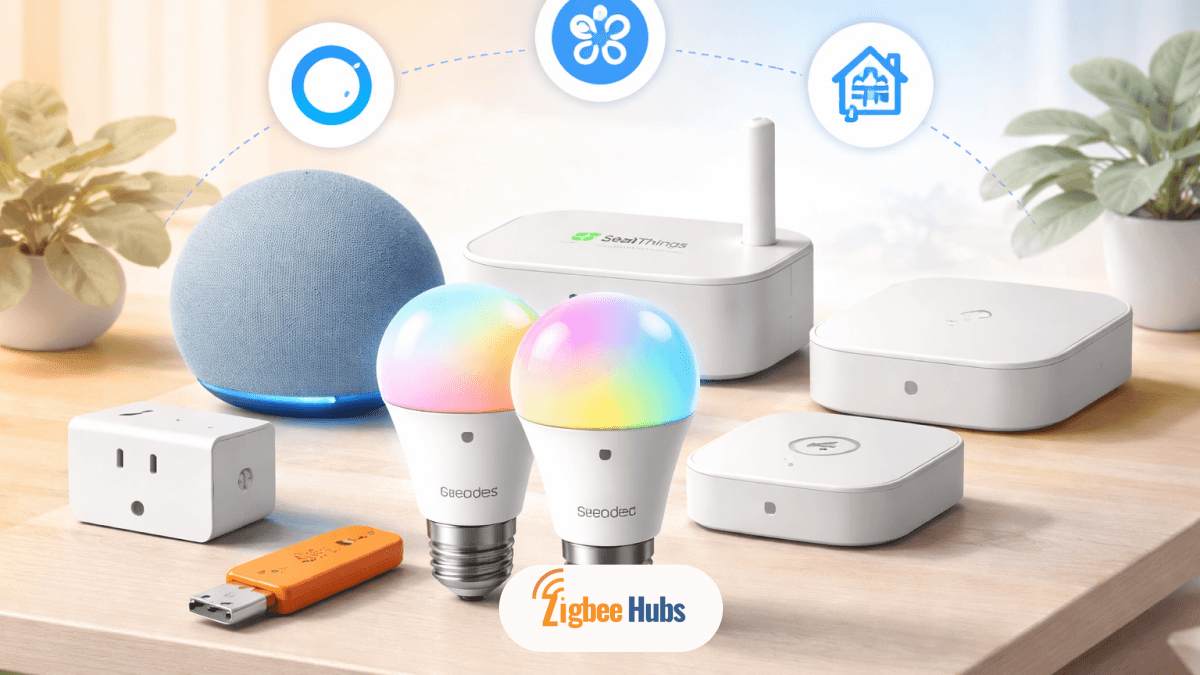
Adding sengled zigbee devices to your smart home means connecting them to a compatible Zigbee hub, then pairing them through platforms like Alexa, SmartThings, or Home Assistant. Once connected, they run on a fast, local mesh network that improves reliability, speed, and automation performance.
Key Takeaways
- Sengled Zigbee devices require a hub such as Echo (with Zigbee), SmartThings, or Home Assistant
- Zigbee creates a local mesh network, reducing Wi-Fi congestion
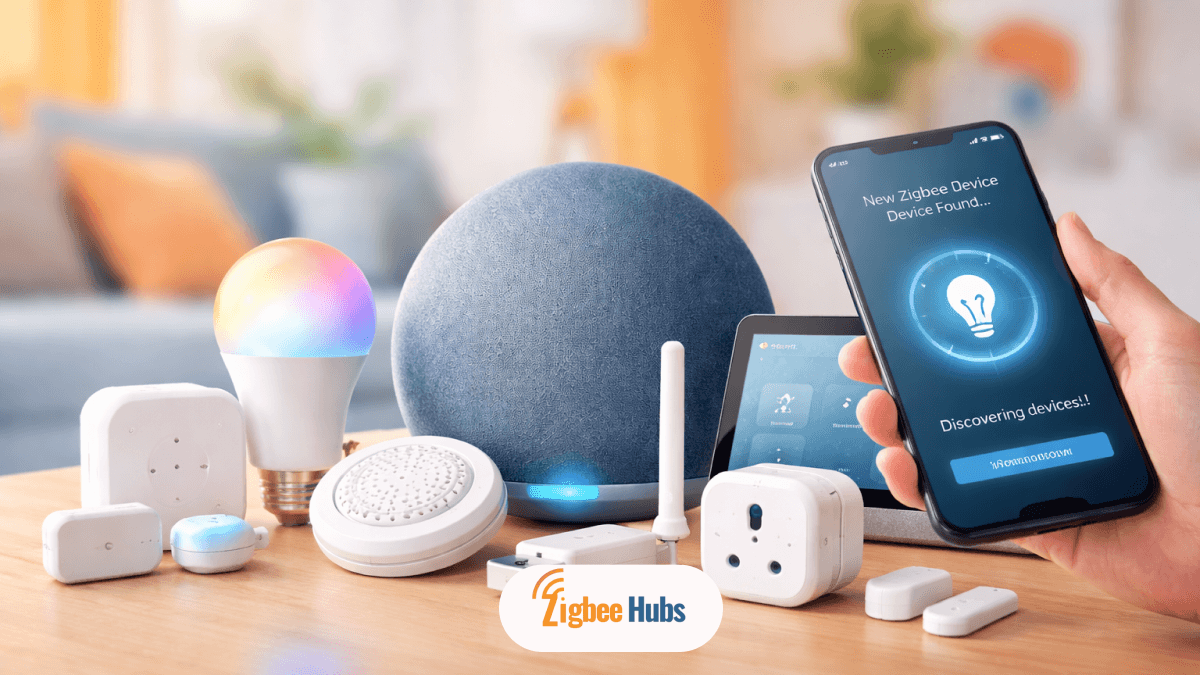
- Setup is simple: power on, enter pairing mode, and discover via your app
- Universal hubs offer more flexibility, while Sengled Hub is easiest for beginners
- A strong Zigbee network improves range and automation speed over time
What is a Sengled Zigbee Device?
A Sengled Zigbee device is a smart home product like a bulb or plug that uses the Zigbee protocol instead of Wi-Fi or Bluetooth.
These devices communicate through a hub, which acts as the central controller. I always explain it this way: the hub is the translator between your devices and your smart home ecosystem.
The biggest advantage is local control. Even if your internet goes down, your automations and lighting can still work inside your home. That reliability is why I personally recommend Zigbee over Wi-Fi lighting for most setups.
Why Choose Sengled Zigbee for Your Smart Home?
When I build smart home systems, I always prioritize stability first. Sengled Zigbee consistently delivers that.
Reliable Mesh Networking
Every powered device strengthens your network. The more devices you add, the stronger your system becomes.
Low Latency Performance
Commands feel instant. Lights respond immediately without cloud delays.
Energy Efficiency
Battery-powered devices ast longer because Zigbee is designed for low power usage.
Cost Advantage
Compared to premium brands like Philips Hue, Sengled offers similar performance at a lower price.
Pro Tip: If you plan to scale your smart home, starting with Zigbee saves you from Wi-Fi congestion later.
Do You Need a Sengled Hub or a Universal Zigbee Hub?
This is where most users get stuck. I will break it down simply.
Sengled Smart Hub
The Sengled Hub Zigbee is the easiest option if you only use Sengled products.
- Connects via Ethernet
- Supports up to 64 devices
- Uses the Sengled Home app
It works well, but it locks you into one ecosystem.
Universal Zigbee Hubs (Recommended)
If you want flexibility, go with a universal hub.
Compatible options include:
- Amazon Echo (4th Gen, Echo Plus, Echo Show 10, Echo Studio)
- Samsung SmartThings
- Hubitat Elevation (Best recommended)
- Home Assistant with a Zigbee coordinator
My recommendation: If you plan long-term automation, skip the Sengled hub and go universal from day one.
How to Add a Sengled Zigbee Bulb (Step-by-Step)
The pairing process is similar across platforms. Here is how I typically do it.
How to Setup Sengled Zigbee Using Sengled Home App
Best for beginners.
The bulb flashes three times when successfully discovered.
How to Add Sengled Zigbee to Amazon Alexa (Echo with Zigbee Hub)
This is the simplest no-extra-hub setup.
Within seconds, your Sengled Zigbee bulb appears.
How to Sengled Zigbee Connect to Samsung SmartThings?
A great balance between ease and power.
Once paired, you can build automations instantly.
How to Do Advanced Setup with Home Assistant (ZHA)?
For full control and privacy.
This setup gives you complete local control with no cloud dependency.
Pro Tip: If you are serious about smart homes, Zigbee Home Assistant is the most powerful option.
How to Reset a Sengled Zigbee Device?
If pairing fails, resetting is required.
Reset Steps
Once it flashes, the device is ready to pair again.
Best Products for Your Zigbee Ecosystem
If you want a stable setup, your hub matters more than the bulb. I have tested these options and here is my recommendation path.
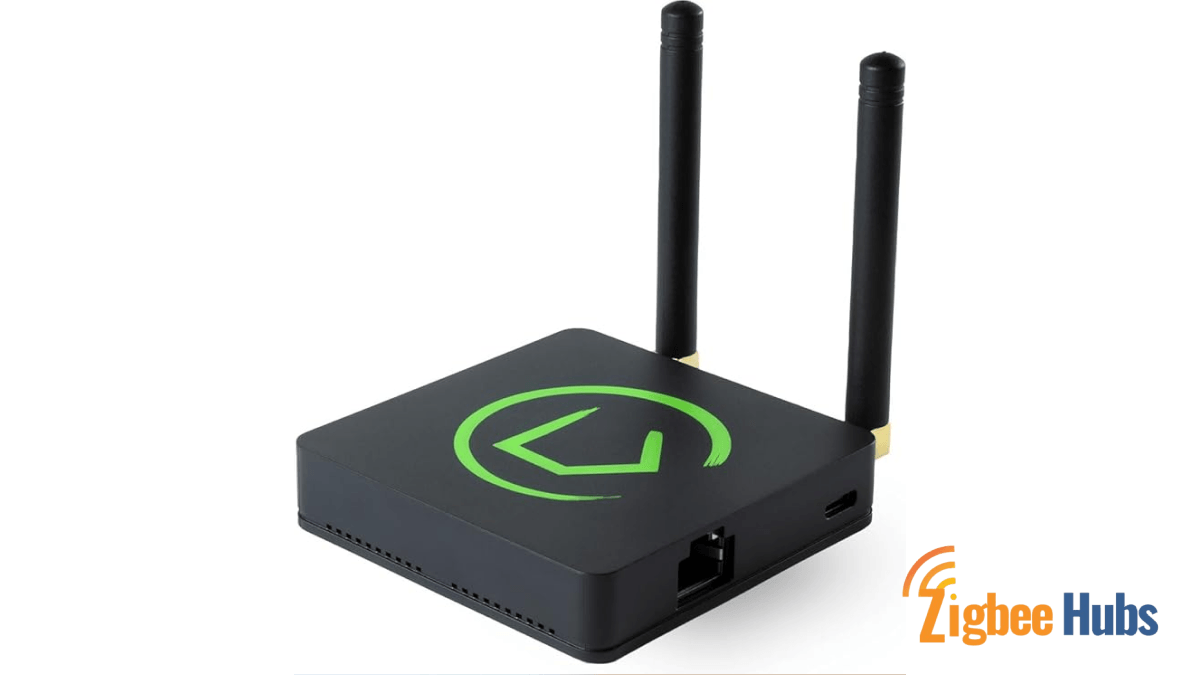
⭐ Best Overall Choice: Hubitat Elevation C-8 Pro
If you want speed, privacy, and reliability, this is the best investment.
Hubitat Elevation runs everything locally, which means faster automations and no cloud delays. It supports a wide range of devices and gives you advanced automation control. I recommend this for users who want a future-proof smart home.
Key Features
- Local processing engine
- Dual-band connectivity
- External antenna for extended range
Pros
- No cloud dependency
- Extremely fast automation
- Wide device compatibility
Cons
- Learning curve for beginners
What are some Alternative Device Options for a Zigbee Ecosystem?
Below are some of the alternative options I have tried out:
Sonoff Zigbee 3.0 USB Dongle Plus
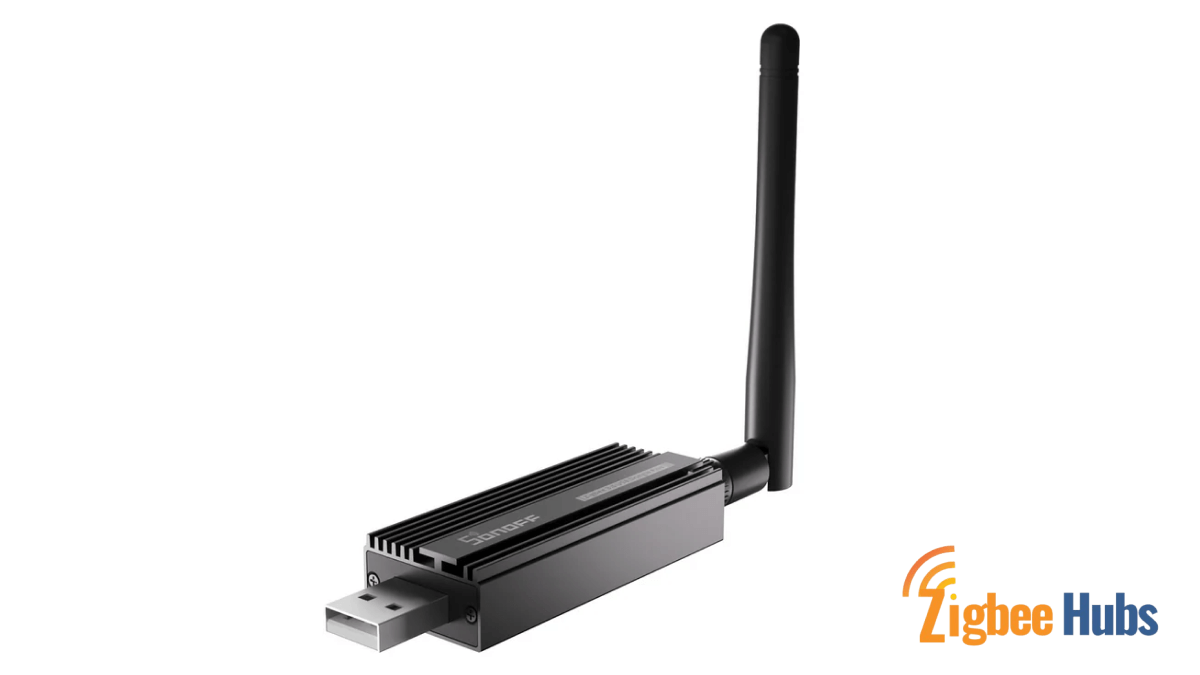
This is the go-to option for Home Assistant users.
It is affordable and extremely stable, especially for large Zigbee networks. I have used it in multiple setups and it handles dozens of devices without issues.
Key Features
- CC2652P chipset
- Aluminum shielding
- Pre-flashed firmware
Pros
- Very stable
- Budget-friendly
- Supports many devices
Cons
- Requires a host system
Aqara Hub M3
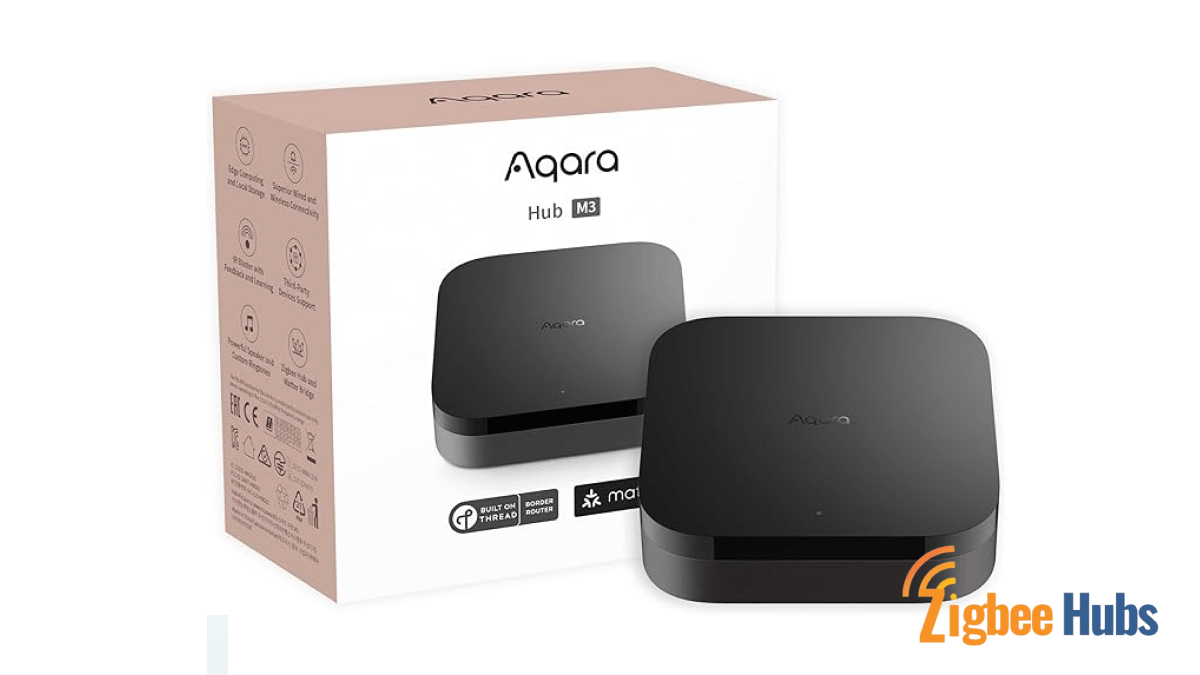
A great choice if you want multi-protocol support.
It combines Zigbee, Matter, and infrared in one hub. It works best if you already use Aqara products, but it is expanding compatibility quickly.
Key Features
- Matter support
- Infrared control
- Built-in speaker
Homey Pro (2023)
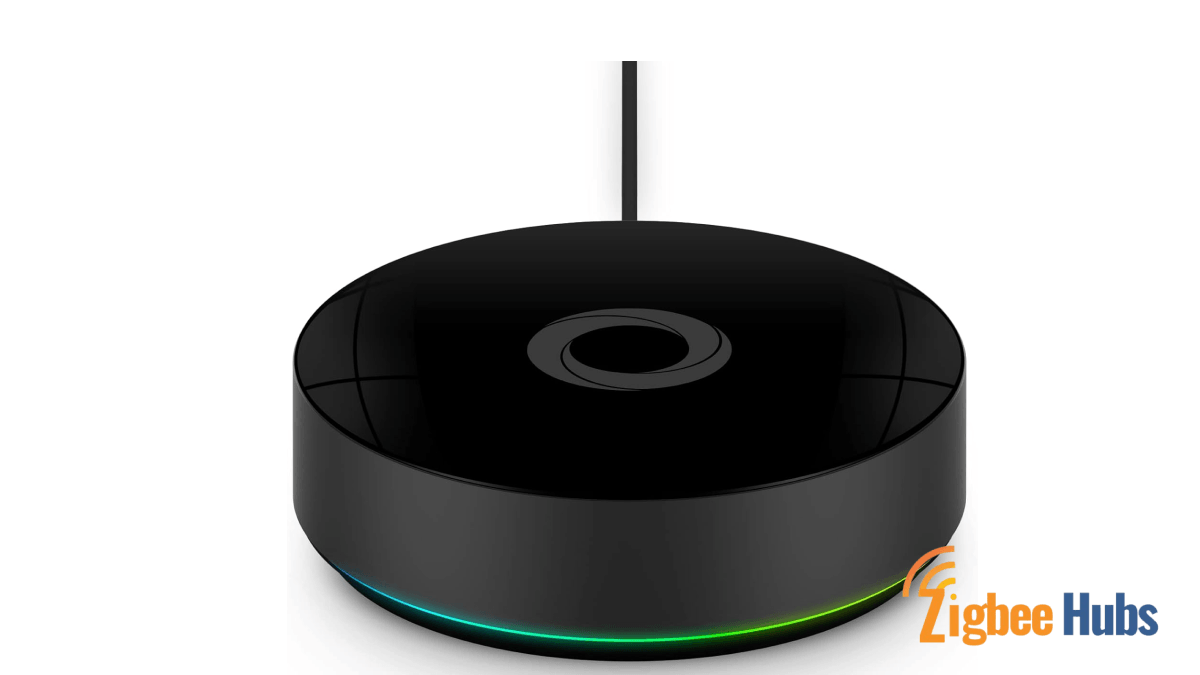
This is the all-in-one powerhouse.
Homey supports almost every protocol, making it ideal for advanced users who want everything in one place. The automation system is extremely powerful.
Key Features
- Multi-protocol support
- Local automation engine
- Advanced Flow builder
Pros
- Supports everything
- Strong automation tools
- Clean interface
Cons
- Expensive
People Also Search For
Why is Sengled Zigbee not Connecting?
Even with the best setup, issues can happen. These are the most common fixes I use.
Distance Issues
Keep devices within 20 feet during pairing. Expand later.
Enclosed Fixtures
Avoid sealed fixtures. Heat can damage bulbs.
Wall Dimmers
Do not use dimmers with smart bulbs. It causes flickering.
Interference
Keep Zigbee hubs away from Wi-Fi routers to reduce 2.4 GHz overlap.
Pro Tip: Adding a sengled zigbee smart plug improves your mesh by acting as a repeater.
Conclusion
Setting up sengled zigbee devices is one of the smartest ways to build a reliable smart home. Once you choose the right hub, everything else becomes simple. If you want the best balance of performance and control, I recommend going with Hubitat or Home Assistant. If you want simplicity, Alexa with a built-in hub is a great start. Start with a solid hub, expand your mesh gradually, and you will have a fast, stable system that grows with your home.