Hubitat Hub Review: Is Hubitat Elevation the Ultimate Zigbee Hub?

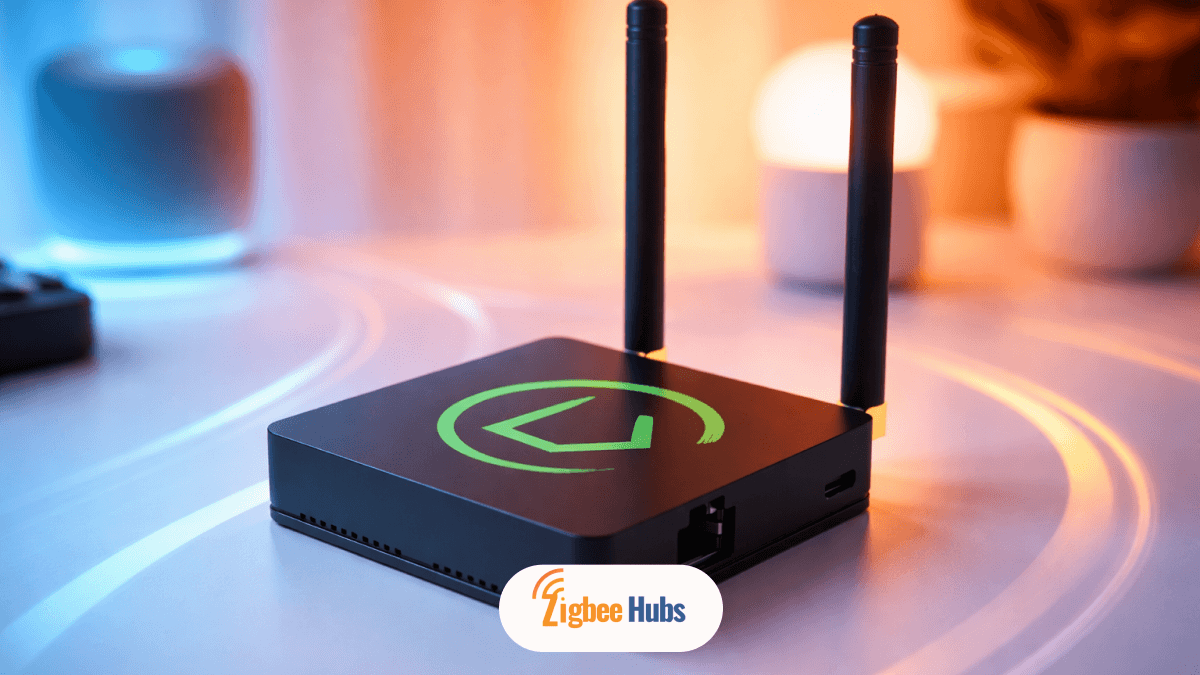
The Hubitat Hub is one of the most powerful local-first smart home controllers available today. In my experience, Hubitat Elevation stands out for its instant response times, strong Zigbee and Z-Wave support, and complete independence from cloud services, making it ideal for users who value speed, privacy, and control.
Key Takeaways
- Hubitat Hub runs locally, meaning automations work even without internet
- Hubitat Elevation supports Zigbee, Z-Wave, Matter, and LAN devices
- The Hubitat Zigbee network is highly scalable with proper mesh setup
- No subscriptions required for full functionality
- Best suited for users comfortable with advanced automation logic
- Not fully plug-and-play compared to beginner-friendly hubs
What is the Hubitat Hub?
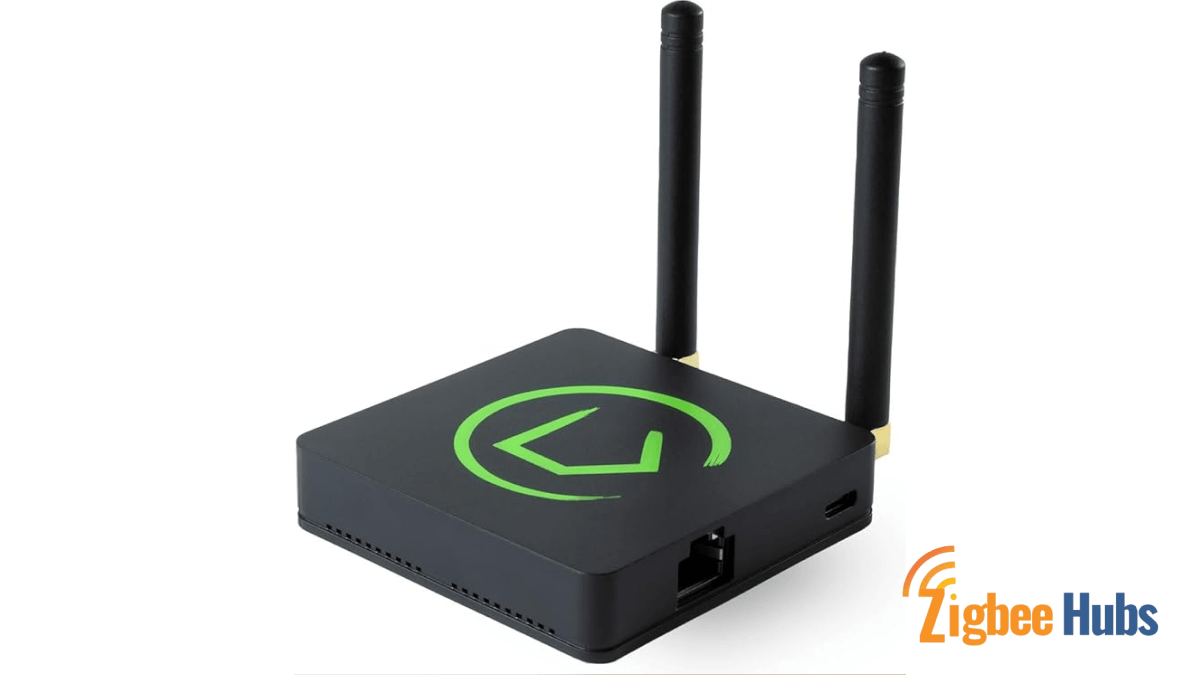
The Hubitat Hub is a local home automation controller designed to manage smart devices without relying on cloud servers. I found that once it is set up, almost everything runs inside your home network.
The Hubitat Elevation hardware is compact but powerful. It supports:
- Zigbee
- Z-Wave
- Matter
- LAN integrations
Key Features
The Hubitat Hub is a local home automation controller designed to manage smart devices without relying on cloud servers. I found that once it is set up, almost everything runs inside your home network.
The Hubitat Elevation hardware is compact but powerful. It supports:
- Zigbee
- Z-Wave
- Matter
- LAN integrations
Pros
- Extremely fast response times
- Strong privacy with no cloud dependency
- Highly customizable automation engine
- Wide device compatibility
Cons
- Learning curve for beginners
- Interface feels more technical than competitors
- Requires planning for Zigbee mesh stability
Why is Hubitat Elevation Faster Than Other Hubs?
The biggest advantage of Hubitat Elevation is local execution.
Most hubs send commands to cloud servers before acting. With Hubitat, commands stay inside your home.
What I Noticed in Real Use
- Lights turn on instantly, not after a delay
- Motion sensors trigger automations immediately
- Automations continue even if internet goes down
Benefits of Local Processing
- Speed: No external server delay
- Reliability: Works offline
- Privacy: No data sent to third parties
If you are building a serious smart home, this alone makes Hubitat Hub stand out.
Is Hubitat Elevation the Ultimate Zigbee Hub?
Yes, but only if you build your network correctly.
The Hubitat Zigbee system is extremely powerful because it uses a mesh network. Devices communicate with each other, not just the hub.
How Does the Hubitat Zigbee Mesh Work?
In a Hubitat Elevation Zigbee Hub setup, devices fall into two categories:
1. Routers
- Powered devices like smart plugs or switches
- Extend network range
- Strengthen signal reliability
2. End Devices
- Battery-powered sensors
- Do not repeat signals
- Depend on routers or the hub
Key Insight from Experience
When I tested multiple setups, the difference between a weak and strong Zigbee network came down to router placement.
What are the Device Limits on Hubitat Hub?
The Hubitat Hub supports:
- Up to 32 directly connected Zigbee devices
- Nearly unlimited devices with proper Zigbee routers
Pro Tip
If you hit limits or see instability:
- Add smart plugs or switches as routers
- Spread them evenly across your home
This transforms your hubitat zigbee network into a stable mesh.
Expert Tips for Building a Stable Hubitat Zigbee Network
These are not optional. They are critical.
1.2 This helps the mesh find the best route immediately
2.2 Place near hub
2.3 Expand outward
2.4 Then add sensors
3.2 Exception: Sengled bulbs, which do not repeat signals
4.2 Turn it back on
4.3 Devices rebuild routing paths
I have used this multiple times and it works surprisingly well.
How Powerful is Hubitat Automation?
This is where Hubitat Elevation becomes a pro-level platform.
Built-in Apps that Make Hubitat Unique
1.2 Simple automation creation
2.2 Conditional automation support
2.3 Example: Turn on heater only if temperature is below 60 AND someone is present
3.2 Supports scenes and transitions
Key Features of Automation System
- Fully local execution
- Highly customizable logic
- Supports complex conditional triggers
Pros
- Extremely flexible
- No cloud dependency
- Suitable for advanced users
Cons
- Takes time to learn
- Interface not beginner-focused
How Easy is Hubitat Setup?
Setup has improved, but it is not fully plug-and-play.
Using the mobile app, I was able to:
- Add Zigbee devices directly where installed
- Pair Z-Wave devices using inclusion mode
- Integrate LAN devices through apps
Protocol Support Overview
| Protocol | Pairing Method | Key Benefit |
|---|---|---|
| Zigbee | Standard pairing | Low power, reliable mesh |
| Z-Wave | Inclusion / SmartStart | Strong security with S2 |
| Matter | Commissioning | Cross-platform compatibility |
| LAN / Wi-Fi | Integration apps | Local network control |
Z-Wave Capabilities
The hubitat c-7 and newer models support:
- Z-Wave Plus
- Z-Wave Long Range
- S2 security for locks and sensors
Who Should Use Hubitat Hub?
Choose Hubitat if:
- You want full control of your smart home
- You prioritize privacy
- You need fast, local automations
- You enjoy building advanced logic
Avoid Hubitat if:
- You want plug-and-play simplicity
- You prefer app-based setup with no learning
- You are not comfortable with technical systems
Conclusion
The Hubitat Hub remains one of the most capable smart home platforms available today. From my experience, Hubitat Elevation delivers unmatched speed, privacy, and flexibility through its local-first design and powerful automation tools. It is not the easiest hub to learn, but once configured, it creates a smart home that is faster, more reliable, and fully under your control. If you are serious about building a long-term smart home system, hubitat zigbee and Z-Wave capabilities make this platform a top-tier choice.