ConBee II | Complete Guide to Universal Zigbee Gateway

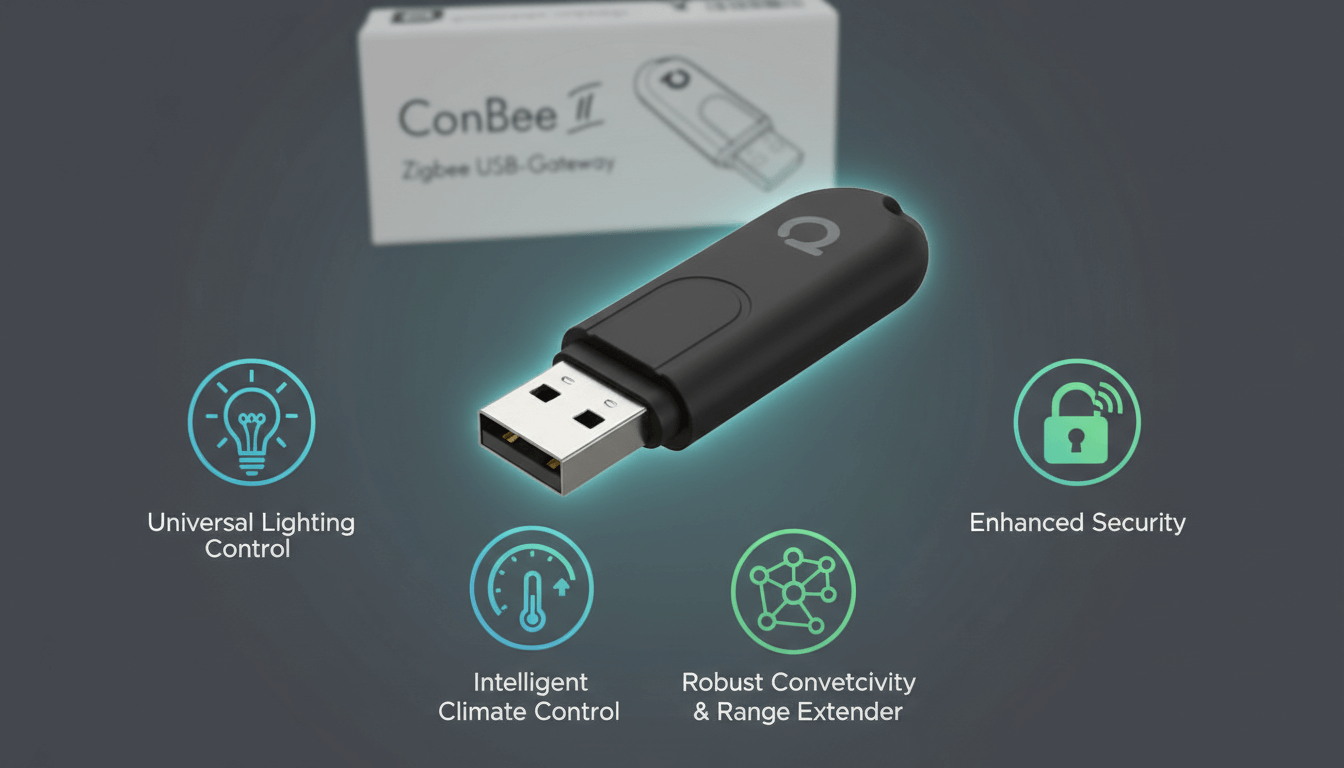
The ConBee II is a universal Zigbee USB gateway that connects smart home devices from different manufacturers into one unified network without relying on cloud services. This small but powerful stick transforms any computer, Raspberry Pi, or NUC into a central smart home hub. It works with brands like Philips Hue, IKEA TRÅDFRI, and Xiaomi Aqara while keeping all your data completely local.
Key Takeaways
- The ConBee II supports Zigbee 3.0 and works with hundreds of devices from major smart home brands
- No cloud connection or registration required (your data stays on your local network)
- Integrates seamlessly with Home Assistant through deCONZ, ZHA, or Zigbee2MQTT
- Always use a USB 2.0 extension cable to prevent signal interference
- Best Zigbee channels are 15 and 20 to avoid Wi-Fi conflicts
- You can migrate your network to a ConBee III using the Phoscon App backup function
What Is the ConBee II and Why Does It Matter?
The Phoscon ConBee II solves one of the biggest frustrations in home automation: device fragmentation. Instead of needing separate hubs for each brand, this single ConBee stick acts as a universal translator for your entire Zigbee ecosystem.
I have tested dozens of Zigbee coordinators over the years, and the ConBee 2 consistently stands out for three reasons. First, the compatibility list is massive. Second, the local-only operation means your lights still work when your internet goes down. Third, the community support is exceptional.
This gateway uses the IEEE 802.15.4 radio standard with full Zigbee 3.0 support. That technical foundation means it speaks the same language as most modern smart home devices right out of the box.
 Matter Hubs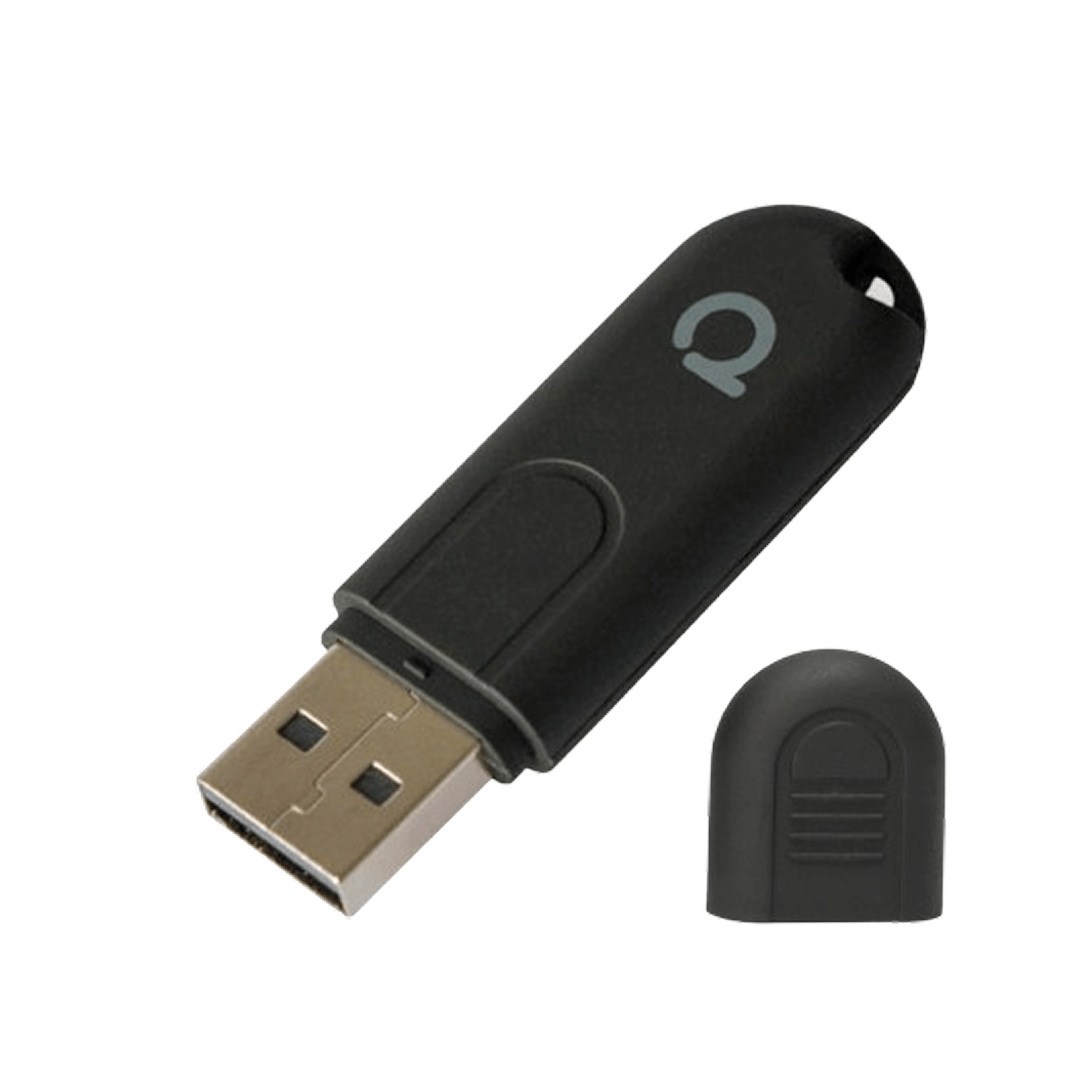
ConBee II Core Specifications
| Feature | Description |
|---|---|
| Multi-Vendor Compatibility | Unites Zigbee devices from many vendors including Philips Hue, IKEA, Xiaomi, and OSRAM into one network |
| Cloud-Free Operation | A completely cloud-free solution with no registration required—all data stays local |
| Extended Signal Range | Strong signal range through built-in power amplifier, reaching 2 to 3 rooms or floors |
| Platform Integration | Works with popular home automation systems like Home Assistant, openHAB, and FHEM |
How Does the ConBee II Work?
The ConBee II Zigbee gateway acts as a coordinator—the central brain of your Zigbee mesh network. When you plug this ConBee II stick into a host device, it creates and manages a network that your sensors, switches, and bulbs join automatically.
Here is how the communication flow works:
- You plug the ConBee2 into your Raspberry Pi or computer
- Software like deCONZ or ZHA recognizes the stick
- You pair devices by putting them in pairing mode
- The gateway assigns network addresses and manages routing
- Commands flow from your automation platform through the stick to your devices
The beauty of a mesh network is that many Zigbee devices also act as signal repeaters. Your smart bulbs, for example, strengthen the network and extend range to distant sensors.
People Also Search For
What Are the Technical Specifications?
Understanding the hardware helps explain why this Zigbee ConBee 2 gateway remains popular years after its release.
| Feature | Specification |
|---|---|
| Microcontroller | ATSAMR21B18 ARM Cortex-M0+ |
| Radio Standard | IEEE 802.15.4 and Zigbee 3.0 |
| Transmission Power | Maximum 10 mW |
| Indoor Range | Approximately 30 meters |
| Outdoor Range | Up to 200 meters line of sight |
| Compatible Systems | Windows 7 through 11, Ubuntu, Raspbian, Docker, macOS |
| Physical Size | 60 mm by 18 mm by 9 mm |
The built-in power amplifier deserves special mention. This component pushes the signal through two to three rooms or floors—significantly better than many competing coordinators I have tested.
Pro Tip: The ATSAMR21B18 chip runs cooler than alternatives, which improves long-term reliability. I have had units running continuously for over three years without issues.
How Do You Set Up ConBee 2 with Home Assistant?
The ConBee 2 Home Assistant integration is straightforward once you understand your options. Home Assistant supports three main pathways for connecting this coordinator.
Option 1: deCONZ Integration
The deCONZ software is the official tool from Phoscon. It provides a visual network map and detailed device management.
Setup steps:
- Install the deCONZ add-on from the Home Assistant add-on store
- Connect your ConBee stick via USB extension cable
- Configure the serial port (typically identified as ttyACM0)
- Open the Phoscon web interface to pair devices
- Enable the deCONZ integration in Home Assistant
Option 2: ZHA (Zigbee Home Automation)
ZHA is built directly into Home Assistant. It requires no additional software and offers a simpler setup experience.
Setup steps:
- Go to Settings, then Devices and Services
- Click Add Integration and search for ZHA
- Select the serial port for your ConBee 2 Zigbee 3.0 stick
- ZHA will initialize the coordinator automatically
- Begin pairing devices through the ZHA interface
See more: Zigbee Home Assistant
Option 3: Zigbee2MQTT
For users who want maximum control and customization, Zigbee2MQTT bridges your Zigbee network to MQTT messages.
Setup steps:
- Install the Zigbee2MQTT add-on
- Configure the coordinator path in the settings
- Set up an MQTT broker (Mosquitto is the most common choice)
- Pair devices and customize behavior through YAML configuration
Pro Tip: I recommend ZHA for beginners because it requires the least configuration. Advanced users who want per-device customization and faster updates for new devices should consider Zigbee2MQTT.
Why Should You Use a USB Extension Cable?
This is perhaps the most important practical advice I can give: never plug your ConBee stick directly into your computer.
USB 3.0 ports generate significant radio frequency interference in the 2.4 GHz band exactly where Zigbee operates. This interference can reduce your effective range by 50 percent or more and cause devices to drop off the network randomly.
A simple USB 2.0 extension cable of 50 centimeters or longer solves this problem completely. The cable moves the radio away from the electrical noise inside your computer case and USB hub.
What to look out for: Avoid cables with built-in USB 3.0 hubs. Even if you plug the ConBee II into a USB 2.0 port on that hub, nearby USB 3.0 components can still cause interference.
Which Zigbee Channel Works Best?
Zigbee operates on the 2.4 GHz frequency band, sharing space with Wi-Fi and Bluetooth. Choosing the right channel prevents dropped connections and communication delays.
Recommended Channels
Channel 15 (2425 MHz): This sits between Wi-Fi channels 1 and 6, minimizing overlap. I use this channel in most of my installations.
Channel 20 (2450 MHz): Another excellent choice that avoids the most congested Wi-Fi frequencies while maintaining broad device compatibility.
Channel 25 (2475 MHz): Works well in dense environments but sits at the edge of the Zigbee spectrum. Some older devices may not support it.
Channels to Avoid
Channel 11: Overlaps directly with Wi-Fi channels 1, 2, and 3. This is often the default channel, which is unfortunate because it causes the most problems in typical home environments.
Pro Tip: Use a Wi-Fi analyzer app on your phone to identify which channels your neighbors use. Then select a Zigbee channel that falls in the gaps between active Wi-Fi channels.
How Does ConBee II Compare to ConBee III?
The ConBee III represents the next generation of this product line. Here is an honest comparison to help you decide whether to upgrade.
Hardware Differences
The ConBee 2 uses the ATSAMR21B18 chip, while the ConBee 3 runs on the Silicon Labs EFR32MG21 SoC. The newer chip offers improved processing power and better futureproofing for Thread and Matter protocols.
Software Identification
Your system identifies these devices differently:
- ConBee II typically appears as ttyACM0
- ConBee III usually shows as ttyUSB0 with a default baud rate of 115200
Migration Path
You can transfer your entire Zigbee network from a ConBee II to a ConBee III without re-pairing every device. The Phoscon App includes a backup and restore function that preserves your network configuration, device names, and group assignments.
Should you upgrade? If your current ConBee 2 network runs smoothly, there is no urgent need to switch. The ConBee III makes sense for new installations or if you plan to add Thread or Matter devices in the future.
What Devices Work with the ConBee II?
The Aqara ConBee 2 compatibility extends far beyond just one brand. This gateway supports hundreds of devices across major manufacturers.
Confirmed Compatible Brands
- Philips Hue (bulbs, motion sensors, buttons)
- IKEA TRÅDFRI (bulbs, blinds, remotes)
- Xiaomi Aqara (sensors, switches, cameras)
- OSRAM SMART+ (bulbs, plugs)
- Sonoff (sensors, switches)
- Tuya (various Zigbee devices)
- Innr (bulbs, strips, plugs)
- GLEDOPTO (LED controllers)
Checking Compatibility
Before purchasing new devices, verify compatibility through these resources:
- The deCONZ device wiki lists tested devices with their feature support
- The Zigbee2MQTT supported devices page offers even broader coverage
- Community forums often have reports of devices not yet on official lists
Pro Tip: Zigbee 3.0 certified devices almost always work with the ConBee II Zigbee gateway because they follow the same standard. Older Zigbee Light Link or Zigbee Home Automation 1.2 devices also maintain backward compatibility.
Where Can You Buy the ConBee II?
The ConBee II is available through several retail channels depending on your location.
Online Retailers
Amazon: Offers fast shipping to Germany, the United States, United Kingdom, and most European countries. Prime members often receive next-day delivery.
matterhubs.com: Offer a range of matter and zigbee compatible products
Specialist Electronics Stores
Reichelt: A German electronics retailer with competitive pricing and reliable stock.
Berrybase: Specializes in Raspberry Pi accessories and often bundles the ConBee stick with compatible cases.
Kjell: Available in Scandinavian countries with local customer support.
Direct from Manufacturer
For bulk orders or professional installations, contact Phoscon sales directly. They offer volume pricing and technical support for commercial projects.
What Are Common Troubleshooting Steps?
Even well-designed hardware occasionally needs debugging. Here are solutions to the most frequent issues I encounter.
Device Will Not Pair
- Move the device within one meter of the coordinator during pairing
- Reset the device to factory settings before attempting to pair
- Check that your network has not reached the device limit (varies by coordinator firmware)
Devices Drop Off Network
- Verify you are using a USB 2.0 extension cable
- Check your Zigbee channel for Wi-Fi interference
- Add more router devices (smart plugs or bulbs) to strengthen the mesh
Poor Range Performance
- Reposition the ConBee stick away from metal objects and electronics
- Add Zigbee router devices between the coordinator and distant endpoints
- Consider relocating your coordinator to a more central location
Frequently Asked Questions
What is the ConBee II?
The ConBee II is a universal Zigbee USB gateway that connects smart home devices from different manufacturers to a single network without requiring cloud services or internet access.
Does the ConBee II work with Home Assistant?
Yes. Home Assistant supports the ConBee II through three integrations: deCONZ (official Phoscon software), ZHA (native Home Assistant integration), and Zigbee2MQTT (MQTT-based alternative).
Why do I need a USB extension cable with my ConBee stick?
USB 3.0 ports and computer housings generate radio interference on the 2.4 GHz band. An extension cable moves the coordinator away from this interference, dramatically improving signal quality and range.
Can I migrate from ConBee II to ConBee III?
Yes. The Phoscon App includes a backup and restore function that transfers your entire Zigbee network—including device names, groups, and settings—to the newer ConBee III.
Which Zigbee channel should I use with the ConBee II?
Channels 15 and 20 provide the best performance for most users because they avoid overlap with common Wi-Fi channels. Avoid Channel 11, which conflicts with Wi-Fi channels 1 through 3.
How many devices can the ConBee II support?
The ConBee II can theoretically support over 200 devices, though practical limits depend on your mesh network design and the types of devices you use. Networks with many router devices (bulbs and plugs) scale better than networks with only battery-powered sensors.