Best Zigbee TRV in 2026: SONOFF TRVZB vs TRV-ZBT Gen 2
- 1.Key Takeaways
- 2.What Is a Zigbee TRV and How Does It Work?
- 3.SONOFF TRV-ZBT Gen 2: Best Compact Zigbee TRV
- 4.SONOFF TRVZB vs TRV-ZBT Gen 2: Which Should You Choose?
- 5.What Should You Consider Before Buying a Zigbee TRV?
- 6.How to Set Up a Zigbee TRV with Home Assistant
- 7.Can a Zigbee TRV Control Your Boiler?
- 8.Final Verdict: Which Zigbee TRV Is Best in 2026?
- 9.Frequently Asked Questions
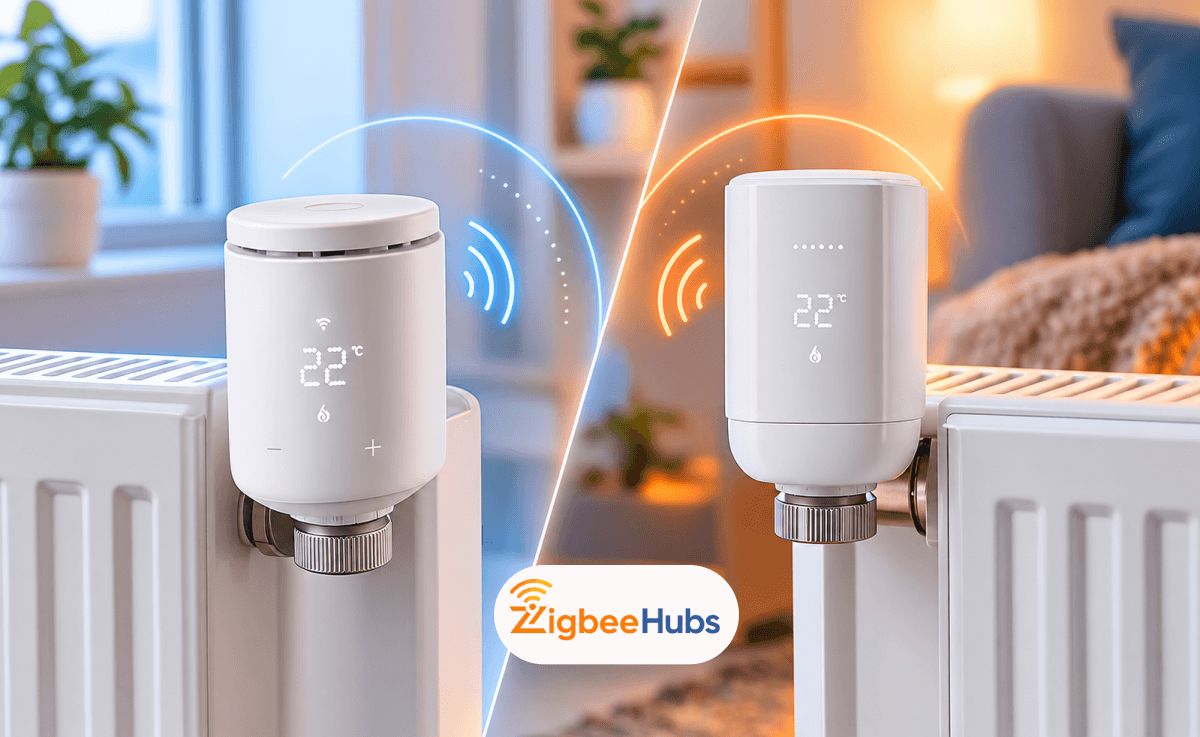
The best Zigbee TRV options in 2026 are the SONOFF TRVZB and SONOFF TRV-ZBT (Gen 2). Both provide individual room temperature control, heating schedules and smart home integration. The TRVZB is a strong choice for Home Assistant users, while the smaller Gen 2 offers a colour display and additional controls for Zigbee2MQTT users.
Key Takeaways
- Best Overall: SONOFF TRVZB for established Home Assistant integration.
- Best Compact Design: SONOFF TRV-ZBT Gen 2 for smaller radiator spaces.
- Best for Zigbee2MQTT: Both models offer integration, with Gen 2 providing additional configuration options.
- Compatibility: Both support M30 x 1.5 mm radiator valves and include adapters for common fittings.
- External Sensors: Compatible SONOFF temperature sensors can improve room temperature readings.
- Important Limitation: A smart TRV does not independently switch on your boiler.
What Is a Zigbee TRV and How Does It Work?
A Zigbee thermostatic radiator valve (TRV) replaces the manual valve head on a hot-water radiator. It uses temperature readings and smart controls to adjust the hot-water flow through that radiator.
Unlike traditional radiator valves, a Zigbee TRV connects to your smart home network. You can control individual room temperatures, create heating schedules and automate temperature adjustments.
For example, you can maintain a comfortable temperature in your bedroom while reducing heating in an unused office.
A Zigbee TRV requires a compatible Zigbee hub or coordinator. It cannot connect directly to a standard Wi-Fi router.
What Are the Best Zigbee TRVs in 2026?
Recommended Zigbee Device
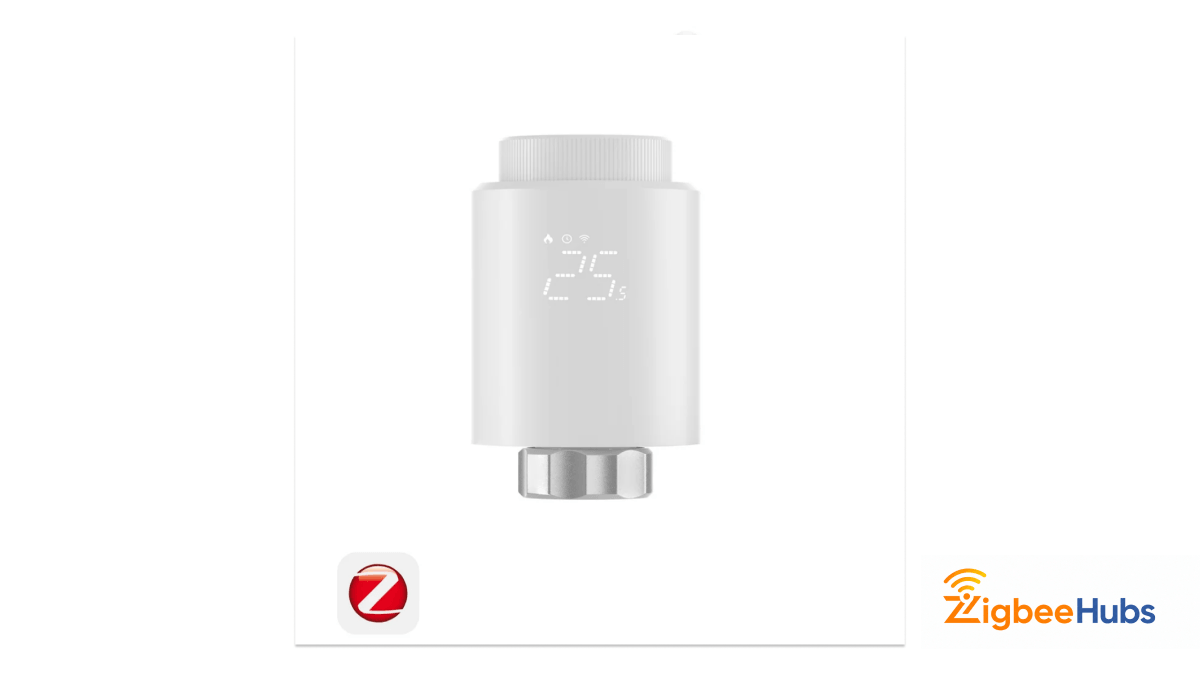
The SONOFF TRVZB is a smart TRV designed for individual room heating control. It connects to a Zigbee network and works with Home Assistant through ZHA and Zigbee2MQTT.
Key Features
- Zigbee 3.0 connectivity.
- Compatibility with ZHA and Zigbee2MQTT.
- M30 x 1.5 mm threaded connection.
- Three AA alkaline batteries.
- LED temperature display.
- PID adaptive temperature control.
- Built-in open-window detection.
- Frost protection and child lock.
- External temperature sensor support.
- Dimensions: 59.4 x 59.4 x 95 mm.
Pros
- Works locally with Home Assistant through ZHA and Zigbee2MQTT.
- PID mode helps maintain more stable room temperatures.
- Supports external temperature sensors.
- Includes useful safety and heating automation features.
- Straightforward installation on compatible radiator valves.
Cons
- Its larger body may not fit some restricted radiator spaces.
- The built-in temperature sensor can read higher temperatures because it sits close to the radiator.
- Full ZHA and Zigbee2MQTT feature support requires suitable firmware.
Who Should Choose It?
The SONOFF TRVZB is a good choice for Home Assistant users who want reliable room-by-room heating control. It is particularly suitable for existing Zigbee networks where straightforward integration matters more than having a compact design.
SONOFF TRV-ZBT Gen 2: Best Compact Zigbee TRV
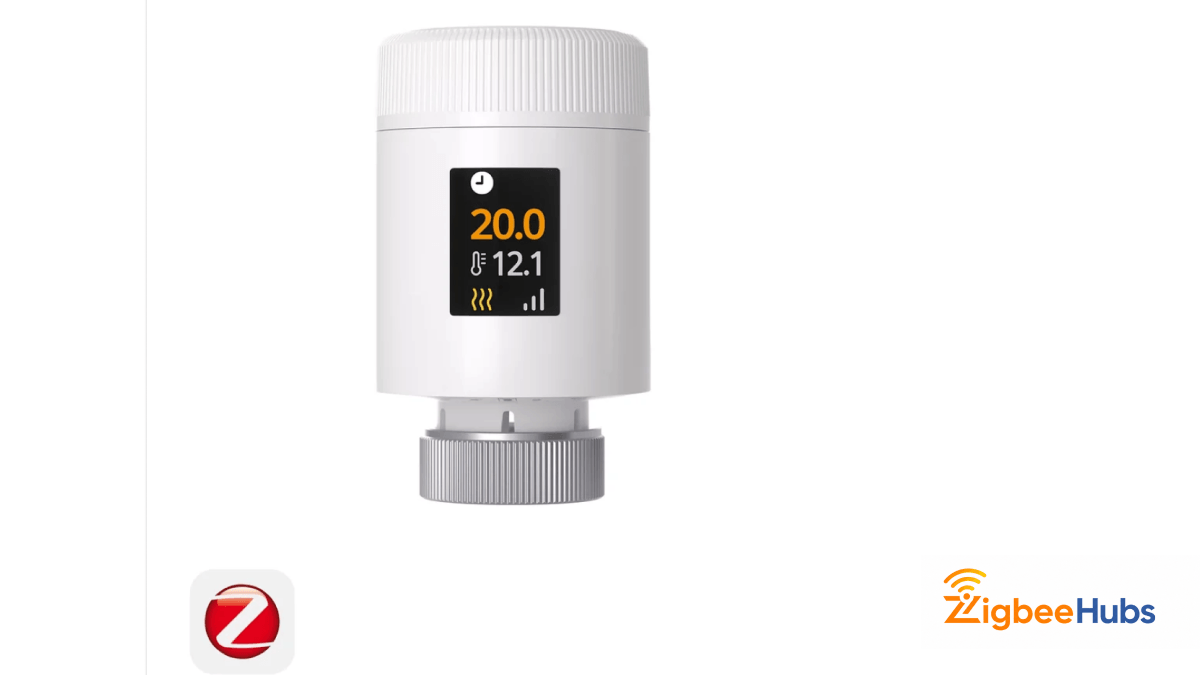
The SONOFF TRV-ZBT Gen 2 is the second-generation version of SONOFF's smart radiator thermostat. It features a smaller housing, a high-resolution IPS colour display and improved configuration options.
Its compact design makes it useful for radiators with limited space around the valve. The display can rotate in four directions, making temperature readings easier to view after installation.
The Gen 2 also supports three independent weekly heating plans. Zigbee2MQTT users can access additional settings, including valve calibration and temperature source selection.
During our testing, the smaller housing fitted radiator locations where the original TRVZB had limited clearance. We also found the rotatable display convenient for different mounting positions.
Key Features
- Zigbee 3.0 connectivity.
- Compact 50 x 50 x 82.9 mm design.
- Four-way rotatable IPS colour display.
- Two AA alkaline batteries.
- M30 x 1.5 mm threaded connection.
- Three independent weekly heating plans.
- Built-in open-window detection.
- External temperature sensor support.
- Compatibility with Zigbee2MQTT 2.12.1 or later for full feature support.
- Compatibility with SONOFF gateways and supported smart home platforms.
Pros
- Smaller design fits restricted radiator spaces.
- Clear IPS colour display with four-way rotation.
- Offers additional configuration options through Zigbee2MQTT.
- Supports external temperature readings.
- Quiet motor operation during heating.
- Uses two AA batteries.
Cons
- Full feature support requires Zigbee2MQTT 2.12.1 or later.
- ZHA users may need additional setup rather than straightforward native integration.
- Its advanced features may be unnecessary for users who only need basic temperature scheduling.
Who Should Choose It?
The SONOFF TRV-ZBT Gen 2 is ideal for users who want a compact smart radiator valve with a modern display. It is particularly attractive to Zigbee2MQTT users who want more control over heating settings and temperature sources.
SONOFF TRVZB vs TRV-ZBT Gen 2: Which Should You Choose?
Both models provide smart radiator control, but their physical designs and integration options differ.
| Feature | SONOFF TRVZB | SONOFF TRV-ZBT Gen 2 |
|---|---|---|
| Design | Original | 38% smaller |
| Display | LED | IPS colour |
| Batteries | 3 x AA | 2 x AA |
| Dimensions | 59.4 x 59.4 x 95 mm | 50 x 50 x 82.9 mm |
| Valve connection | M30 x 1.5 mm | M30 x 1.5 mm |
| Zigbee2MQTT | Supported | 2.12.1+ for full features |
| ZHA | Supported | Additional setup may be required |
| External sensor | Supported | Supported |
| Heating schedules | Supported | Three independent weekly plans |
Choose the SONOFF TRVZB if you want established Home Assistant compatibility and a straightforward smart heating setup.
Choose the SONOFF TRV-ZBT Gen 2 if you have limited installation space and prefer a colour display with additional Zigbee2MQTT controls.
Neither model is universally better. Your radiator fittings, smart home platform and available installation space should guide your decision.
What Should You Consider Before Buying a Zigbee TRV?
Choosing a smart TRV involves more than checking its features. Here are the most important things to consider.
1. Check Your Radiator Valve Compatibility
Most modern European and UK hot-water radiators use an M30 x 1.5 mm connection. Both SONOFF models support this fitting and include adapters for common radiator valves.
However, some systems use different connections.
Danfoss RA, RAV and RAVL valves may require specific adapters. Check your radiator valve manufacturer and fitting type before purchasing.
Also, remember that these products are designed for compatible hot-water radiator systems. They are not universal replacements for every heating installation.
2. Check Your Zigbee Hub Compatibility
A Zigbee TRV needs a compatible zigbee hub or coordinator to communicate with your smart home system.
Popular options include:
- Home Assistant: Connect a compatible Zigbee coordinator and manage radiator valves through ZHA or Zigbee2MQTT.
- SONOFF iHost: Manage compatible SONOFF Zigbee devices through the SONOFF ecosystem.
- SONOFF Zigbee Bridge Pro: Connect compatible devices through the eWeLink app.
If you are building a Home Assistant setup, the SONOFF Zigbee 3.0 USB Dongle Plus is another option to consider.
3. Consider Using an External Temperature Sensor
One limitation of smart radiator valves is the position of their built-in temperature sensor.
Because the sensor sits close to the radiator, it can measure a higher temperature than the rest of the room.
An external Zigbee temperature sensor can help provide a more representative room reading.
Two options from the ZigbeeHubs shop include:
- SONOFF SNZB-02: A wireless Zigbee temperature and humidity sensor for monitoring indoor conditions.
- SONOFF SNZB-02D: A temperature and humidity sensor with an LCD display for viewing room readings.
With a compatible SONOFF gateway, you can use supported external sensors with the TRV. In Home Assistant, you can configure an automation to send the external temperature reading to the valve.
4. Check Battery Life and Heating Features
Both models use replaceable AA alkaline batteries, but their battery requirements differ.
The TRVZB uses three AA batteries, while the Gen 2 uses two. SONOFF quotes more than six months of battery life for the original model and up to six months for Gen 2, depending on usage.
Also consider features such as open-window detection, frost protection and child lock. These can make everyday heating management easier.
How to Set Up a Zigbee TRV with Home Assistant
Setting up a Zigbee TRV is relatively straightforward when you already have a compatible coordinator.
Follow these steps using the SONOFF TRVZB as an example:
Once connected, you can manage individual radiator temperatures and create different heating schedules for each room.
For detailed integration information, refer to the official Home Assistant ZHA documentation and Zigbee2MQTT device documentation.
Can a Zigbee TRV Control Your Boiler?
No. A Zigbee TRV controls the hot-water flow through an individual radiator. It does not independently switch your boiler on.
You still need a compatible main thermostat or boiler controller to manage boiler demand.
For example, you can use radiator valves to control temperatures in individual bedrooms while a separate thermostat manages the central heating system.
This distinction is important when planning a complete smart heating installation.
Final Verdict: Which Zigbee TRV Is Best in 2026?
Both SONOFF radiator valves are strong options for building a smart heating system. The SONOFF TRVZB is our overall recommendation for Home Assistant users who want established ZHA and Zigbee2MQTT integration, individual room control and useful temperature management features. The SONOFF TRV-ZBT Gen 2 is the better choice for users who need a smaller valve head, a rotatable colour display and additional configuration options through Zigbee2MQTT. Before choosing either model, check your radiator fitting, Zigbee hub compatibility and available installation space. With the right setup, both valves can make room-by-room heating control more convenient and flexible.
Frequently Asked Questions
Looking for a Compatible Zigbee Hub?
Explore our tested selection of Zigbee 3.0 gateways, Home Assistant coordinators, and smart controllers.
Have Questions or Need Setup Help?
Join the discussion on Smarthome Forum! Ask questions, share your home automation setup, or get expert troubleshooting advice from the community.