Top 10 Zigbee Switches in 2026
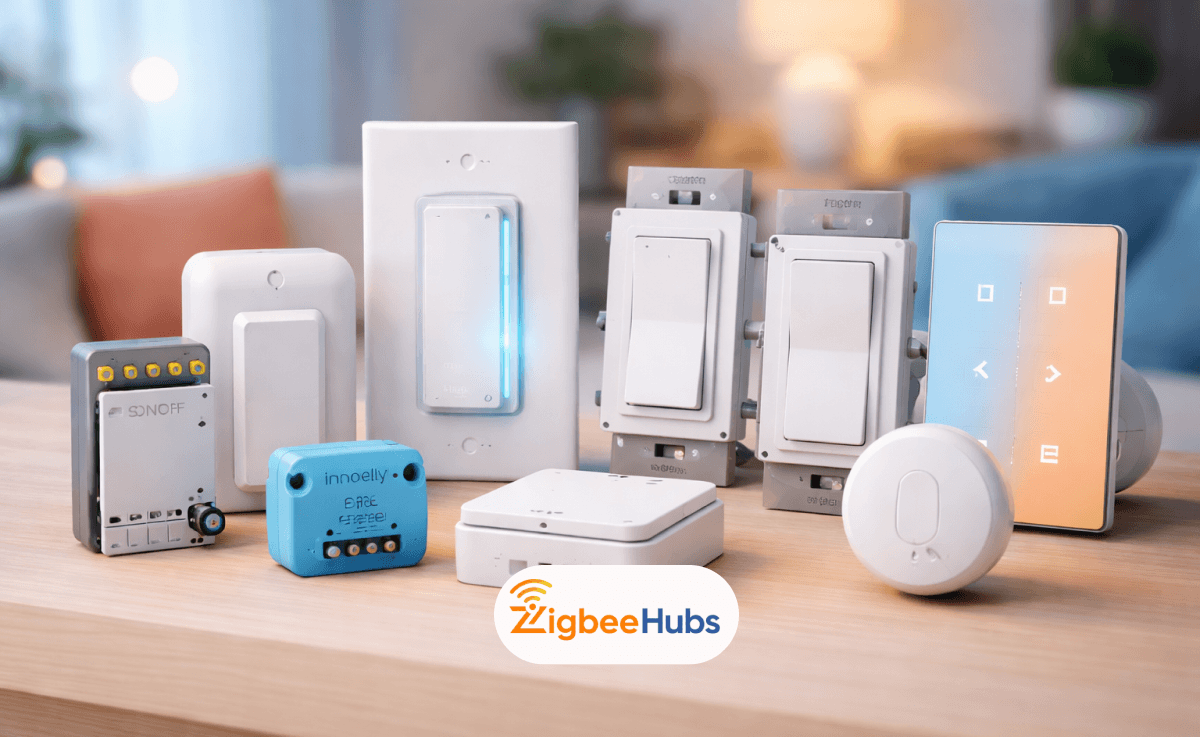
The best Zigbee switch in 2026 offers local control, reliable mesh networking, and faster response than Wi-Fi smart switches. After installing and testing dozens of models across multiple hubs, I found that devices like the Inovelli Blue Series, Aqara switches, and SONOFF relays deliver the most stable performance for modern smart homes.
Key Takeaways
- Zigbee switches create a mesh network, improving reliability as you add more devices.
- Most installations require a Zigbee hub such as Home Assistant, SmartThings, or an Echo with built-in Zigbee.
- Some models support no-neutral wiring, making them ideal for older homes.
- Dimmer switches provide lighting control, while relay modules convert existing switches into smart ones.
- Advanced models support scene control, energy monitoring, and automation triggers.
What is a Zigbee Smart Switch?
A Zigbee smart switch is a lighting control device that communicates using the Zigbee wireless protocol (IEEE 802.15.4). Instead of connecting directly to your Wi-Fi router, it connects to a Zigbee hub and becomes part of a mesh network.
Each mains-powered device strengthens the network by acting as a repeater, extending coverage throughout your home.
Pro Tip:
When installing multiple switches in a house, space them out across rooms. This strengthens the mesh network and improves reliability for battery sensors.
Key Definitions
Zigbee Protocol
A low-power wireless communication standard designed for smart home automation.
Mesh Network
A network structure where devices relay data between each other to maintain stable coverage.
Zigbee Hub
A central controller that connects Zigbee devices to apps, automation platforms, and voice assistants such as Alexa or Google Home.
What are the Best Zigbee Switches in 2026?
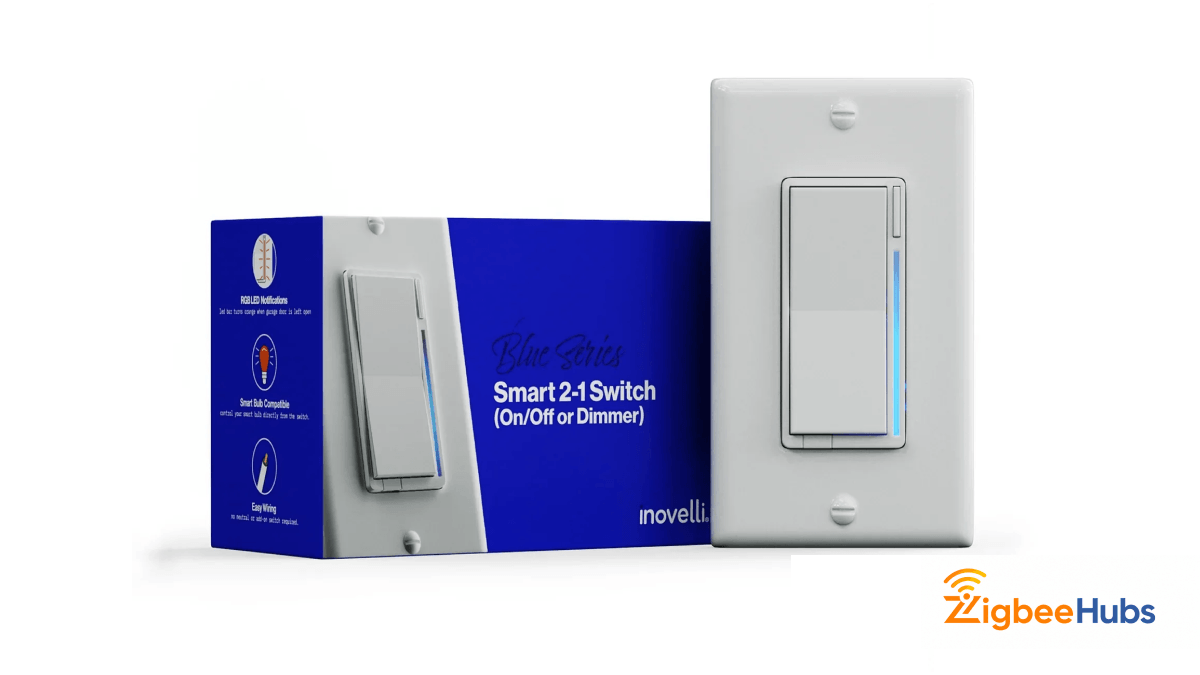
Inovelli Blue Series 2-1 (Best)
⭐Inovelli Blue Series 2-1 (Best)
Key Features
- Works in both neutral and no-neutral configurations
- Built-in LED notification bar for smart alerts
- Smart Bulb Mode keeps power flowing to smart bulbs
Pros
- Highly customizable via Home Assistant or Hubitat
- Supports multi-tap scene control (up to 5 taps)
- No flicker in no-neutral setups when used with a bypass
Cons
- Higher price point than basic models
- Advanced configuration may overwhelm beginners
Real-world note:
This is the switch I recommend for power users running Home Assistant automations.
Jasco Enbrighten Zigbee Smart Switch
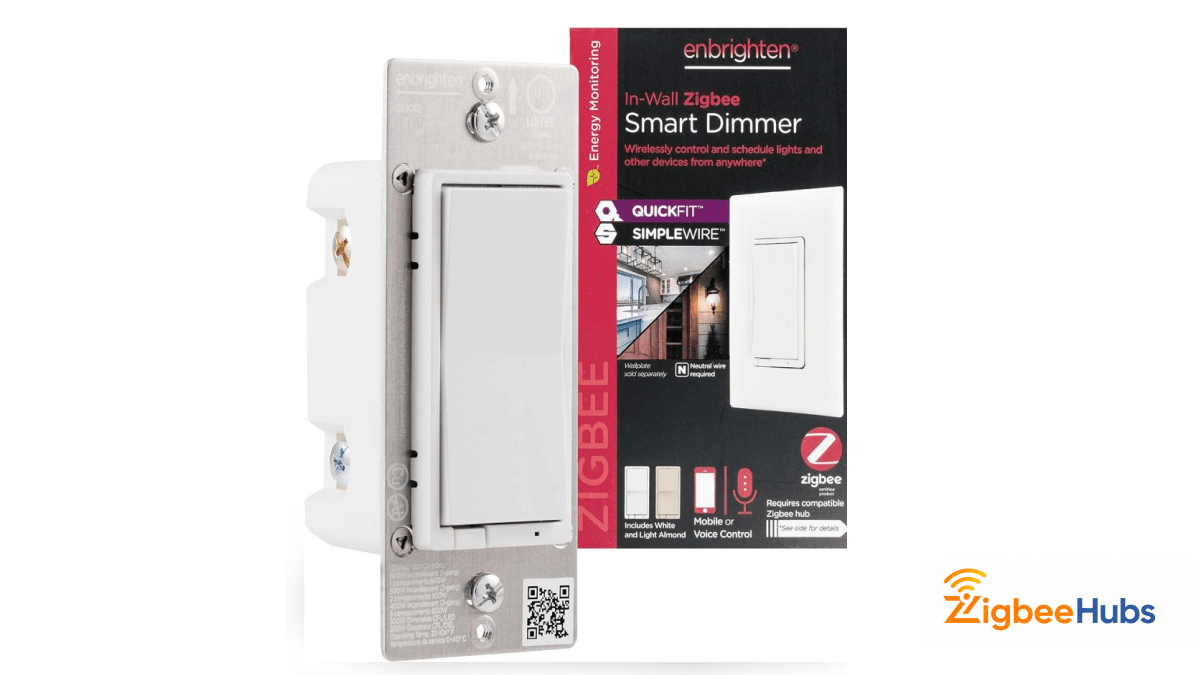
If your home has hallways or staircases with multiple switches controlling the same light, the Jasco Enbrighten Zigbee wall switch is one of the easiest installations I tested.
Key Features
- SimpleWire technology automatically detects line/load wires
- Supports up to 5 add-on switches
- Energy monitoring capabilities
Pros
- Compact housing fits crowded electrical boxes
- Reliable with Amazon Alexa and Echo devices
- Fast tactile response
Cons
- Requires a neutral wire
- Traditional design may look basic
Installer tip:
This model dramatically reduces wiring confusion during 3-way switch installations.
Shelly 1PM Gen 4 Smart Relay
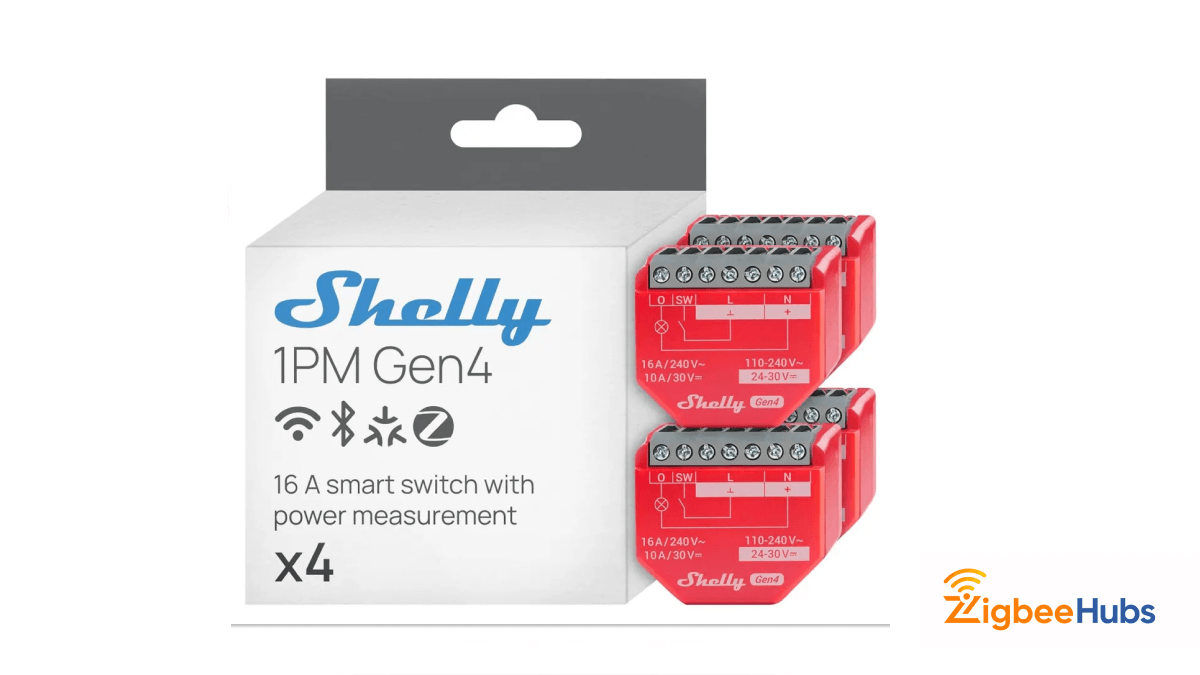
The Shelly 1PM Gen4 changed the zigbee switch relay category. Instead of replacing your wall switch, this module installs behind it.
Key Features
- Supports Wi-Fi, Zigbee, and Matter
- High precision power metering
- Compact relay module design
Pros
- Works without a hub when using Wi-Fi
- Supports loads up to 16A
- Excellent integration with Home Assistant
Cons
- Requires wiring experience
- No physical button
Where it shines:
Energy monitoring for appliances and smart lighting circuits.
Aqara Smart Wall Switch
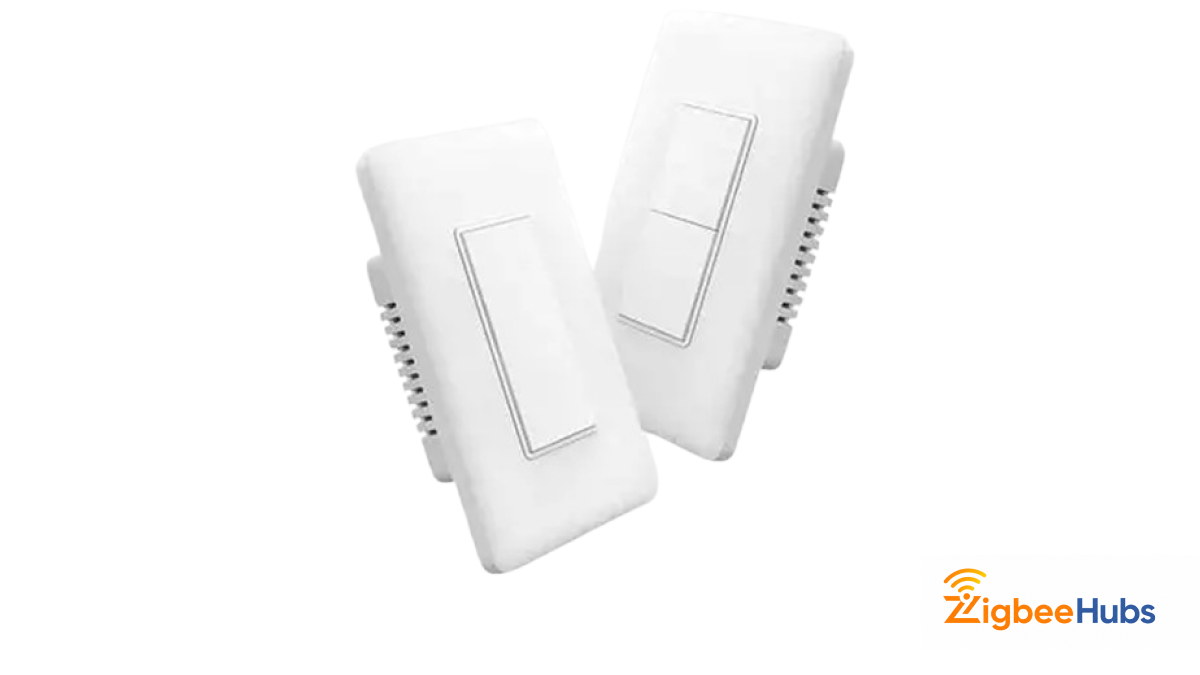
Older homes often lack neutral wiring. The Aqara zigbee light switch solves this problem with a reliable no-neutral design.
Key Features
- No neutral wire required
- Built-in overload protection
- Apple HomeKit support via Aqara hub
Pros
- Minimalist design
- Strong ecosystem stability
- Fast response
Cons
- Requires an Aqara hub
- Single-pole only
My experience:
Aqara switches remained extremely stable even in older homes with inconsistent wiring.
SONOFF ZBMINIL2
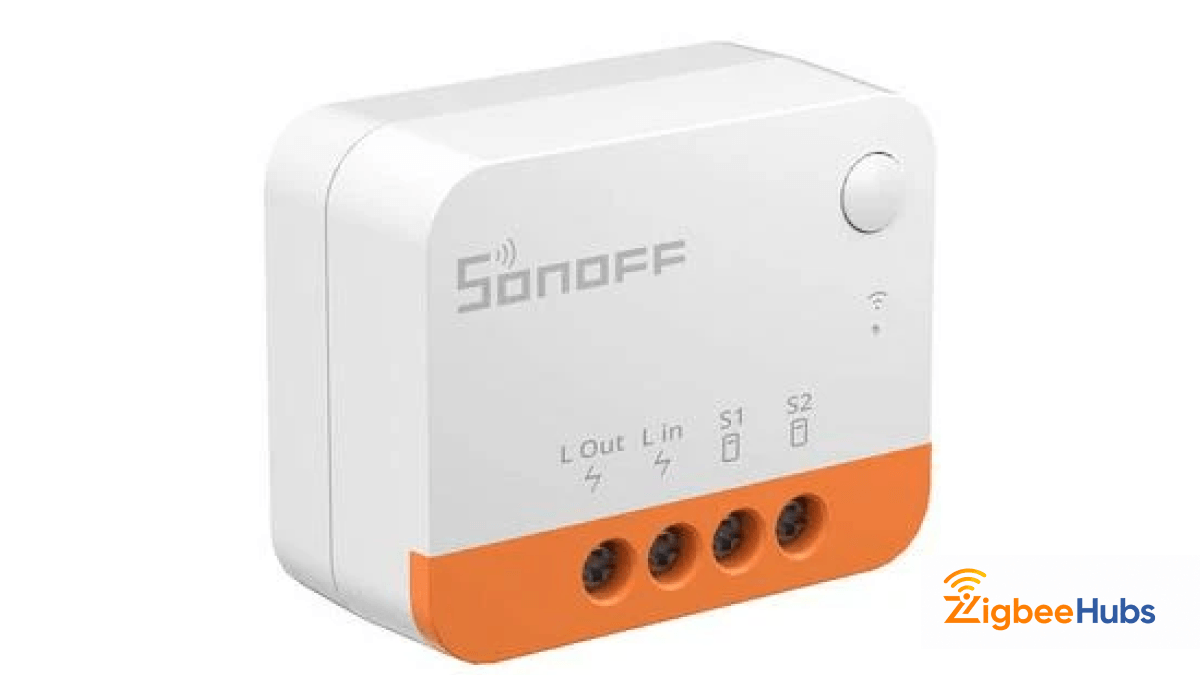
The SONOFF ZBMINIL2 is the smallest Zigbee relay I’ve tested.
Key Features
- Ultra-compact footprint
- Supports two-way control
- Zigbee 3.0 router functionality
Pros
- Affordable for whole-home upgrades
- Works with most Zigbee hubs
- Flame-retardant casing
Cons
- Lower current rating
- May require bypass with low-watt LED bulbs
Pro Tip:
Use a bypass capacitor when installing with low-power LED bulbs.
Leviton Decora Zigbee Switch
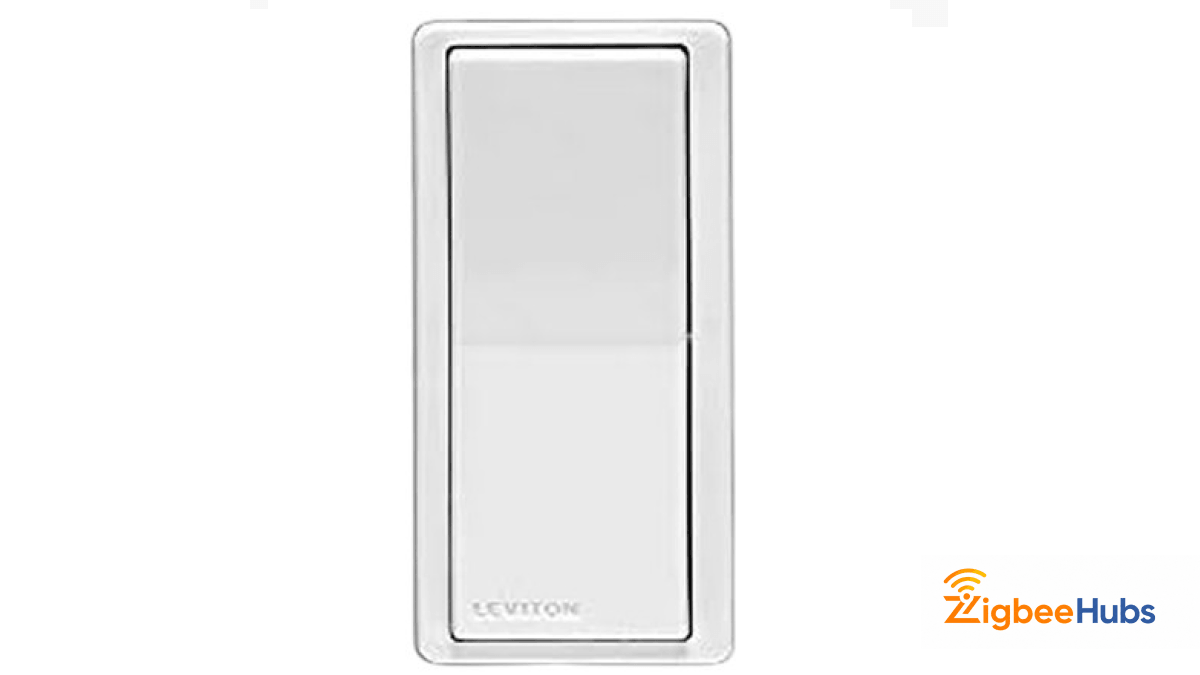
Leviton is one of the most trusted electrical manufacturers, and their Zigbee switch reflects that reputation.
Key Features
- Supports Wi-Fi, Zigbee, and Matter
- High precision power metering
- Compact relay module design
Pros
- Excellent build quality
- Standard Decora sizing
- Smooth tactile feedback
Cons
- Requires neutral wiring
- Slightly bulky
Where it shines:
Energy monitoring for appliances and smart lighting circuits.
ThirdReality Zigbee Smart Switch
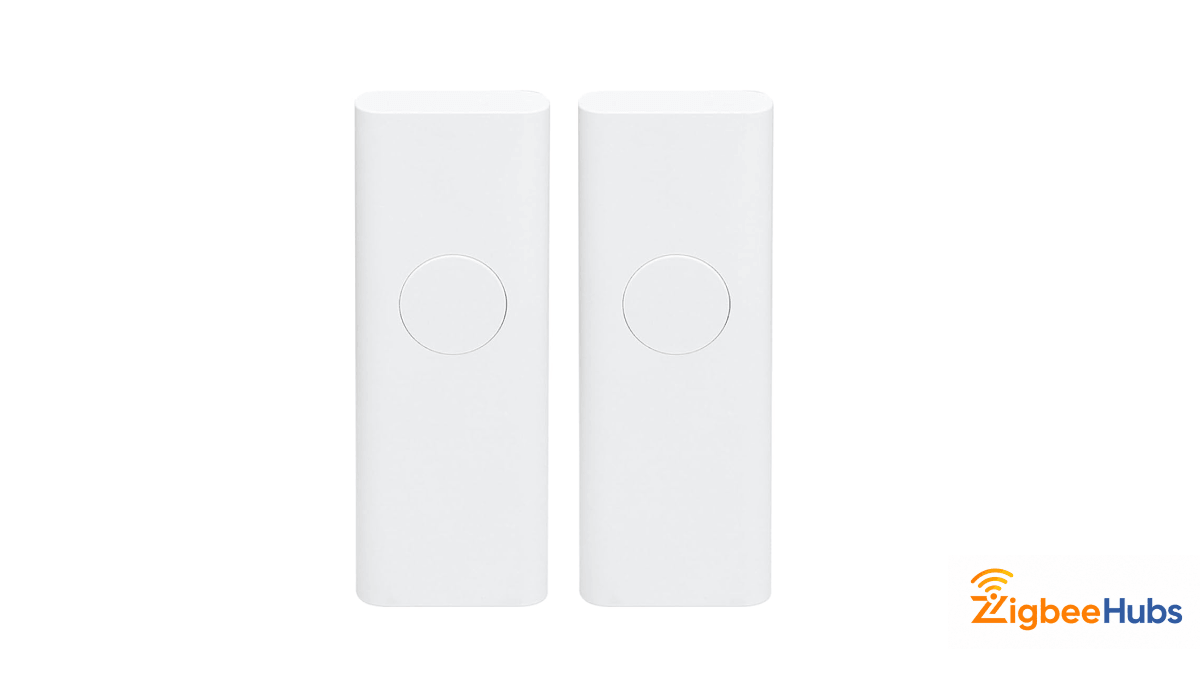
The THIRDREALITY switch installs over your existing wall switch without any wiring.
Key Features
- Mechanical actuator flips the existing switch
- Battery powered
- Compatible with Echo Zigbee hubs
Pros
- Installs in seconds
- Ideal for renters
- Retains manual switch control
Cons
- Bulky appearance
- Requires batteries
SONOFF Orb 4-in-1 Zigbee Smart Button
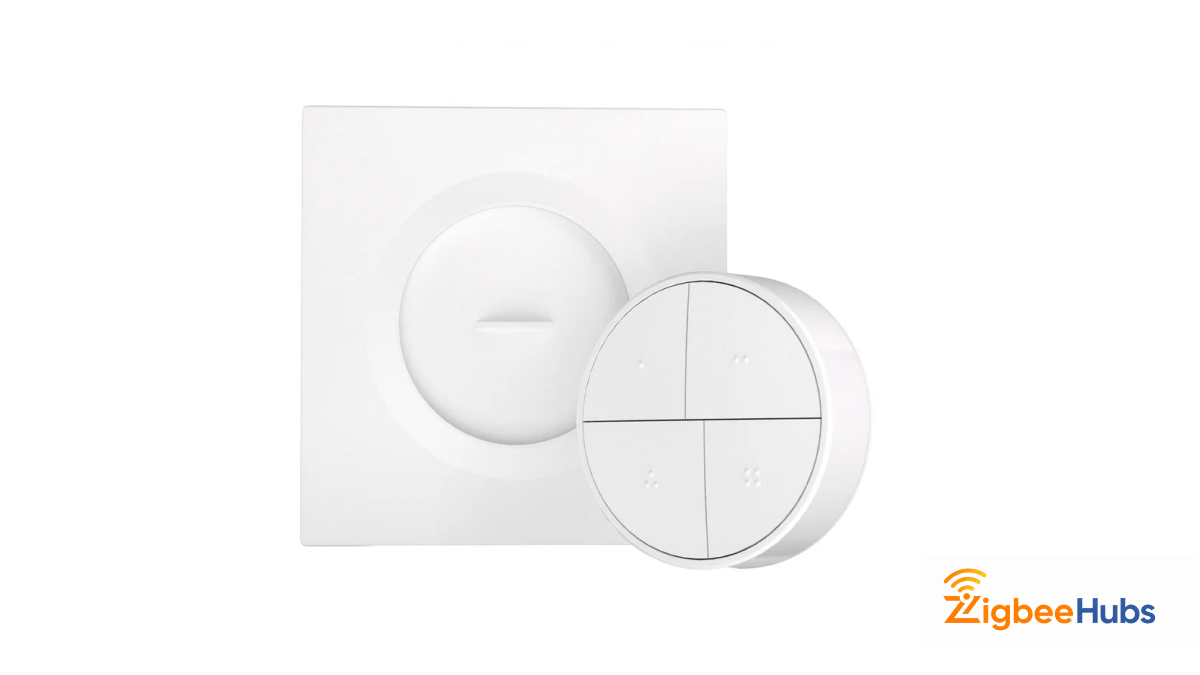
Sometimes the best switch isn’t wired into the wall.
The SONOFF Orb smart button acts as a wireless scene controller.
Key Features
- Single, double, triple, and long press triggers
- Supports up to 16 scenes
- Magnetic mounting base
Pros
- Portable control
- Fast local response
- Very affordable
Cons
- Requires Zigbee hub
- Easy to misplace
Aqara Smart Dimmer Switch H2
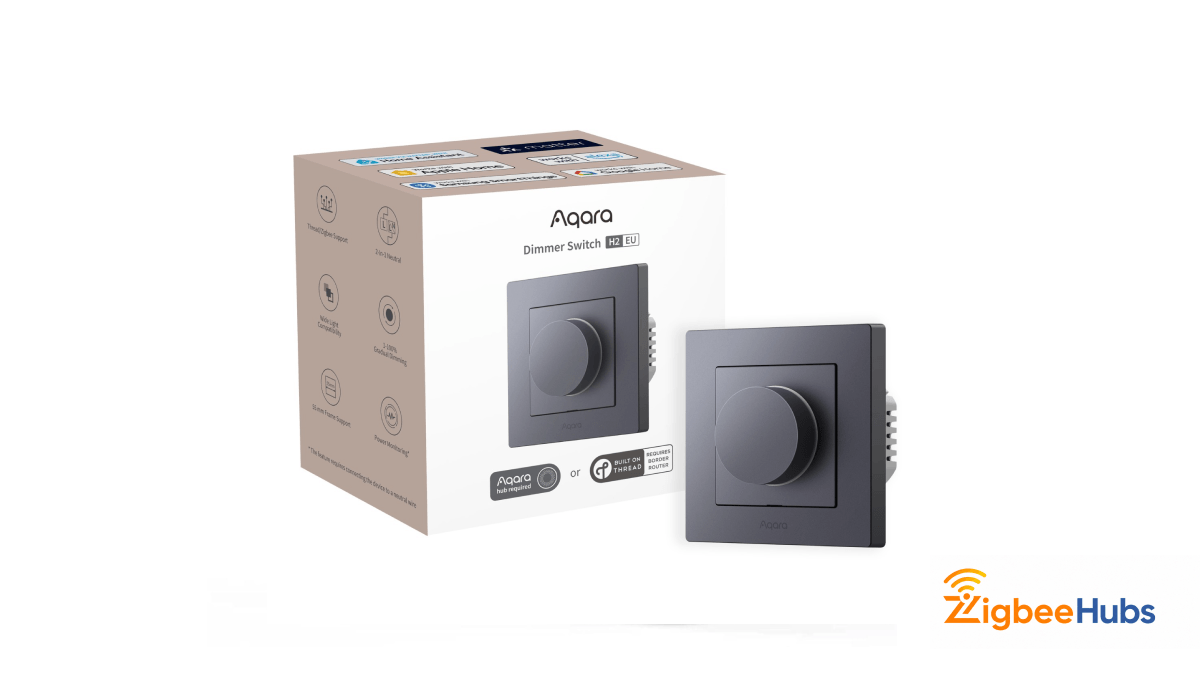
The Aqara H2 is one of the most advanced Zigbee dimmers available today.
Key Features
- Supports Zigbee and Thread
- Neutral or no-neutral wiring
- Customizable brightness transitions
Pros
- Silent operation
- Smooth dimming for LED lights
- Future-ready for Matter
Cons
- Advanced features require Aqara app
- Higher price
MOES Multi-Gang Zigbee Switch
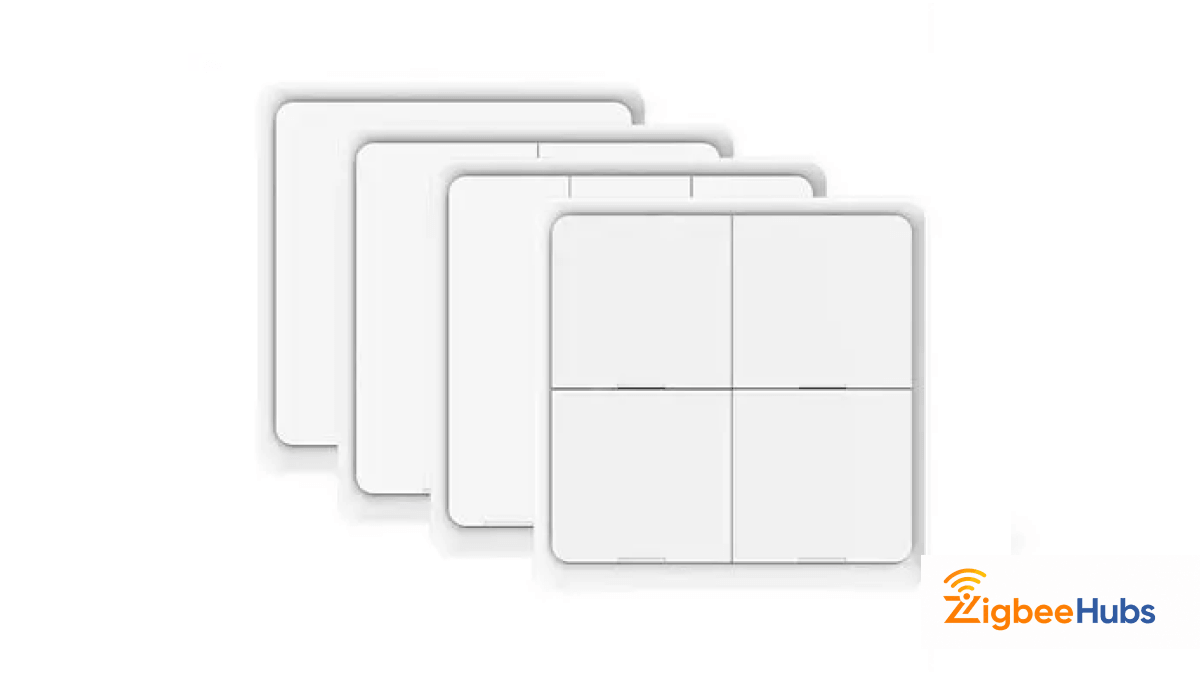
The MOES multi-gang switch helps when several lights share one wall box.
Key Features
- Available in 1–4 gang models
- Toughened glass touch panel
- Tuya Zigbee hub compatibility
Pros
- Saves space
- Modern design
- App timer support
Cons
- Touch interface lacks tactile feedback
- Fingerprints visible on glass
Which Zigbee Switch to Choose?
| Product | Neutral Required | Best For | Compatibility |
|---|---|---|---|
| Inovelli Blue | Optional | Advanced Users | HA, SmartThings |
| Jasco Enbrighten | Yes | 3-Way setups | Alexa, SmartThings |
| Shelly 1PM Gen4 | Yes | Energy monitoring | Matter, HA |
| Aqara No-Neutral | No | Older homes | HomeKit, Alexa |
| SONOFF Mini | Optional | Small boxes | Alexa, SmartThings |
| Leviton Decora | Yes | Reliability | Alexa |
| THIRDREALITY | Battery | Renters | Alexa |
| SONOFF Orb | Battery | Scene control | SONOFF |
| Aqara H2 | Optional | Dimming | Thread, HomeKit |
| MOES Multi-Gang | Yes | Multi-light control | Tuya |
What Should You Look for in Zigbee Switch?
Neutral Wire Availability
Before installing a switch, check your electrical box.
If you see a bundle of white wires in the back, you likely have a neutral wire.
If not, choose a no-neutral Zigbee switch designed for retrofit installations.
Hub Compatibility
Zigbee switches require a hub.
Common options include:
- Home Assistant with a Zigbee USB dongle
- SmartThings Hub
- Amazon Echo with built-in Zigbee
For advanced automation, Home Assistant remains the most flexible platform.
Dimmer vs Relay
Different lighting setups require different devices.
Zigbee dimmer switch
- Controls brightness
- Ideal for living rooms and bedrooms
Zigbee switch relay
- Simple on/off control
- Ideal for fans, appliances, and garage lights
How Do You Choose the Right Zigbee Light Switch?
Choosing the right Zigbee light switch depends on more than just price. Your home's wiring, the smart home platform you use, and whether you want a permanent wall switch or a portable scene controller all play an important role. The sections below will help you decide which type best fits your home and how to get it connected.
Wired vs. Battery Zigbee Switches
A wired Zigbee switch connects directly to your home's electrical wiring and is the best choice for permanent lighting control. Because it is mains-powered, it also acts as a Zigbee router, repeating signals to nearby devices and strengthening your mesh network. Depending on the model, it may require a neutral wire, although several modern switches support both neutral and no-neutral installations.
Examples from this guide include the Inovelli Blue Series, Jasco Enbrighten, Leviton Decora, Aqara Smart Wall Switch, and SONOFF ZBMINIL2. These are excellent choices if you want reliable lighting control while improving your overall Zigbee network.
A battery Zigbee switch, on the other hand, requires no electrical wiring. It can be mounted almost anywhere and is ideal for renters, portable scene control, or adding a switch where wiring would be difficult. Since battery-powered devices do not receive constant power, they do not function as Zigbee repeaters and require occasional battery replacement.
The THIRDREALITY Zigbee Smart Switch and SONOFF Orb 4-in-1 Smart Button are good examples. Both provide flexible wireless control without modifying your home's wiring.
Quick Recommendation:
Choose a wired Zigbee switch for permanent installations, improved mesh coverage, and everyday lighting control. Choose a battery Zigbee switch if you rent, need portable scene control, or want to avoid electrical work.
Compatible Brands and Smart Home Ecosystems
Most Zigbee switch brands support multiple smart home ecosystems, but compatibility depends on the hub or coordinator you use.
Home Assistant offers the broadest compatibility through either ZHA or Zigbee2MQTT. Both platforms support many of the switches featured in this guide, including Inovelli, SONOFF, Aqara, Shelly, Leviton, THIRDREALITY, and MOES. If you want advanced automations and local control, Home Assistant is one of the most flexible options available.
SmartThings works well with popular brands such as Inovelli, Jasco, SONOFF, Leviton, and many Tuya-based Zigbee devices. Setup is straightforward, making it a solid choice for users who prefer a simpler smart home platform.
Amazon Alexa supports Zigbee devices through Echo models with a built-in Zigbee hub or through compatible third-party hubs. Several switches in this guide, including Jasco, Leviton, SONOFF, THIRDREALITY, and MOES, integrate well with Alexa for voice control and routines.
For Apple HomeKit, Zigbee devices typically require a compatible bridge. Aqara Zigbee switches, for example, can be exposed to HomeKit through an Aqara hub, allowing them to appear alongside other Apple Home devices.
Hubitat is another strong option for users who want local automation and broad Zigbee compatibility. It supports many of the same switches used with Home Assistant while offering a dedicated automation platform.
Before purchasing any Zigbee switch, always verify zigbee switch compatibility with your chosen hub, as firmware versions and regional models may differ.
Pairing a Zigbee Switch with Home Assistant and Aqara
Connecting a Zigbee switch is usually straightforward, whether you use Home Assistant or an Aqara hub. While the exact pairing method varies by manufacturer, the general process is similar across most devices.
Final Thoughts
Installing a Zigbee switch network is one of the best upgrades you can make to a smart home. For advanced users, the Inovelli Blue Series delivers unmatched customization.
For older homes, Aqara and SONOFF ZBMINIL2 provide excellent no-neutral solutions. Once you install a few switches, your Zigbee mesh network becomes stronger, enabling faster and more reliable smart home automations.
FAQs
Looking for a Compatible Zigbee Hub?
Explore our tested selection of Zigbee 3.0 gateways, Home Assistant coordinators, and smart controllers.
Have Questions or Need Setup Help?
Join the discussion on Smarthome Forum! Ask questions, share your home automation setup, or get expert troubleshooting advice from the community.