Arduino Zigbee: Setting Up Arduino and Zigbee

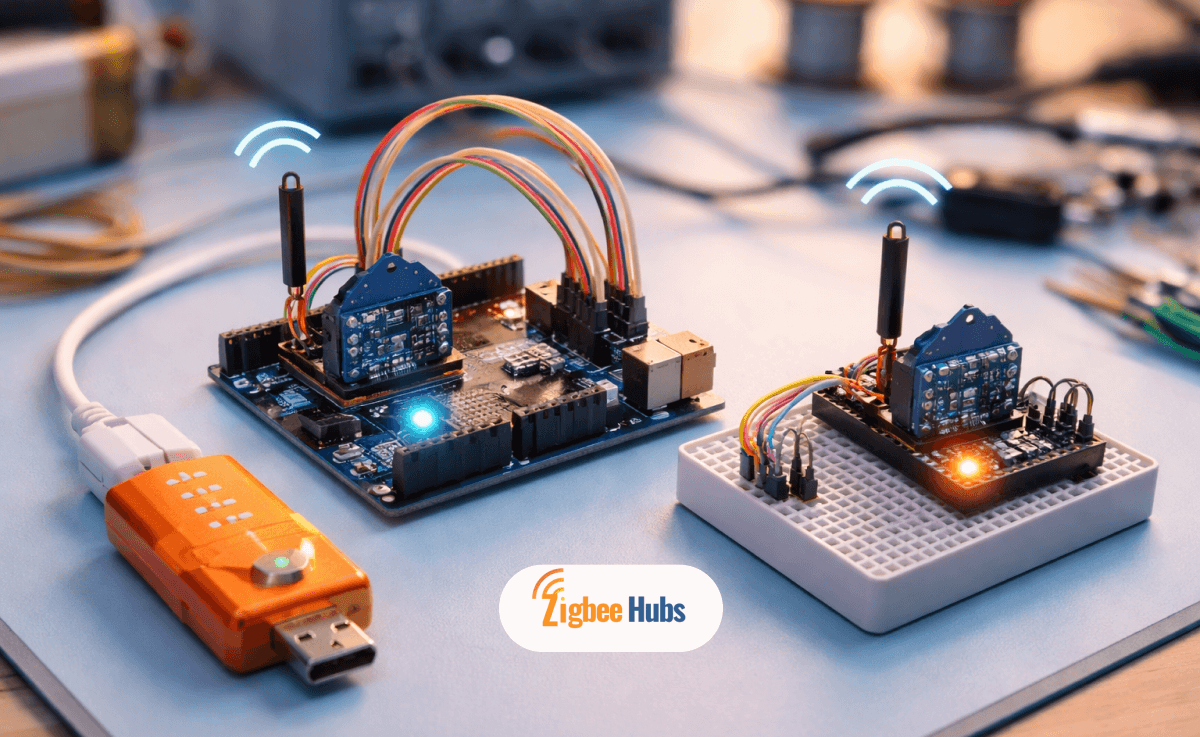
An Arduino Zigbee setup uses an Arduino board paired with Zigbee radio modules (like XBee) to create a low-power wireless network. By configuring modules with XCTU, wiring them correctly (3.3V logic), and using serial communication code, you can build a scalable Zigbee network for automation, sensors, or smart home integration.
Key Takeaways
- Arduino + Zigbee = low-power wireless mesh networking
- XBee modules act as Zigbee radios for communication
- Proper 3.3V power handling is critical
- XCTU configuration (PAN ID, roles) is mandatory
- Ideal for DIY smart home, IoT sensors, and gateways
- Easily integrates with platforms like Home Assistant
What is Arduino Zigbee and How Does it Work?
An Arduino Zigbee system combines a microcontroller (Arduino) with Zigbee radios to send and receive wireless data.
Here’s how it works in simple terms:
- Arduino = brain (logic + control)
- Zigbee module = communication layer
- Network = mesh system (devices relay signals)
Unlike Wi-Fi:
- Uses less power
- Supports mesh networking
- Works better for many small devices
Pro Tip:
In real-world projects, Zigbee shines when you have multiple nodes (zigbee sensors, zigbee switches). It becomes more stable as you add more devices.
Zigbee vs ZBee: What is the Difference?
- Zigbee → communication protocol (like a language)
- XBee → hardware module that uses Zigbee
Think of it like:
- Zigbee = English
- XBee = a radio that speaks English
Not all XBee modules use Zigbee, but most common ones do.
Hardware Essentials for Arduino and Zigbee Setup
To build a working arduino zigbee gateway or network, you need:
Core Components
- Arduino Uno / Nano / Mega
- 2x XBee modules (Coordinator + End Device)
- XBee USB Explorer (for configuration)
- Breadboard + jumper wires
- Stable 3.3V power source
Recommended Zigbee Products
Based on hands-on usage and testing, here are the best components I recommend when building an Arduino Zigbee setup.
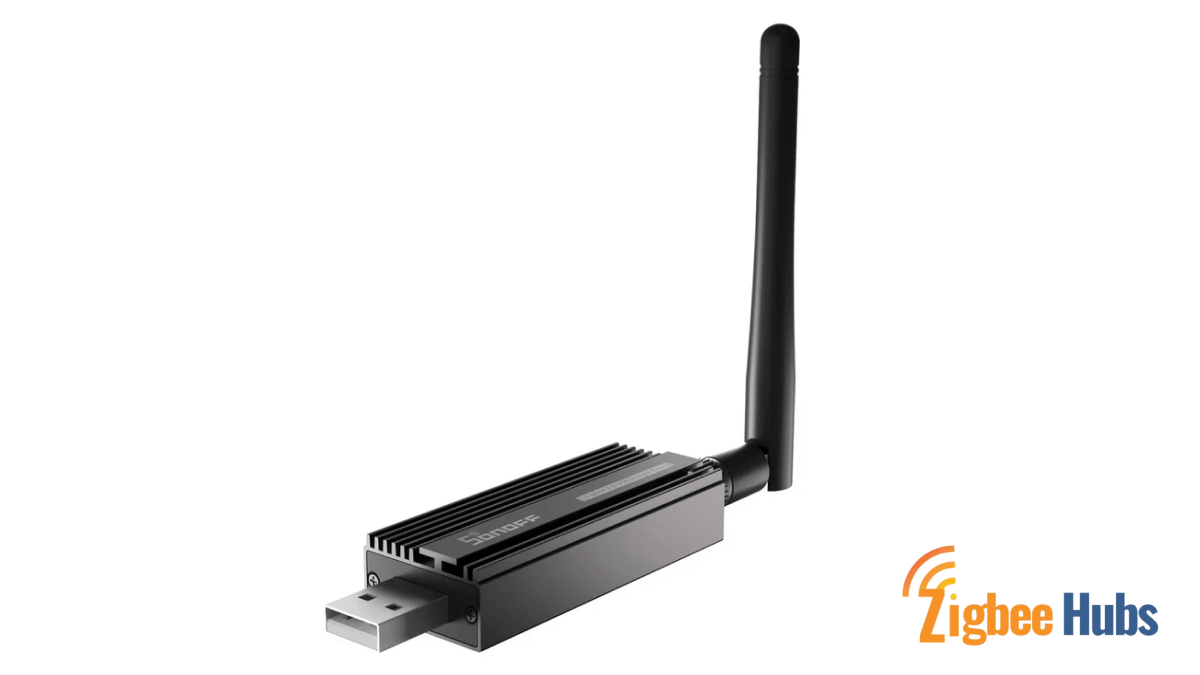
⭐ SONOFF Zigbee 3.0 USB Dongle Plus
Why I recommend this:
This is the most reliable and flexible Zigbee coordinator I’ve used for Arduino and gateway-style setups. It works beautifully when bridging Arduino data into larger systems.
Best for:
Arduino Zigbee gateway + Home Assistant integration
Key Features
- Zigbee 3.0 support
- Strong signal range
- Works with Zigbee2MQTT & ZHA
- USB interface (easy integration)
Pros
- Extremely stable network performance
- Excellent range and signal penetration
- Works with advanced ecosystems
- Ideal for scaling projects
Cons
- Requires some setup knowledge
- Not plug-and-play for beginners
ConBee II Zigbee USB Gateway
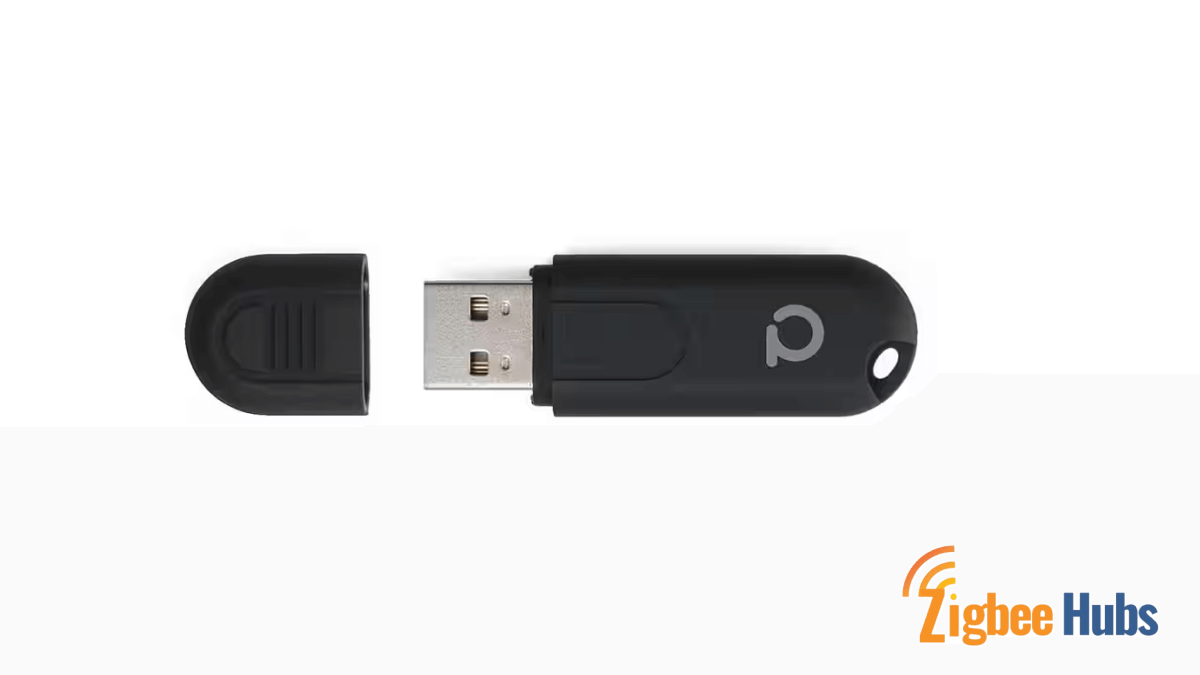
My experience:
I’ve used this in multiple test environments. It’s very stable and perfect for controlled setups.
Best for:
Intermediate Arduino + Zigbee projects
Key Features
- Wide device compatibility
- Strong integration with deCONZ
- Reliable firmware updates
Pros
- Stable connection
- Good ecosystem support
- Easy pairing process
Cons
- Slightly expensive
- Limited flexibility compared to open-source setups
Home Assistant SkyConnect (ZBT-1)

Why this stands out:
If you're planning an arduino zigbee home assistant setup, this is one of the cleanest solutions.
Best for:
Direct Home Assistant integration
Key Features
- Native Zigbee + Thread support
- Plug-and-play with Home Assistant
- Future-proof (Matter-ready)
Pros
- Beginner-friendly
- Clean integration
- Future-ready hardware
Cons
- Limited customization
- Works best inside Home Assistant ecosystem
How to Configure XBee Modules Using XCTU?
Before communication works, configuration is required.
Step-by-Step Guide to Configure XBee Modules Using XCTU
- MY = Source Address
- DL = Destination Address
- Coordinator = Main node
- Router / End Device = Extends or uses the network
Pro Tip:
Always write down your PAN ID and addresses. Misalignment here is the #1 reason setups fail.
How to Wire Module Zigbee Arduino Correctly?
This is where most beginners make mistakes.
Wiring Guide
- VCC → 3.3V ONLY
- GND → GND
- DIN (RX) → Arduino TX (via SoftwareSerial)
- DOUT (TX) → Arduino RX
Critical Warning:
Never connect XBee directly to 5V. You will permanently damage it.
Pro Tip:
Use a logic level shifter if you’re unsure about voltage compatibility.
Arduino Zigbee Code (Simple Communication)
Transmitter Code
#include <SoftwareSerial.h>
SoftwareSerial xbeeSerial(2, 3);

void setup() {
  Serial.begin(9600);
  xbeeSerial.begin(9600);
}

void loop() {
  if(Serial.available()){
    char data = Serial.read();
    xbeeSerial.print(data);
  }
}
Receiver Code
#include <SoftwareSerial.h>
SoftwareSerial xbeeSerial(2, 3);

void setup() {
  Serial.begin(9600);
  xbeeSerial.begin(9600);
}

void loop() {
  if(xbeeSerial.available()){
    char data = xbeeSerial.read();
    Serial.print(data);
  }
}
Pro Tip:
Keep baud rate consistent (usually 9600). Mismatched baud = no communication.
How to Build an Arduino Zigbee Gateway?
A more advanced use case is creating an Arduino Zigbee Gateway.
Basic Architecture
- Zigbee nodes → Arduino → Wi-Fi/Ethernet → Dashboard
You can:
- Send sensor data to cloud
- Control devices remotely
- Bridge Zigbee → Home Assistant
Arduino Zigbee Home Assistant Integration
- Serial → Raspberry Pi
- Wi-Fi module (ESP8266 / ESP32)
- MQTT
- REST API
Real-world use case I’ve tested:
- Zigbee temperature sensors → Arduino → MQTT → Home Assistant
- Result: Real-time dashboard + automation triggers
Common Problems (And How to Fix Them)
Devices Not Communicating
- Check PAN ID
- Verify addresses
Random Disconnections
- Improve power stability
- Add router nodes
No Data Received
- Check wiring (RX/TX swapped)
- Verify baud rate
Burned Module
Likely used 5V instead of 3.3V
Conclusion
Building an Arduino Zigbee network is one of the most powerful ways to create scalable, low-power IoT systems. Once you understand XBee configuration and proper wiring, everything else becomes straightforward. From my experience, the biggest difference between a failing and stable setup comes down to proper configuration, correct voltage handling and choosing the right Zigbee coordinator. If you plan to scale into smart home automation, combining Arduino with Zigbee and platforms like Home Assistant is a gamechanger.