
Zigbee Integration Guides
Learn how to integrate you Zigbee devices to other ecosystems such as Apple HomeKit, Home Assistant, Google Assistant, Samsung Smartthings and Amazon Alexa.
Raspberry Pi Zigbee | How to Create a Raspberry Pi Zigbee Gateway
A Raspberry Pi Zigbee gateway lets you control hundreds of smart home devices locally without relying on proprietary hubs. By combining a Raspberry Pi with a Zigbee adapter and open-source software like Zigbee2MQTT, you can create a universal smart home hub that unified sensors, lights and switches from different brands. Quick answer: A Raspberry Pi Zigbee gateway pairs a Raspberry Pi with a Zigbee USB adapter and open-source software like Zigbee2MQTT to control Zigbee devices locally, without
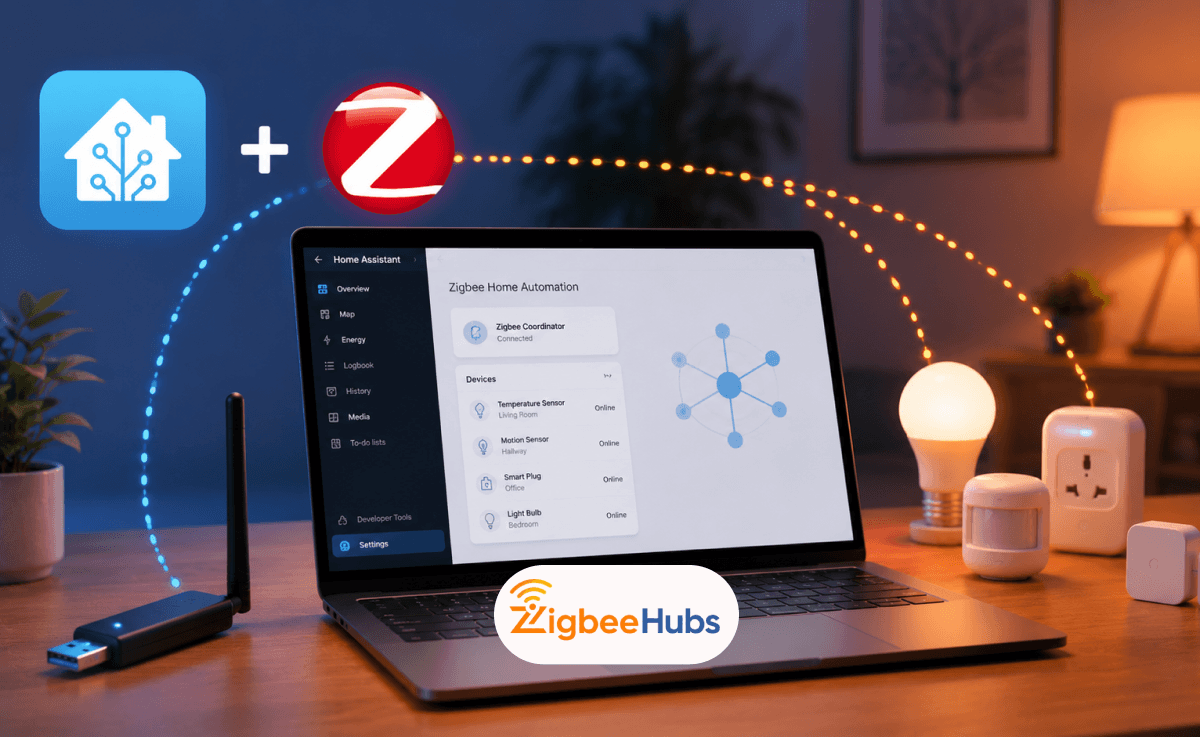
How to Add Zigbee to Home Assistant: Step-by-Step Guide 2026
Tired of juggling multiple smart home apps? Zigbee and Home Assistant can bring all your devices under one roof. To add Zigbee to Home Assistant, plug a Zigbee USB dongle (like Home Assistant SkyConnect or Sonoff Zigbee 3.0 USB Dongle Plus) into your server using an extension cable, then install the ZHA integration. This guide covers everything you need to know about Home Assistant Zigbee setup. From selecting the best Zigbee dongle for Home Assistant to pairing your first device, we walk you t
How to Set Up Silvercrest Gateway for Home Assistant
If you want to use a Silvercrest Gateway with Home Assistant, you'll need to modify the gateway's firmware to expose its Zigbee radio over your network. Once configured, the gateway can function as a Zigbee coordinator for ZHA or Zigbee2MQTT, allowing local control of your Zigbee devices without relying on Lidl's cloud services. Key Takeaways * The Silvercrest Gateway is a Zigbee 3.0 hub sold by Lidl. * It includes an Ethernet port, making it more stable than many Wi-Fi-based Zigbee hub
How to Connect Zigbee Devices with an Eero Router
If you want to connect Zigbee devices with an Eero router, you have two options. Some Eero models include a built-in Zigbee hub that works with compatible smart home devices through Alexa. If your Eero model does not include a Zigbee radio, you can use an external Zigbee hub or coordinator connected to your Eero network. When I build smart homes around Eero networks, I typically recommend using a dedicated Zigbee hub for the best device compatibility and automation flexibility. However, for man
Best EFR32MG21 Zigbee Dongles for Home Assistant in 2026
If you're building a modern Home Assistant setup in 2026, an EFR32MG21-based Zigbee coordinator is one of the best investments you can make. These dongles support Zigbee 3.0, Thread, Matter development, and the latest Ember-based Zigbee2MQTT architecture, making them ideal for future-proof smart homes. Key Takeaways * EFR32MG21 is one of the most popular Zigbee coordinator chipsets in 2026. * Fully supported by Home Assistant and Zigbee2MQTT. * Compatible with the newer Ember driver ar
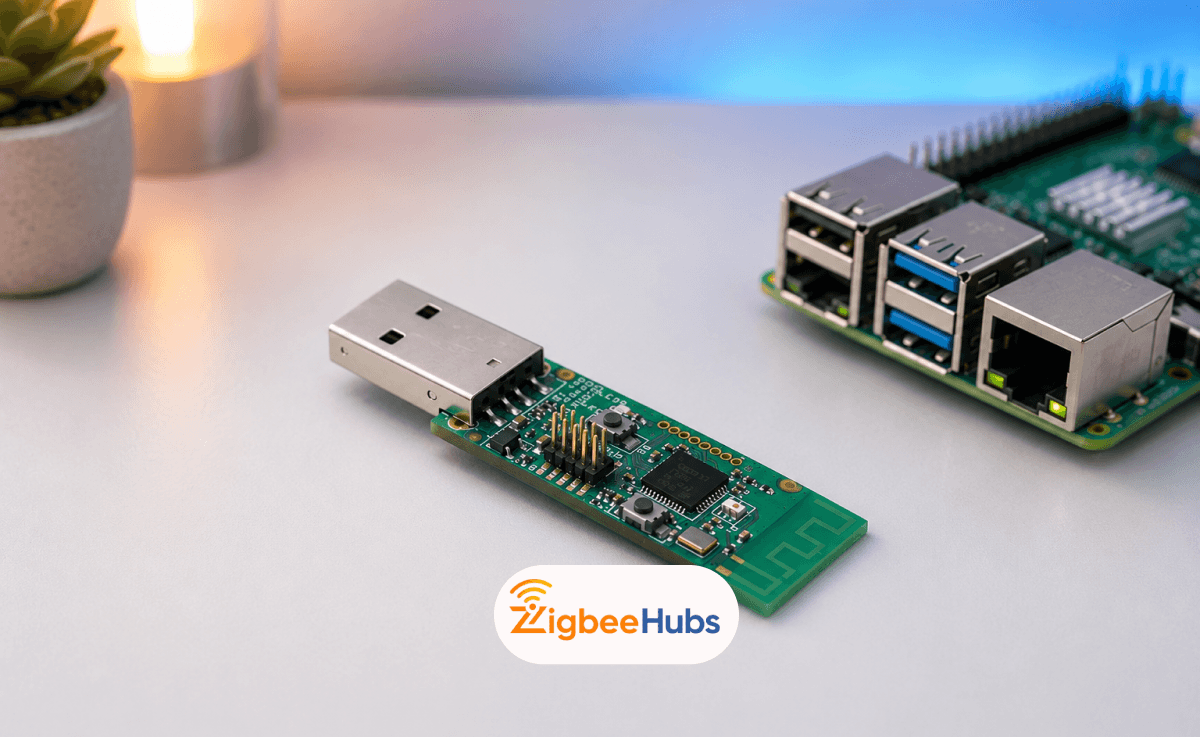
Zigbee2MQTT CC2531 Installation on Raspberry Pi 4
The cc2531 is one of the most affordable ways to build a fully local Zigbee smart home using a Raspberry Pi 4. Combined with Zigbee2MQTT, the dongle lets you connect Zigbee devices from brands like IKEA, Aqara, SONOFF, and Philips Hue without relying on proprietary hubs or cloud services. Key Takeaways * The cc2531 usb dongle works well with Zigbee2MQTT for small-to-medium smart home networks. * Raspberry Pi 4 is an ideal low-power host for Zigbee2MQTT. * Using a USB extension cabl
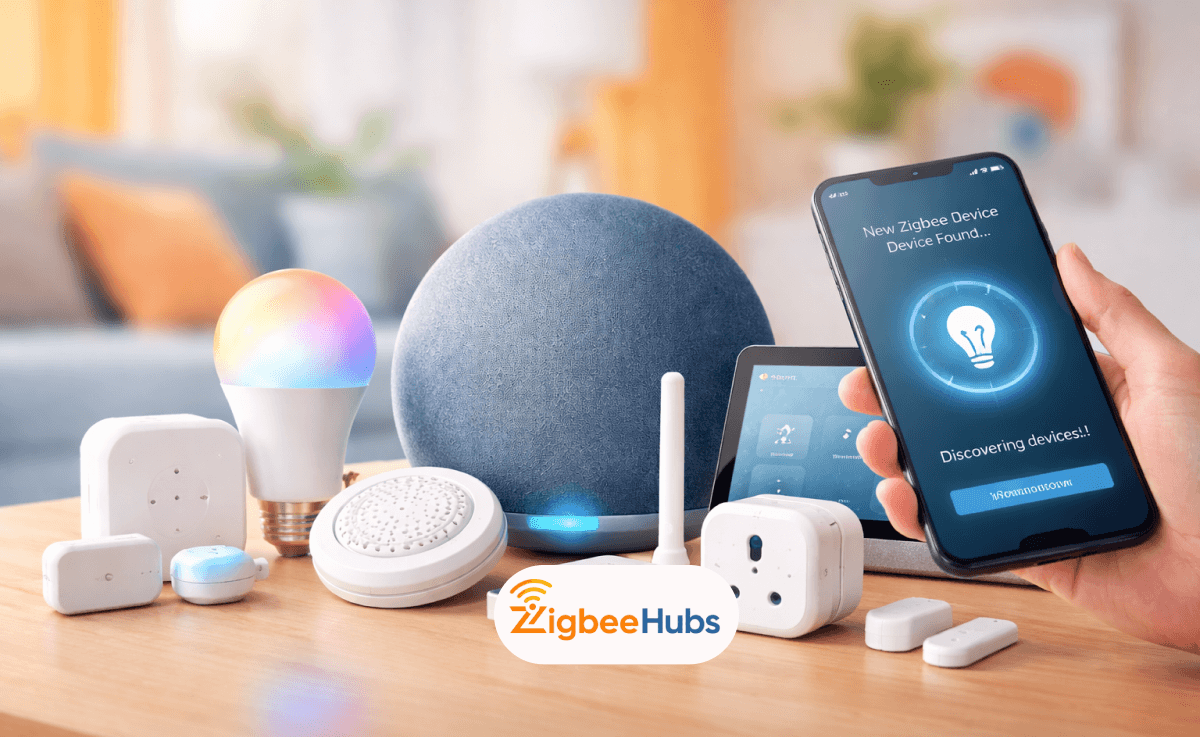
How to Add Any Zigbee Devices to Alexa
Connecting Zigbee Alexa devices is simple when you use an Echo device with a built-in hub. Power on the Zigbee device, put it in pairing mode, and say “Alexa, discover my devices.” Within about a minute, Alexa will detect and add the device so you can control it using voice commands, routines, and automation. Key Takeaways * Zigbee Alexa setups create a local mesh network that improves reliability and reduces Wi-Fi congestion. * Many Amazon Echo Zigbee Hub devices allow direct pairing w
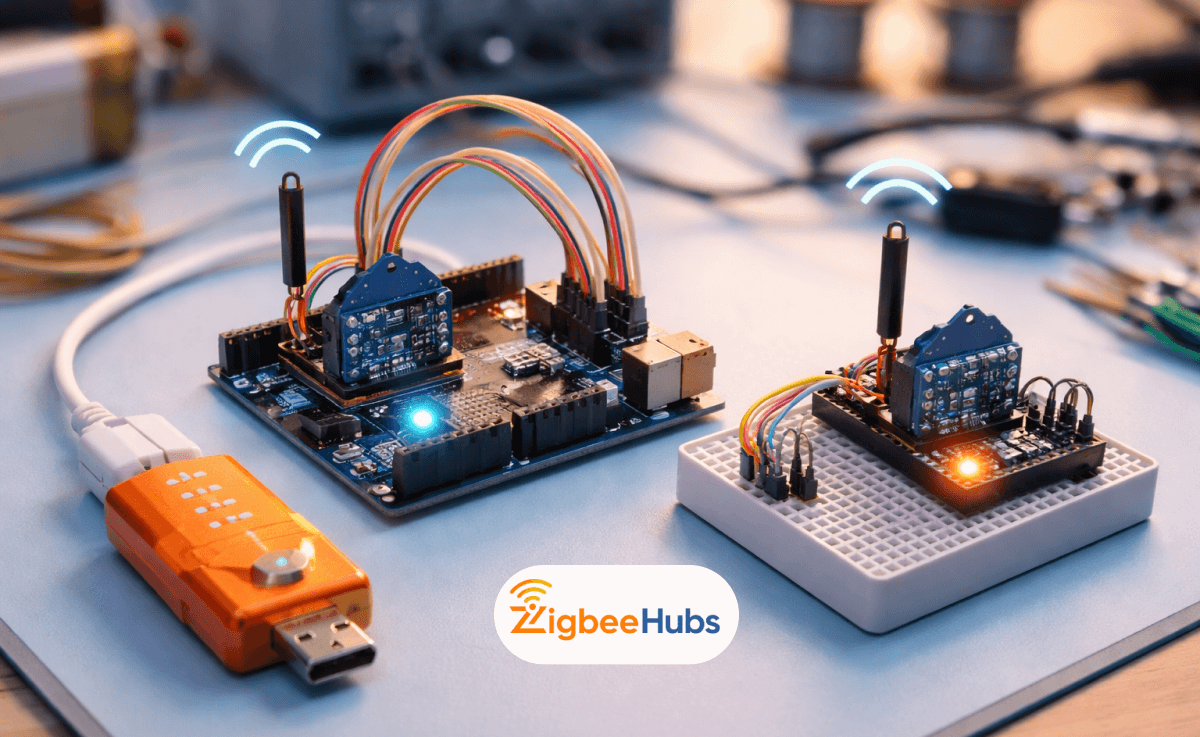
Arduino Zigbee: Setting Up Arduino and Zigbee
An Arduino Zigbee setup uses an Arduino board paired with Zigbee radio modules (like XBee) to create a low-power wireless network. By configuring modules with XCTU, wiring them correctly (3.3V logic), and using serial communication code, you can build a scalable Zigbee network for automation, sensors, or smart home integration. Key Takeaways * Arduino + Zigbee = low-power wireless mesh networking * XBee modules act as Zigbee radios for communication * Proper 3.3V power handling is crit
How to Set Up Zigbee2MQTT with Docker for Home Automation
Setting up Zigbee2mqtt Docker gives you full local control of your smart home. You can connect Zigbee devices to MQTT, run everything in Docker, and integrate with Home Assistant without relying on any cloud services. This setup is stable, private, and highly flexible when configured correctly. Key Takeaways * Zigbee2MQTT Docker enables fullly local, cloud-free smart home. * You need three core components: Zigbee coordinator, MQTT broker and Docker. * Using /dev/serial/by-id/ ensur
How to Add Sengled Zigbee Devices to Smart Home Ecosystems
Adding sengled zigbee devices to your smart home means connecting them to a compatible Zigbee hub, then pairing them through platforms like Alexa, SmartThings, or Home Assistant. Once connected, they run on a fast, local mesh network that improves reliability, speed, and automation performance. Key Takeaways * Sengled Zigbee devices require a hub such as Echo (with Zigbee), SmartThings, or Home Assistant * Zigbee creates a local mesh network, reducing Wi-Fi congestion * Setup is simple