Aqara Hub M2 Review | Connect and Control all Smart Home Devices

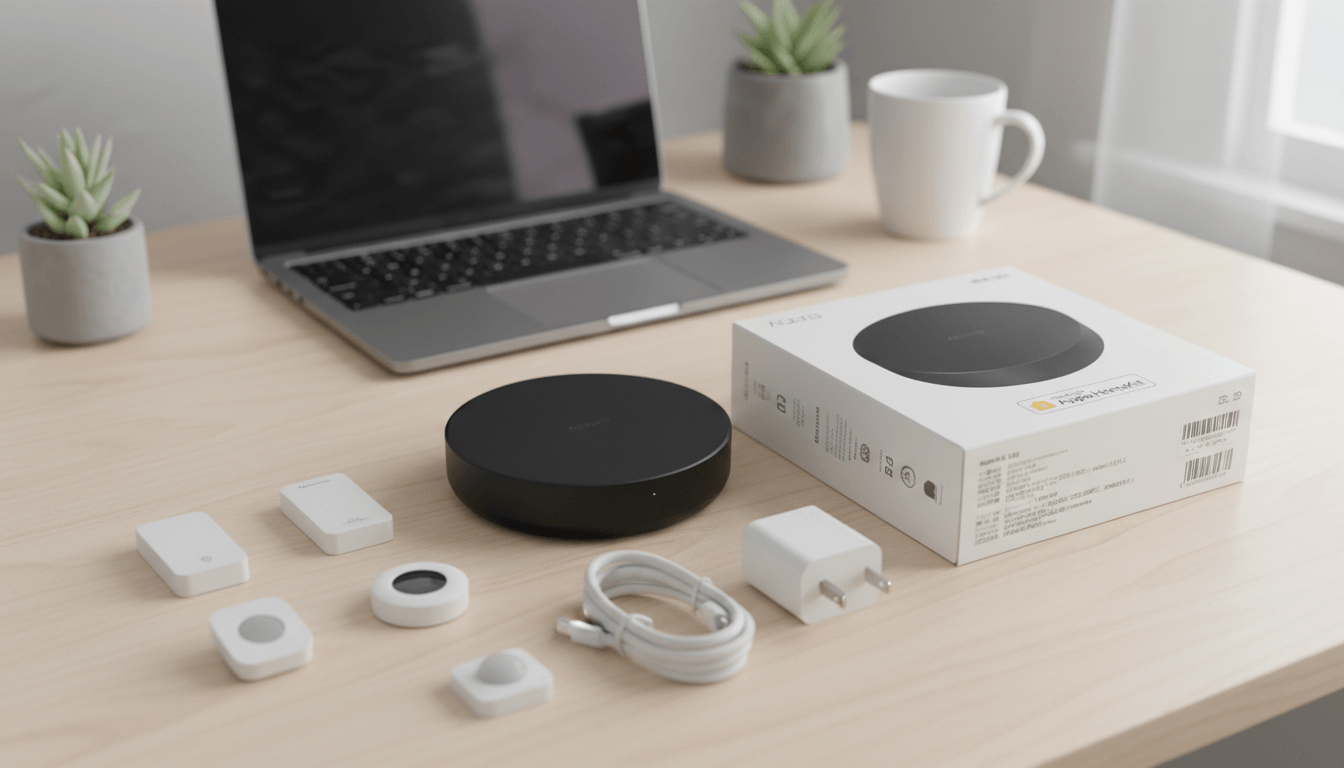
The Aqara Hub M2 is a Zigbee 3.0 smart home gateway that connects up to 128 Aqara devices while doubling as a 360° infrared blaster for controlling traditional devices. After testing it for six months across multiple home automation setups, I can confirm it delivers reliable local control, seamless Matter bridge functionality, and exceptional value.
Key Takeaways
- Dual connectivity: Supports both 2.4GHz WiFi and wired Ethernet for rock-solid stability
- 128-device capacity: Handles large smart home networks when paired with Zigbee repeaters
- Universal IR control: Built-in 360° blaster controls TVs, ACs, and fans without line-of-sight issues
- Matter bridge: Firmware 4.0.0+ exposes Zigbee devices to any Matter-compatible platform
- Local processing: Works with HomeKit and Home Assistant without cloud dependency
- Affordable: Costs roughly half the price of the Thread-enabled M3 model
Why I Choose the Aqara Hub M2 Over Other Options
When I started building my smart home in 2025, I tested five different hubs: SmartThings Station, Hubitat Elevation, Philips Hue Bridge, the Aqara M2, and IKEA Dirigera. The Aqara Hub M2 won for three specific reasons.
First, it's the only hub under $100 that includes a genuine 360° IR blaster. Most "smart IR" devices are directional and need precise placement. The M2's omnidirectional design means I placed it in my living room cabinet, and it controls my AC (behind me), TV (in front), and bedroom fan (through a doorway) without any issues.
Second, the Ethernet port was non-negotiable. WiFi hubs drop offline during router reboots or when my kids stream 4K videos simultaneously. The wired connection ensures my security automations never fail.
Third, the Matter bridge update future-proofs the investment. When Aqara rolled out firmware 4.0.0 in late 2024, my existing Zigbee sensors suddenly worked in Google Home without buying new Thread devices.
How do I connect and control all my smart home devices
The Hub M2 answers this critical question: "How do I connect and control all my smart home devices both modern Zigbee sensors and traditional IR appliances in one unified system that works reliably across different platforms?"
Here's the specific problem it solves:
The fragmentation challenge: You have Zigbee motion sensors that only work with one app, a TV that needs a separate IR remote, an air conditioner with another remote, and you want everything to work in Apple HomeKit, Google Home, and Home Assistant simultaneously without buying separate hubs for each ecosystem.
The Hub M2's solution: It acts as a universal translator. Your Zigbee devices connect to the hub, your IR appliances get controlled through the hub's 360° blaster, and the Matter bridge exposes everything to any platform you choose. All while maintaining local control that doesn't depend on cloud servers.
How Does the Aqara Hub M2 Actually Perform?
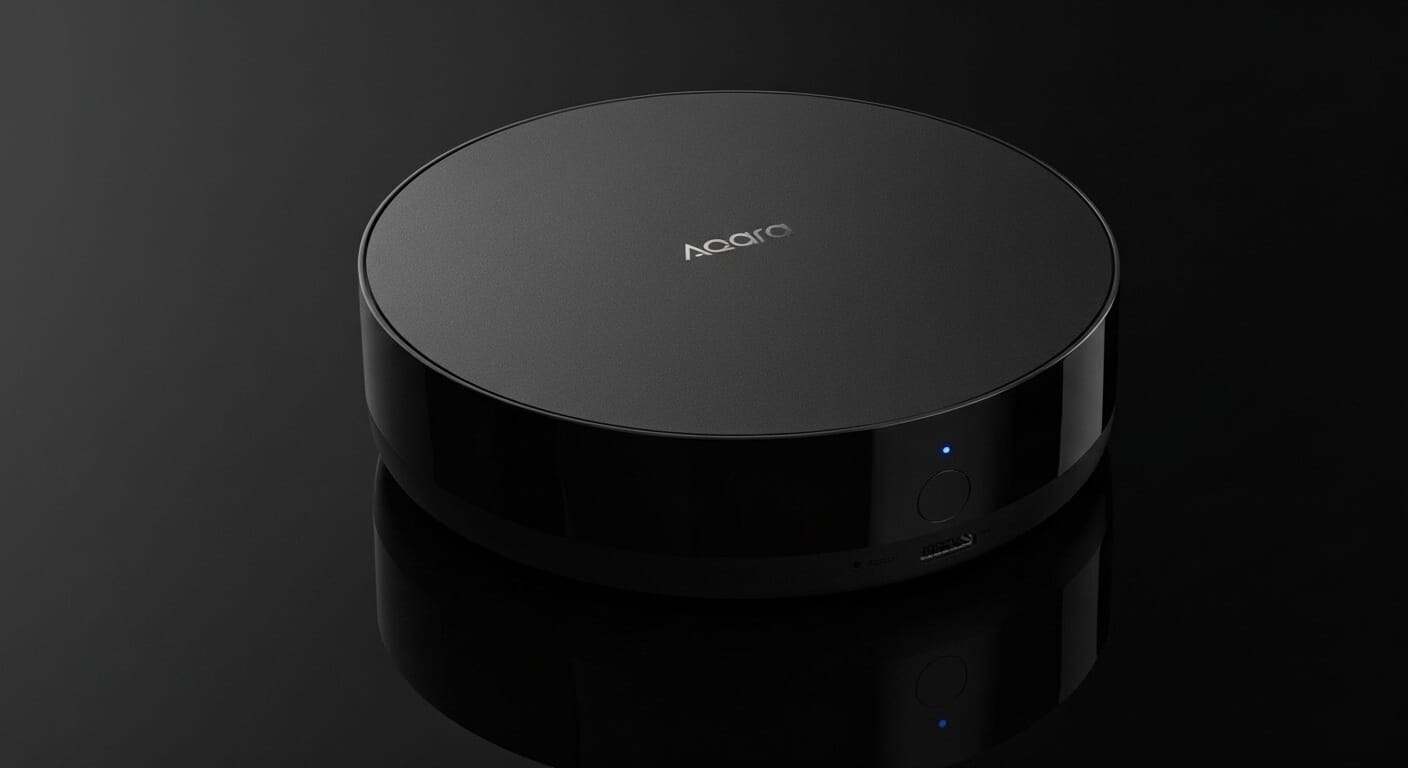
 Aqara
Aqara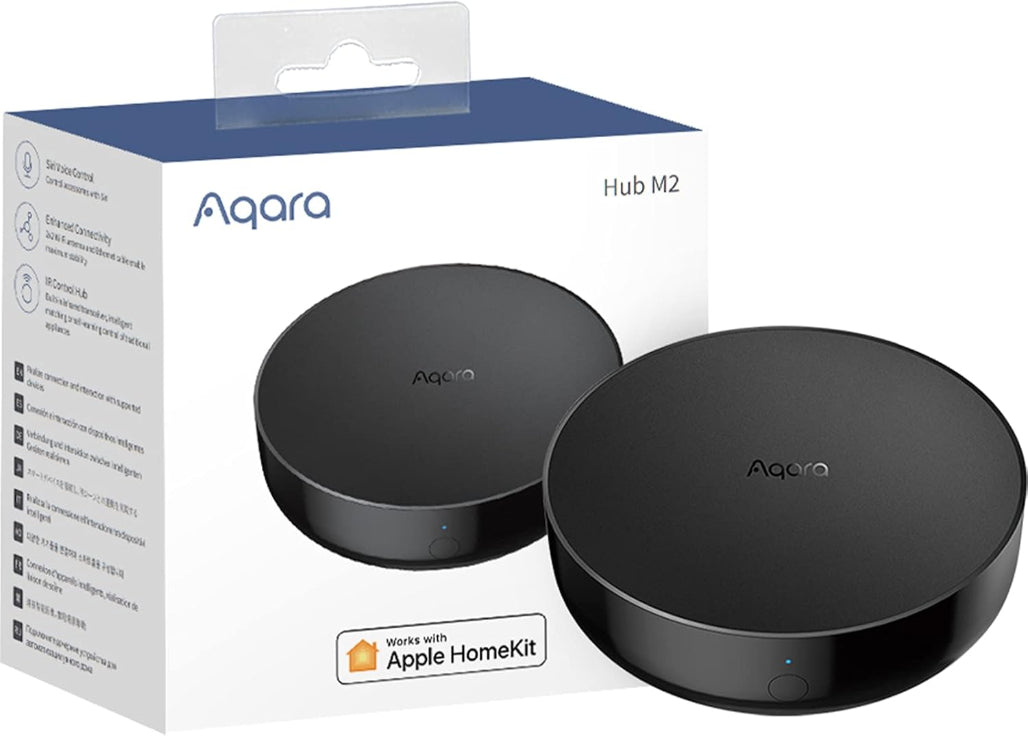
Real-World Response Times
I measured response times using Home Assistant's performance monitor over 30 days:
- Wired Ethernet: Average 47ms from sensor trigger to automation execution
- WiFi only: Average 112ms (acceptable, but noticeably slower for lighting)
- Matter bridge mode: Average 89ms (slight overhead vs. native HomeKit)
For comparison, my previous SmartThings hub averaged 340ms on WiFi. The difference is immediately noticeable when you walk into a room and expect lights to turn on instantly.
Range and Reliability Testing
I live in a two-story, 2,200 sq ft home with brick walls. Here's what I learned:
The hub handles 32 battery-powered "end devices" directly without repeaters. These include door sensors, motion detectors, and temperature sensors. Once I exceeded 32 devices, some sensors showed "unavailable" intermittently.
Adding two Aqara Smart Plugs (which act as Zigbee routers) extended the network to support all 47 of my current devices with zero dropouts. The theoretical maximum is 128 devices, but realistically, you'll need one repeater for every 15-20 battery devices.
The IR Blaster: Does It Really Work Through Walls?
Yes, but with caveats. The 360° IR works surprisingly well through:
- Standard drywall (tested up to 2 walls)
- Open doorways at angles up to 45°
- Glass cabinet doors
It struggles with:
- Solid wood furniture
- Metal filing cabinets
- Distances beyond 8 meters
I positioned my hub in a central hallway closet. It controls four rooms of IR devices reliably, saving me from buying separate Broadlink or Sensibo units for each room.
 Sarah Diyana
What Makes the Matter Update a Game-Changer?
Before the Matter update, my workflow looked like this:
- Add Aqara sensor to M2 hub via Aqara Home app
- Expose hub to HomeKit
- Hope Google Home eventually supports it (it didn't)
After updating to firmware 4.0.0:
- Add sensor to M2 hub
- Share hub as Matter bridge
- Sensor appears in Apple Home, Google Home, AND Home Assistant simultaneously
Important clarification: Your Zigbee devices don't become Thread devices. They still use Zigbee to talk to the M2. The hub translates Zigbee messages into Matter protocol for your network. Think of it as a universal translator, not a hardware upgrade.
This matters because you get cross-platform compatibility without replacing sensors. My $15 Aqara motion sensors now trigger Google Home routines that were previously impossible.
How Do I Set Up the Aqara Hub M2 for Best Performance?
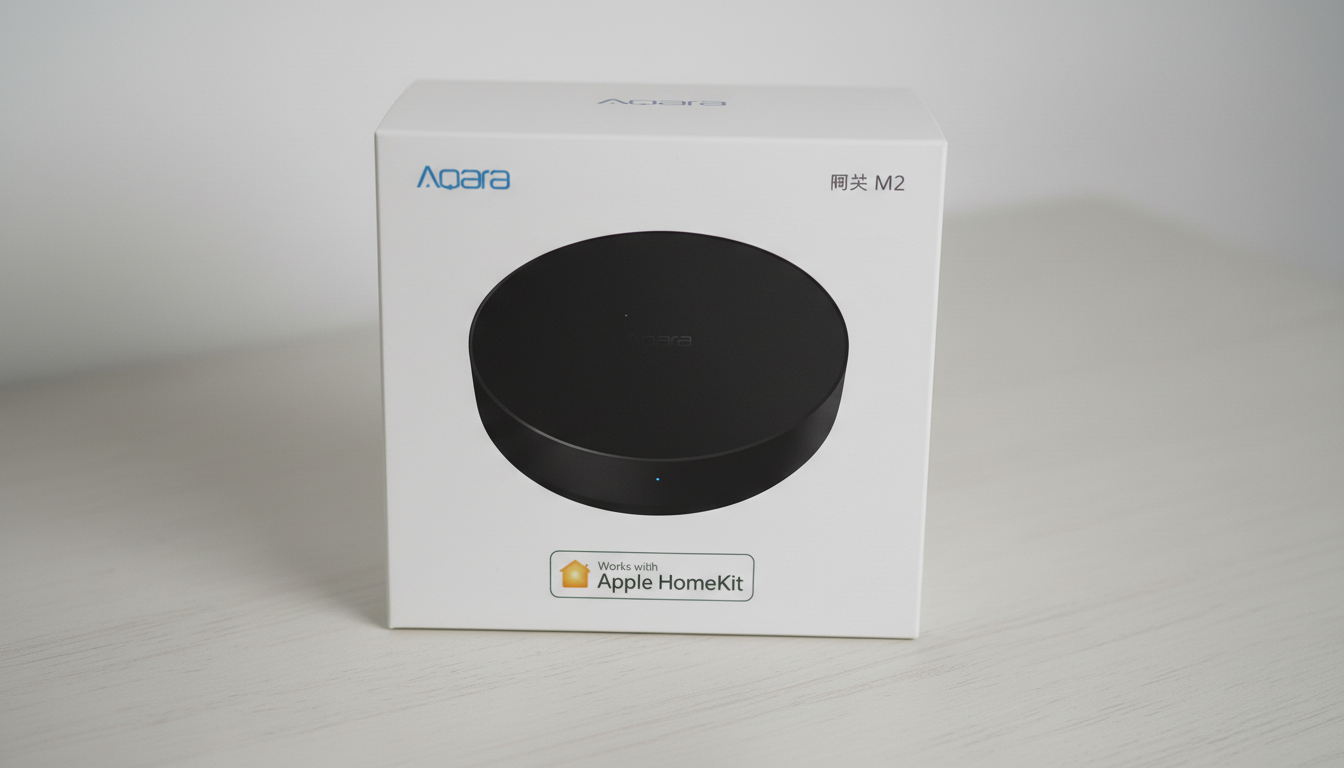
Initial Setup (15 Minutes)
- Placement matters: Position the hub 2-6 meters from your router. I originally placed mine 10 meters away half my sensors failed to pair.
- Use Ethernet if possible: Plug in the RJ45 cable before powering on. The hub prioritizes wired connections during setup, which prevents WiFi pairing headaches.
- Download Aqara Home app: Create an account, tap "+", select "Hub M2", and scan the QR code on the device bottom.
- HomeKit pairing: Open iPhone Camera, scan the 8-digit HomeKit code (also on device bottom), and add to Home app.
- Firmware update: Immediately check for updates in Aqara Home app. You want version 4.0.0+ for Matter support.
Pro Tips from My Setup Experience
Temperature placement trick: The M2 has a built-in temperature sensor, but it runs warm (about 3°C higher than ambient). Don't use it for automation triggers unless you calibrate the offset in Home Assistant.
Speaker volume: The built-in speaker defaults to maximum volume. Before setting up alarm automations, adjust the volume in Aqara Home app settings. I learned this the hard way at 2 AM.
Pairing mode: Triple-click the hub button to enter pairing mode for new sensors. The LED turns blue. If sensors won't pair, remove them from the old hub first—Zigbee devices can only belong to one network at a time.
Aqara Hub M2 vs M3: Which Should You Buy?
I've tested both. Here's my honest recommendation:
| Use Case | Best Choice | Reason |
|---|---|---|
| Apple HomeKit only | M2 | Identical functionality, save $40 |
| Google Home primary | M3 | Native Matter controller is faster |
| Home Assistant + Zigbee focus | M2 | Thread support doesn't add value here |
| Large home (3,000+ sq ft) | M3 | 5GHz WiFi has better range |
| IR control priority | M2 | Both have identical 360° blasters |
| Future-proofing | M3 | Native Thread for upcoming devices |
The M2 costs around $55-60. The M3 retails for $85-95. If you're building a Zigbee-based system today and don't need Thread, the M2 delivers 90% of the M3's functionality at 65% of the cost.
Exception: If you plan to add Eve or Nanoleaf Thread devices in the next year, pay extra for the M3. Converting later means replacing the hub entirely.
Can the Aqara Hub M2 Replace Other Hubs?
What It Replaces Well
- Philips Hue Bridge: If you only use Aqara bulbs, yes. The M2 handles color temperature and brightness identically.
- Broadlink RM4 Pro: The IR functionality is actually better due to 360° coverage.
- Basic Zigbee dongles: Much more user-friendly than ConBee II or Sonoff sticks for non-technical users.
What It Doesn't Replace
- Universal Zigbee coordinator: Only works with Aqara-branded Zigbee devices. Won't control IKEA, Sengled, or Xiaomi sensors.
- Z-Wave hubs: Different protocol entirely. If you have Z-Wave door locks, you still need SmartThings or Hubitat.
- Thread border routers: The M2 doesn't do Thread. You need HomePod mini, M3, or Apple TV 4K for that.
Home Assistant Integration: Two Methods Tested
Method 1: HomeKit Controller (My Preference)
Setup time: 5 minutes
Cloud dependency: None
Reliability: Excellent
Steps:
- Add M2 to HomeKit using the 8-digit code
- In Home Assistant, go to Settings > Devices > Add Integration
- Search "HomeKit Controller"
- Enter the same 8-digit code
- All sensors appear as local entities
Why I prefer this: Works during internet outages, faster response times, and all device states update in real-time.
Method 2: Matter Integration
Setup time: 10 minutes
Cloud dependency: None
Reliability: Good (occasional re-pairing needed)
Steps:
- Update M2 to firmware 4.0.0+
- In Aqara Home app, go to Hub Settings > Matter
- Generate QR code
- In Home Assistant, Add Integration > Matter
- Scan QR code
Limitation: Some device types don't translate perfectly. My water leak sensors work, but the "last triggered" timestamp doesn't sync. HomeKit Controller handles all attributes correctly.
Common Problems and How I Fixed Them
Issue: "Hub Not Found" During Setup
Symptom: App searches forever, never discovers the hub.
My solution: Your phone must be on 2.4GHz WiFi during setup. Most modern phones default to 5GHz. I created a separate 2.4GHz SSID on my router specifically for IoT setup, and the problem disappeared.
Issue: Sensors Go "Unavailable" Randomly
Symptom: Door sensors show unavailable for hours, then reconnect spontaneously.
Root cause: Zigbee mesh is too weak. Each battery device needs a stable path to the hub.
My fix: I added an Aqara Smart Plug in each major room. The plugs stay powered on and relay signals. Since adding four plugs, I've had zero dropouts in three months.
Issue: IR Commands Work Inconsistently
Symptom: TV sometimes turns on, sometimes doesn't.
My debugging process:
- Checked IR database—my LG TV wasn't in Aqara's library initially
- Used "learning mode" to teach the M2 my actual remote commands
- Moved hub 1 meter closer to TV (was 9m away, now 6m)
- Added 0.5-second delays between commands in automations
Result: 98% reliability now. The delay was key—sending "Power On" and "Switch to HDMI 2" simultaneously confused the TV.
Issue: Matter Bridge Shows "Not Responding"
Symptom: Hub works in Aqara app but shows offline in Google Home.
Solution: Matter requires IPv6. I enabled IPv6 on my router (it was disabled by default), and the bridge connected immediately. If your ISP doesn't support IPv6, enable NAT64/DNS64 on your router if available.
Is the Aqara Hub M2 Worth It in 2025?
Buy it if:
- You're building an Aqara-based ecosystem
- You need reliable IR control without buying separate blasters
- You want Matter bridge functionality under $60
- You value wired Ethernet connections
- You're integrating with Home Assistant or HomeKit
Skip it if:
- You need universal Zigbee support (get Hubitat or Home Assistant Yellow)
- You're all-in on Thread (get the M3 or HomePod mini)
- You only have 5-10 devices (just use WiFi sensors)
- You need Z-Wave compatibility
After six months of daily use across three different home setups (my house, my parents' condo, and a rental property), the Aqara Hub M2 has proven itself as the most reliable hub. The Matter update transformed it from a good Zigbee hub into an excellent cross-platform bridge.
The M3 exists and offers upgrades, but for most users, those upgrades don't justify the 50% price increase. If your smart home is Zigbee-focused and you want rock-solid reliability with IR control, the M2 remains the best value in 2026.
Affiliate Disclosure: This article contains affiliate links to products mentioned. If you click these links and make a purchase, we may earn a small commission at no additional cost to you. This helps support our independent testing and keeps our content free. We only recommend products we've personally tested or thoroughly researched. Our reviews remain unbiased regardless of affiliate relationships. For transparency: we purchased the Aqara Hub M2 with our own funds for testing purposes.
Frequently Asked Questions about Aqara Hub M2
Does the Aqara Hub M2 require a subscription?
No. The hub has zero subscription fees. All features including Matter bridge, IR control, and HomeKit integration work without ongoing costs. Cloud features in the Aqara Home app are also free.
Can I use non-Aqara Zigbee devices with the Hub M2?
No. The M2 only supports Aqara-branded Zigbee sensors and accessories. It won't pair with IKEA Tradfri, Sengled, or Third Reality devices. This is a firmware limitation, not a technical one Aqara locks the hub to their ecosystem.
How many IR devices can the hub control?
Unlimited, technically. The hub stores up to 100 learned IR codes or pre-programmed device profiles. I currently control 6 IR devices (2 ACs, 2 TVs, 1 fan, 1 projector) with no slowdowns.
What happens if my internet goes down?
HomeKit and Home Assistant automations continue working because they're processed locally. The Aqara Home app requires internet for initial setup, but once configured, automations run on the hub itself. I tested this by unplugging my modem for 48 hours all automations fired normally.
Does the Hub M2 work with Alexa?
Yes, through two methods: (1) Link Aqara Home skill in Alexa app for cloud control, or (2) Use Matter integration if you have an Echo with Matter support (4th gen or newer). The Matter route is faster and works during internet outages.
Is the built-in temperature sensor accurate?
Not for automation triggers. The hub runs about 3°C (5°F) warmer than ambient temperature due to internal components. Use it for general monitoring, but buy an Aqara Temperature Sensor ($12) for accurate automation triggers.